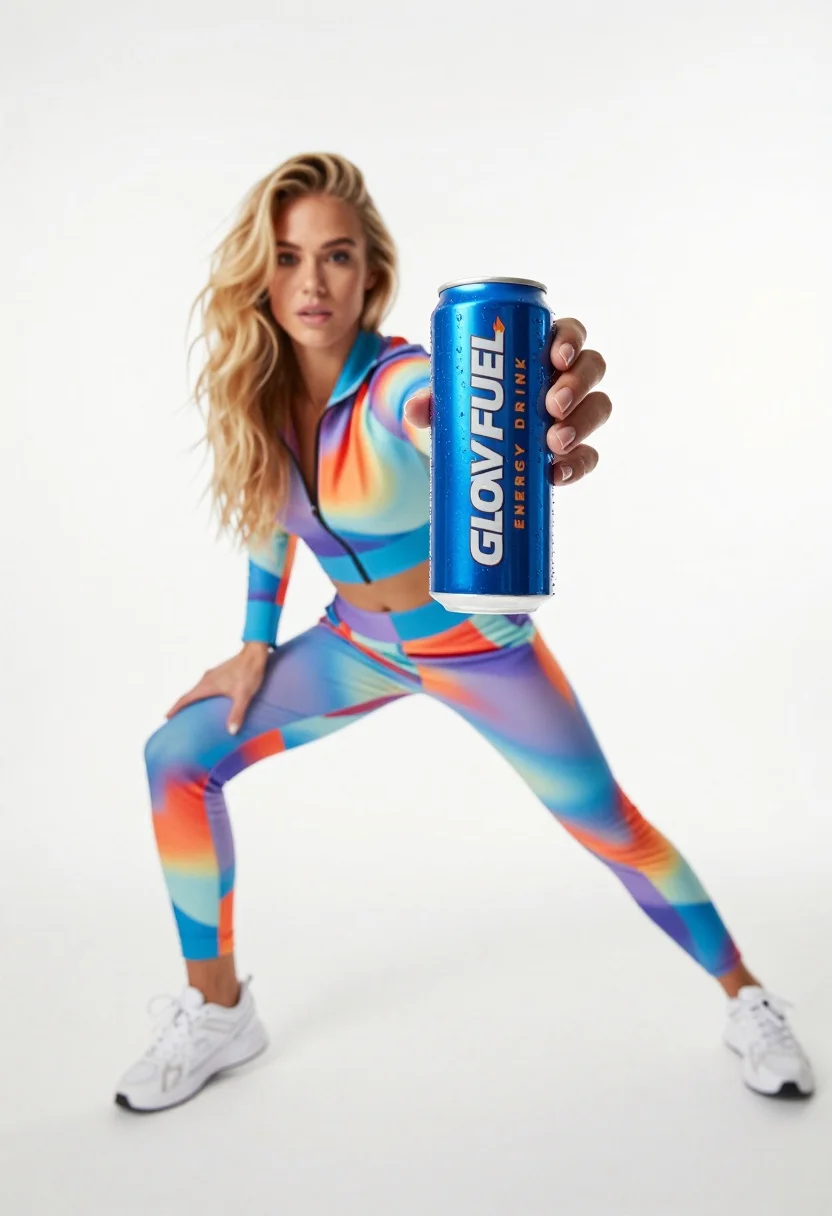
Young woman in athletic tracksuit holding blue energy drink can against white
Prompt
A woman in a dynamic athletic pose holds a large blue energy drink can forward toward the camera.

Subject: A young woman with long blonde hair and a focused expression, positioned in an energetic stance.

Clothing: She wears a colorful, abstract-patterned tracksuit consisting of a zip-up jacket and matching pants, paired with white sneakers.

Action: The subject is leaning forward with legs spread wide in a lunge, holding the can outstretched directly toward the viewer.

Environment: A stark white studio background with no distinct features or distractions.

Camera: Low angle shot looking up at the subject, utilizing a shallow depth of field that keeps the foreground object sharp while blurring the person in the background.

Lighting: Bright, high-key studio lighting that creates a clean look with soft shadows and minimal contrast.

Objects: A large blue aluminum can labeled "GLOW FUEL" and "ENERGY DRINK," featuring an orange flame graphic and condensation droplets on its surface.

Style Details: High-energy commercial photography style with vibrant colors, sharp focus on the product, and a polished aesthetic.
Description
This prompt is useful for creating high-impact sportswear advertisements, supplement marketing visuals, and e-commerce lifestyle shots emphasizing energy. The combination of 'low angle shot' and 'bright, high-key studio lighting' forces the viewer's eye directly to the product by making the can appear monumental against the stark white background, while the specified condensation droplets add necessary visual proof of refreshment.
Suggestions
- Change 'abstract-patterned tracksuit' to 'neon mesh athletic wear' for more vibrancy.
- Swap 'blue aluminum can' for 'matte black energy drink can' for a moodier feel.
- Adjust 'low angle shot' to 'eye-level medium close-up' to focus more on the expression.
Category
Tags
BlondeCasual WearFemaleLow AngleOutdoorsRealisticStudio
Date added
July 12, 2026
Added by
PromptDexter Team
Related Prompts
More prompts with similar categories and tags.
Stylish woman in white tracksuit leaning against oversized sneaker in studio
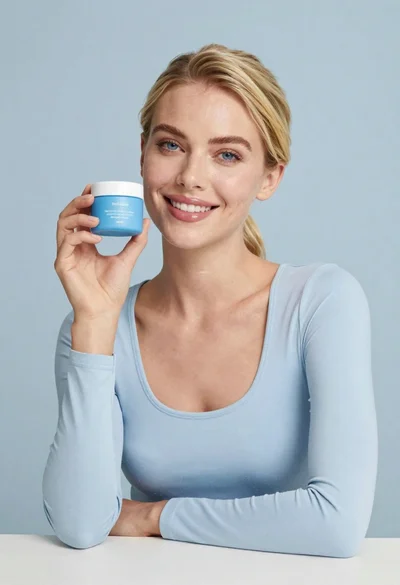
Smiling blonde woman holding a blue jar in a minimalist studio setting
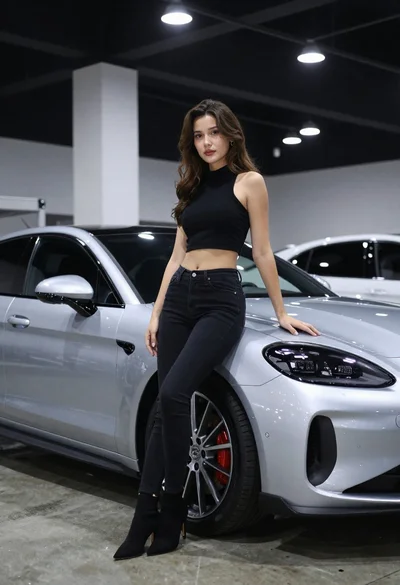
Woman leaning on silver sports car in showroom
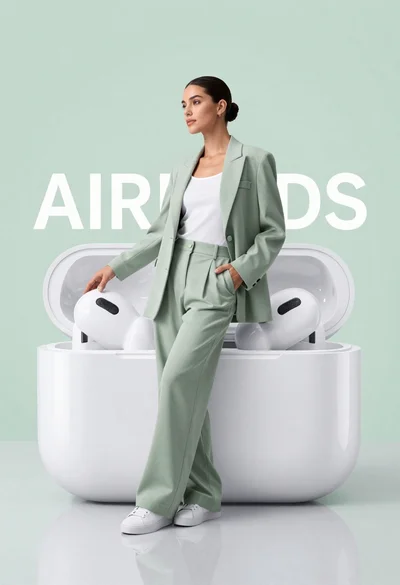
Stylish woman in sage green blazer leaning against white charging case
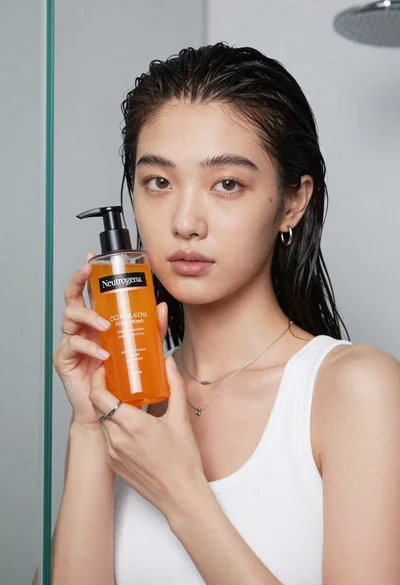
Young east asian woman holding orange liquid bottle in studio
Fair skinned woman with blonde hair sits on a glass jar filled
Woman in blue paisley jumpsuit presenting diamond wristwatch against white studio backdrop
Smiling woman holding golden energy drink can against solid yellow background
Young woman taking selfie in cafe holding purple beverage can
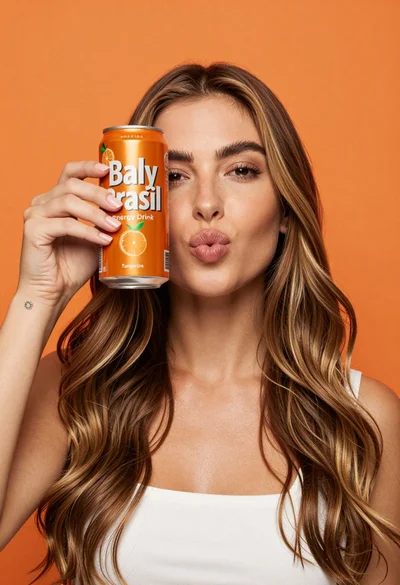
Young woman holding energy drink can making kissy face in studio setting