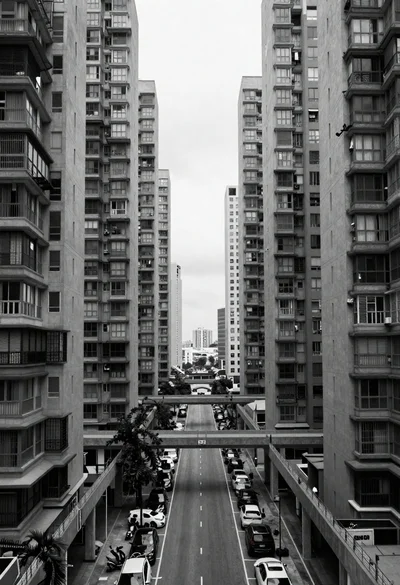
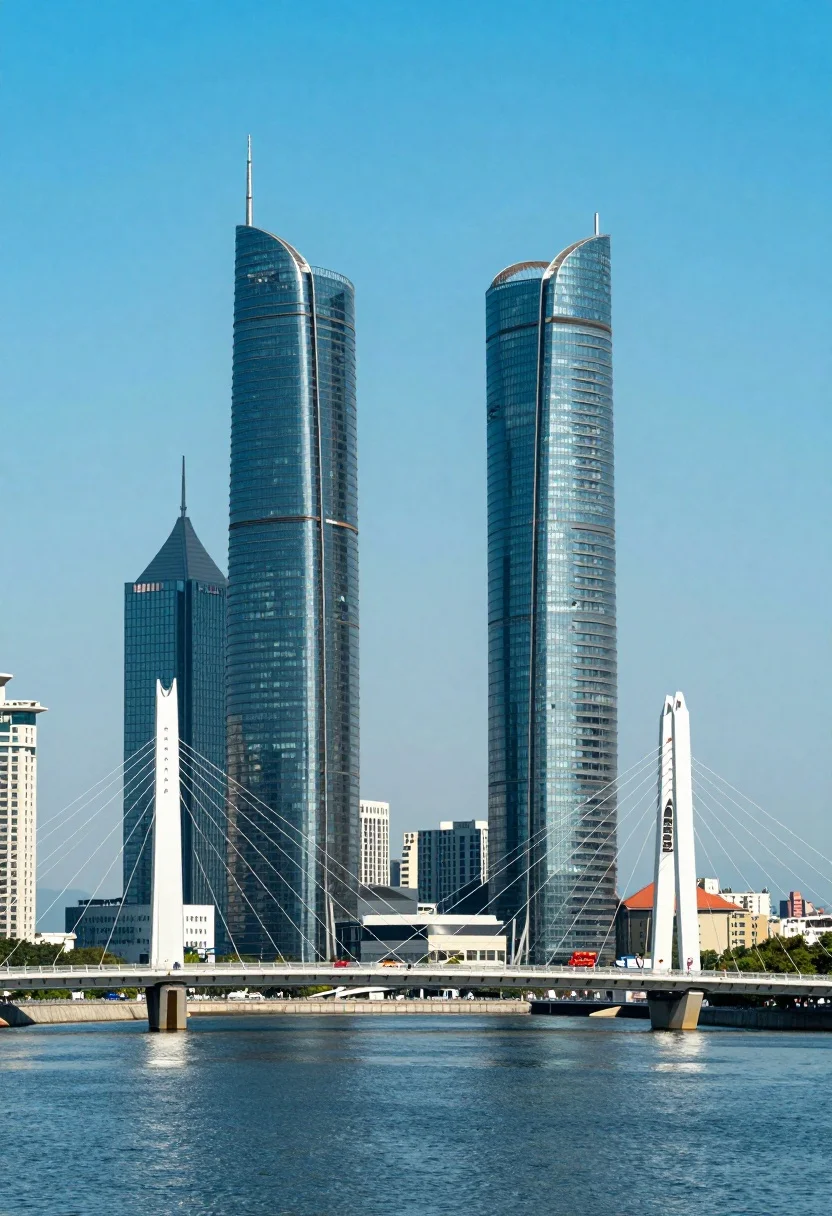
Symmetrical view of futuristic skyscrapers and cablestayed bridge over deep blue water
Prompt
A striking urban landscape featuring two towering, curved skyscrapers with spires standing behind a modern cable-stayed bridge over calm blue water.

Subject: Two massive, futuristic skyscrapers with distinctive curved glass facades and sharp vertical spires dominate the skyline, flanked by smaller rectangular office buildings.

Action: The scene is static with no visible movement in the architecture or water.

Environment: A wide body of deep blue water sits in the foreground, crossed by a white concrete bridge with prominent V-shaped cable supports; the background consists of a clear sky and distant city structures.

Camera: A medium-distance shot captures the full height of the towers and the span of the bridge, utilizing a straight-on perspective that emphasizes symmetry and scale.

Lighting: Bright daylight illuminates the scene from above, creating strong reflections on the glass surfaces and casting soft shadows within the building curves.

Style Details: The image features high contrast with saturated cyan and blue tones, giving it a crisp, digital aesthetic reminiscent of architectural photography or a stylized render.
Description
This prompt is useful for creating concept art for sci-fi cityscapes, architectural visualization portfolios, and movie set backdrops. The combination of 'high contrast with saturated cyan and blue tones' and the 'straight-on perspective that emphasizes symmetry and scale' ensures a monumental, clean composition ideal for showcasing engineered grandeur without distracting elements.
Suggestions
- Change 'deep blue water' to 'misty turquoise water' for a softer foreground.
- Add 'volumetric fog' to enhance the distance between structures.
- Swap 'curved glass facades' for 'brutalist concrete panels' for a different material feel.
Category
Tags
RealisticUrbanWide Shot
Date added
July 12, 2026
Added by
PromptDexter Team
Related Prompts
More prompts with similar categories and tags.
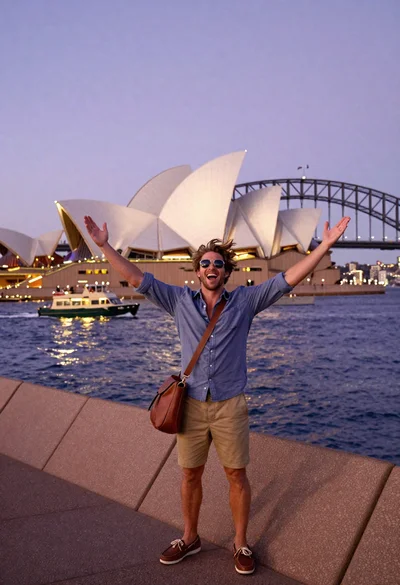
Exhilarated tourist man taking selfie near sydney opera house and bridge
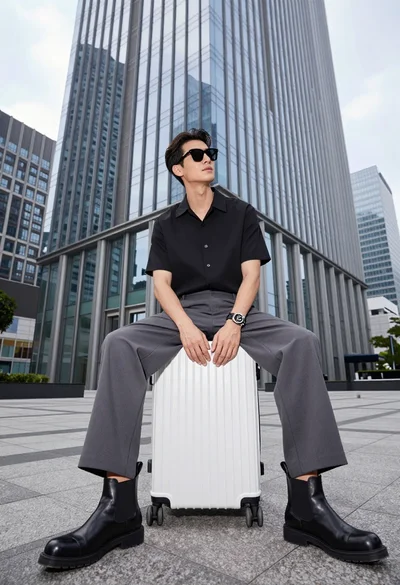
Handsome man sitting on suitcase before modern glass skyscraper in urban plaza

Silhouette of india gate monument at sunset viewed from a low angle

Eiffel tower silhouette reflected in water at twilight against blue orange sky

Majestic golden domed palace overlooking sprawling cityscape at twilight
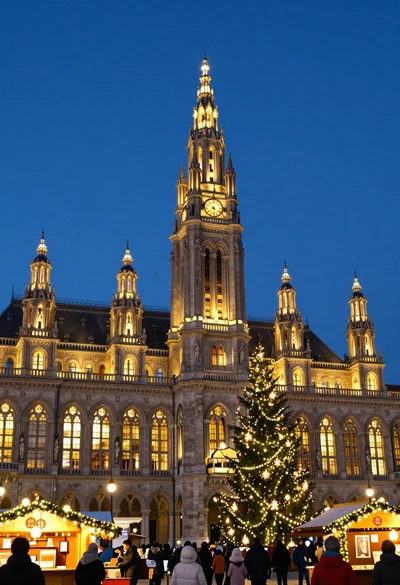
Majestic gothic revival city hall at twilight with glowing christmas market

Neoclassical building with dome scaffolding reflecting on calm river water at twilight
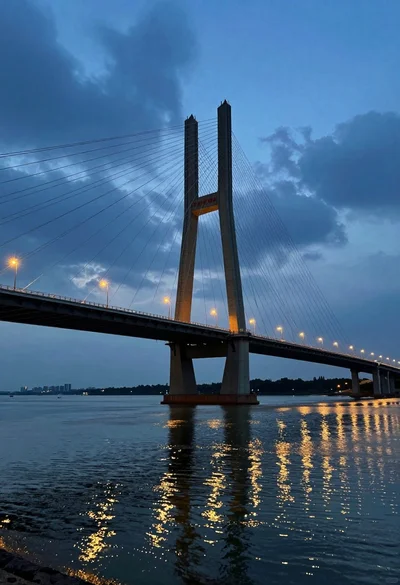
Low angle view of modern cablestayed bridge spanning wide river at twilight
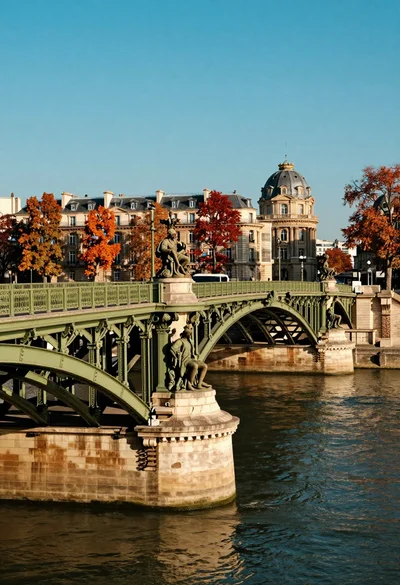
Majestic iron bridge spanning river with parisian architecture and autumn foliage
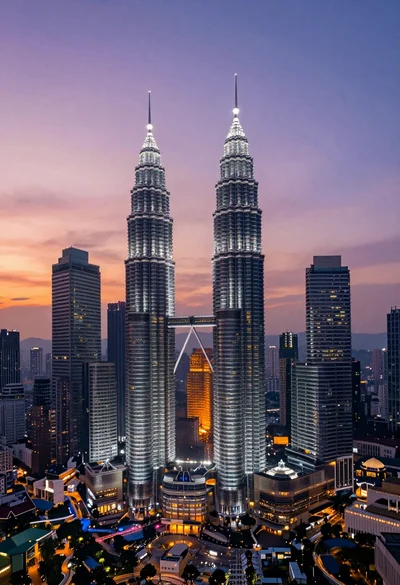
High angle wide shot of twilight cityscape featuring petronas twin towers
