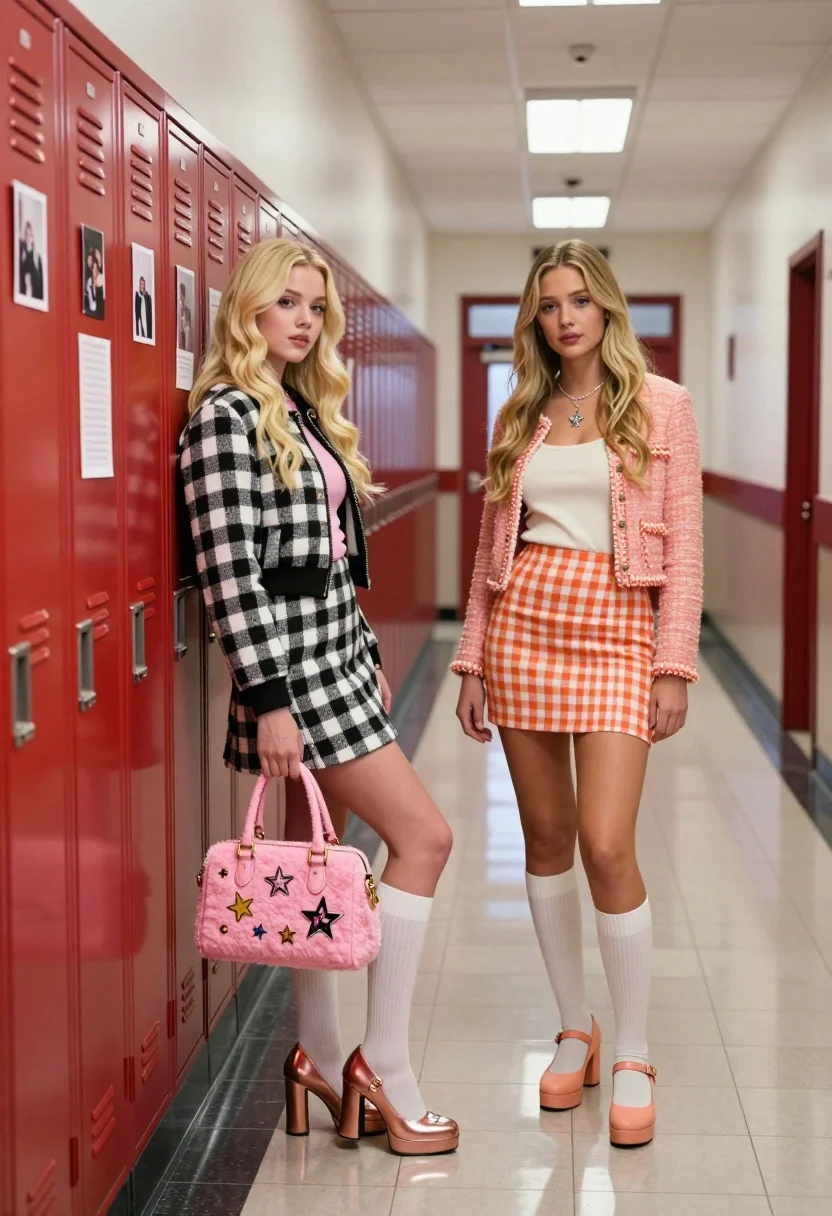
Two blonde women posing in a school hallway next to red lockers
Prompt
Two young women stand in a high school hallway next to red lockers covered in photos and notes.

Subject: A blonde woman with long wavy hair leaning against the lockers, and another blonde woman standing beside her looking forward.

Clothing: The first woman wears a black and white checkered jacket over a pink top, a matching skirt, white knee-high socks, and rose gold platform heels with star details; she carries a fuzzy pink handbag covered in pins. The second woman wears a peach tweed cardigan over a cream tank top, a matching orange and white checkered mini skirt, white knee-high socks, and peach Mary Jane pumps.

Action: The first woman leans forward slightly with one hand on her hip and the other holding her bag, while the second woman stands upright with arms at her sides.

Environment: A classic school corridor lined with red metal lockers on the left and a tiled floor reflecting overhead lights.

Camera: Eye-level medium shot capturing both figures from the knees up with a straight-on perspective down the hallway.

Lighting: Bright, even fluorescent lighting typical of an institutional setting creating soft reflections on the floor.

Style Details: Photorealistic digital rendering with high fidelity textures and vibrant colors reminiscent of modern fashion photography.
Description
This prompt is useful for creating cinematic yearbook spreads, vintage campus advertisements, and editorial pieces mimicking nostalgic school settings. The combination of 'bright, even fluorescent lighting' against the 'red metal lockers' grounds the image in a specific institutional reality, while the detailed clothing descriptions—like the 'black and white checkered jacket'—ensure the fashion elements pop without being overwhelmed by harsh shadows.
Suggestions
- Change 'fluorescent lighting' to 'soft window light' for a warmer feel.
- Swap 'red metal lockers' for 'dark wood lockers' to shift the era.
- Adjust 'rose gold platform heels' to 'simple loafers' for a more understated look.
Category
Tags
Black HairBlondeBrown HairCasual WearFemaleMedium ShotRealistic
Date added
July 12, 2026
Added by
PromptDexter Team
Related Prompts
More prompts with similar categories and tags.

Woman in green satin slip dress standing in sunlit elegant interior room
Young woman in traditional embroidered attire standing in a lush green meadow
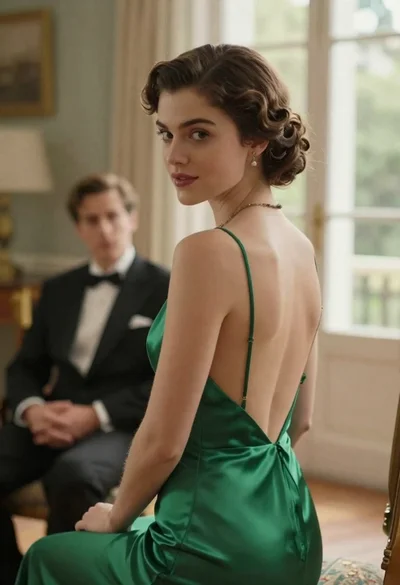
Woman in green dress looking over shoulder in bright ballroom setting

Blonde woman in teal slip dress leaning on elevator handrail
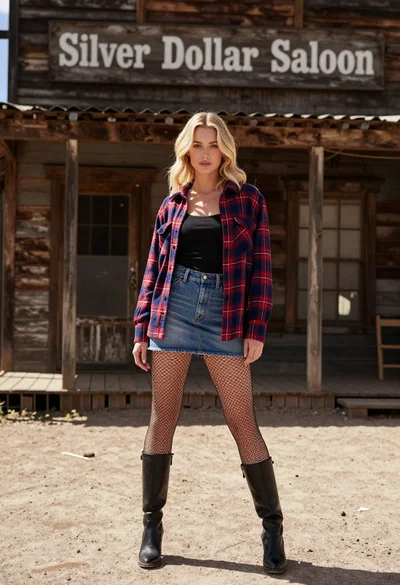
Blonde woman standing before rustic saloon building on dusty western street
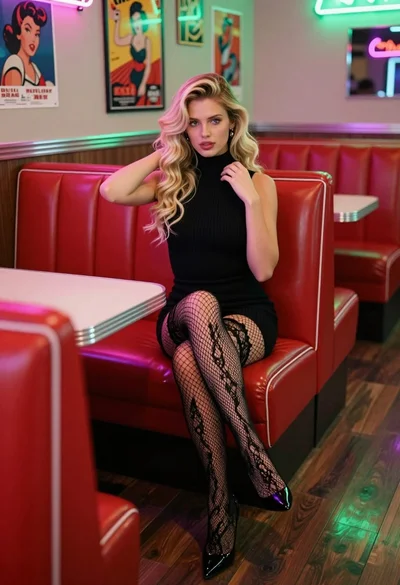
Blonde woman in black dress sitting in a retro diner booth
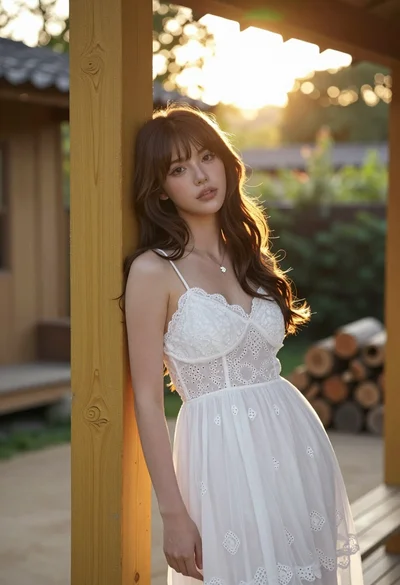
Young woman with brown hair leaning on yellow pillar during golden hour
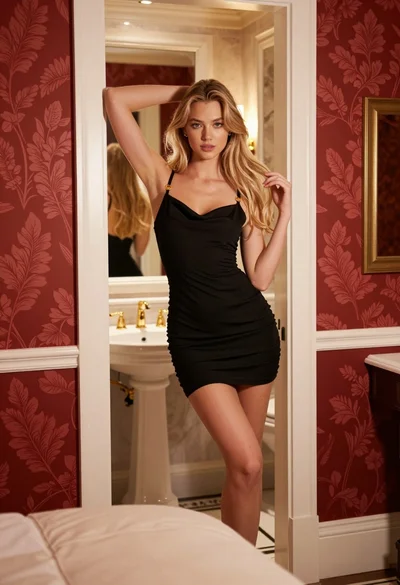
Young blonde woman in black slip dress leaning in luxurious bathroom doorway
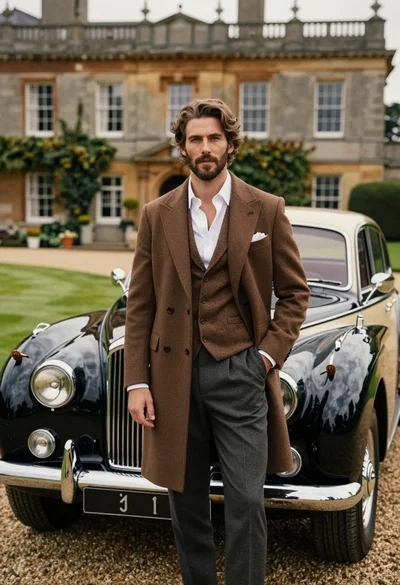
Handsome man in brown overcoat standing by vintage luxury car near manor
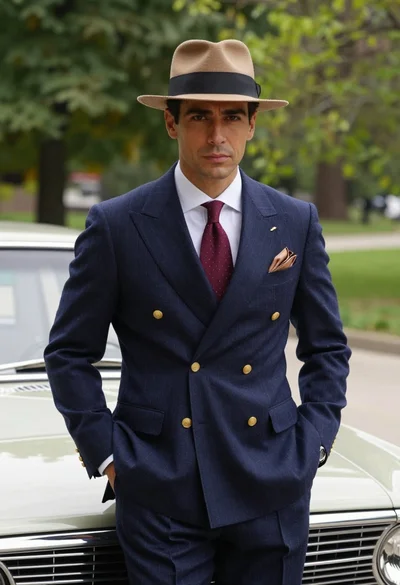
Confident man in vintage suit leaning on classic car in lush park