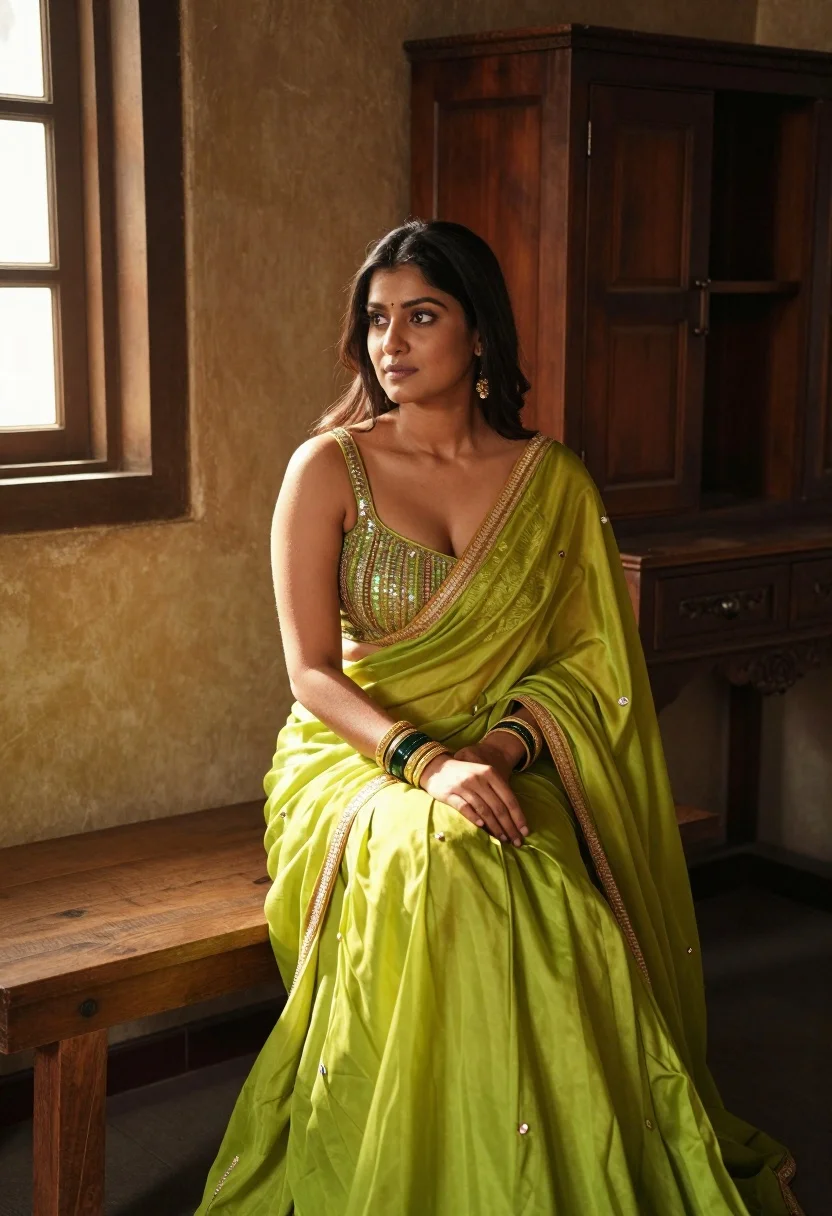
Woman in lime green traditional outfit sitting on wooden bench indoors
Prompt
A woman sits gracefully on a wooden bench in a rustic interior, wearing a vibrant lime green traditional outfit with gold trim.

Subject: A woman with long dark hair and a small bindi on her forehead, looking off to the side with a calm expression.

Clothing: She wears a bright lime green lehenga or saree ensemble consisting of a sequined spaghetti strap crop top and a flowing skirt, accented by gold embroidery along the edges and matching gold bangles on both wrists.

Action: She sits with her hands resting gently in her lap, displaying a relaxed posture.

Environment: The setting is an old room featuring weathered wooden walls, a carved wooden cabinet in the background, and a window letting in natural light.

Camera: Medium shot capturing the subject from the waist up, framed to include the immediate bench and background furniture.

Lighting: Warm sunlight streams through the window on the left, casting soft highlights on her skin and creating a golden glow against the textured walls.

Style Details: High-resolution photography with a cinematic color palette emphasizing warm tones and rich textures.
Description
This prompt is useful for creating cultural portraiture, editorial fashion spreads featuring ethnic wear, and atmospheric lifestyle branding materials. The combination of 'warm sunlight streams through the window on the left' and the 'cinematic color palette emphasizing warm tones' ensures that the vibrant lime green outfit pops against the muted, textured backdrop, preventing the bright clothing from looking artificial or disconnected from the rustic setting.
Suggestions
- Change 'lime green' to 'emerald green' for a deeper jewel tone.
- Add 'shallow depth of field' to isolate the subject further.
- Specify 'brass jewelry' instead of just gold trim for more detail.
Category
Tags
Brown SkinFemaleIndoorsMedium ShotRealisticTraditional Wear
Date added
August 5, 2026
Added by
PromptDexter Team
Related Prompts
More prompts with similar categories and tags.

Woman leaning on mahogany desk in formal office setting with satin dress
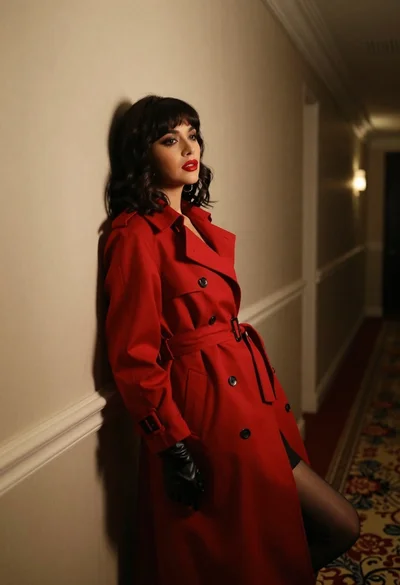
Woman in red trench coat leaning against hallway wall cinematic portrait
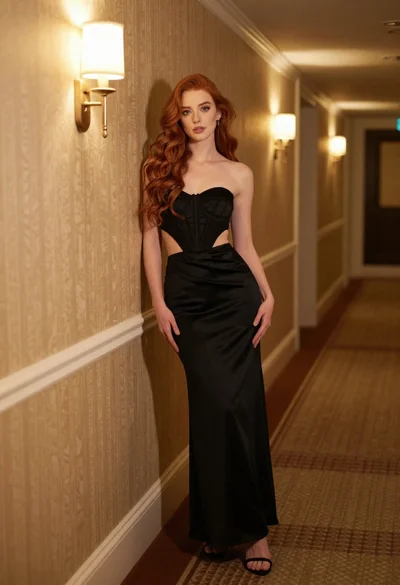
Woman in black strapless gown leaning against upscale hotel hallway wall
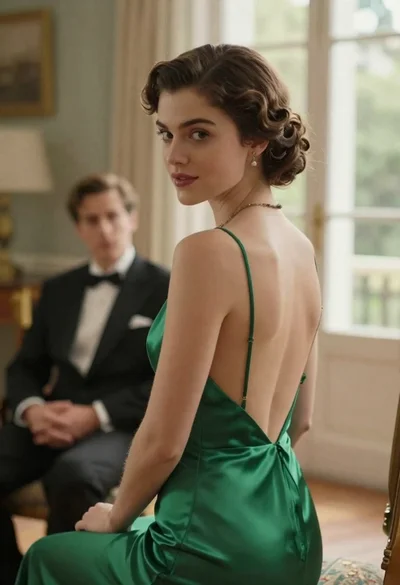
Woman in green dress looking over shoulder in bright ballroom setting

Blonde woman in teal slip dress leaning on elevator handrail

Woman in green satin slip dress standing in sunlit elegant interior room
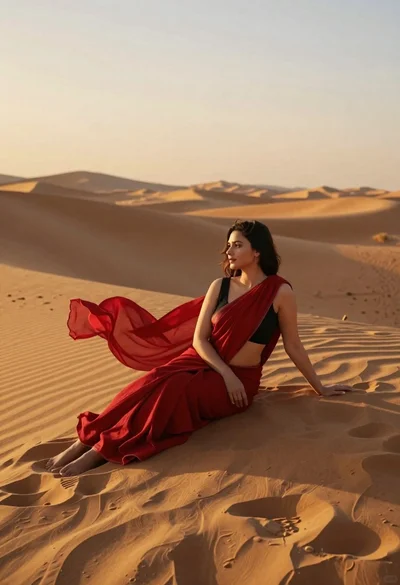
Young woman in red sari sitting on sand dunes at golden hour
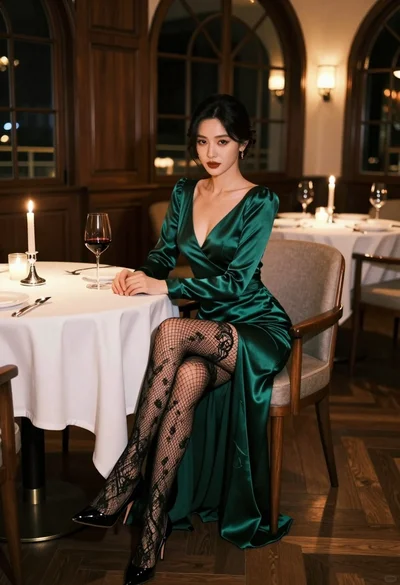
Glamorous woman in emerald gown seated at luxurious restaurant table setting
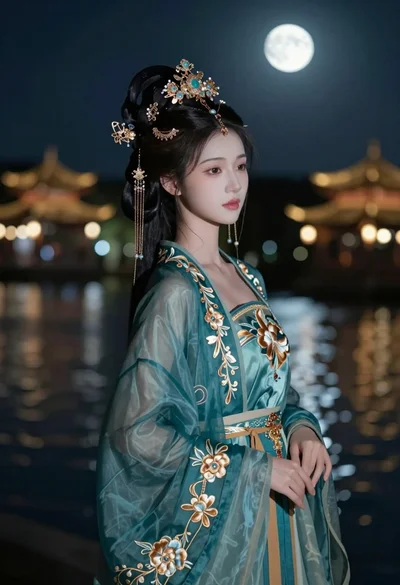
Graceful woman in teal chinese gown by moonlit waterfront architecture at night
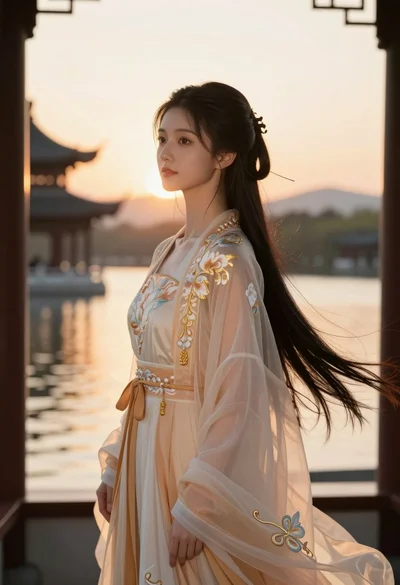
Young woman in traditional chinese gown on balcony at golden hour sunset