

Smiling woman holding striped soccer jersey on green sports field
Prompt
A young woman stands on a grassy field holding up a red and blue striped soccer jersey with both hands.

Subject: A smiling woman with long brown hair wearing dark sunglasses.

Clothing: She wears a thick, brown faux-fur coat over grey jeans.

Action: She holds a large soccer jersey open to display the front, tilting her head slightly back while looking at the camera.

Environment: The background is a blurred green sports field with concrete stadium structures and pillars visible in the distance under an overcast sky.

Camera: Medium shot with a shallow depth of field that keeps the subject sharp while blurring the background.

Lighting: Soft, diffused natural light typical of an overcast day, creating gentle shadows and even illumination on the face and jersey.

Objects: The jersey is red and blue vertical stripes featuring a yellow Nike swoosh, a crest logo, and a large yellow graphic in the center.

Text/Graphics: A small trademark symbol is visible next to the central yellow graphic on the jersey.

Style Details: Photorealistic portrait with high color saturation on the jersey and a cinematic bokeh effect.
Description
This prompt is useful for creating sportswear advertising campaigns, athletic lifestyle editorials, and product placement photography for sporting goods. The combination of 'soft, diffused natural light' and 'shallow depth of field' ensures that the vibrant colors of the jersey remain highly saturated while the background elements like the stadium structures are softened enough to keep focus squarely on the subject and the merchandise.
Suggestions
- Change 'brown faux-fur coat' to 'athletic jacket' for better context.
- Swap 'overcast sky' for 'late afternoon diffused light' to add warmth.
- Adjust 'medium shot' to 'waist up' to give more room for the jersey display.
Category
Tags
Brown HairFemaleMedium ShotNatureOutdoorsRealistic
Date added
June 19, 2026
Added by
PromptDexter Team
Related Prompts
More prompts with similar categories and tags.
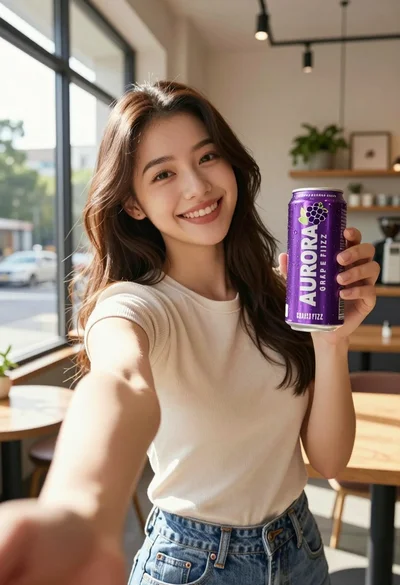
Young woman taking selfie in cafe holding purple beverage can

Young woman holding energy drink can making kissy face in studio setting
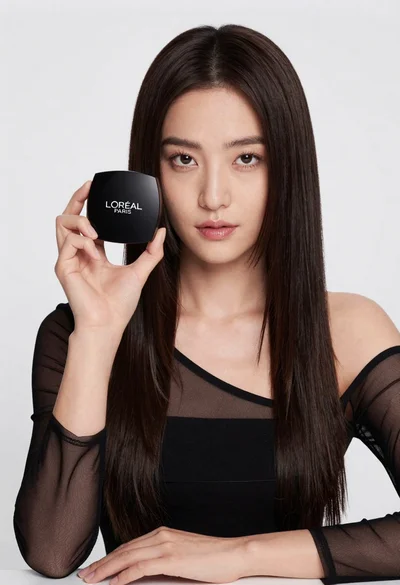
Medium close up portrait of woman holding makeup compact in studio

Woman leaning on silver sports car in showroom
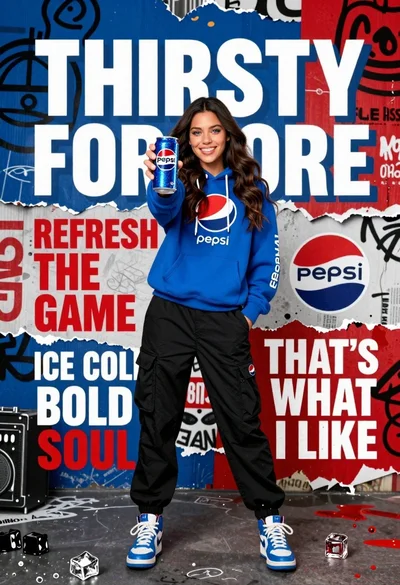
Young woman in blue hoodie holding pepsi against graffiti street art background

Stylish woman in sage green blazer leaning against white charging case
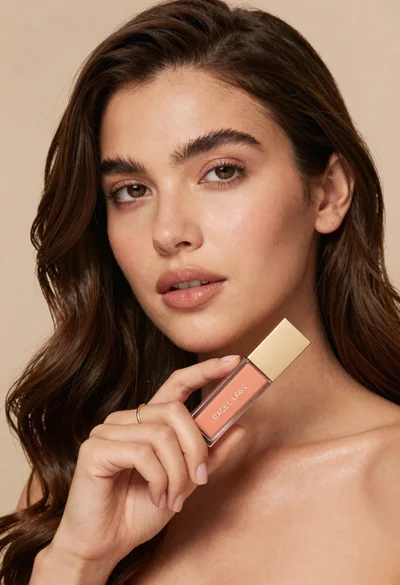
Woman holding cosmetic tube near face in closeup portrait shot

Woman in light green bathrobe holding cucumber face mask tube

Young man holding green limca soda can in front of gradient background
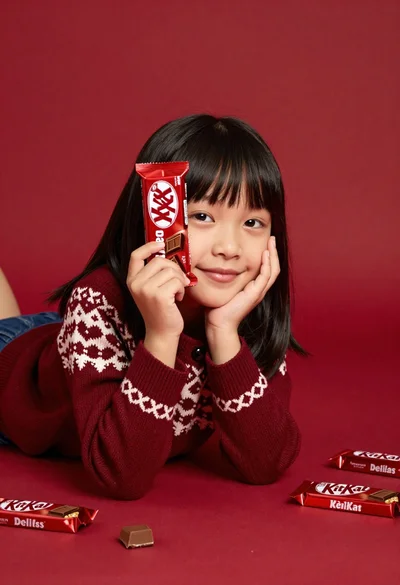
Young girl with black hair holding kitkat chocolate bar against red backdrop