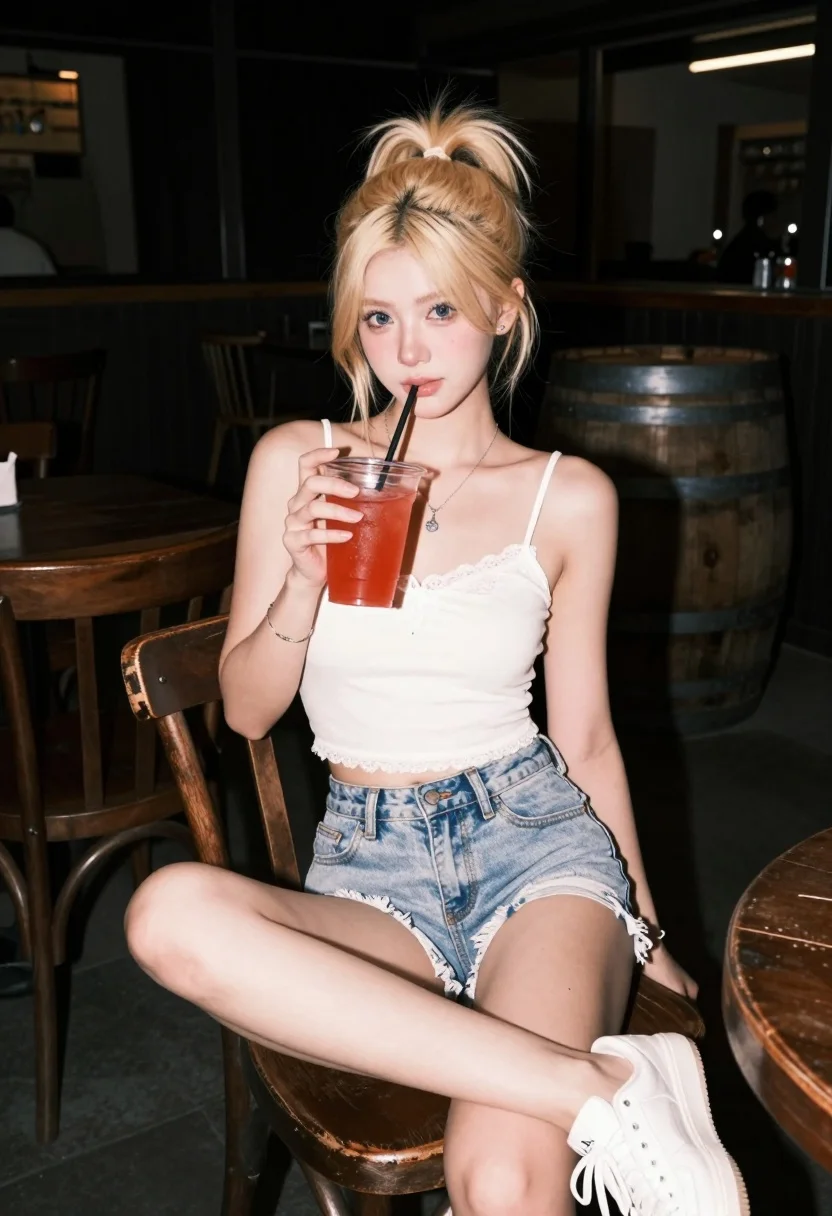
Young blonde woman sitting indoors at night with red drink cup
Prompt
A young woman with blonde hair tied in a high ponytail sits on a worn wooden chair at night, holding a red drink in a plastic cup.

Subject: A young woman with fair skin and blonde hair styled in a messy high ponytail, featuring loose strands framing her face. She has blue eyes and is looking directly at the camera with a soft expression.

Clothing: She wears a white lace-trimmed spaghetti strap crop top and light blue denim shorts with frayed hems. A silver necklace with a pendant rests on her chest, and she wears a thin bracelet on her wrist along with white sneakers.

Action: She is seated in a relaxed pose with one leg crossed over the other, holding a clear plastic cup filled with a red beverage and a black straw in her right hand.

Environment: The setting is a dimly lit indoor space resembling a bar or restaurant at night, featuring dark wooden furniture including chairs and tables, and a large wooden barrel visible in the background.

Lighting: The scene is illuminated by direct flash photography that highlights the subject against a pitch-black background, creating high contrast with deep shadows behind her.

Camera: The shot is taken from a slightly low angle looking up at the seated subject, utilizing a shallow depth of field to keep the foreground sharp while blurring the dark background.

Style Details: The image has a candid, nightlife aesthetic characterized by harsh flash lighting and a grainy texture typical of smartphone photography in low-light conditions.
Description
This prompt is useful for creating cinematic character portraits, moody bar scene concept art, and editorial fashion shots mimicking spontaneous nightlife moments. The combination of 'direct flash photography' against a 'pitch-black background' achieves the high contrast necessary to isolate the subject while the 'grainy texture typical of smartphone photography' grounds the image in an immediate, unpolished reality.
Suggestions
- Change 'red beverage' to 'neon blue liquid' for a more vibrant pop.
- Swap 'worn wooden chair' for 'velvet booth seat' to change the material feel.
- Adjust 'direct flash photography' to 'single practical light source' for softer shadows.
Category
Tags
BlondeFair SkinFemaleLow AngleMedium Shot
Date added
July 12, 2026
Added by
PromptDexter Team
Related Prompts
More prompts with similar categories and tags.
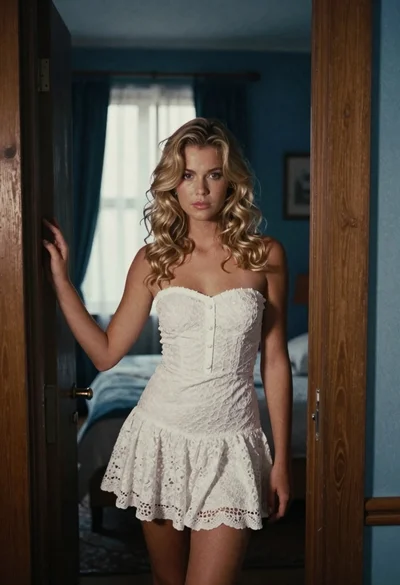
Young blonde woman in white lace dress standing in blue doorway

Blonde woman in teal slip dress leaning on elevator handrail
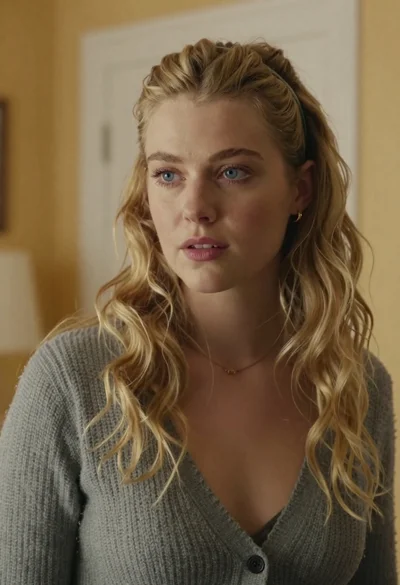
Medium close up portrait of blonde woman in grey cardigan indoors
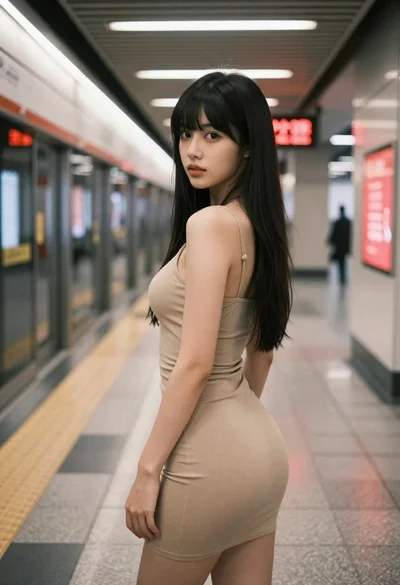
Young woman in beige mini dress looking back at camera on subway
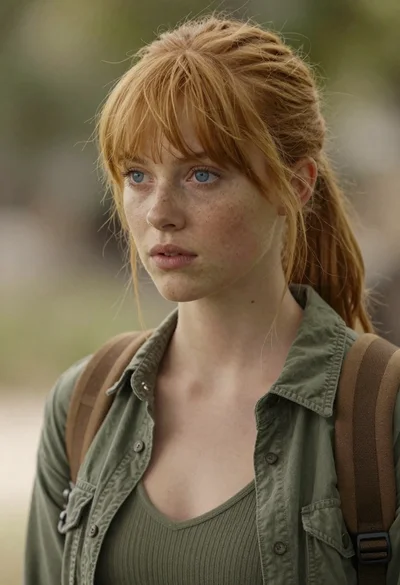
Photorealistic close up portrait of young woman with blonde hair
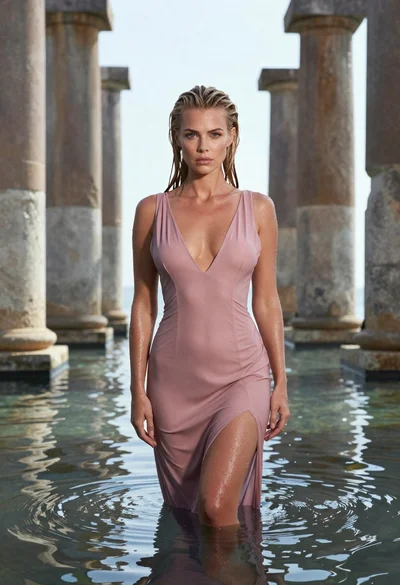
Woman in pink dress standing among ancient stone pillars in water
Young woman in olive coat on busy city street at dusk
Young blonde woman in green polka dot dress standing in subway tunnel
Young woman with curly hair sitting on a vintage car in a
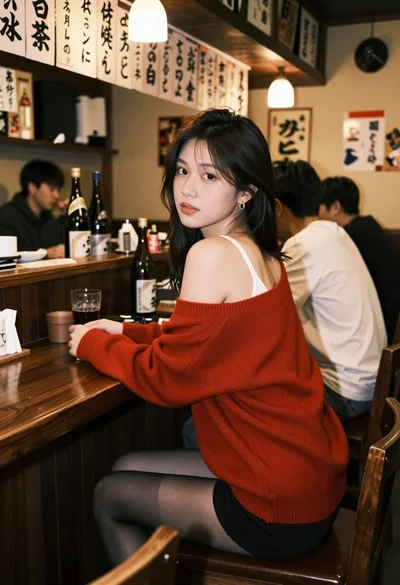
Young woman at wooden counter in dimly lit japanese izakaya bar setting