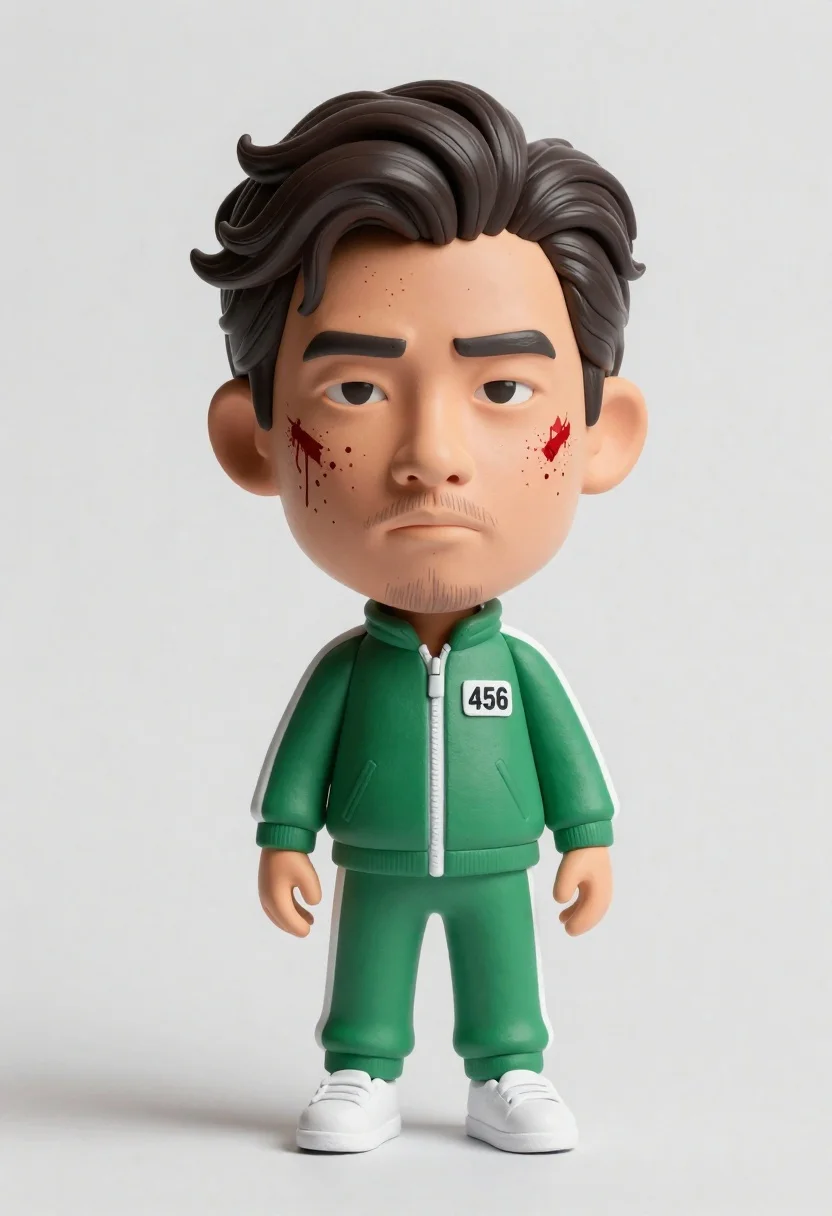
Hyper realistic 3d bobblehead figure of asian man in green tracksuit with
Prompt
A stylized bobblehead figure of a man with dark wavy hair and blood splatters on his face wearing a green tracksuit with the number 456 on the chest standing against a plain white background.

Subject: A large-headed, small-bodied bobblehead figure of an Asian man with dark wavy hair and a short beard.

Clothing: A green zip-up tracksuit with white stripes on the shoulders and white sneakers, featuring a white rectangular patch with the number 456 in black on the left chest.

Action: The figure stands upright with arms hanging loosely at its sides, displaying a serious facial expression with blood splatters on the cheeks and forehead.

Environment: A clean, minimalist studio setting with a seamless white background and floor.

Camera: Eye-level perspective with a slight upward angle to emphasize the oversized head, utilizing soft lighting that casts a gentle shadow to the left.

Lighting: Soft, diffused studio lighting coming from the upper right, creating subtle shadows and highlighting the texture of the skin and fabric.

Style Details: Hyper-realistic 3D render with high-fidelity textures resembling clay or plastic, featuring a slight cinematic color grading and a polished, commercial product photography aesthetic.
Description
This prompt is useful for creating character merchandise mockups, stylized promotional art, and collectible toy packaging visuals. The combination of 'hyper-realistic 3D render' with the specified 'clay or plastic' texture grounds the otherwise absurd bobblehead concept in a tangible, commercial product aesthetic, while the 'soft, diffused studio lighting' prevents harsh shadows that would undermine its intended merchandise look.
Suggestions
- Change 'green tracksuit' to 'navy blue tracksuit' for a more dramatic contrast.
- Add 'bokeh effect' to the background description for added depth.
- Adjust 'blood splatters on his face' to 'paint splatters on his face' if you want it less violent.
Category
Tags
3dFull BodyMaleOutdoorsSportswearStudio
Date added
June 26, 2026
Added by
PromptDexter Team
Related Prompts
More prompts with similar categories and tags.
Young boy in blue soccer jersey standing confidently against red background

Three animated characters standing together against a solid blue background

Cheerful chibi pirate character standing on treasure chest in studio
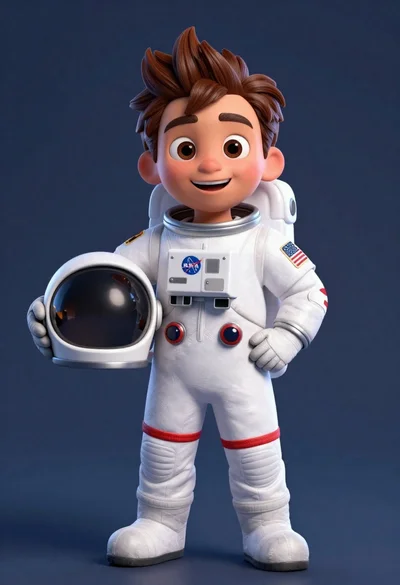
Cheerful cartoon astronaut boy holding helmet in dark blue studio
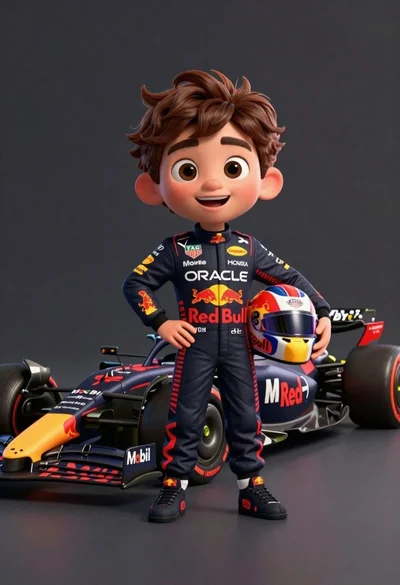
Cheerful cartoon boy in racing suit standing next to formula one car
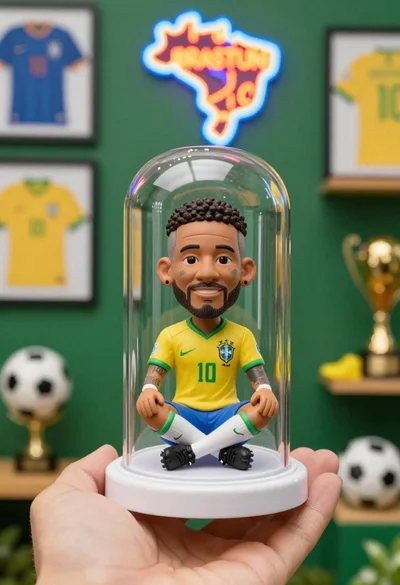
Hand holding clear capsule with miniature bobblehead soccer player
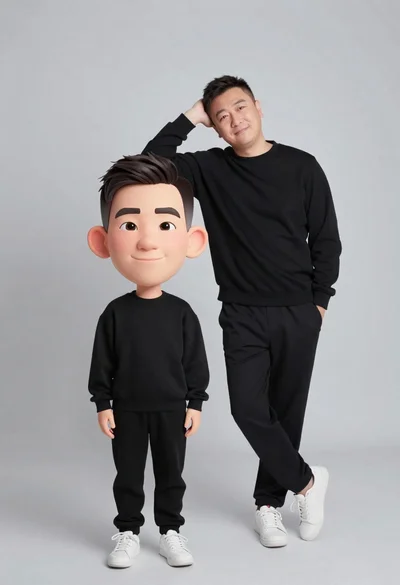
Large headed cartoon caricature standing in front of real life man in
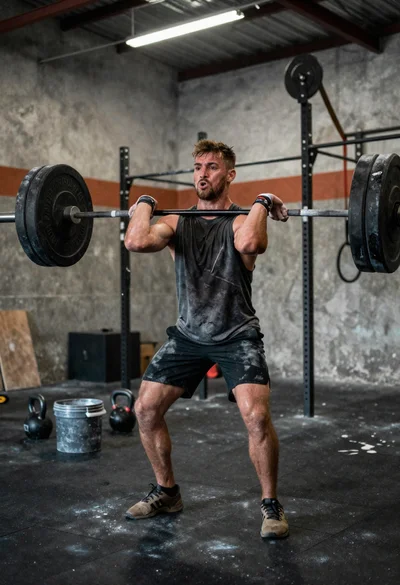
Low angle close shot of male athlete deadlifting in gritty gym