
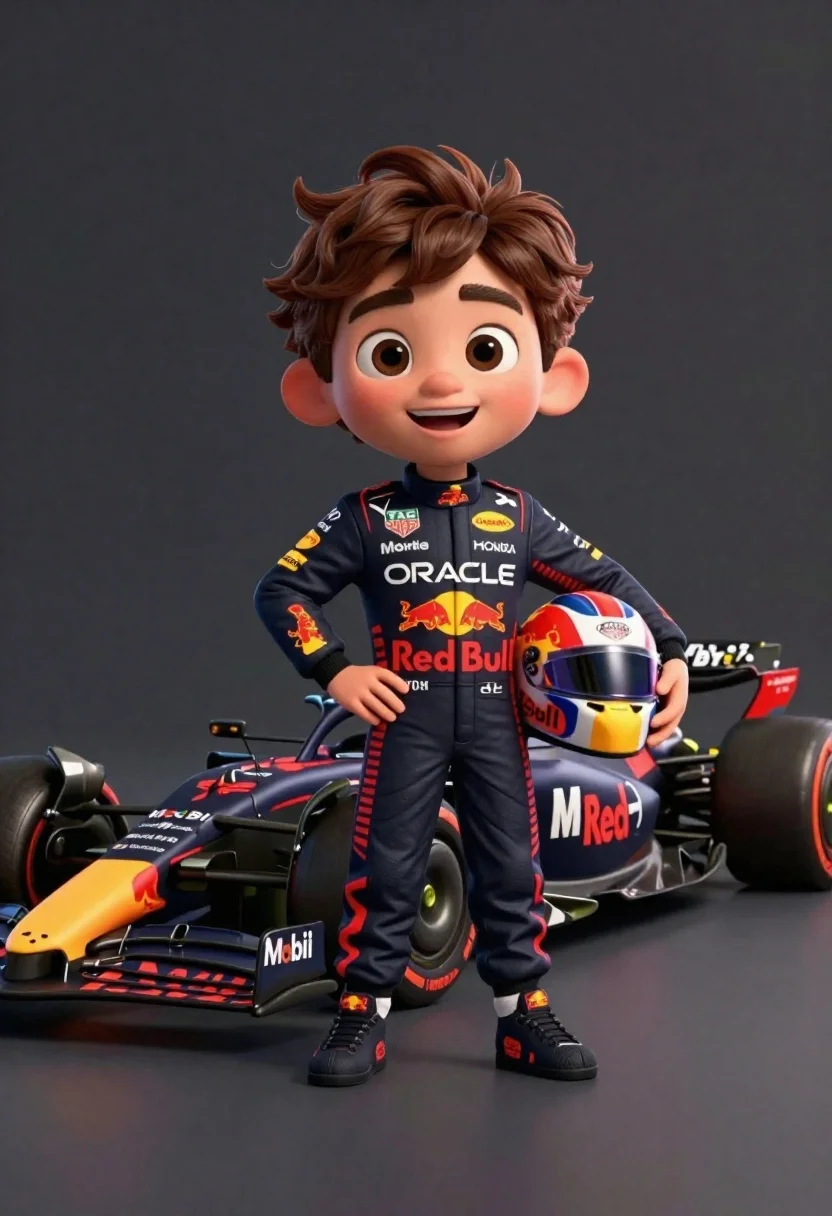
Cheerful cartoon boy in racing suit standing next to formula one car
Prompt
A cheerful cartoon boy stands confidently next to a sleek Formula One race car against a dark studio background.

Subject: A stylized 3D animated boy with large expressive brown eyes, thick eyebrows, and spiky brown hair, wearing a full-body racing suit.

Clothing: The boy wears a black racing suit covered in sponsor logos including Oracle, Red Bull, Honda, Mobil, TAG Heuer, and Infiniti, paired with matching black racing shoes featuring red branding.

Action: He stands with one hand on his hip and the other holding a racing helmet under his arm, smiling broadly at the viewer.

Environment: The setting is a minimalist studio environment with a solid dark grey background that isolates the subject.

Camera: The shot is a medium full-body view taken from a slightly low angle to emphasize the height of the character and the car.

Lighting: Soft studio lighting illuminates the scene from the front, creating gentle highlights on the boy's face and suit while casting subtle shadows behind him.

Objects: A detailed Red Bull Racing Formula One car sits beside him, featuring prominent branding for Oracle, Mobil, Honda, and Pirelli tires.

Text/Graphics: Visible text includes sponsor names such as Oracle, Red Bull, Mobil, TAG Heuer, Infiniti, Honda, BYbit, and Hard Rock on the suit, helmet, and car bodywork.

Style Details: The image features a high-quality 3D render style with smooth textures, vibrant colors, and a polished cartoon aesthetic reminiscent of Pixar animation.
Description
This prompt is useful for creating character concept art for animated sports media, promotional merchandise mockups, and stylized video game assets. The combination of 'Pixar animation' style with 'soft studio lighting' ensures that the vibrant colors pop against the 'dark grey background,' giving the characters and vehicle a polished, marketable look without distracting environmental clutter.
Suggestions
- Change 'spiky brown hair' to 'curled brown hair' for a different texture.
- Swap 'Red Bull Racing Formula One car' for 'vintage race car' to change the era.
- Adjust 'medium full-body view' to 'close up portrait' to focus more on the face.
Category
Tags
3dBrown HairFull BodyLow AngleMaleMedium ShotOutdoorsStudio
Date added
June 26, 2026
Added by
PromptDexter Team
Related Prompts
More prompts with similar categories and tags.
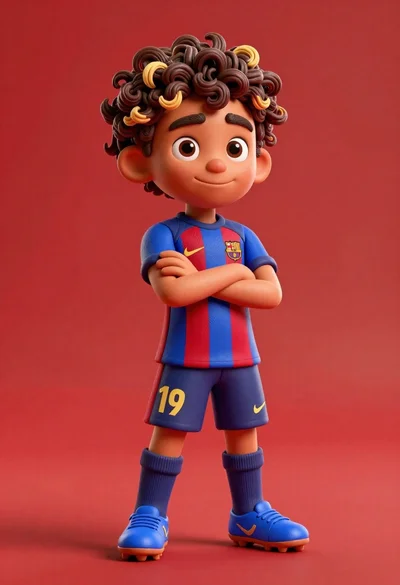
Young boy in blue soccer jersey standing confidently against red background
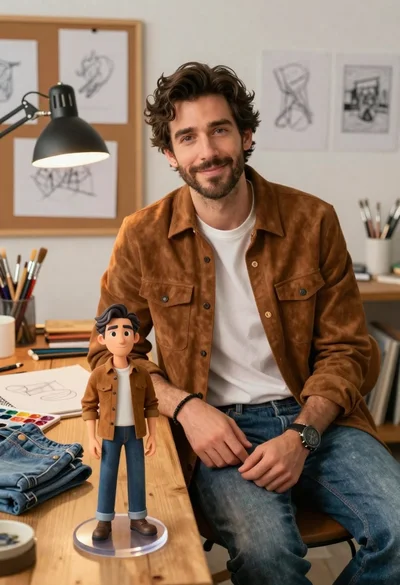
Handsome man in suede shirt sitting at desk in art studio
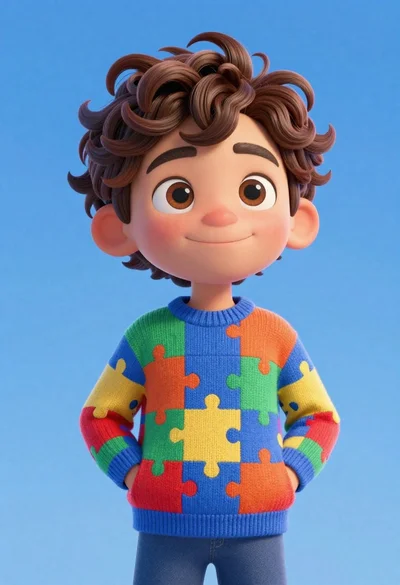
Cheerful young boy in colorful puzzle sweater standing against blue background
Stylized bobblehead soccer player in yellow jersey standing confidently against red background
Young boy in yellow sweater hugged by blue robotic cat on blue
Full body shot of cartoonish bobblehead football player in real madrid kit

Three animated characters standing together against a solid blue background

Man in suit sitting on classic red car outdoors
