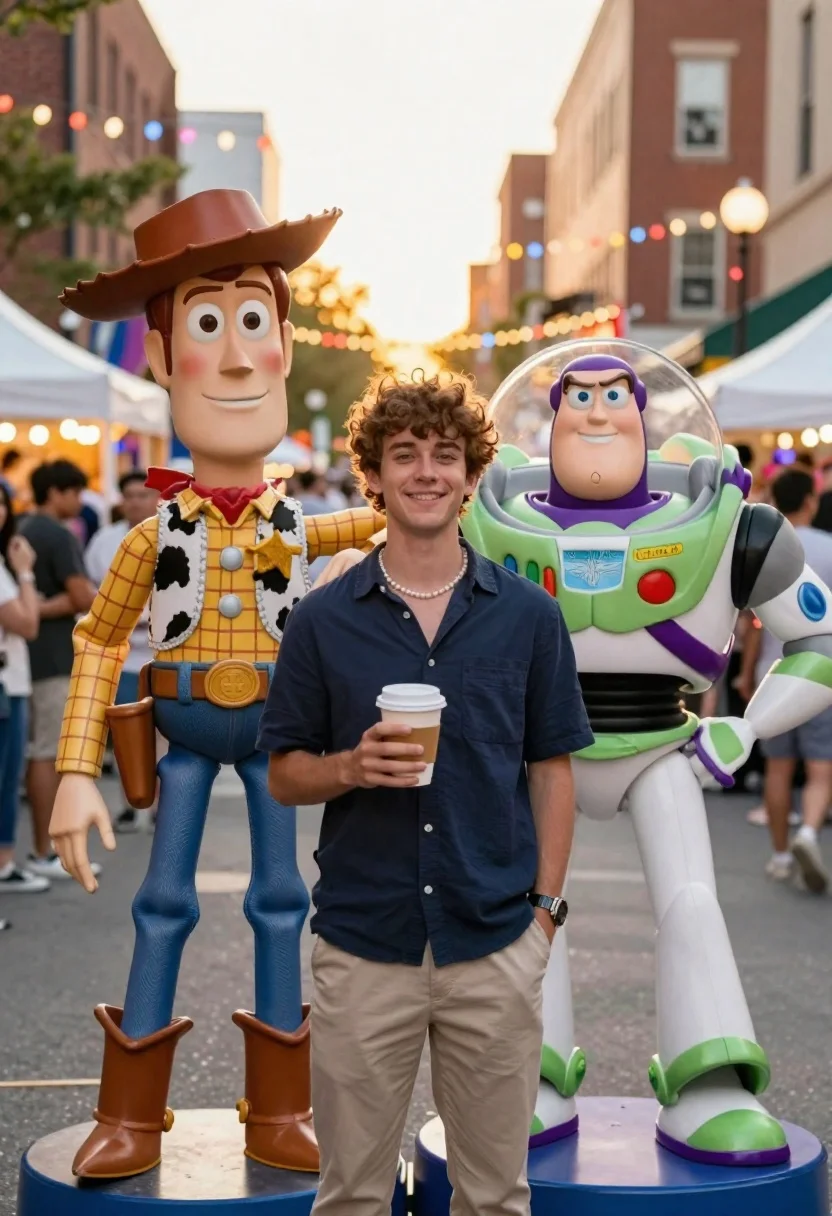
Young man smiling between toy figures on a crowded street fair
Prompt
A young man stands in the center of a bustling outdoor street fair flanked by two large toy figures.

Subject: A smiling young man with curly brown hair and light skin standing between two life-sized animated characters.

Clothing: He wears a dark blue button-down shirt, beige trousers, a pearl necklace, and a wristwatch on his left arm.

Action: He holds a disposable coffee cup in his right hand while looking directly at the camera with a relaxed expression.

Environment: A crowded city street lined with brick buildings and white market tents under strings of colorful bokeh lights.

Camera: Eye-level medium shot with a shallow depth of field that blurs the background crowd into soft shapes.

Lighting: Warm golden hour sunlight filtering through the festive overhead string lights creating a cheerful atmosphere.
Second

Subject: A large figure of Woody wearing his signature plaid shirt, cow-print vest, and cowboy hat stands to the left.

Objects: A large Buzz Lightyear action figure in green and white armor stands to the right holding a pose.

Style Details: Photorealistic rendering with a cinematic color palette emphasizing warm tones and vibrant bokeh effects.
Description
This prompt is useful for creating whimsical character portraits, themed advertising campaigns, or nostalgic street photography pieces. The combination of 'warm golden hour sunlight' filtering through the 'colorful bokeh lights' establishes a festive mood that complements the artificiality of the large toy figures, while the 'shallow depth of field' ensures the smiling subject remains the clear focal point against the busy background.
Suggestions
- Change 'dark blue button-down shirt' to 'striped casual shirt' for more visual interest.
- Swap 'brick buildings' for 'weathered cobblestone' to enhance the street feel.
- Adjust 'warm golden hour sunlight' to 'overcast daylight' for a different mood.
Category
Tags
Brown HairLight SkinMaleMedium ShotRealisticStreetUrban
Date added
June 19, 2026
Added by
PromptDexter Team
Related Prompts
More prompts with similar categories and tags.
Young woman in blue traditional outfit standing next to her animated 3d

Smiling young woman posing with large blue robot cat mascot on solid
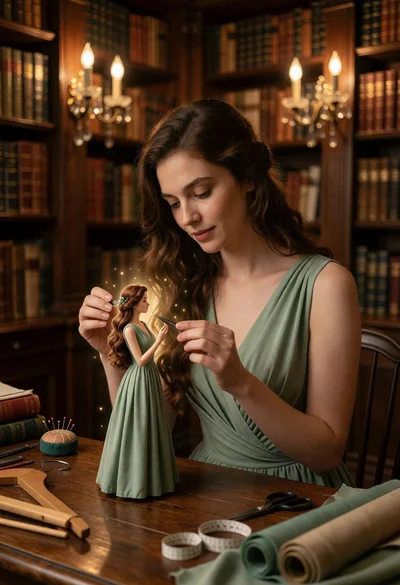
Woman working on miniature doll in cozy library setting with warm light
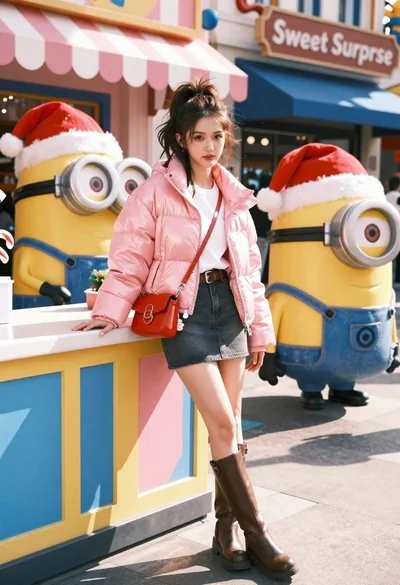
Young woman in pink puffer jacket standing by counter with minions
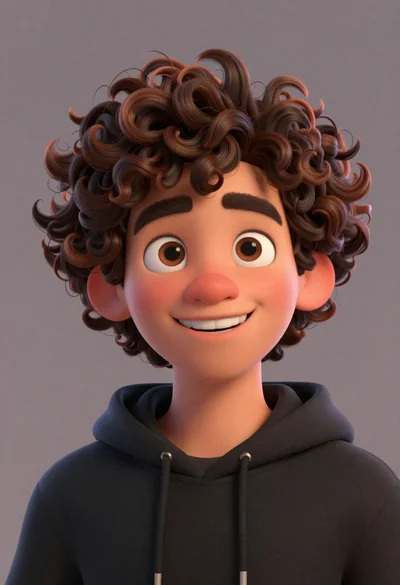
Close up portrait of cheerful young man with curly brown hair
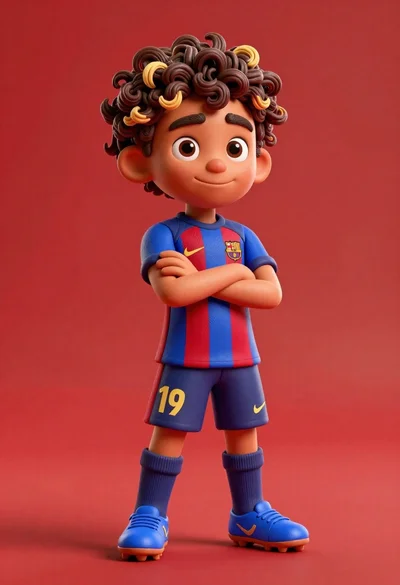
Young boy in blue soccer jersey standing confidently against red background
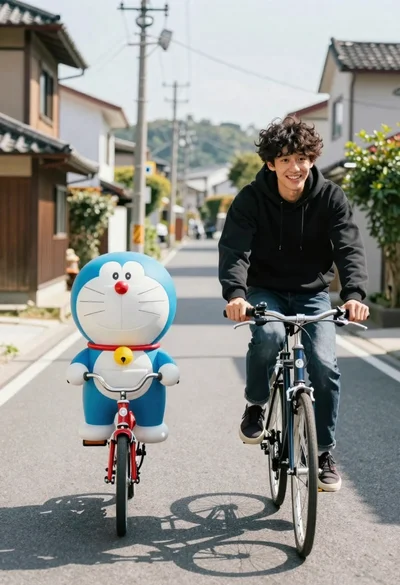
Young man and blue robotic cat riding bicycles down a sunny street
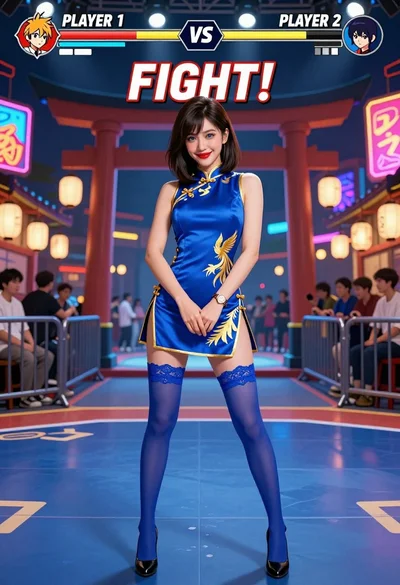
Woman in blue qipao standing in neon lit fighting game arena
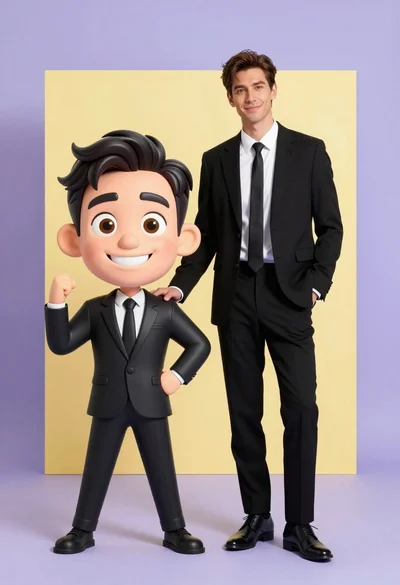
Photorealistic man next to large caricature in black suits studio setting
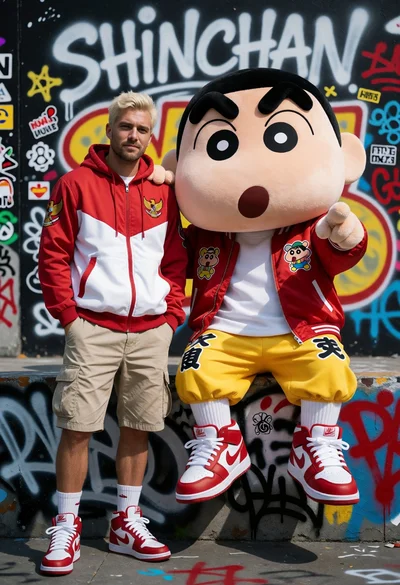
Man and mascot character posing against colorful graffiti covered wall