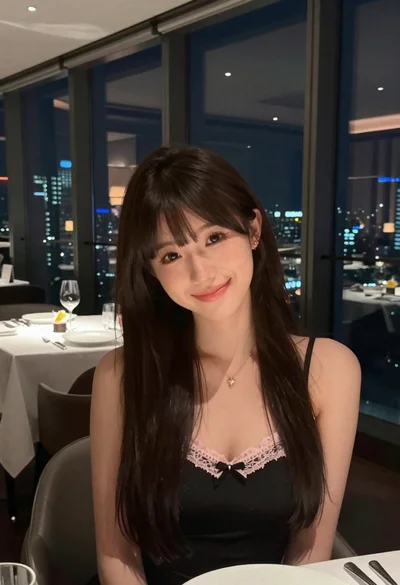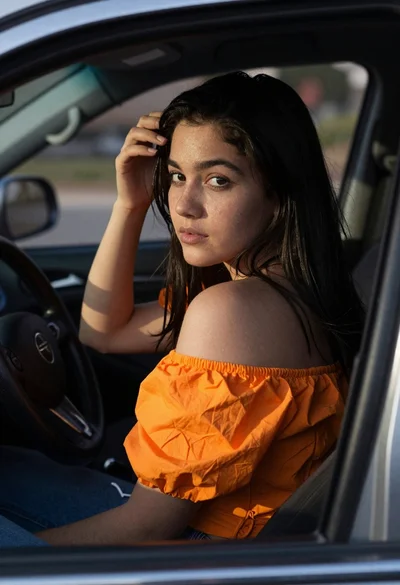

Young woman drinking beer in dimly lit bar setting profile view
Prompt
A young woman with short black hair drinking beer from a glass in a dimly lit bar.

Subject: A young woman with short black hair and bangs, fair skin, and a prominent bust.

Clothing: She wears a tight-fitting red long-sleeved top with a deep plunging neckline and ribbed texture.

Action: She is holding a large glass of beer to her lips and drinking it while looking slightly downward.

Environment: The setting is an indoor bar or restaurant with wooden paneling, a wall-mounted fan, and various Japanese posters and stickers on the background walls.

Camera: A medium close-up shot taken from a side angle that emphasizes the subject's profile and chest area.

Lighting: Warm ambient lighting creates soft highlights on her skin and casts distinct shadows across her torso.

Objects: A large glass of beer with foam, a wooden table surface, and a small bowl of food are visible in the foreground.

Style Details: The image has a candid, nightlife photography aesthetic with high saturation and realistic rendering.
Description
This prompt is useful for creating cinematic character portraits, moody bar scene illustrations, and editorial lifestyle shots capturing intimate moments. The combination of 'warm ambient lighting' casting distinct shadows across her torso, paired with the 'side angle that emphasizes the subject's profile and chest area,' directs focus to both the action and the figure's form in a way that avoids flat, frontal compositions typical of standard portraiture.
Suggestions
- Change 'tight-fitting red long-sleeved top' to 'black velvet top' for a richer nighttime feel.
- Add 'bokeh background' to soften the visible posters and stickers.
- Adjust 'medium close-up shot' to 'head and shoulders shot' to focus more on the profile.
Category
Tags
Black HairCasual WearFair SkinFemaleIndoorsRealisticSide Profile
Date added
June 19, 2026
Added by
PromptDexter Team
Related Prompts
More prompts with similar categories and tags.
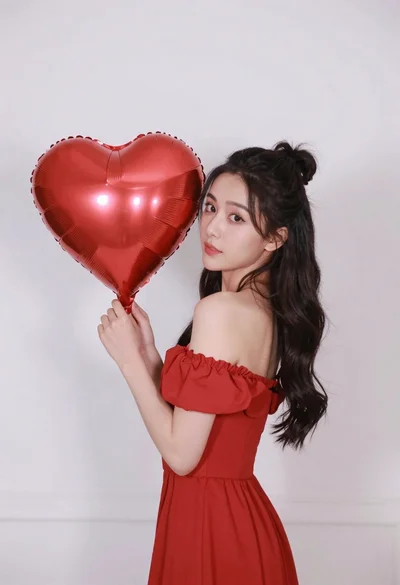
Woman in red dress holding heart shaped balloon against white wall
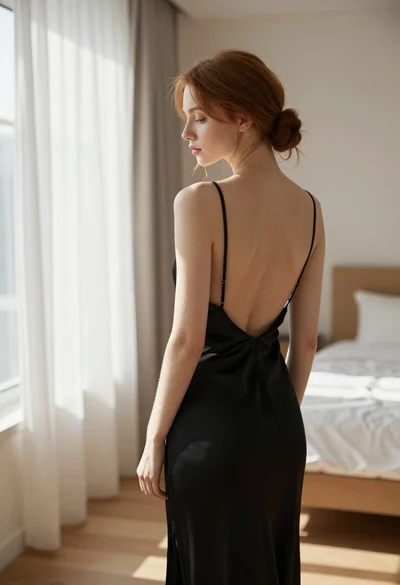
Young woman in black slip dress standing by window in bright bedroom
Young woman in floral dress seated indoors by a window with greenery
Woman with black hair leaning indoors by glass railing in bright modern
Young woman in white crop top sitting on bed by window light

Young woman in black crop top and cream trousers indoors looking over
Young woman with black hair making ok sign under pink neon light

Woman in black dress seated in dimly lit diner booth
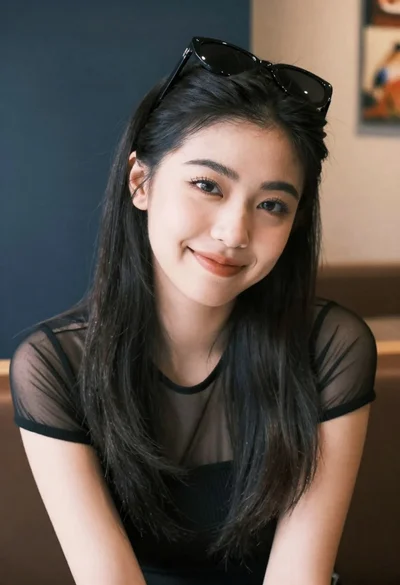
Medium close up portrait of young woman wearing black top and sunglasses
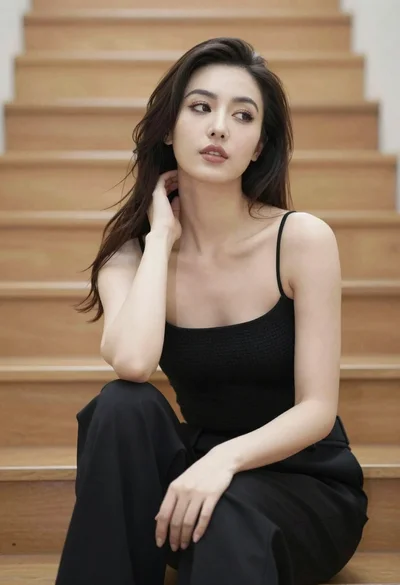
Woman with dark hair sitting on wooden staircase looking thoughtfully upward