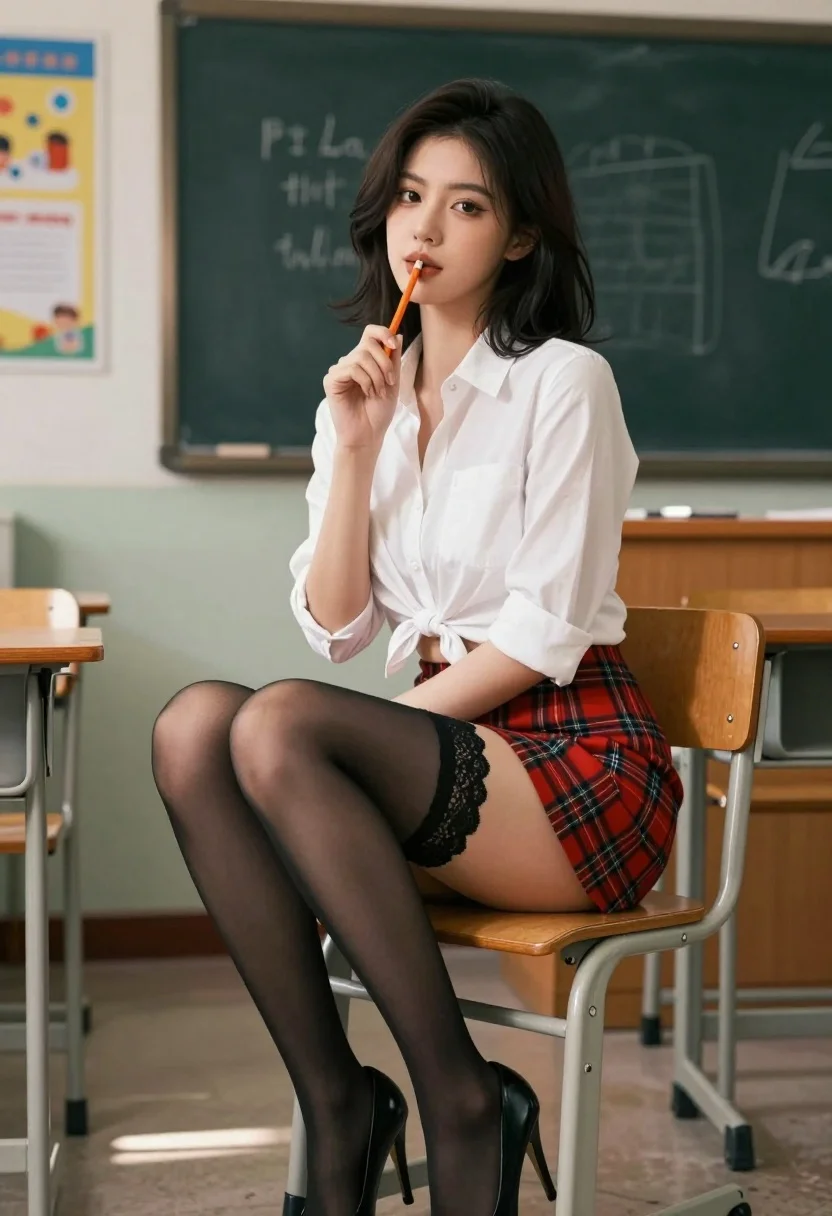
Young woman in plaid skirt sitting on chair in classroom setting
Prompt
A young woman with dark shoulder-length hair sits confidently on a wooden classroom chair while holding an orange pencil to her lips.

Subject: A young woman with dark, shoulder-length hair and defined makeup.

Clothing: She wears a white button-down shirt tied at the waist, a red plaid mini-skirt, black lace-trimmed stockings, and black high-heeled shoes.

Action: She holds an orange pencil vertically against her lips in a playful pose while looking directly at the camera.

Environment: The setting is a classroom featuring a chalkboard with faint writing, educational posters on the wall, and wooden desks in the background.

Camera: Shot from a low angle to emphasize the subject's seated posture, utilizing a shallow depth of field that blurs the background details.

Lighting: Soft natural light enters from the left side, casting gentle shadows and highlighting the texture of her clothing.

Style Details: The image has a cinematic, photorealistic quality with high contrast and vibrant colors typical of modern digital photography.
Description
This prompt is useful for creating editorial fashion moodboards, character concept art for young protagonists, and stylized portraiture mimicking academic settings. The combination of 'low angle' perspective and a 'shallow depth of field' ensures the subject remains the primary focus by softening the background details like the chalkboard writing, while the specified 'soft natural light' prevents harsh shadows that might detract from the vibrant colors of the plaid skirt.
Suggestions
- Change 'red plaid mini-skirt' to 'tartan wool kilt' for a different texture.
- Add 'rim lighting' to enhance the silhouette against the background.
- Swap 'black high-heeled shoes' for 'combat boots' to alter the overall mood.
Category
Tags
Black HairFemaleIndoorsLow AnglePortrait ShotRealistic
Date added
July 3, 2026
Added by
PromptDexter Team
Related Prompts
More prompts with similar categories and tags.

Confident woman in black dress walks through elegant museum hallway adjusting sunglasses
Blonde woman in black lace corset top against dark green wall
Woman in red ballgown spinning in elegant museum hall

Blonde woman in black gown posing on city street near ritz london
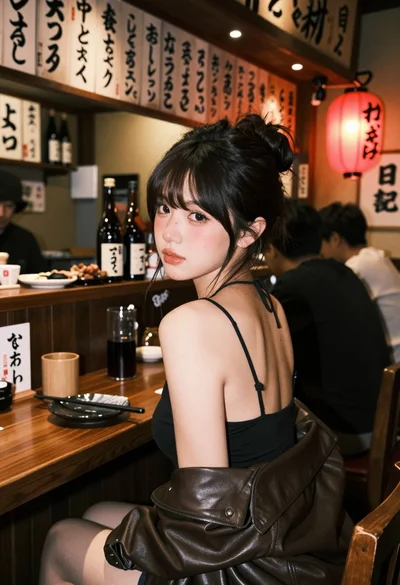
Young woman at wooden counter in dimly lit japanese izakaya bar setting
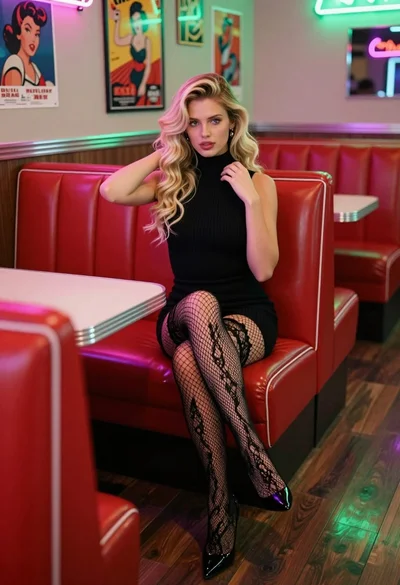
Blonde woman in black dress sitting in a retro diner booth
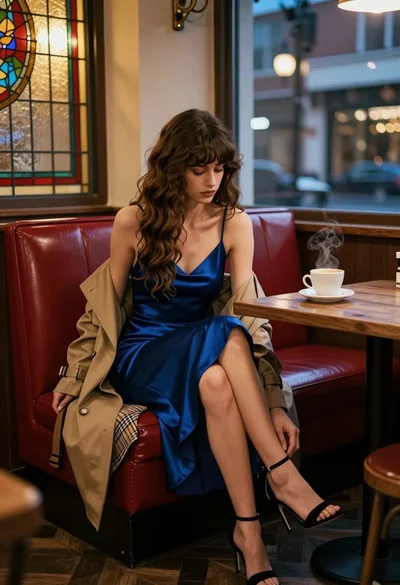
Woman in blue slip dress sitting in dimly lit cafe by stained
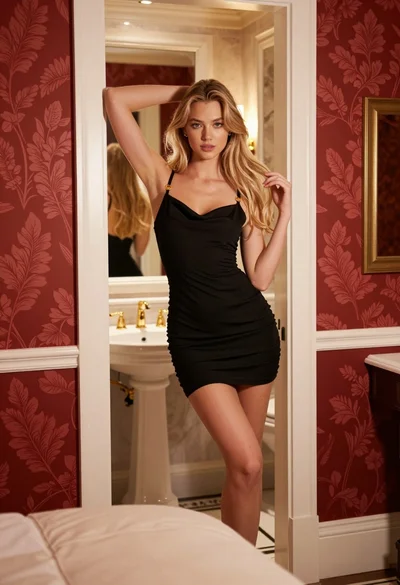
Young blonde woman in black slip dress leaning in luxurious bathroom doorway
Confident woman in black latex catsuit standing in luxurious room setting

Fair blonde woman in red dress and floral jacket indoors