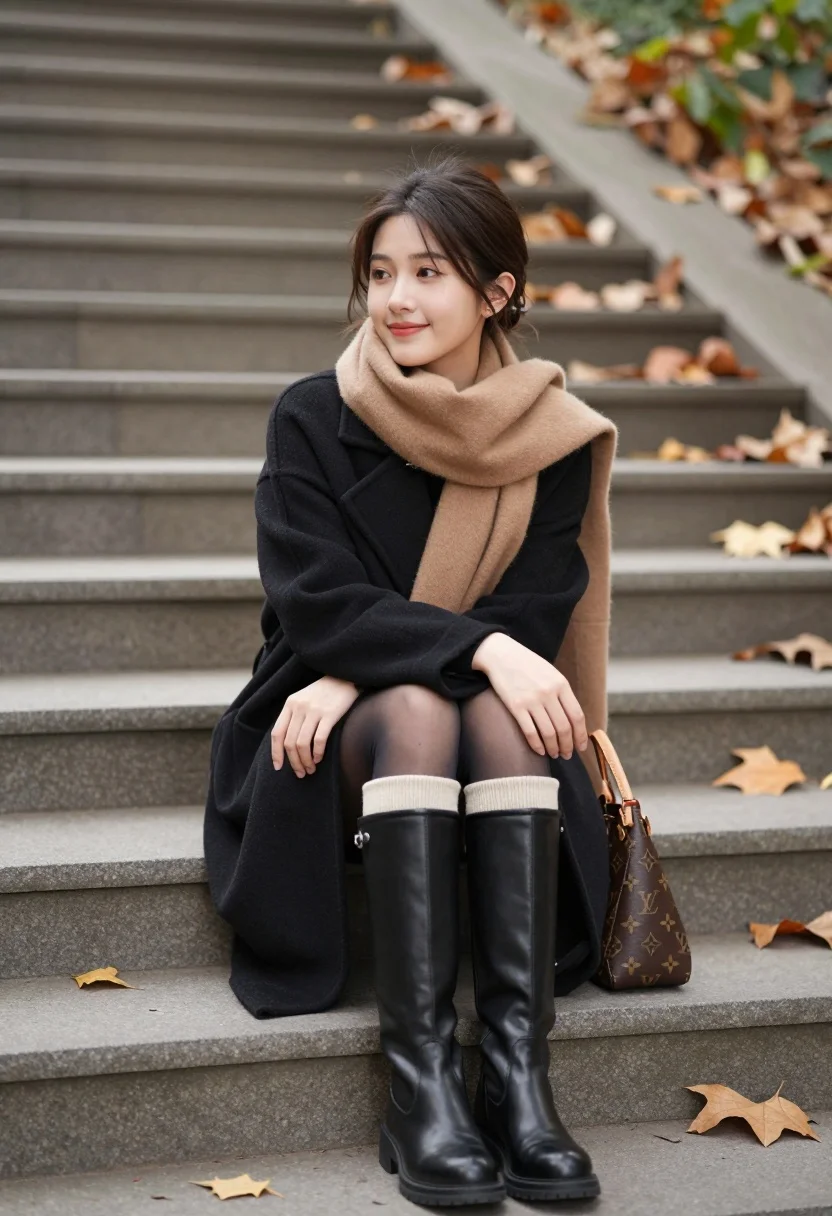
Young woman sitting on stone steps surrounded by autumn leaves and greenery
Prompt
A young woman with dark hair sits gracefully on wide stone steps scattered with dry autumn leaves.

Subject: A young woman with fair skin and dark brown hair styled in a loose updo with face-framing strands. She has a gentle, pleasant smile and is looking slightly to her right.

Clothing: She wears a black wool coat over a black dress or top, paired with sheer black tights. Her footwear consists of tall black leather boots featuring ribbed beige cuffs at the top. A thick camel-colored scarf is wrapped loosely around her neck.

Action: She sits with her legs slightly apart and arms crossed comfortably over her lap, exuding a relaxed and confident posture.

Environment: The setting is an outdoor stone staircase in an autumnal park or garden, surrounded by fallen brown leaves and blurred greenery in the background.

Objects: A brown monogrammed leather handbag rests on the step beside her right leg.

Lighting: Soft, diffused natural light illuminates the scene evenly, creating a calm and cozy mood without harsh shadows.

Camera: The shot is framed at eye level with a shallow depth of field that keeps the subject sharp while blurring the background steps and foliage.

Style Details: The image features a realistic photographic style with warm autumnal tones and a soft focus on the background elements.
Description
This prompt is useful for creating cinematic editorial portraits, moody autumn lifestyle content, and high-end seasonal lookbooks. The combination of 'soft, diffused natural light' and a 'shallow depth of field' ensures the subject remains sharply focused against the blurred background foliage, which prevents distracting details from pulling attention away from her 'relaxed and confident posture'.
Suggestions
- Change 'black wool coat' to 'tweed blazer' for a more textured look.
- Swap 'camel-colored scarf' for 'burgundy silk scarf' to deepen the autumnal palette.
- Adjust 'shallow depth of field' to 'bokeh effect' for an even softer background blur.
Category
Tags
BrunetteFair SkinFemaleMedium ShotOutdoorsRealistic
Date added
August 5, 2026
Added by
PromptDexter Team
Related Prompts
More prompts with similar categories and tags.

Woman in green dress looking over shoulder in bright ballroom setting
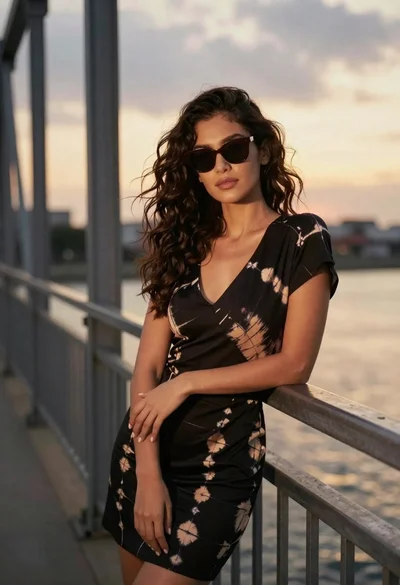
Confident woman in black dress leaning on metal railing at sunset
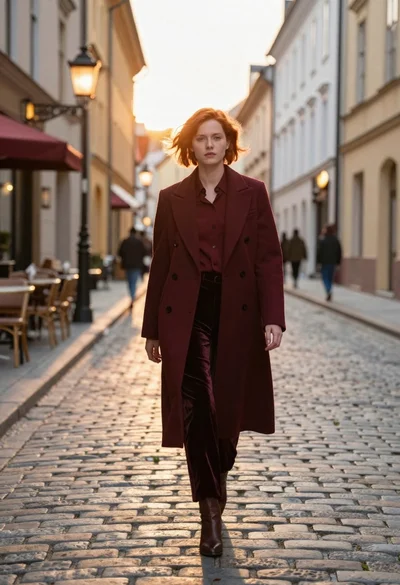
Woman in burgundy coat walking down historic european cobblestone street
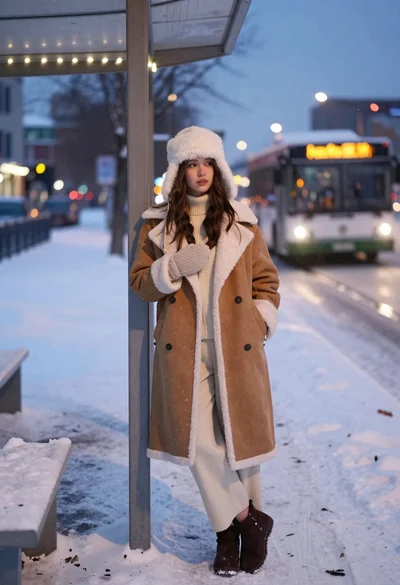
Young woman in shearling coat at snowy bus stop during twilight
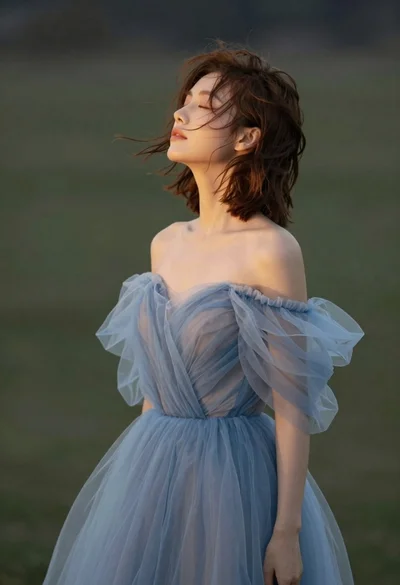
Young woman in blue tulle gown standing with eyes closed in wind
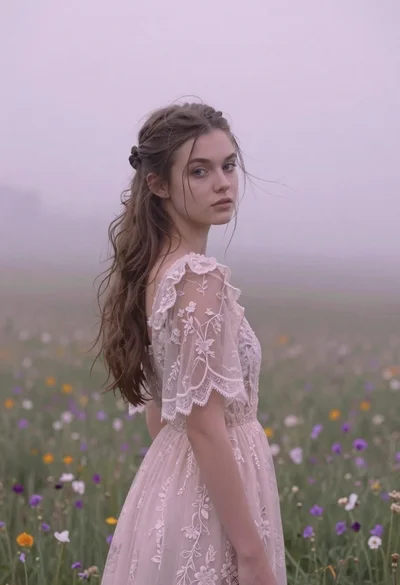
Young woman in pink lace gown standing in misty wildflower field
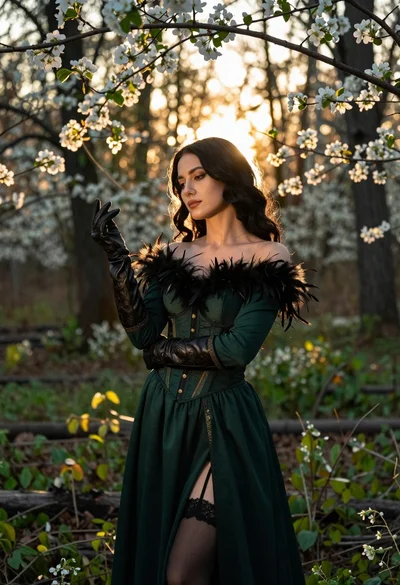
Woman in green gown stands in sunlit forest with blooming trees

Graceful woman in teal chinese gown by moonlit waterfront architecture at night
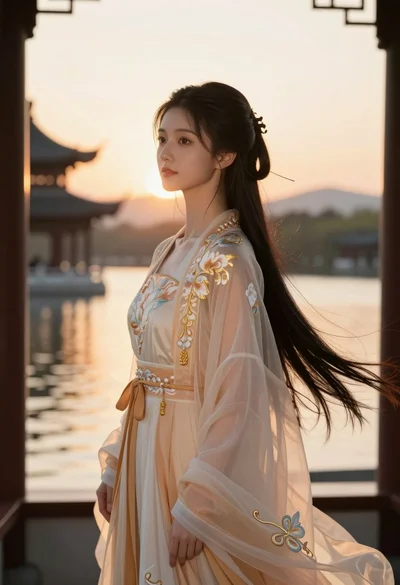
Young woman in traditional chinese gown on balcony at golden hour sunset

Glamorous woman in black mini dress near decorated christmas tree staircase