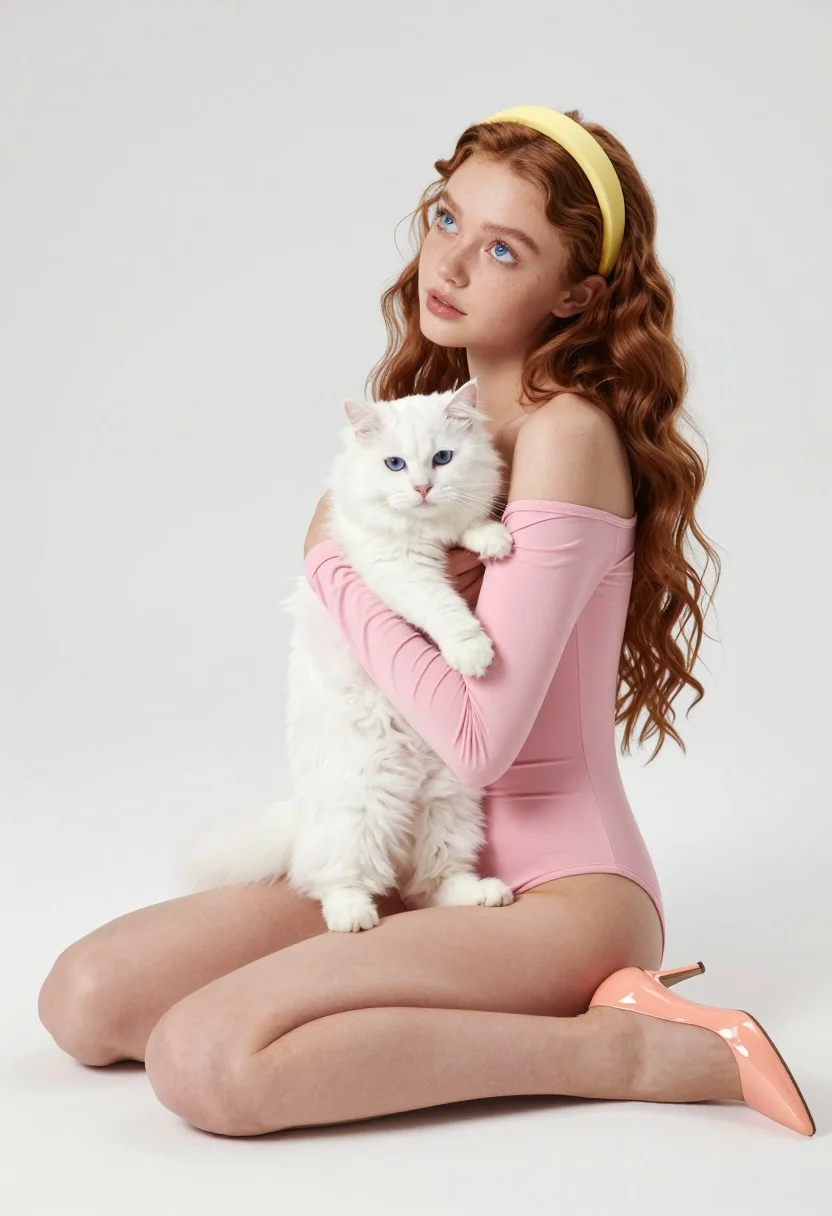
Young woman with auburn hair holding a white cat in minimalist studio
Prompt
A young woman with long wavy auburn hair sits on the floor holding a fluffy white cat in her arms.

Subject: A fair-skinned young woman with striking blue eyes and freckles across her nose and cheeks, wearing a yellow headband that matches her hair color.

Clothing: She wears a tight-fitting pink off-the-shoulder long-sleeved bodysuit and glossy peach-colored high heels.

Action: The woman sits cross-legged on the floor with her knees bent, cradling the cat securely against her chest while looking upward and to the left with a soft, contemplative expression.

Environment: A minimalist studio setting with a seamless white background that fades into a bright white floor, creating an infinite white void.

Lighting: Soft, diffused studio lighting illuminates the scene evenly from the front, casting gentle shadows beneath her legs and highlighting the texture of the cat's fur without harsh contrast.

Style Details: High-resolution photography with a clean, polished aesthetic, smooth skin textures, and a pastel color palette dominated by pink, white, and peach tones.
Description
This prompt is useful for creating intimate portraiture featuring pets, editorial beauty shots emphasizing soft colors, and conceptual lifestyle branding imagery. The combination of 'soft, diffused studio lighting' and the 'seamless white background' ensures that the focus remains entirely on the subject and cat, preventing any distracting environmental elements while allowing the 'pastel color palette dominated by pink, white, and peach tones' to create a cohesive, gentle mood.
Suggestions
- Change 'yellow headband' to 'nude ribbon' for a more seamless look.
- Swap 'glossy peach-colored high heels' for 'barefoot' to enhance intimacy.
- Add 'bokeh effect' to the background to soften the void.
Category
Tags
AnimalFair SkinFemaleMedium ShotRealisticStudio
Date added
August 5, 2026
Added by
PromptDexter Team
Related Prompts
More prompts with similar categories and tags.
Woman in pink fur coat surrounded by six fluffy cats on pink
Young woman with black hair and white top relaxing in sunlit garden
Smiling young woman holding a fluffy cream cat against neutral background
Young woman in knit cardigan holding small rabbit near christmas tree
Young woman with dark hair holding fluffy white kitten in cozy room
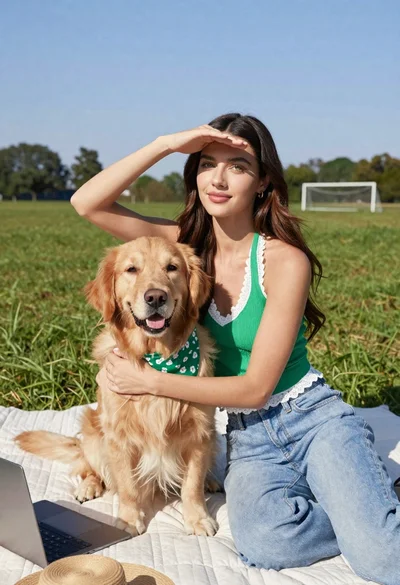
Young woman with brown hair holding golden retriever in sunny field
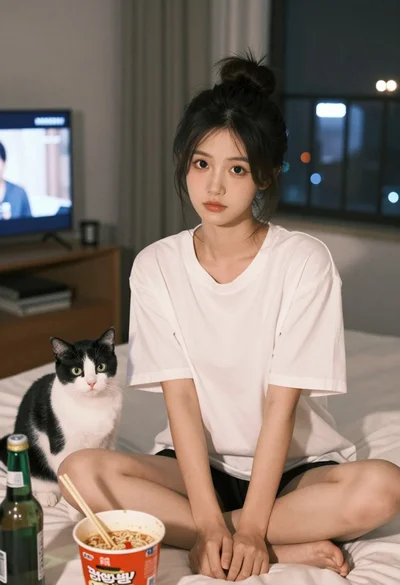
Young east asian woman on bed with cat and noodles at night
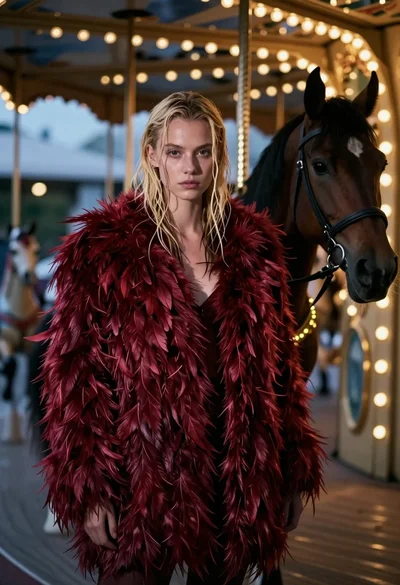
Woman in red feather coat stands near brown horse inside dimly lit
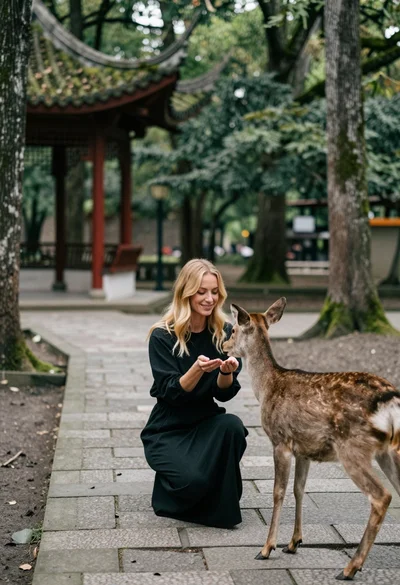
Woman feeding deer on stone path near asian pavilion in lush forest
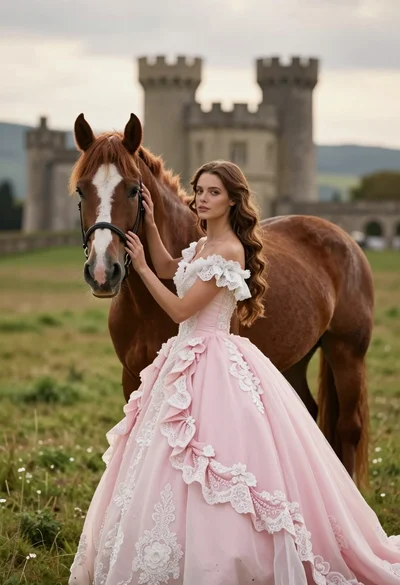
Woman in pink ballgown standing by brown horse near stone castle in