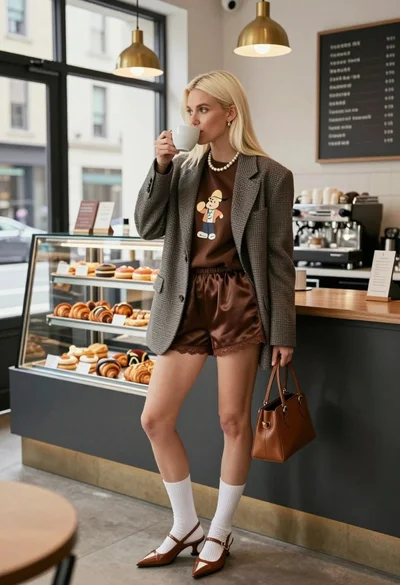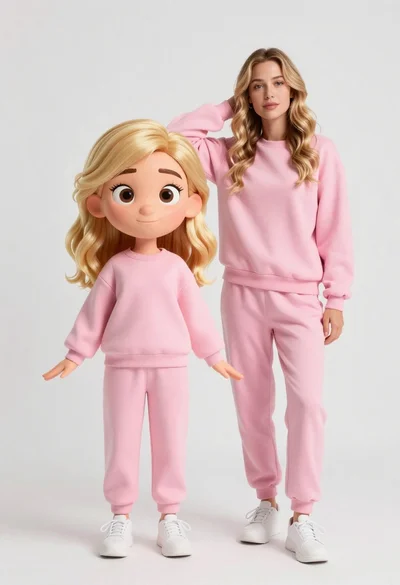
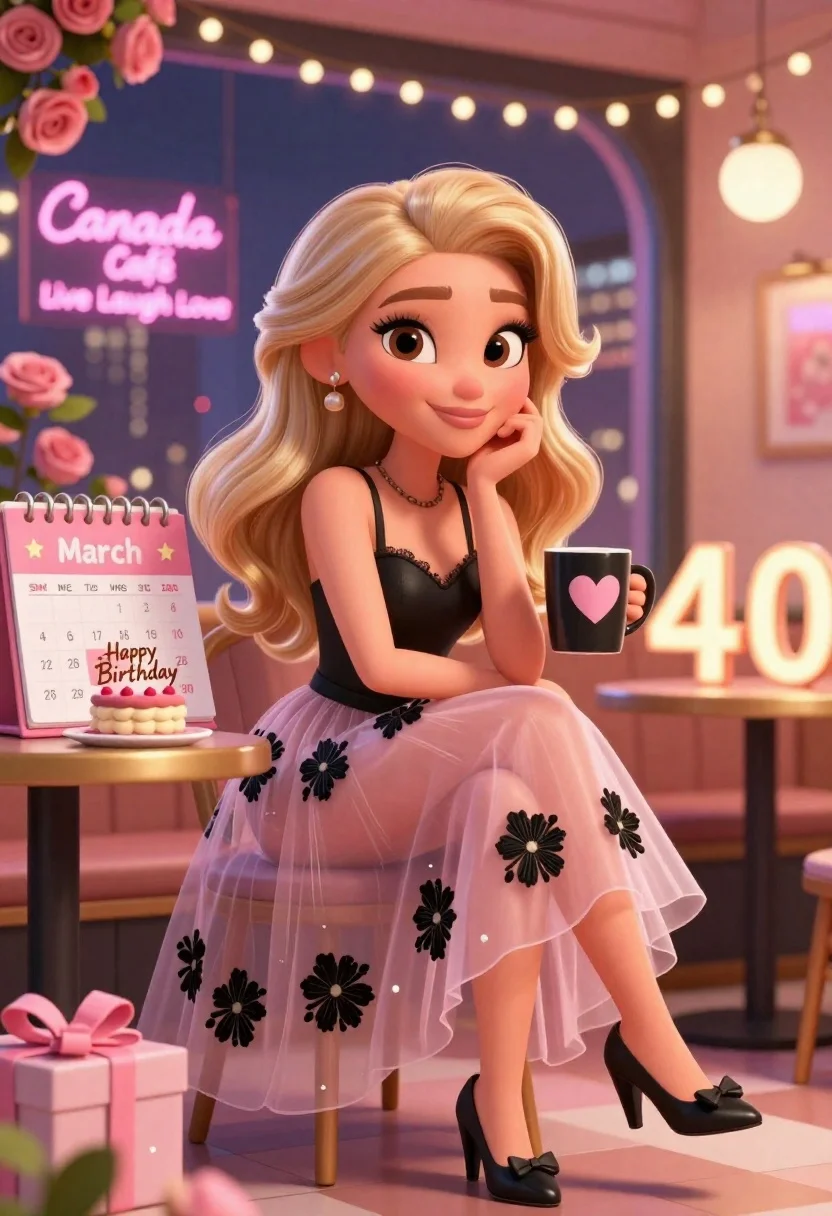
Blonde woman in cafe celebrating her fortieth birthday with cake
Prompt
A stylized 3D animated scene featuring a blonde woman with large expressive eyes and wavy hair sitting elegantly in a café setting celebrating her 40th birthday.

Subject: A young woman with long wavy blonde hair, large detailed eyes, and a warm smile, rendered in a high-quality 3D cartoon style.

Clothing: She wears a black strappy top and a sheer pink tulle skirt decorated with black floral embroidery, paired with black heeled shoes featuring bows.

Action: The woman sits gracefully with one hand resting under her chin and the other holding a black mug with a pink heart design.

Environment: The setting is a cozy café at night with a large window showing a city skyline and neon signs reading Canada Café and Live Laugh Love, surrounded by pink roses and string lights.

Camera: Medium shot capturing the subject from the waist up with a shallow depth of field that blurs the background slightly to emphasize the foreground elements.

Lighting: Warm ambient lighting with soft highlights on the subject’s face and hair, complemented by glowing neon signs and decorative lights creating a festive atmosphere.

Objects: A large calendar displaying March 2026 with the 28th highlighted as a birthday date, a cake with “Happy Birthday” written on it, a gift box labeled Sparkle & Enjoy, and illuminated number 40 decorations.

Style Details: Vibrant color palette with pink and black accents, glossy textures, soft shadows, and a polished digital art aesthetic reminiscent of modern animated series or promotional graphics.
Description
This prompt is useful for creating stylized birthday announcements, character concept art for animated shows, and themed product promotions within a cozy setting. The combination of 'glossy textures' and the specific 'pink and black accents' ensures that the celebratory elements like the cake and decorations pop against the soft focus provided by the shallow depth of field, making the subject feel both glamorous and intimately framed.
Suggestions
- Change 'black strappy top' to 'velvet black top' for a richer material look.
- Swap 'neon signs reading Canada Café and Live Laugh Love' for 'subtle bokeh city lights' to reduce specific text clutter.
- Adjust 'Medium shot capturing the subject from the waist up' to 'close-up portrait' to focus more on the expressive eyes.
Category
Tags
3dBlondeCafeFemaleIndoorsMedium Shot
Date added
June 26, 2026
Added by
PromptDexter Team
Related Prompts
More prompts with similar categories and tags.
Confident young woman in maroon shirt sitting in brown leather chair with
Split screen comparison of realistic woman and cartoon avatar in studio

Full body studio portrait of woman with two animated animal friends

Woman in police uniform stands with fox wearing shirt against white studio
Portrait of young woman with brown skin and floral dress in 3d

Young woman in pink puffer jacket standing by counter with minions

Young woman with silver hair sits at desk in modern recording studio
Blonde woman in sweater sitting in cafe with iced coffee drink