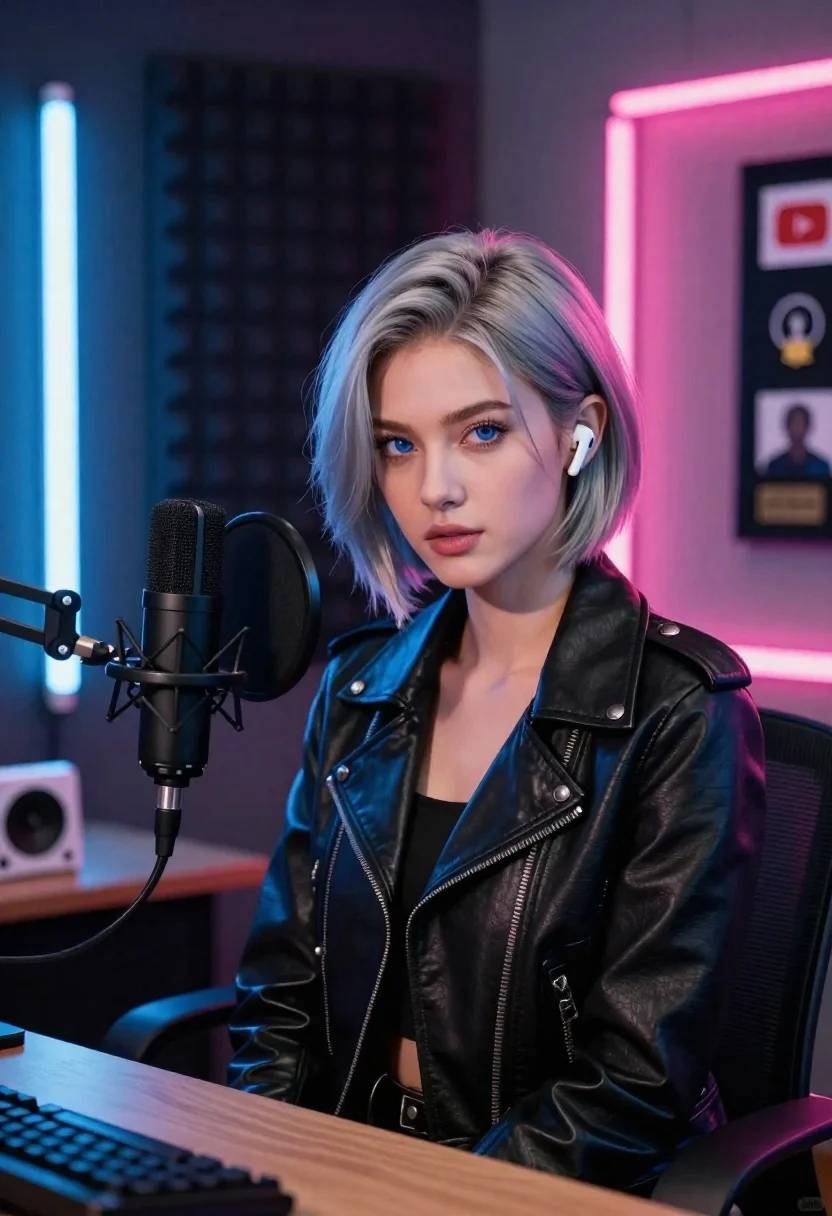
Young woman with silver hair sits at desk in modern recording studio
Prompt
A young woman with short silver hair sits at a desk in a modern recording studio.

Subject: A young woman with pale skin and striking blue eyes, featuring a short, textured bob cut of ash-grey hair styled with a center part.

Clothing: She wears a black leather biker jacket with prominent silver snap buttons on the collar and shoulders, along with diagonal zipper details on the front.

Action: She sits facing forward with a neutral expression, looking directly at the camera while wearing a white wireless earbud in her right ear.

Environment: The background is a soundproofed room with dark acoustic foam panels on the walls, featuring vertical neon light tubes glowing blue and pink. Two framed YouTube creator awards hang on the wall behind her.

Objects: A large black professional microphone on a boom arm stands directly in front of her, and a white gaming console sits on the desk to her left.

Lighting: The scene is lit with dramatic neon accents casting cool blue tones from the left and warm pink hues from the right, creating high contrast against the dark background.

Camera: A medium close-up shot captures the subject from the chest up, utilizing a shallow depth of field that keeps the face sharp while softly blurring the background elements.

Style Details: The image features a hyper-realistic digital rendering style with smooth skin textures and vibrant, saturated colors typical of modern 3D portraiture.
Description
This prompt is useful for creating album artwork concepts, virtual influencer portraits, and stylized music video stills. The combination of 'dramatic neon accents casting cool blue tones from the left and warm pink hues from the right' establishes a high-contrast, artificial glow that perfectly complements the sleek, manufactured look of the 'black leather biker jacket' and the hyper-realistic digital rendering style.
Suggestions
- Change 'ash-grey hair' to 'platinum silver hair' for more impact.
- Swap 'blue and pink' neon light tubes for 'cyan and magenta' for a more electric feel.
- Adjust 'medium close-up shot' to 'upper body shot' to better feature the jacket details.
Category
Tags
3dCasual WearFemaleGray HairIndoorsStudio
Date added
June 23, 2026
Added by
PromptDexter Team
Related Prompts
More prompts with similar categories and tags.
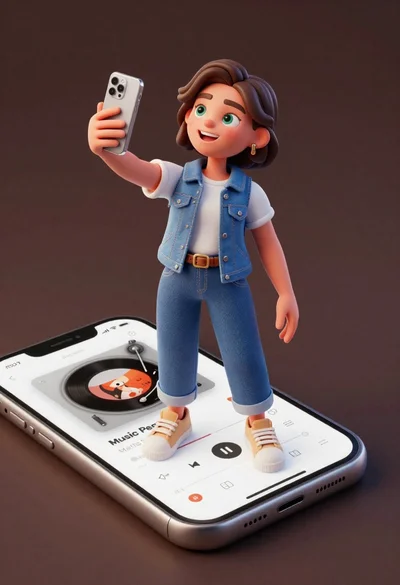
Cheerful young woman taking selfie while standing on giant smartphone screen
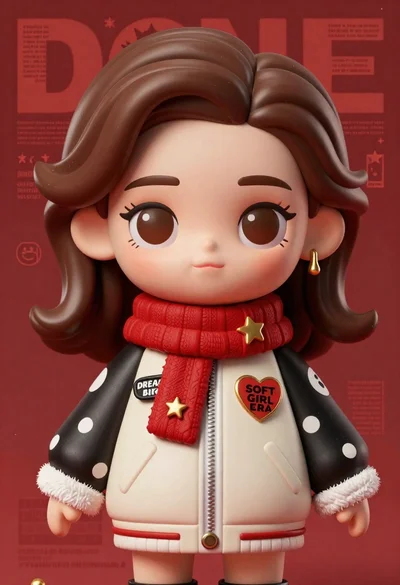
Closeup portrait of stylized female art doll figure with brown hair

Stylized funko pop figure of dragon tamer holding small green dragon

Full body studio shot of woman standing between large mario and luigi
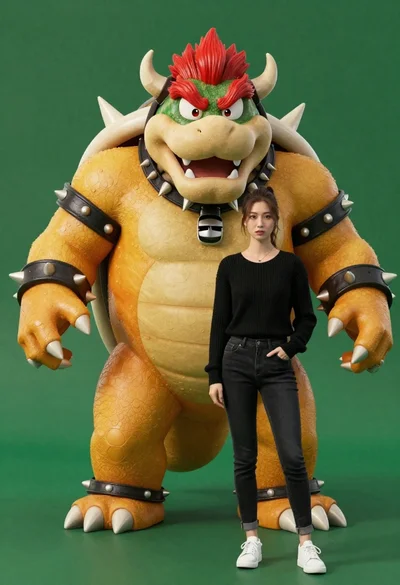
Muscular bowser character standing next to young woman in black sweater

Full body studio shot of woman and anthropomorphic fox character
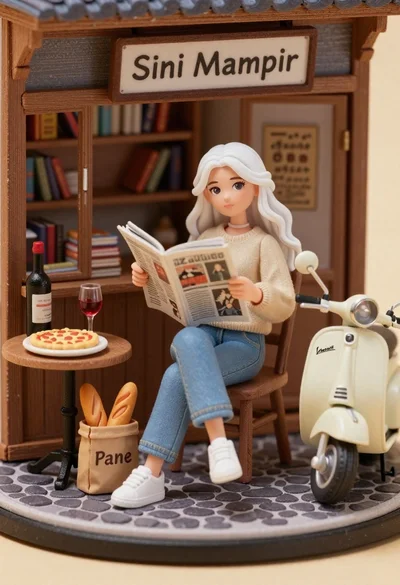
Miniature diorama of young woman reading newspaper in rustic storefront
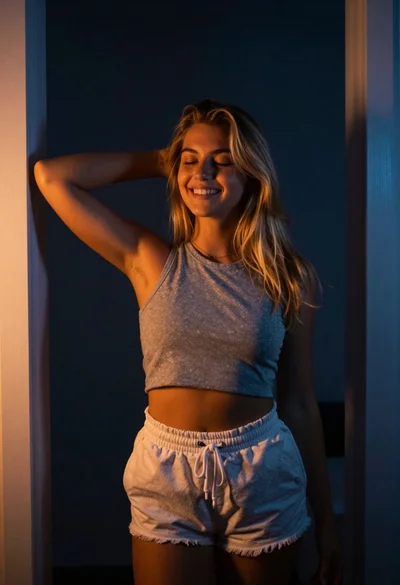
Smiling woman with blonde hair in minimalist interior
