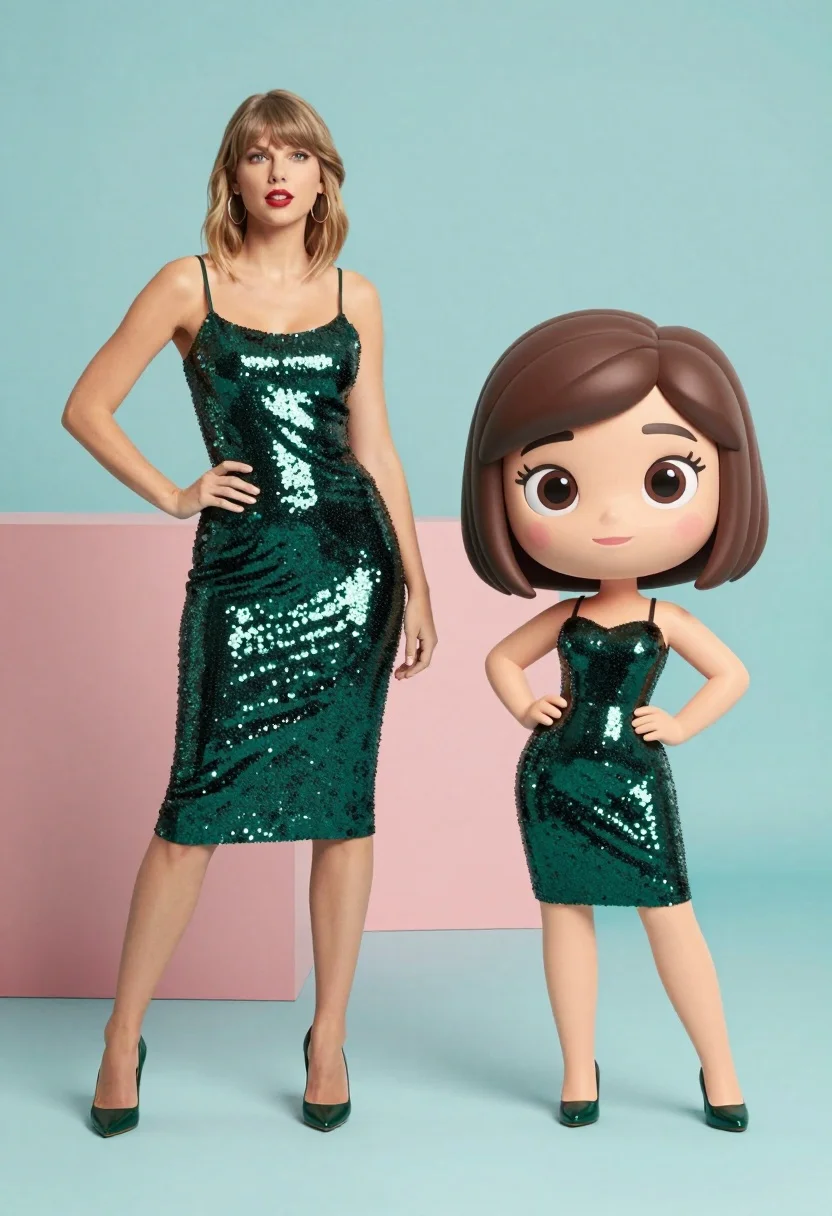
Split screen comparison of realistic woman and cartoon avatar in studio
Prompt
A split-screen composition featuring a realistic woman standing next to a stylized 3D animated version of herself.

Subject: A blonde woman with shoulder-length hair and bangs, wearing large hoop earrings, standing confidently with one hand on her hip.

Subject: A smaller, cartoonish 3D character resembling the main subject, featuring exaggerated large eyes, a bob haircut, and a similar pose with hands on hips.

Clothing: Both figures wear identical dark green, sparkly sequined slip dresses and matching high heels.

Environment: A minimalist studio setting with a solid pastel teal floor and background, accented by a large geometric block of coral pink behind the standing figure.

Lighting: Bright, even studio lighting that highlights the shimmer of the sequins on both figures without casting harsh shadows.

Camera: Eye-level medium shot capturing full bodies of both subjects side-by-side with a clean, flat perspective.

Style Details: A surreal digital art style blending hyper-realistic photography with high-quality 3D animation and bobblehead aesthetics.
Description
This prompt is useful for creating character concept sheets, branding visual comparisons, and promotional materials that juxtapose reality with stylized versions. The combination of 'hyper-realistic photography' with 'bobblehead aesthetics' within a 'minimalist studio setting' ensures the focus remains on the comparison itself, while the 'bright, even studio lighting' prevents any single element—like the sequins or the background block—from becoming distracting.
Suggestions
- Change 'pastel teal floor and background' to 'light grey seamless backdrop' for more versatility.
- Swap 'large hoop earrings' for 'delicate pearl studs' to soften the look.
- Adjust 'bobblehead aesthetics' to 'chibi style' for a different cartoon exaggeration.
Category
Tags
3dBlondeFemaleFull BodyMedium ShotRealisticStudio
Date added
July 3, 2026
Added by
PromptDexter Team
Related Prompts
More prompts with similar categories and tags.

Full body studio portrait of woman with two animated animal friends

Woman in police uniform stands with fox wearing shirt against white studio

Full body studio shot of woman standing between large mario and luigi
Young woman standing confidently between two large sonic the hedgehog characters

Full body studio shot of woman and anthropomorphic fox character
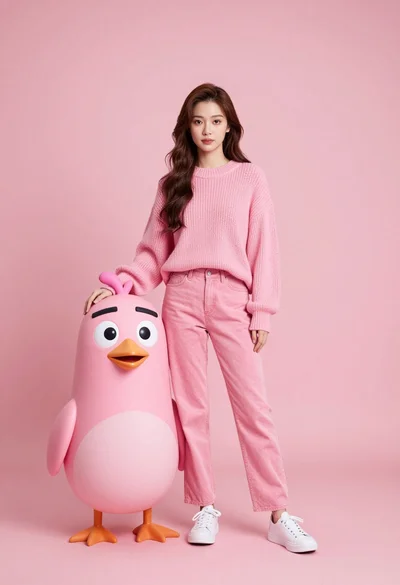
Full body portrait of woman with pink sweater next to animated bird
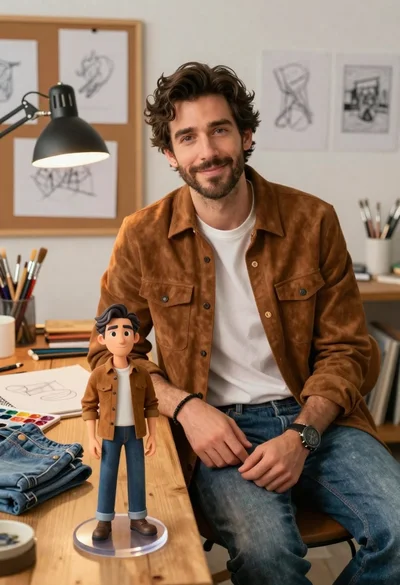
Handsome man in suede shirt sitting at desk in art studio

Three animated characters standing together against a solid blue background
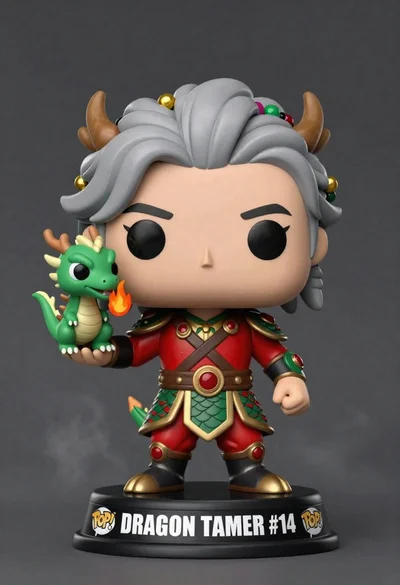
Stylized funko pop figure of dragon tamer holding small green dragon
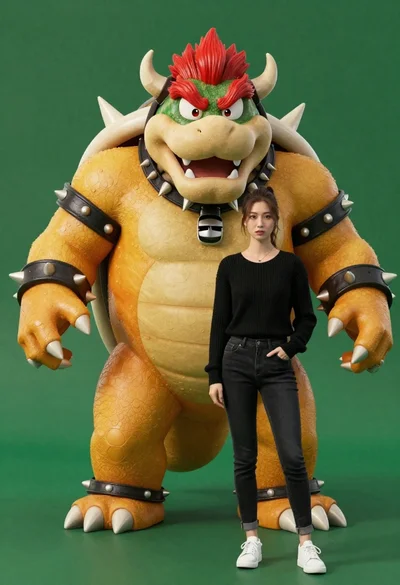
Muscular bowser character standing next to young woman in black sweater