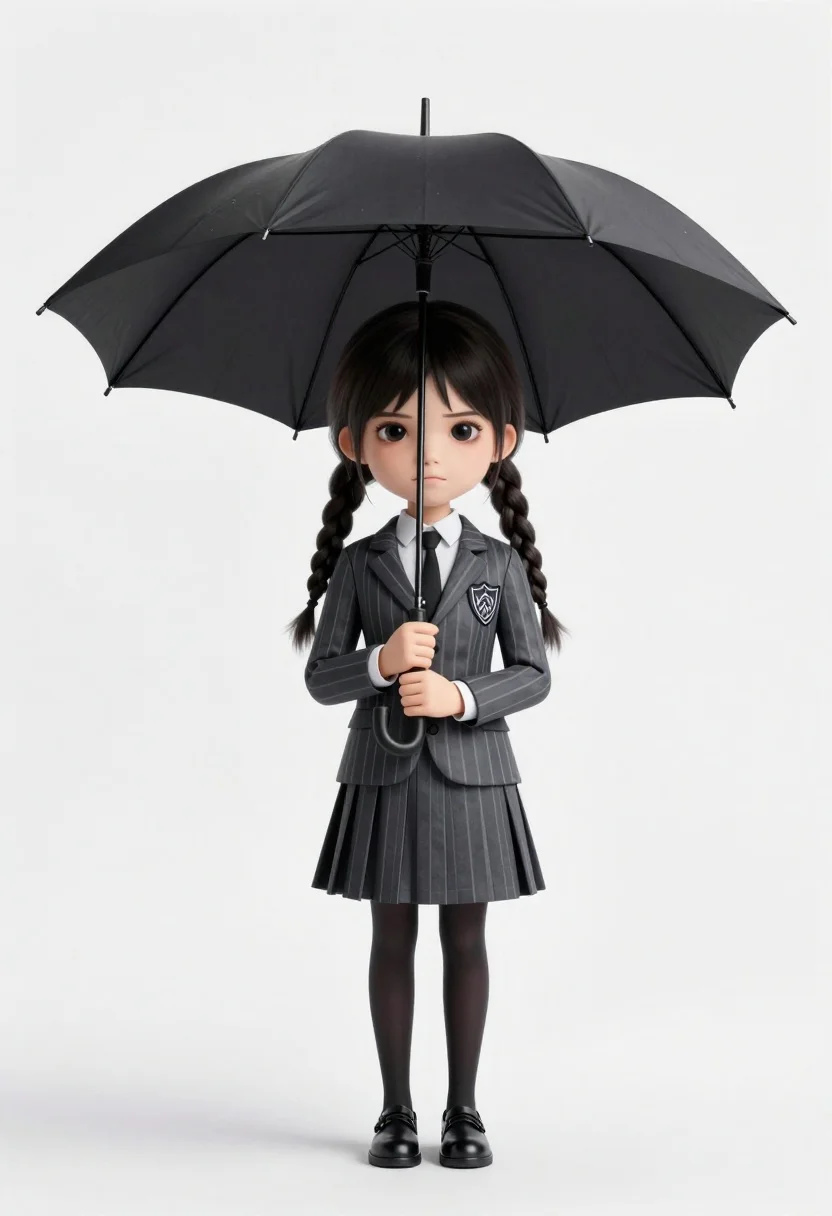
Chibi girl in grey pinstriped school uniform holding black umbrella against white
Prompt
A stylized, chibi-style depiction of a young girl with dark hair in two braids holding a large black umbrella against a plain white background.

Subject: A young girl with pale skin and dark eyes styled as Wednesday Addams, featuring a distinct chibi or caricature body type with an oversized head relative to her slender limbs.

Clothing: She wears a grey pinstriped school uniform consisting of a blazer with a crest on the left breast, a white collared shirt, a black tie, and a matching pleated skirt. She is also wearing black tights and black dress shoes.

Action: The girl stands facing forward with a stoic, unsmiling expression, holding the handle of the umbrella with both hands in front of her chest.

Environment: A plain white studio background with soft shadows beneath the subject's feet.

Camera: Shot from a straight-on eye-level perspective with a clean composition that isolates the character against the neutral backdrop.

Lighting: Soft, diffused studio lighting illuminating the subject evenly from the front to minimize harsh shadows and highlight the texture of the clothing.

Style Details: The image features a 3D rendered aesthetic with smooth textures and a polished finish, combining realistic facial features with exaggerated proportions typical of chibi art styles.
Description
This prompt is useful for creating character concept sheets, merchandise mockups, and stylized profile illustrations for children's media. The combination of 'chibi or caricature body type' with 'soft, diffused studio lighting' ensures the subject remains visually clean against the 'plain white background,' preventing distracting environmental elements while allowing the focus to remain entirely on the uniform details.
Suggestions
- Change 'grey pinstriped school uniform' to 'dark tartan plaid uniform' for a different pattern.
- Adjust 'soft, diffused studio lighting' to 'rim light only' for more drama.
- Swap 'black umbrella' for 'red parasol' to introduce a pop of contrasting color.
Category
Tags
3dCasual WearFemaleFull BodyMedium ShotOutdoorsStudio
Date added
June 26, 2026
Added by
PromptDexter Team
Related Prompts
More prompts with similar categories and tags.

Full body studio shot of woman and anthropomorphic fox character

Three animated characters standing together against a solid blue background
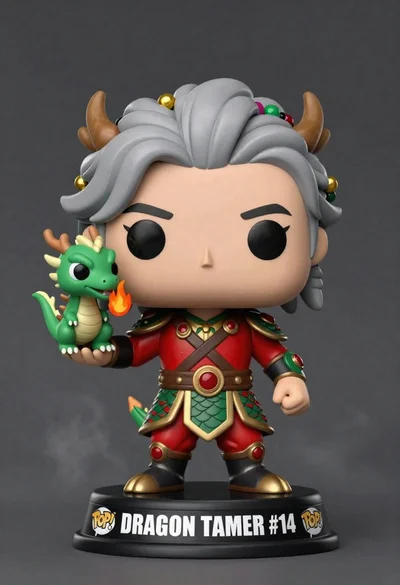
Stylized funko pop figure of dragon tamer holding small green dragon

Cheerful chibi pirate character standing on treasure chest in studio
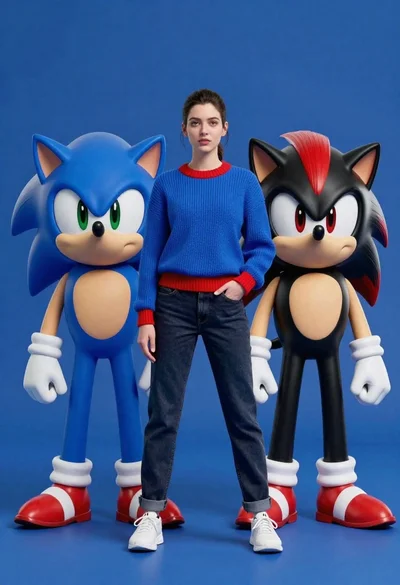
Young woman standing confidently between two large sonic the hedgehog characters
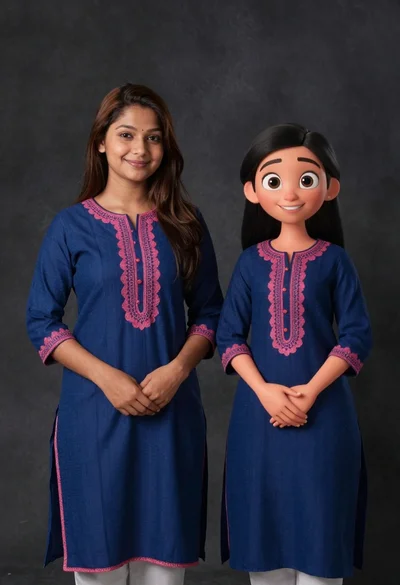
Young woman in blue traditional outfit standing next to her animated 3d
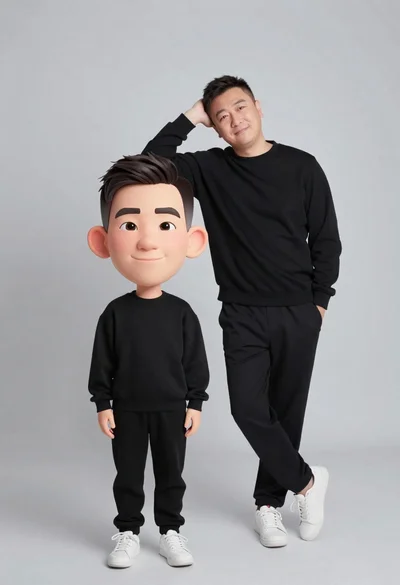
Large headed cartoon caricature standing in front of real life man in

Young woman sitting among colorful clothes in minimalist studio setting