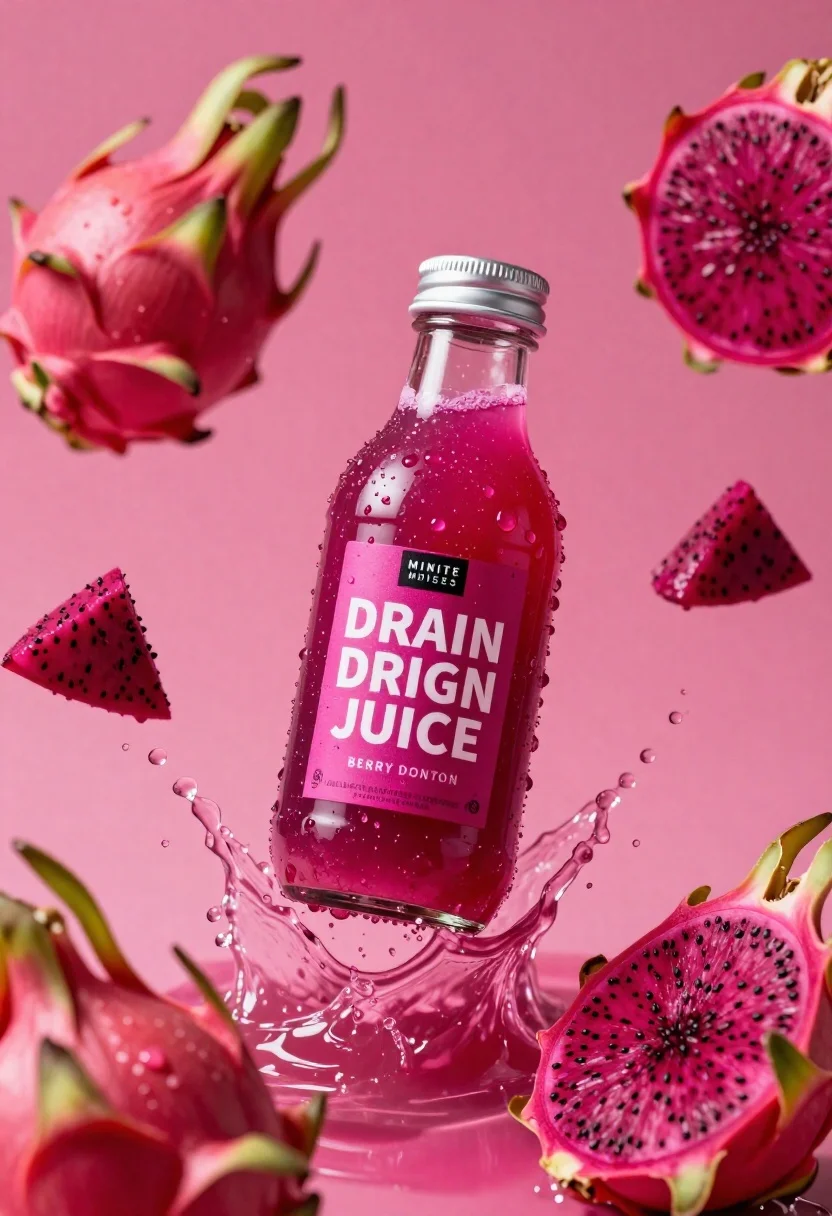
Clear glass bottle of pink dragon fruit juice frozen in a splash
Prompt
A glass bottle of vibrant pink dragon fruit juice suspended in mid-air amidst a dynamic splash of liquid and whole and sliced dragon fruit pieces against a solid magenta background.

Subject: A clear glass bottle filled with bright pink liquid, featuring a silver screw-top cap and a prominent label.

Clothing: Not applicable.

Action: The bottle is captured in a frozen moment of motion, surrounded by an energetic splash of juice and floating droplets.

Environment: A solid, vibrant magenta background that matches the color of the fruit and juice.

Camera: Close-up shot with shallow depth of field, keeping the central bottle sharp while slightly blurring the surrounding fruit and splashes to emphasize focus.

Lighting: High-key studio lighting that creates bright highlights on the wet glass surface and the water droplets, enhancing the sense of freshness and clarity.
Second

Subject: Not applicable.

Objects: Several pieces of dragon fruit, including whole fruits with green scales and cross-sections revealing the deep pink flesh and black seeds.

Interaction: The bottle is centrally positioned within a chaotic but artistic splash of liquid and fruit fragments, suggesting it was just dropped or thrown into the frame.

Text/Graphics: The label reads "MINITE MINIUT FOISES" in small white text on a black rectangle at the top, followed by "DRAIN DRIGN JUICE" in large bold white letters, with additional smaller text below including "BERRY DONTON".

Style Details: Commercial product photography style with hyper-realistic rendering, high saturation, and crisp details emphasizing freshness and texture.
Description
This prompt is useful for creating vibrant beverage advertisements, juice brand packaging mockups, and editorial food styling spreads. The combination of 'high-key studio lighting' accentuating the wet glass surface and the 'solid magenta background' ensures maximum visual pop, which is essential for making the product appear intensely fresh and commercially appealing.
Suggestions
- Change 'vibrant pink dragon fruit juice' to 'deep ruby red juice' for a richer tone.
- Add 'macro lens perspective' to intensify the close-up feel.
- Swap 'solid magenta background' for 'gradient magenta to white' to add more dimensionality.
Category
Tags
Close UpRealisticStudio
Date added
June 26, 2026
Added by
PromptDexter Team
Related Prompts
More prompts with similar categories and tags.
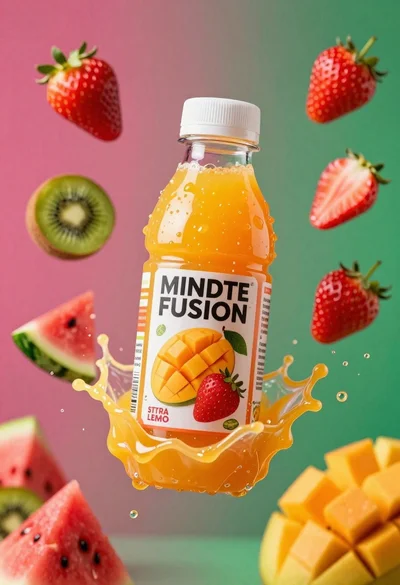
Plastic bottle of orange juice exploding in a vibrant splash against a
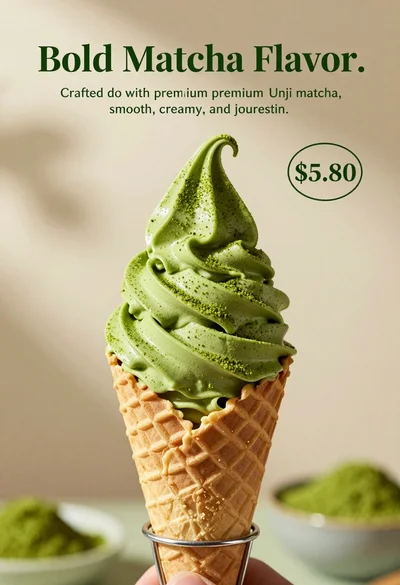
Close up shot of matcha soft serve ice cream in waffle cone
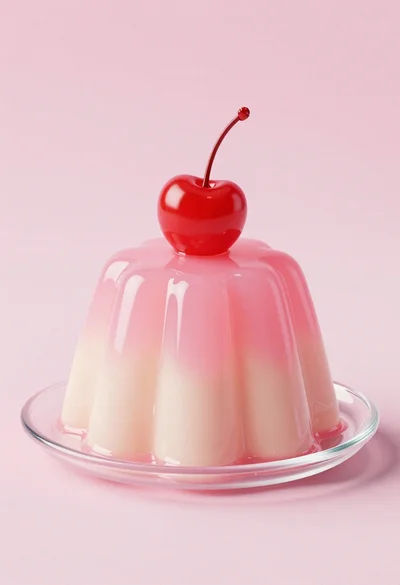
Dessert dome with pink jelly and red cherry
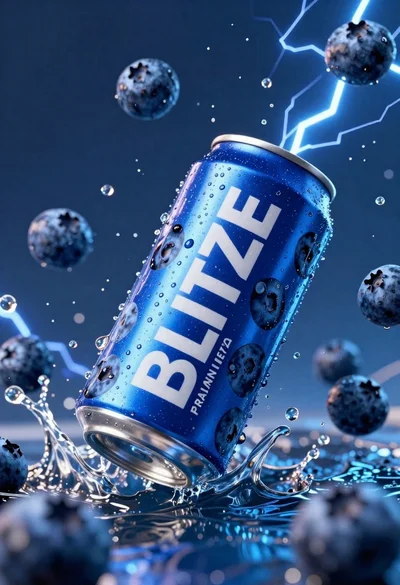
Blue aluminum beverage can suspended in midair with splashing water and blueberries
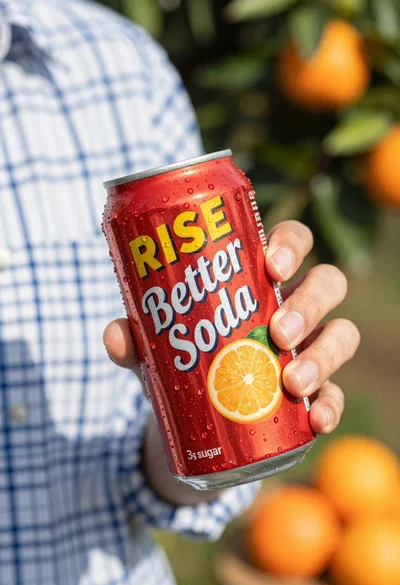
Closeup shot of hand holding red soda can with condensation droplets outdoors
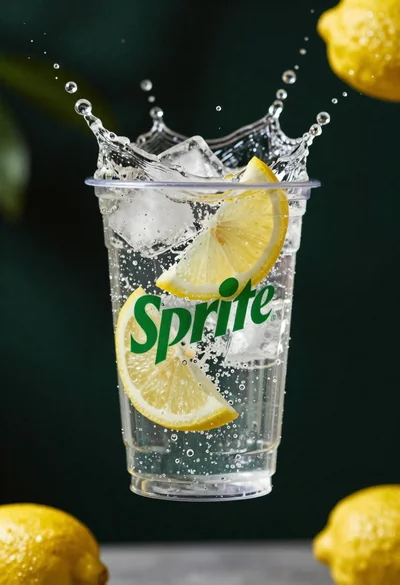
Clear plastic cup with fizzy liquid ice cubes and lemon slices suspended
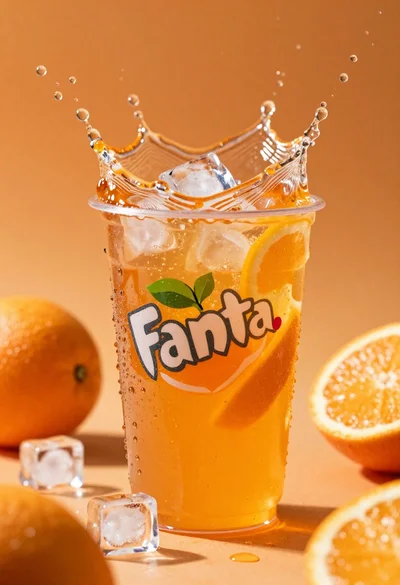
Closeup macro shot of a glass of orange soda splashing with ice

Ginger cat dressed as fast food worker holding cheeseburger
