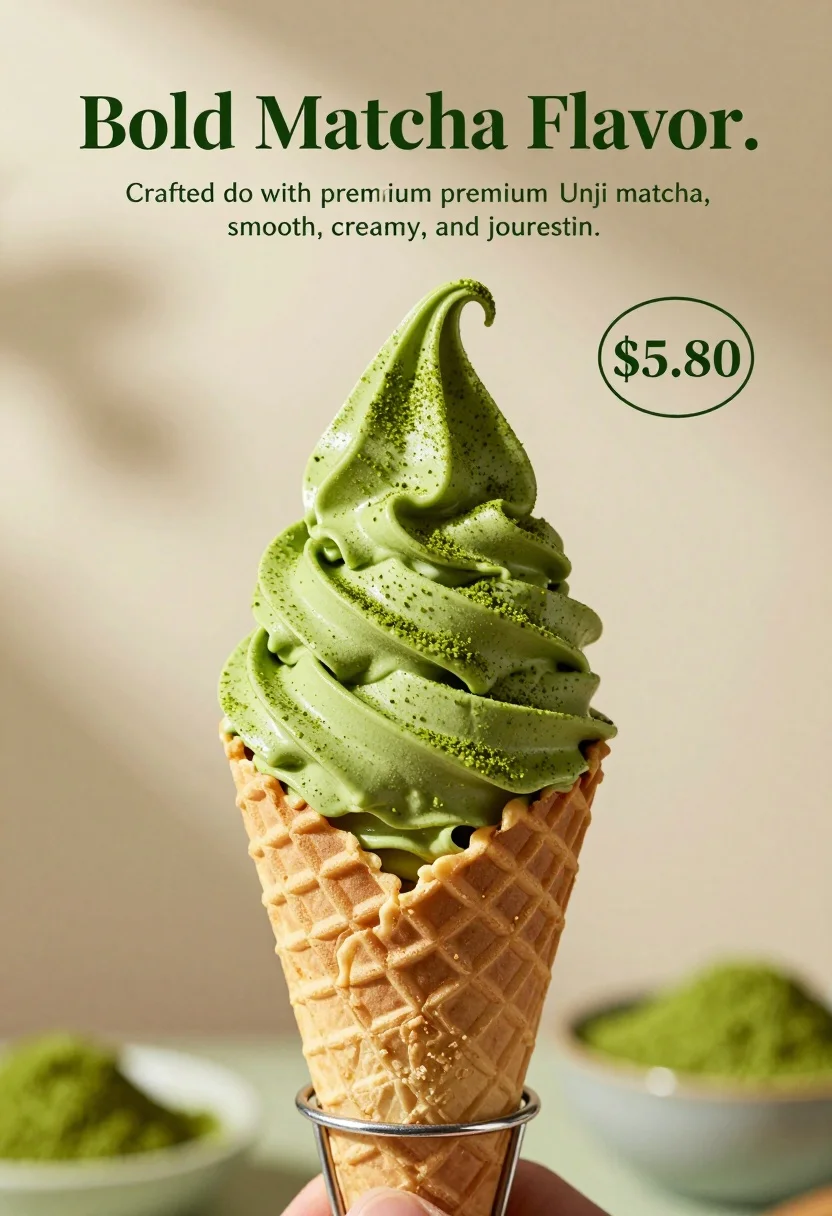
Close up shot of matcha soft serve ice cream in waffle cone
Prompt
A close-up shot of a soft-serve ice cream cone featuring a vibrant green matcha swirl dusted with fine powder.

Subject: A tall, perfectly swirled scoop of bright green matcha soft-serve ice cream sitting inside a golden-brown waffle cone.

Clothing: The ice cream is generously dusted with a fine layer of dark green matcha powder on the ridges and top peak.

Action: The ice cream sits upright in the cone, which is held by a thin metal wire stand.

Environment: A soft, neutral beige background with dappled shadows cast by leaves above, and blurred green foliage visible at the bottom foreground.

Camera: Close-up perspective with a shallow depth of field that keeps the ice cream sharp while blurring the background and foreground elements.

Lighting: Soft, natural lighting coming from the upper left, creating gentle highlights on the creamy texture and casting soft shadows in the cone's ridges.

Text/Graphics: Large dark green serif text reading "Bold Matcha Flavor." followed by smaller text describing the product as crafted with premium Uji matcha, smooth, creamy, and refreshing, along with a price tag of "$5.80" inside a circle.

Style Details: High-end commercial food photography style with clean composition, rich color grading emphasizing the green tones, and a polished, appetizing aesthetic.
Description
This prompt is useful for creating high-end menu mockups, artisanal dessert advertisements, and specialized product catalog shots. The combination of 'soft, natural lighting' with 'dappled shadows cast by leaves above' adds visual interest to the 'golden-brown waffle cone,' preventing the composition from looking sterile while keeping the focus sharp on the matcha swirl.
Suggestions
- Change 'dark green matcha powder' to 'cocoa powder' for a contrasting color.
- Adjust 'shallow depth of field' to 'ultra shallow depth of field' for more background separation.
- Replace 'thin metal wire stand' with 'minimalist ceramic pedestal' for a warmer feel.
Category
Tags
Close UpFoodMacro ShotRealisticStudio
Date added
August 5, 2026
Added by
PromptDexter Team
Related Prompts
More prompts with similar categories and tags.
Dessert dome with pink jelly and red cherry
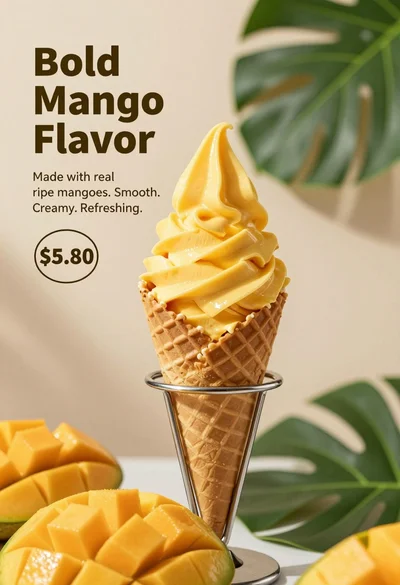
Close up advertisement of yellow soft serve ice cream in waffle cone
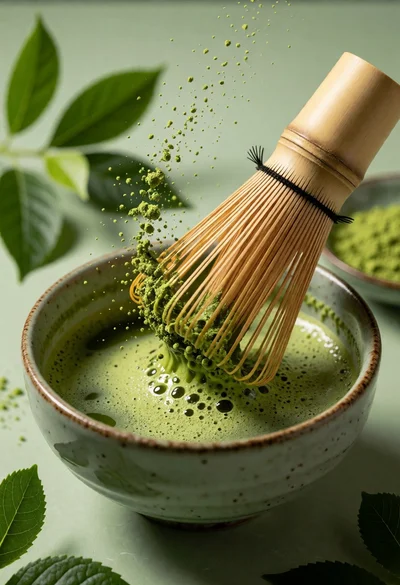
Close up still life of matcha whisk stirring vibrant green tea in
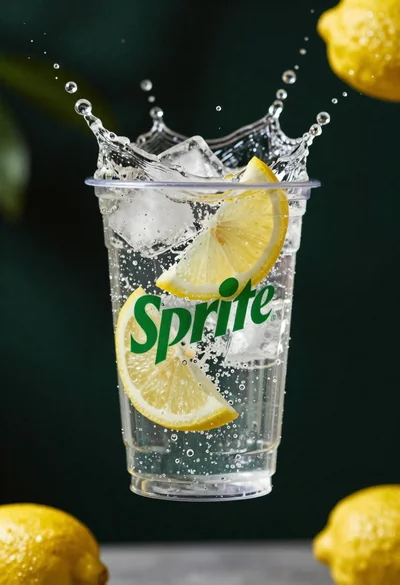
Clear plastic cup with fizzy liquid ice cubes and lemon slices suspended
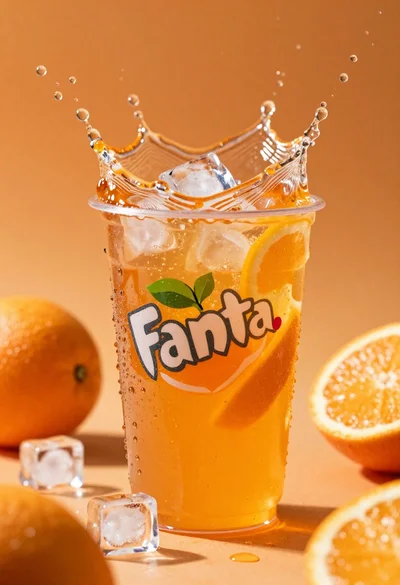
Closeup macro shot of a glass of orange soda splashing with ice
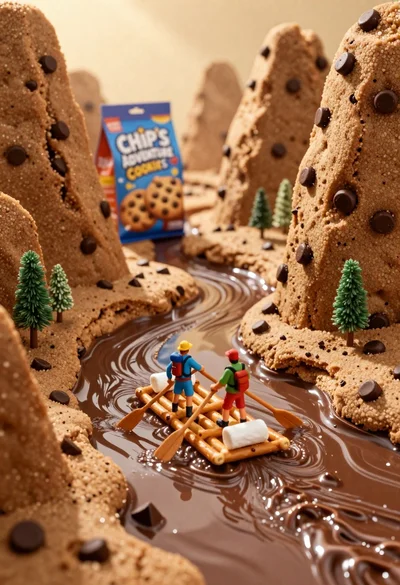
Tiny adventurers rowing a pretzel raft down a chocolate river between cookie
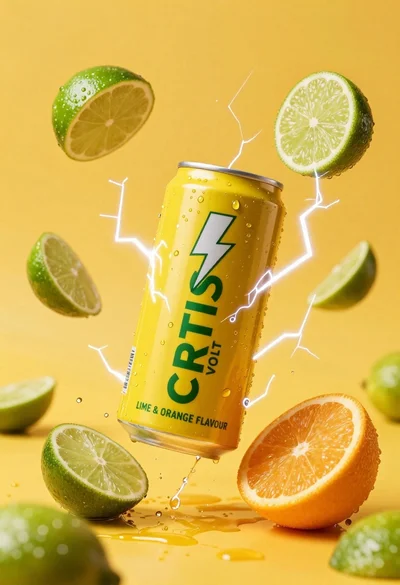
Yellow energy drink can floating in midair with lime slices and lightning
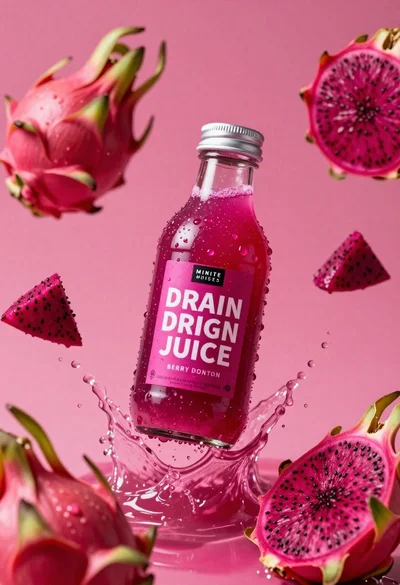
Clear glass bottle of pink dragon fruit juice frozen in a splash
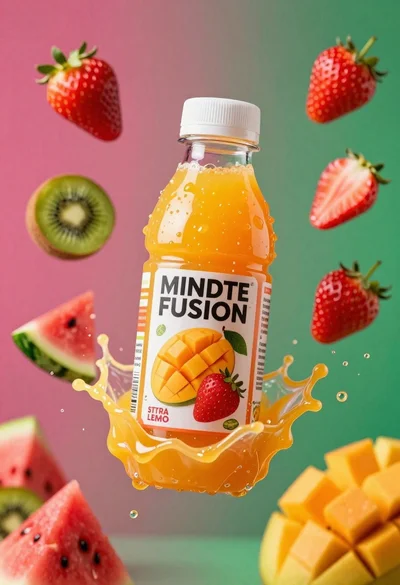
Plastic bottle of orange juice exploding in a vibrant splash against a
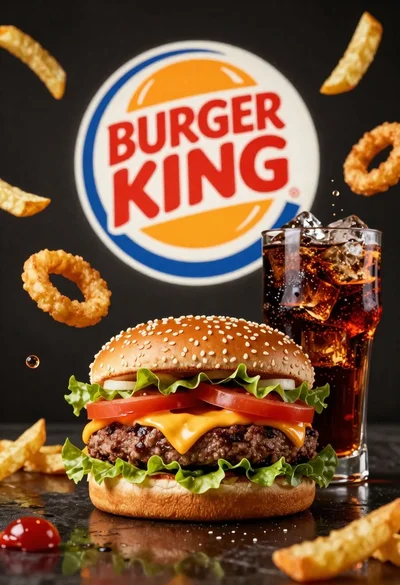
Large juicy beef burger with soda and ice cubes in dark studio