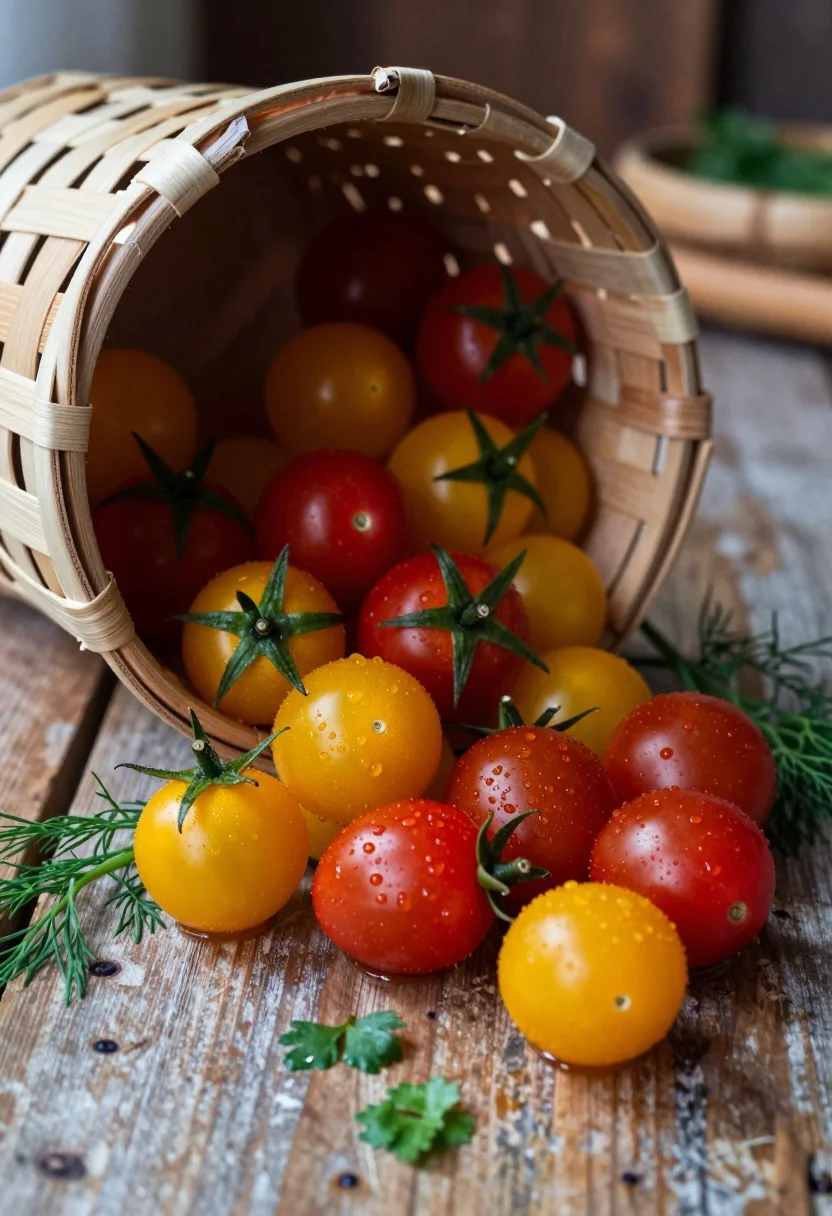
Close up of spilled cherry tomatoes and herbs from woven basket on
Prompt
A rustic woven basket tipped over on a weathered wooden surface, spilling fresh red and yellow cherry tomatoes with green stems and sprigs of dill and parsley scattered around.

Subject: A collection of vibrant red and golden-yellow cherry tomatoes, some still attached to their green star-shaped calyxes, nestled inside and spilled from a light brown woven basket made of birch bark strips.

Action: The basket is tipped on its side, causing the tomatoes to spill out onto the wooden surface below, creating a dynamic arrangement of fruit and herbs.

Environment: A textured, weathered wooden tabletop or floor serves as the base, with blurred background elements suggesting a kitchen or rustic setting.

Camera: Close-up shot with shallow depth of field, focusing sharply on the foreground tomatoes while softly blurring the basket rim and background to emphasize texture and color contrast.

Lighting: Warm, directional lighting from above and slightly to the side, casting soft shadows that enhance the roundness of the tomatoes and highlight moisture droplets on their skins.

Style Details: High-resolution food photography with rich saturation, natural textures, and a shallow depth of field reminiscent of professional culinary still-life imagery.
Description
This prompt is useful for creating rustic cookbook spreads, artisanal market stall displays, and high-end recipe ingredient flat lays. The combination of 'warm, directional lighting' casting soft shadows enhances the perceived moisture on the tomatoes, while the 'shallow depth of field' isolates the vibrant red and golden-yellow fruit against the textured wood, preventing visual clutter that would distract from the ingredients.
Suggestions
- Change 'birch bark strips' to 'dark wicker' for a more dramatic contrast.
- Add 'macro lens perspective' to intensify the close-up focus.
- Swap 'dill and parsley' for 'rosemary sprigs' to introduce a different aromatic element.
Category
Tags
Close UpFoodMacro ShotNatureRealistic
Date added
August 5, 2026
Added by
PromptDexter Team
Related Prompts
More prompts with similar categories and tags.
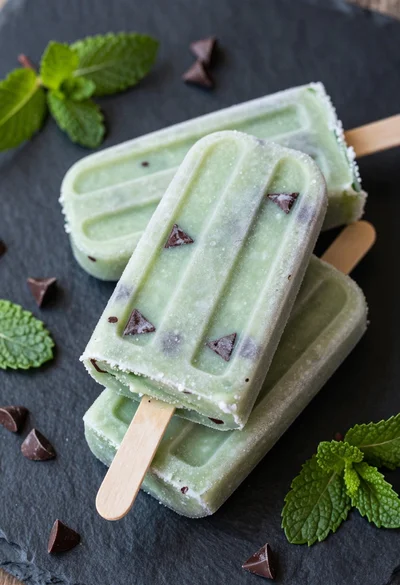
High angle close up food photography of green mint chocolate chip popsicles
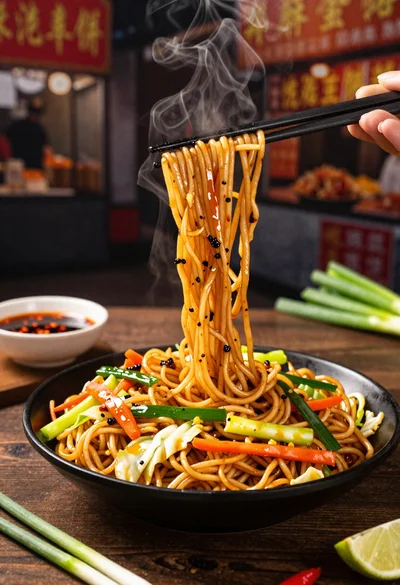
Close up shot of sizzling hakka noodles being lifted with chopsticks
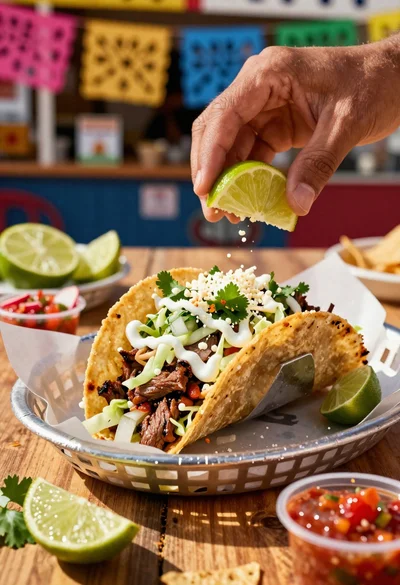
Close up of loaded street tacos with fresh mexican flavors
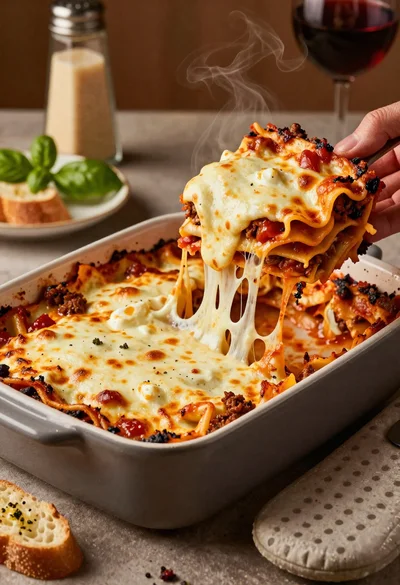
Close up of cheesy lasagna pull on rustic italian kitchen table
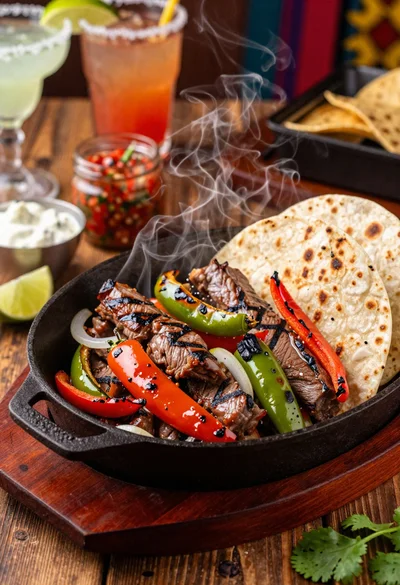
Close up of sizzling fajitas on a rustic wooden restaurant table
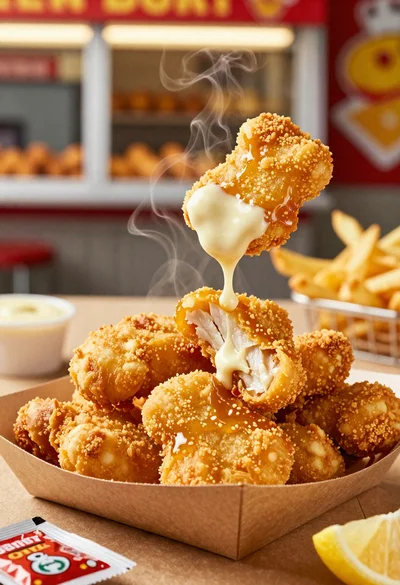
Close up of crispy chicken nuggets dipped in honey mustard sauce
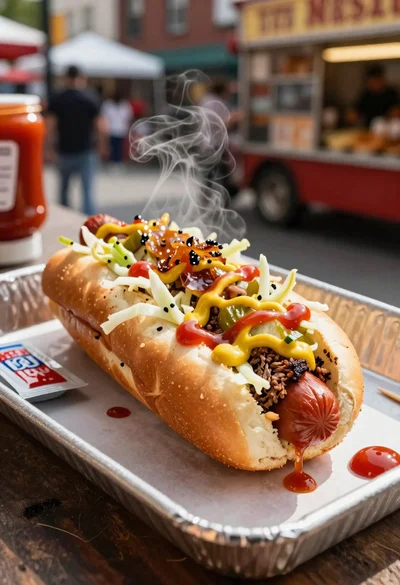
Close up of loaded hotdog with slaw mustard ketchup and onions
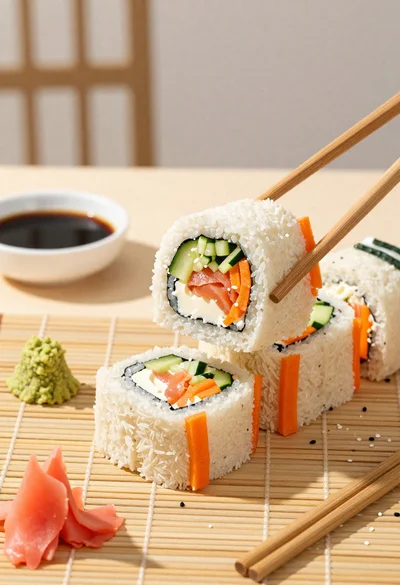
Close up overhead view of bread sushi rolls with colorful fillings
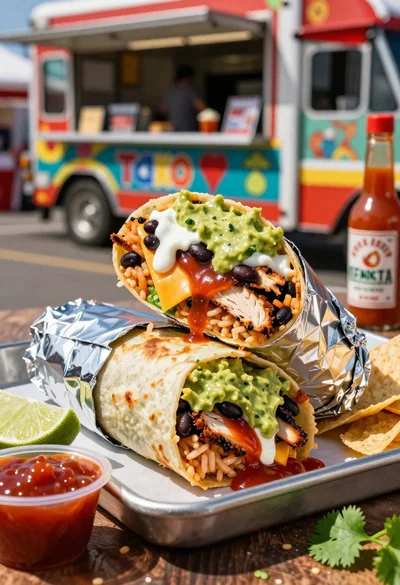
Close up of massive cross cut burrito with colorful tex mex fillings
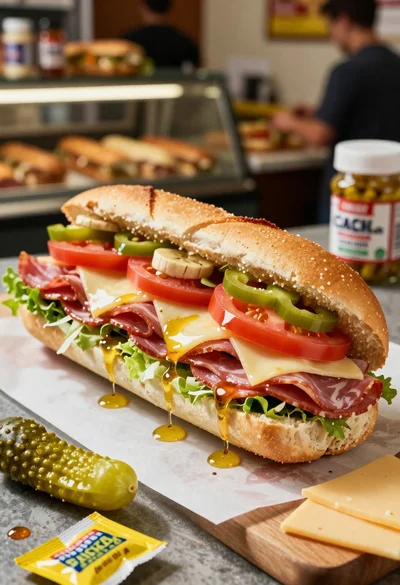
Close up of layered italian hoagie sandwich on butcher paper