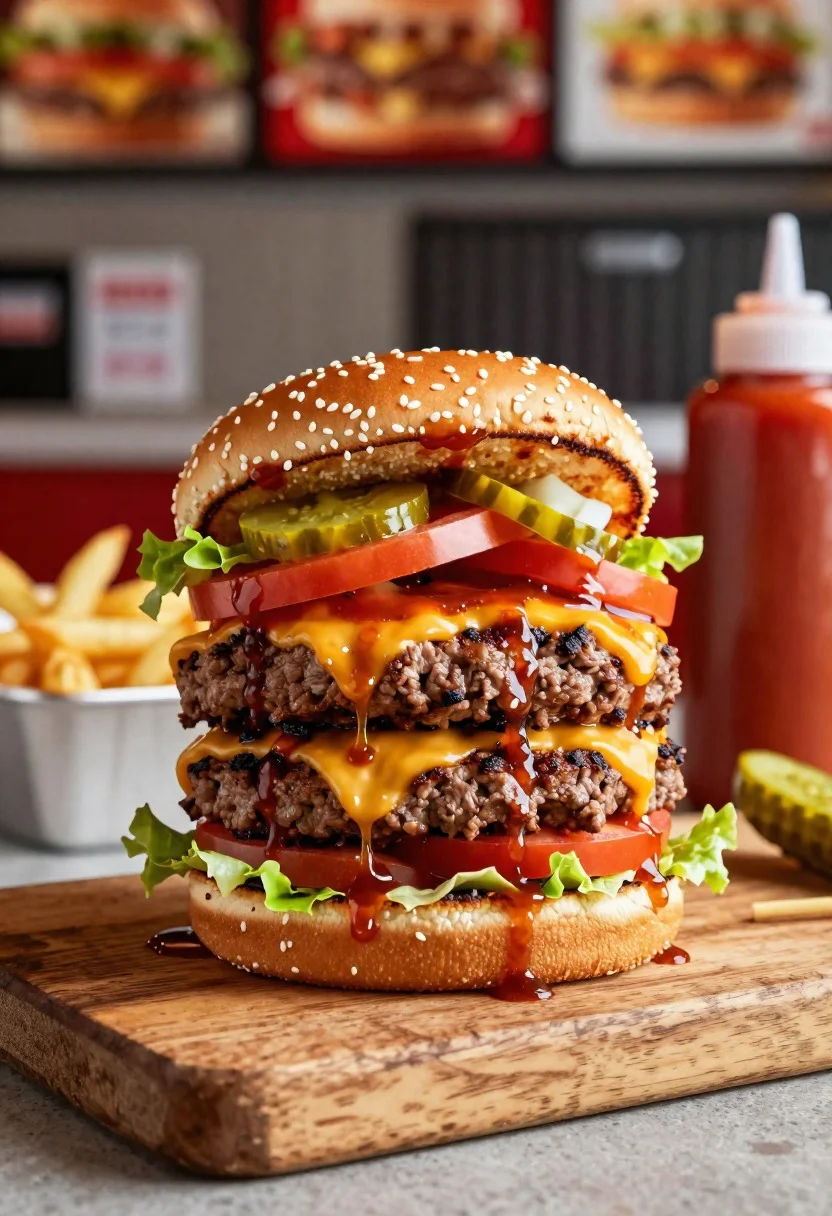
Close up of a juicy hamburger with melted cheese on a wooden
Prompt
Food photography shot of a juicy hamburger with stacked burger appeal and irresistible fast-food comfort

Subject: thick beef patty with melted cheese oozing, crisp lettuce, tomato slices, pickles, and glossy special sauce on a toasted sesame bun

Action: burger unwrapped halfway from paper, juices dripping slightly, capturing the fresh assembled stack

Environment: casual diner counter setting with a wooden board, blurred burger joint background, and a lively American grill vibe

Camera: close-up three-quarter angle, tight dynamic composition focused on the layered patty and toppings, premium commercial food photography framing

Lighting: bright warm side light, soft shadows, glossy highlights on the sauce and bun, and a bold appetizing glow

Objects: burger wrapper, fries in background, ketchup squeeze bottle, wooden board, and pickle spears on the side

Style Details: ultra-realistic professional food photography, juicy texture detail, vibrant color contrast, casual diner styling, and polished fast-food advertisement aesthetic
Description
This prompt is useful for creating commercial fast-food advertisements, menu board visuals, and editorial food blogs needing high appetite appeal. The combination of 'bright warm side light' with 'glossy highlights on the sauce and bun' ensures that the dripping juices and melted cheese appear maximally appetizing, while the 'tight dynamic composition focused on the layered patty and toppings' directs the viewer's eye immediately to the core subject matter.
Suggestions
- Change 'toasted sesame bun' to 'brioche bun' for a richer color.
- Add 'shallow depth of field' to enhance background blur.
- Swap 'ketchup squeeze bottle' for 'mustard dispenser' for variety.
Category
Tags
Close UpFoodMacro ShotRealistic
Date added
June 19, 2026
Added by
PromptDexter Team
Related Prompts
More prompts with similar categories and tags.
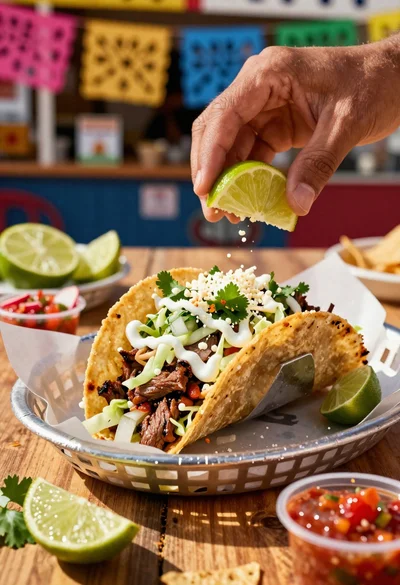
Close up of loaded street tacos with fresh mexican flavors
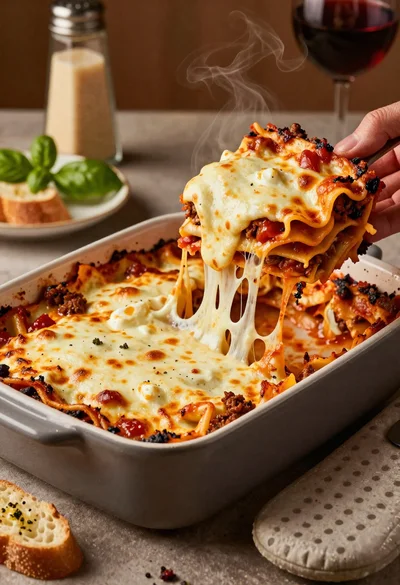
Close up of cheesy lasagna pull on rustic italian kitchen table

Close up of sizzling fajitas on a rustic wooden restaurant table

Close up of crispy chicken nuggets dipped in honey mustard sauce
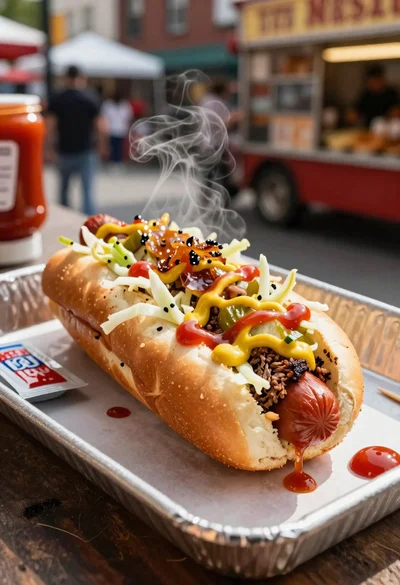
Close up of loaded hotdog with slaw mustard ketchup and onions

Close up overhead view of bread sushi rolls with colorful fillings
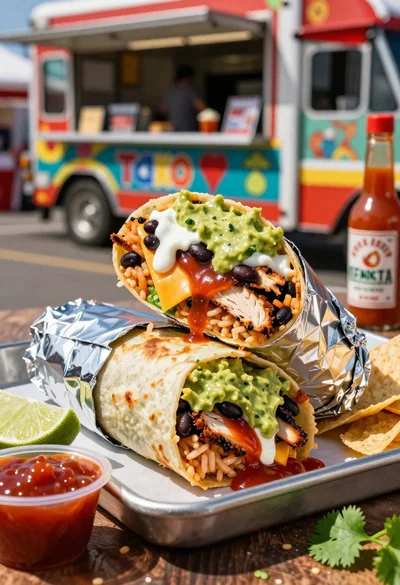
Close up of massive cross cut burrito with colorful tex mex fillings
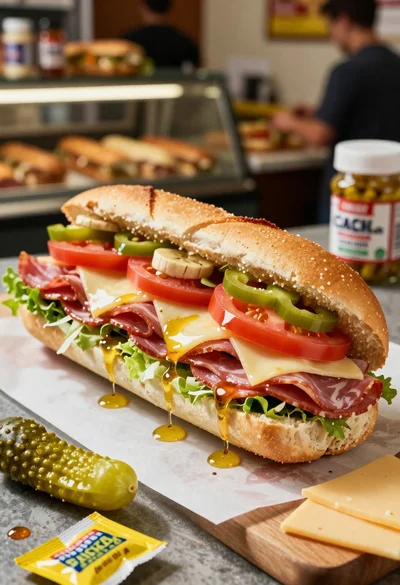
Close up of layered italian hoagie sandwich on butcher paper
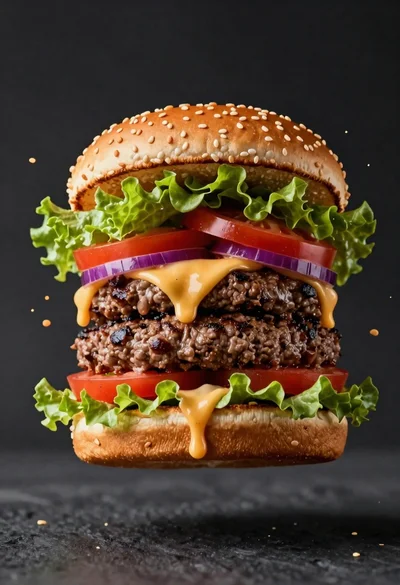
Hyperrealistic close up of a double patty burger mid air
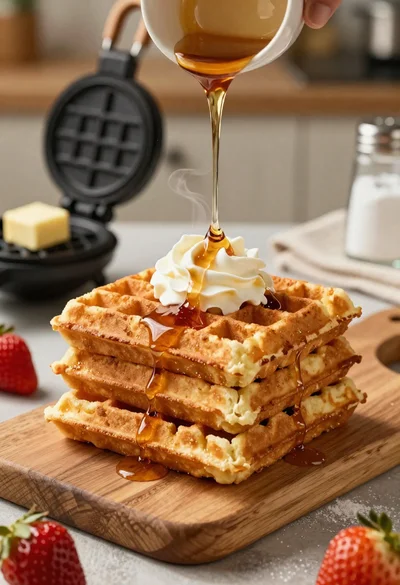
Close up of golden belgian waffles with maple syrup and whipped cream