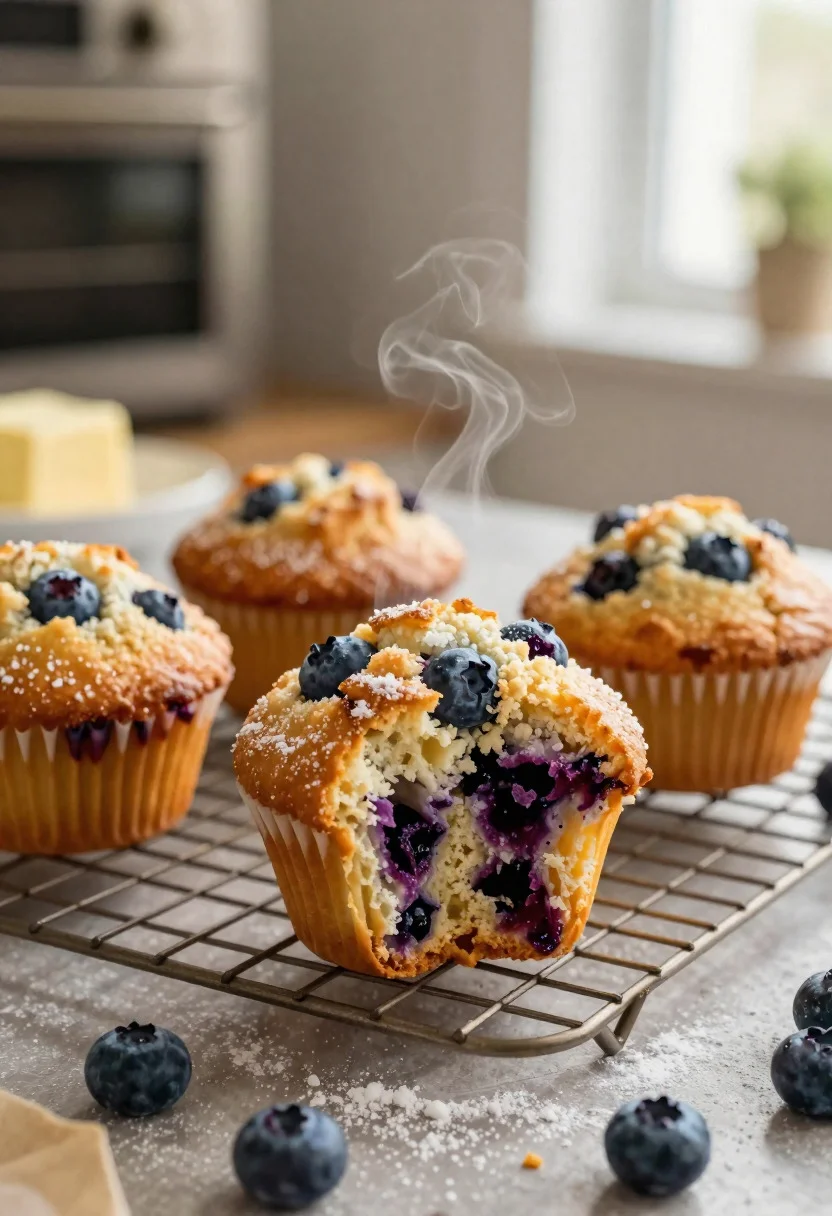
Close up of fresh blueberry muffins on a bakery table setting
Prompt
Food photography shot of fresh blueberry muffins with domed bakery appeal and fruity breakfast comfort

Subject: golden-brown muffins with cracked sugary tops, bursting blueberries peeking through the crumb, and a light crumbly texture

Action: muffin top broken open slightly, revealing steam-moist interior studded with juicy berries

Environment: cozy home bakery table setting with a wire rack, soft morning kitchen light, and a warmly blurred oven background

Camera: close-up three-quarter angle, tight composition centered on the muffin texture and berries, premium editorial food photography framing

Lighting: soft natural window light, gentle shadows, warm highlights on the dome and berries, inviting golden glow

Objects: cooling rack, scattered powdered sugar, fresh blueberries, butter dish, and parchment paper scraps

Style Details: ultra-realistic professional food photography, fresh-baked crumb detail, rustic bakery styling, warm earthy tones, and polished café presentation
Description
This prompt is useful for creating editorial baking spreads, breakfast menu mockups, and artisanal recipe book layouts. The combination of 'soft natural window light' with 'warm highlights on the dome and berries' ensures that the 'fresh-baked crumb detail' remains visible rather than being washed out by harsh illumination, while the 'tight composition centered on the muffin texture' directs the viewer immediately to the appealing subject matter.
Suggestions
- Change 'golden-brown muffins' to 'deep mahogany muffins' for a richer color contrast.
- Add 'bokeh background' to enhance the 'soft morning kitchen light'.
- Swap 'powdered sugar' for 'cinnamon dust' to change the aromatic suggestion.
Category
Tags
Close UpFoodMacro ShotRealistic
Date added
June 19, 2026
Added by
PromptDexter Team
Related Prompts
More prompts with similar categories and tags.
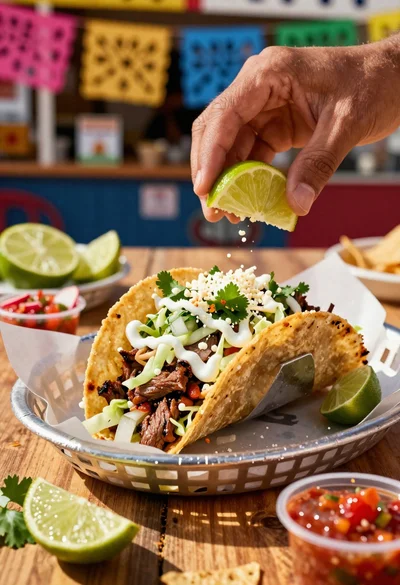
Close up of loaded street tacos with fresh mexican flavors
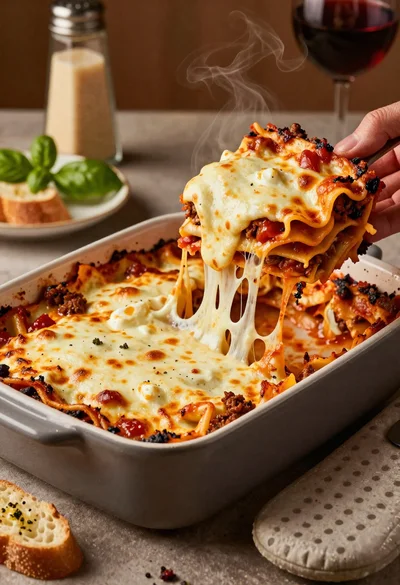
Close up of cheesy lasagna pull on rustic italian kitchen table

Close up of sizzling fajitas on a rustic wooden restaurant table

Close up of crispy chicken nuggets dipped in honey mustard sauce
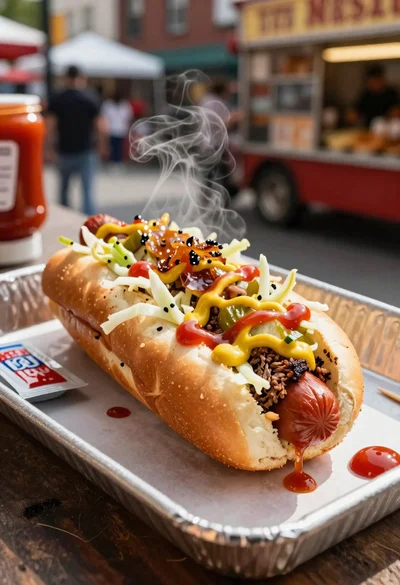
Close up of loaded hotdog with slaw mustard ketchup and onions

Close up overhead view of bread sushi rolls with colorful fillings
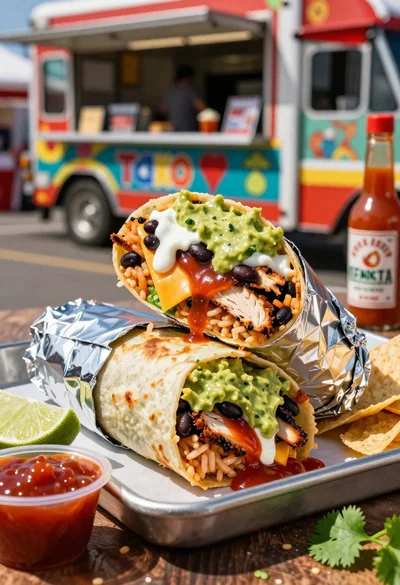
Close up of massive cross cut burrito with colorful tex mex fillings
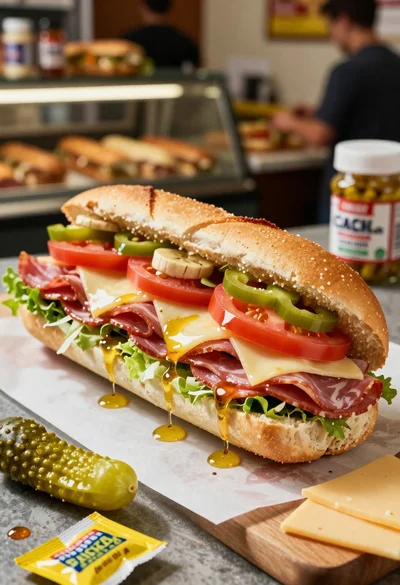
Close up of layered italian hoagie sandwich on butcher paper
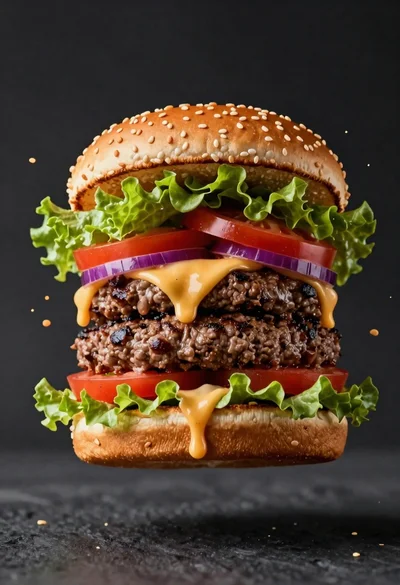
Hyperrealistic close up of a double patty burger mid air
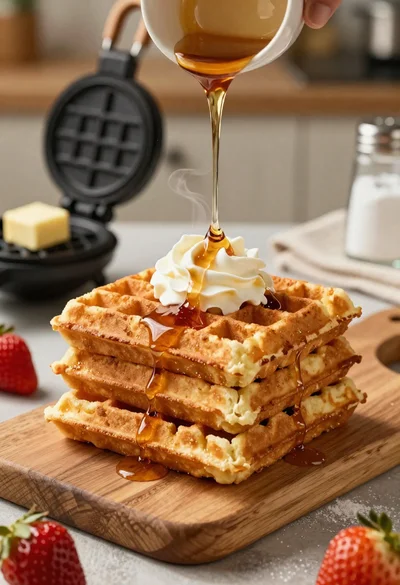
Close up of golden belgian waffles with maple syrup and whipped cream