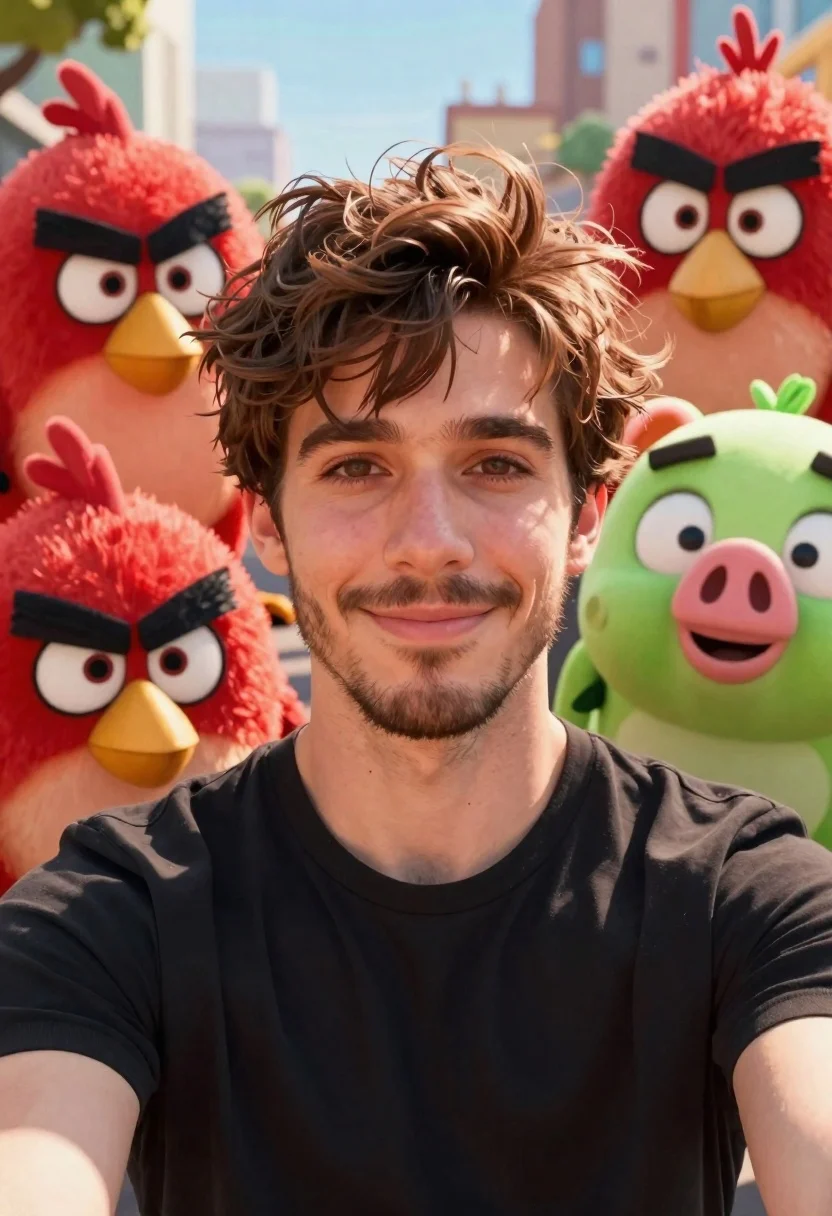
Young man smiling selfie surrounded by colorful angry birds characters
Prompt
A young man with tousled brown hair and a light beard smiles gently at the camera while surrounded by colorful animated characters from Angry Birds.

Subject: A handsome young man with messy brown hair, expressive eyes, and a short scruffy beard, wearing a black t-shirt.

Clothing: A simple black crew-neck t-shirt.

Action: The man is posing for a selfie, looking directly at the camera with a calm, friendly smile.

Environment: An outdoor setting with a blurred background suggesting a city or park landscape under daylight.

Camera: Close-up selfie angle with a shallow depth of field that keeps the characters and face sharp while blurring the distant background.

Lighting: Bright, natural sunlight illuminating the scene from above, creating soft highlights on the hair and skin.
Second

Subject: A group of plush-looking Angry Birds characters including Red, Chuck, Bomb, Matilda, and a Green Pig surrounding the man.

Objects: None.

Interaction: The animated characters are clustered closely around the man's head and shoulders as if posing for a photo together.

Text/Graphics: None.

Style Details: High-quality 3D animation style with realistic textures on the plush characters and cinematic lighting, resembling a movie still or high-end CGI render.
Description
This prompt is useful for creating whimsical character concept art, playful promotional materials, and stylized digital illustrations featuring unexpected pairings. The combination of 'plush-looking Angry Birds characters' with the 'close-up selfie angle' grounds the surreal interaction in a familiar, immediate composition, while specifying 'realistic textures on the plush characters' prevents them from looking like flat toys against the natural setting.
Suggestions
- Change 'black t-shirt' to 'denim jacket' for more visual contrast.
- Add 'bokeh effect' to enhance the shallow depth of field.
- Swap 'daylight' for 'overcast daylight' to soften the highlights.
Category
Tags
3dAnimalsBrown HairClose UpMaleRealisticSelfie
Date added
June 19, 2026
Added by
PromptDexter Team
Related Prompts
More prompts with similar categories and tags.
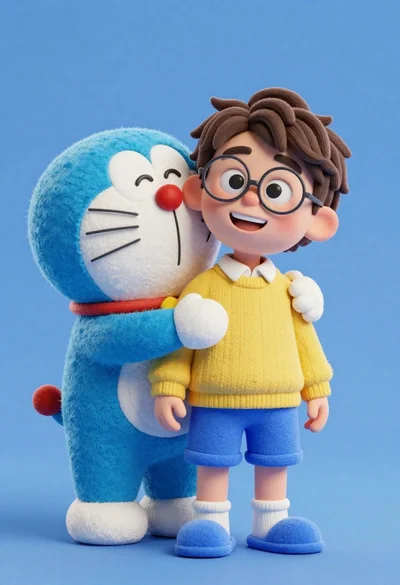
Young boy in yellow sweater hugged by blue robotic cat on blue

Smiling woman next to pink panther mascot in a seamless pastel studio

Smiling young woman posing with large blue robot cat mascot on solid
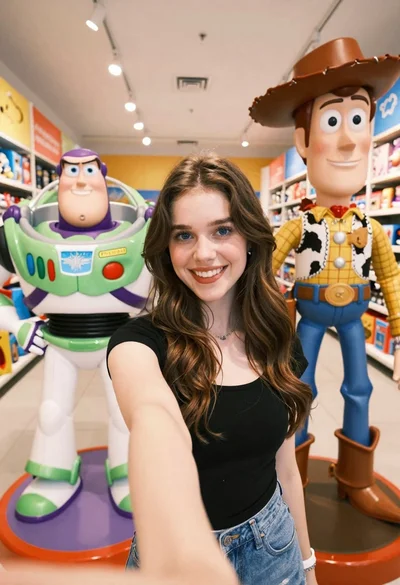
Young woman taking selfie between toy statues in brightly lit store aisle
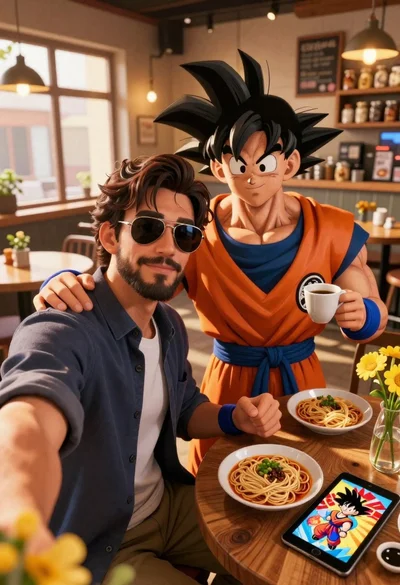
Handsome man taking a selfie with anime character goku in a cozy
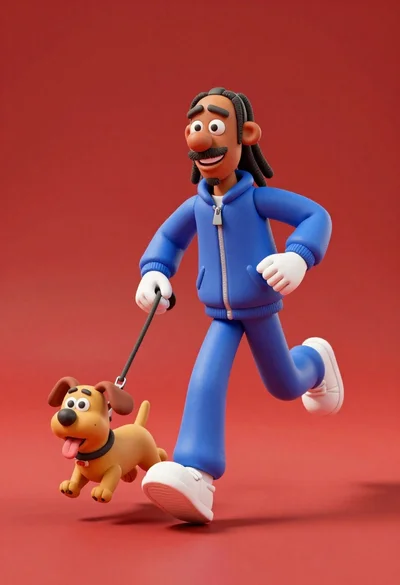
3d animated snoop dogg character running with small dog on leash

Three animated characters standing together against a solid blue background

Full body studio shot of woman and anthropomorphic fox character

Woman in pink suit presenting ring box to large red reindeer mascot

Full body studio portrait of woman with two animated animal friends