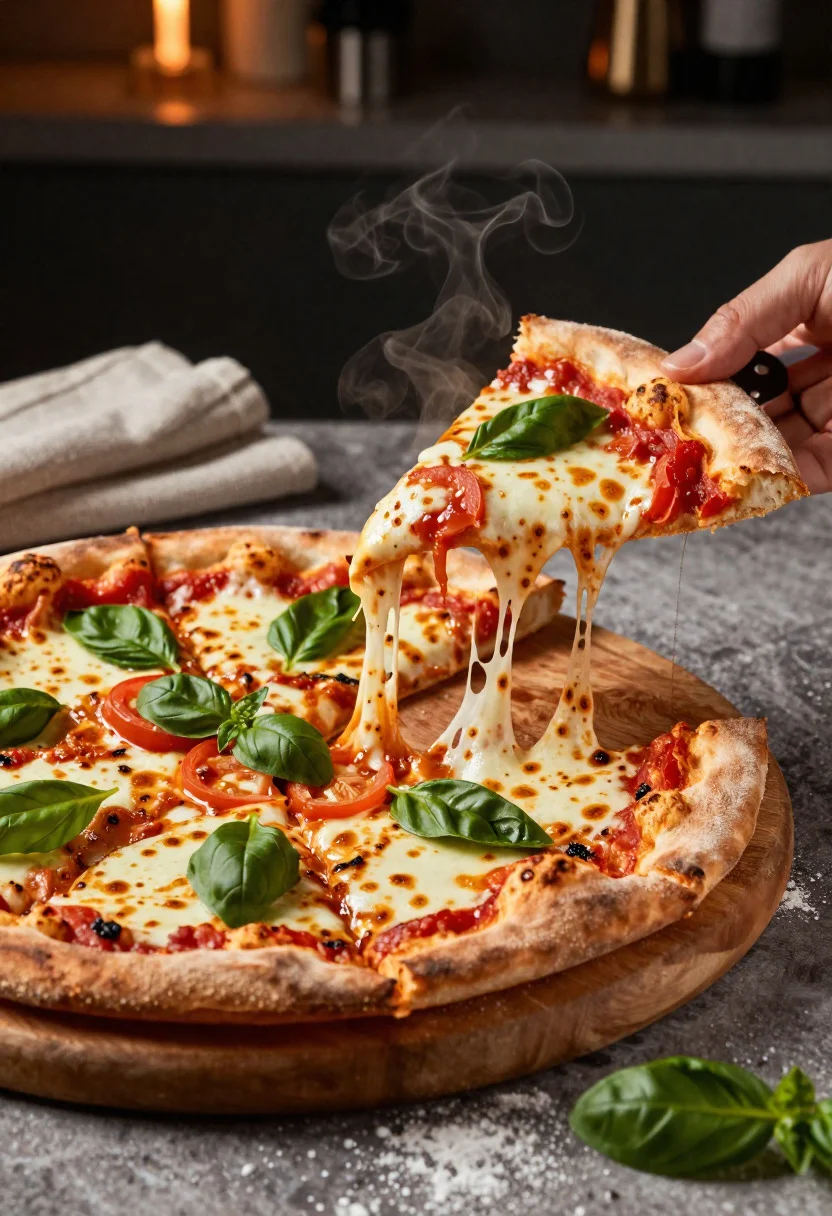
Close up shot of artisan pizza slice with dramatic cheese pull
Prompt
Food photography shot of a freshly baked delicious pizza presented with rich texture and irresistible appetite appeal

Subject: artisan pizza with bubbling melted mozzarella, vibrant tomato sauce, golden blistered crust, and fresh basil leaves

Action: a hot slice being lifted from the pie with a dramatic cheese pull, steam still rising from the surface

Environment: rustic restaurant table setting with a dark moody background, subtle kitchen warmth, and a natural editorial food styling atmosphere

Camera: close-up three-quarter angle, tight crop focused on the lifted slice and detailed toppings, commercial food photography composition

Lighting: soft directional warm light from the side, gentle shadows for depth, highlights catching the glossy cheese and crisp crust

Objects: wooden serving board, pizza cutter, folded linen napkin, scattered basil leaves, and a light dusting of flour on the table

Style Details: ultra-realistic professional food photography, mouthwatering texture detail, warm color contrast, polished restaurant advertisement aesthetic
Description
This prompt is useful for creating commercial pizza advertisements, high-end culinary magazine spreads, and recipe book visual guides. The combination of 'soft directional warm light from the side' and 'gentle shadows for depth' sculpts the melted mozzarella and blistered crust, ensuring the cheese pull appears tangible rather than flat, which is crucial for achieving that mouthwatering texture detail.
Suggestions
- Change 'dark moody background' to 'slate grey backdrop' for a more modern feel.
- Add 'shallow depth of field' to further isolate the cheese pull action.
- Swap 'wooden serving board' for 'charred slate tile' to enhance the rustic contrast.
Category
Tags
Close UpFoodMacro ShotRealistic
Date added
June 19, 2026
Added by
PromptDexter Team
Related Prompts
More prompts with similar categories and tags.
Close up of loaded street tacos with fresh mexican flavors
Close up of cheesy lasagna pull on rustic italian kitchen table

Close up of sizzling fajitas on a rustic wooden restaurant table

Close up of crispy chicken nuggets dipped in honey mustard sauce
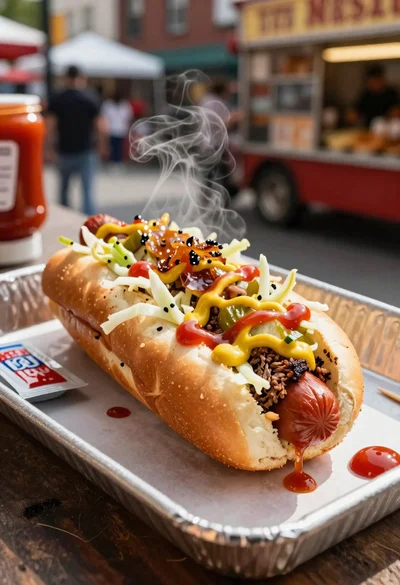
Close up of loaded hotdog with slaw mustard ketchup and onions

Close up overhead view of bread sushi rolls with colorful fillings
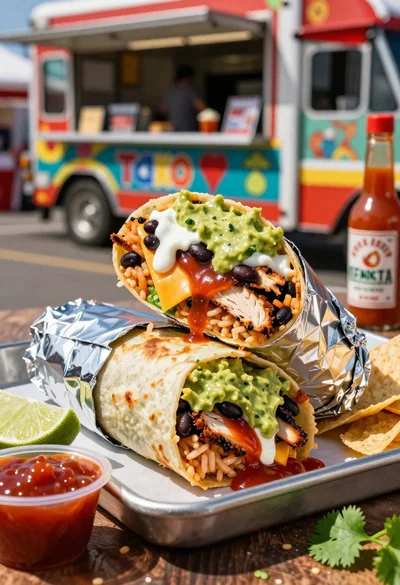
Close up of massive cross cut burrito with colorful tex mex fillings

Ginger cat dressed as fast food worker holding cheeseburger