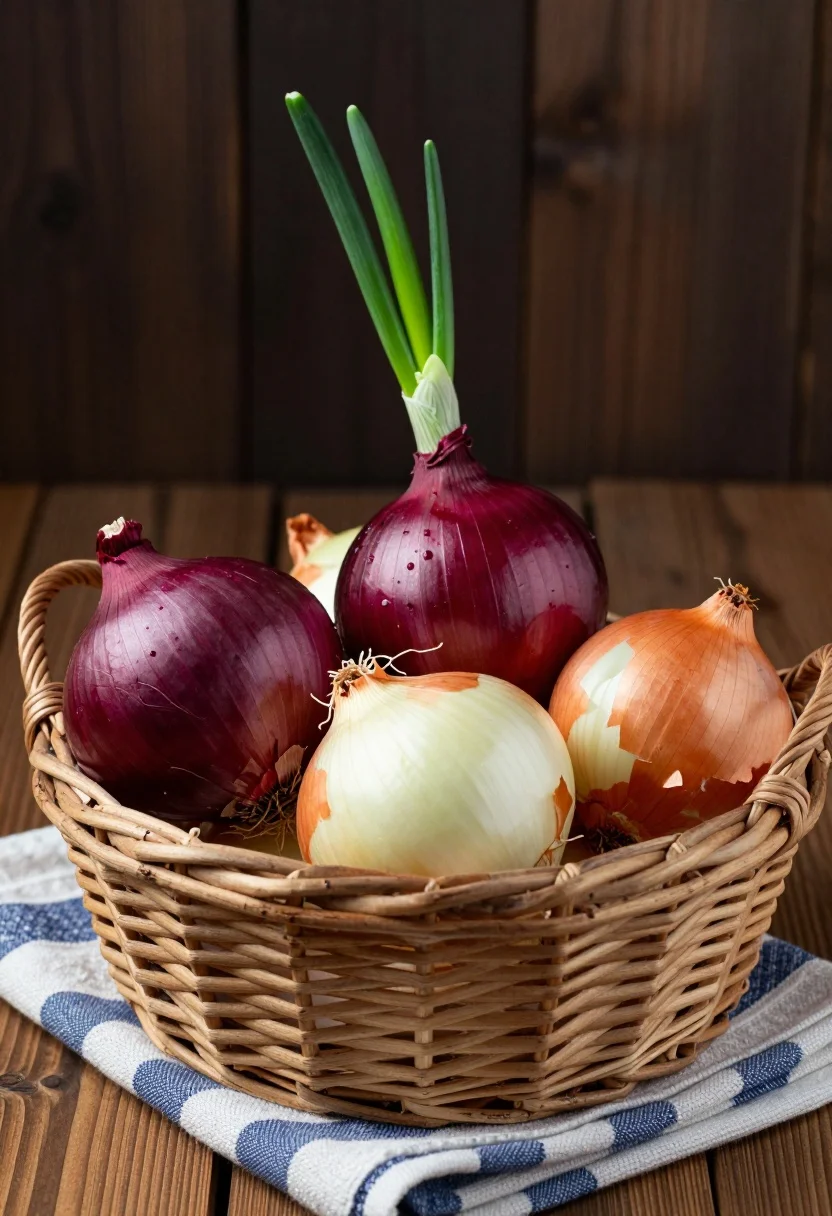
Close up still life of onions in a wicker basket on striped
Prompt
A still life composition featuring a woven wicker basket filled with fresh red and yellow onions resting on a blue and white striped cloth over a wooden surface.

Subject: A collection of fresh onions including deep purple-red varieties with vibrant green sprouts emerging from the top, alongside golden-yellow onions with papery skins and visible root hairs.

Action: The onions are static within the basket, though one red onion features a long green shoot reaching upward diagonally.

Environment: The basket sits on a blue and white striped kitchen towel placed upon a dark wooden table or floor, set against a dark, out-of-focus wooden background.

Camera: A close-up shot with a shallow depth of field that keeps the onions in sharp focus while blurring the background to emphasize texture.

Lighting: Soft directional lighting from the side creates gentle highlights on the onion skins and casts subtle shadows within the basket weave.

Style Details: High-resolution macro photography with rich color saturation and detailed textural rendering of the woven basket and vegetable skins.
Description
This prompt is useful for creating rustic kitchen still life arrangements, artisanal food packaging mockups, and high-end culinary editorial spreads. The combination of 'soft directional lighting from the side' accentuates the natural contours and papery texture of the onion skins, while the 'shallow depth of field' isolates the subject against the blurred background, preventing visual competition with the blue and white striped cloth.
Suggestions
- Change 'blue and white striped cloth' to 'hessian burlap' for a more rustic feel.
- Add 'macro lens perspective' to emphasize the root hairs.
- Swap 'dark wooden table or floor' for 'weathered slate countertop' for contrast.
Category
Tags
Close UpFoodMacro ShotRealistic
Date added
July 12, 2026
Added by
PromptDexter Team
Related Prompts
More prompts with similar categories and tags.
Close up of loaded street tacos with fresh mexican flavors
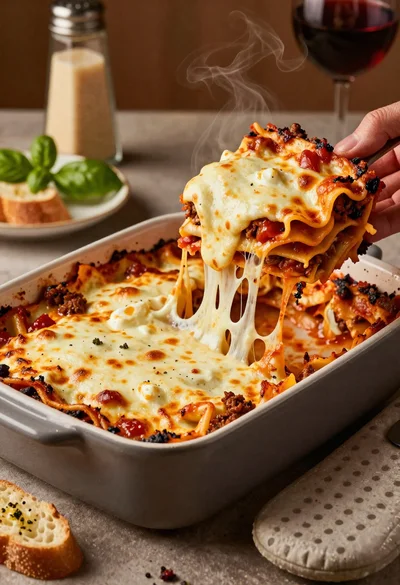
Close up of cheesy lasagna pull on rustic italian kitchen table
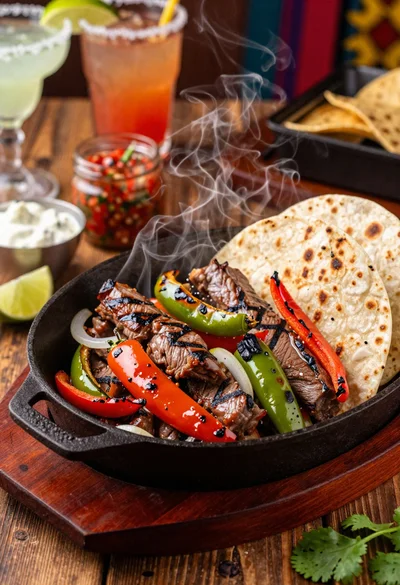
Close up of sizzling fajitas on a rustic wooden restaurant table
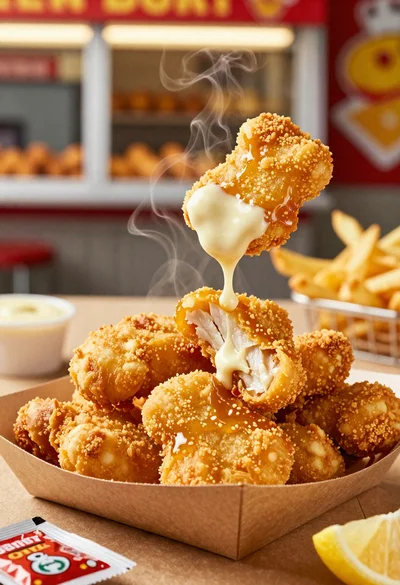
Close up of crispy chicken nuggets dipped in honey mustard sauce
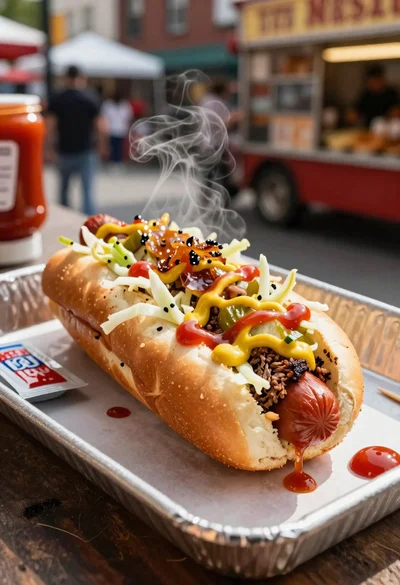
Close up of loaded hotdog with slaw mustard ketchup and onions
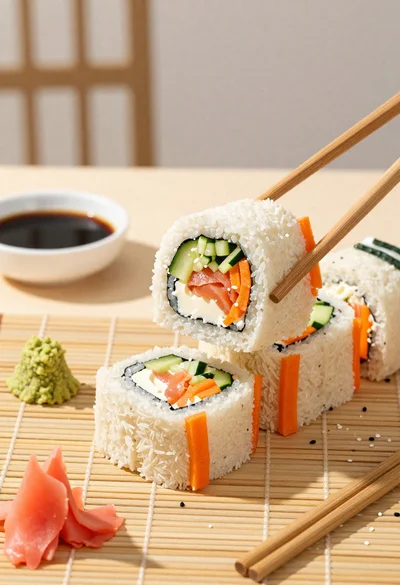
Close up overhead view of bread sushi rolls with colorful fillings
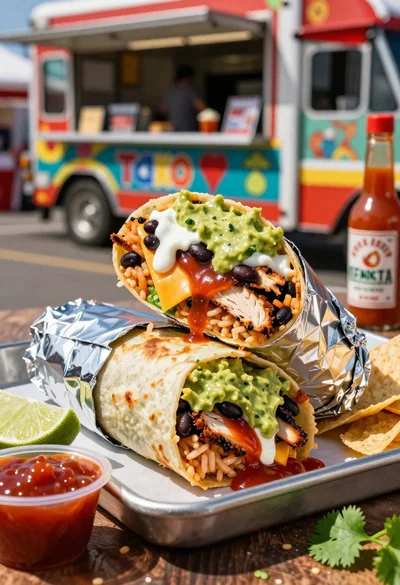
Close up of massive cross cut burrito with colorful tex mex fillings
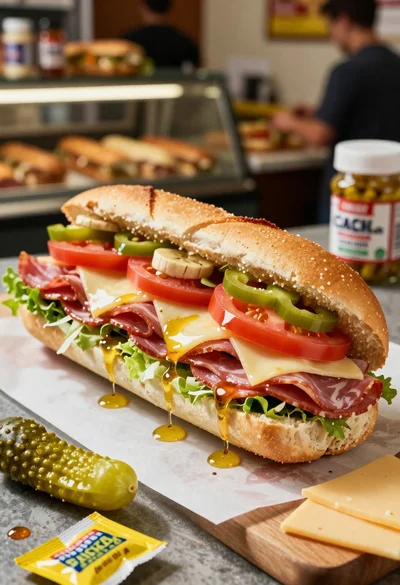
Close up of layered italian hoagie sandwich on butcher paper
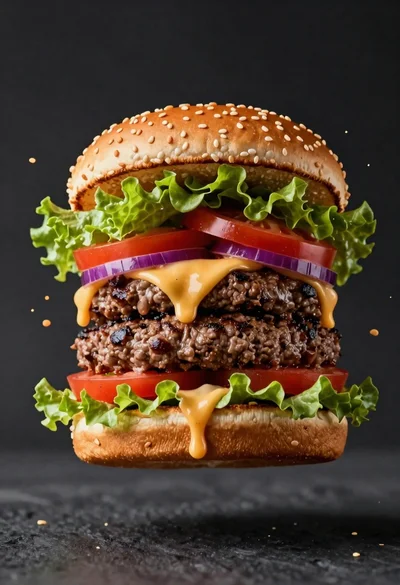
Hyperrealistic close up of a double patty burger mid air
Close up of golden belgian waffles with maple syrup and whipped cream