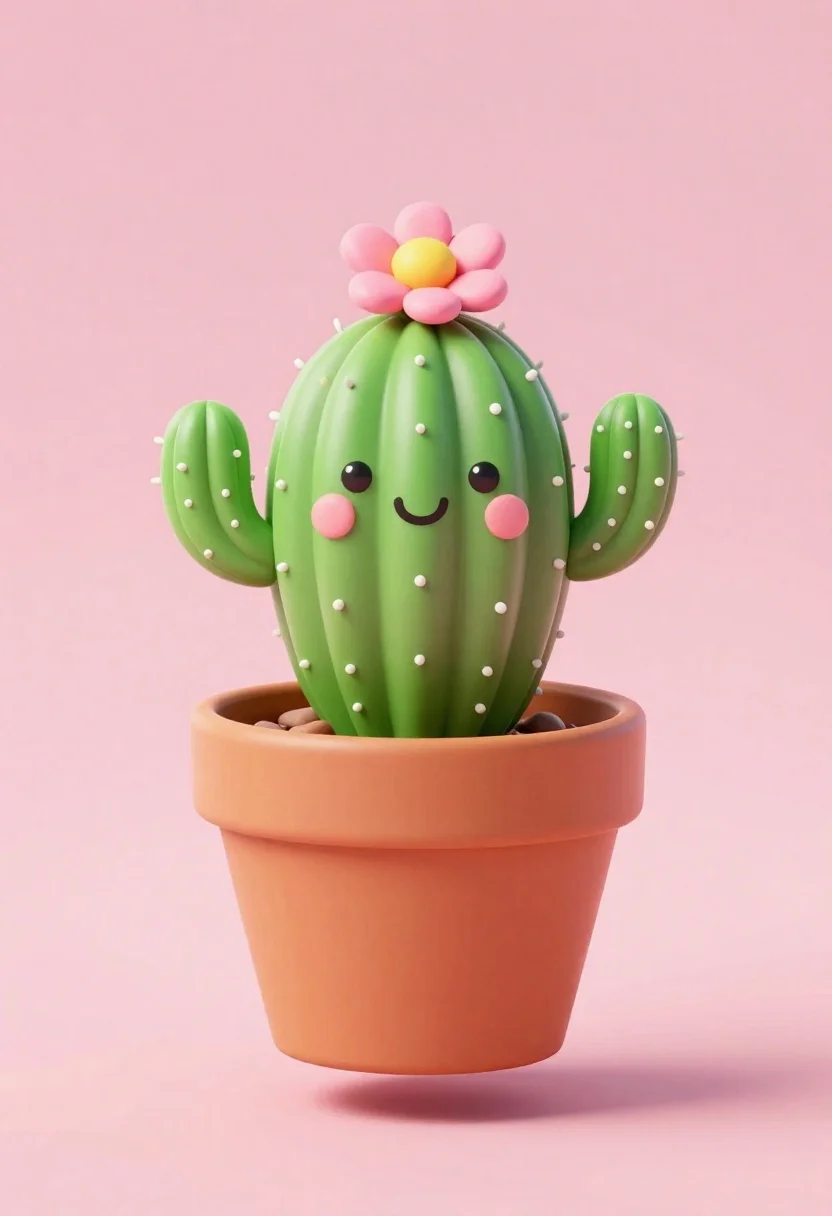
Cute cartoon cactus character in terracotta pot floating against pink background
Prompt
A cute, cartoon-style cactus character with a happy face sits inside a floating terracotta pot against a solid pink background.

Subject: A green cactus with two side arms featuring small white dots representing spines, topped with a pink flower that has a yellow center.

Clothing: The cactus is potted in a simple, unglazed terracotta-colored clay pot.

Action: The character displays a cheerful expression with black dot eyes, a curved smile, and rosy pink cheeks.

Environment: A minimalist setting featuring a solid pastel pink background with a soft shadow cast beneath the floating pot.

Camera: Centered composition with a shallow depth of field that isolates the subject against the plain backdrop.

Lighting: Soft, diffuse lighting creates gentle highlights on the cactus and pot surfaces without harsh shadows.

Style Details: 3D render style with smooth textures, rounded edges, and a playful, kawaii aesthetic.
Description
This prompt is useful for creating whimsical nursery decor illustrations, character merchandise mockups, and cute digital sticker sheets. The combination of 'kawaii aesthetic' with 'soft, diffuse lighting' ensures that the subject maintains its gentle appeal while the 'solid pastel pink background' prevents any visual competition from distracting the viewer from the central, floating element.
Suggestions
- Change 'terracotta-colored clay pot' to 'glazed matte white pot' for a cleaner look.
- Swap 'pink flower' for 'blue daisy' to introduce color contrast.
- Adjust 'shallow depth of field' to 'deep focus' if you want more background context.
Category
Tags
3dFictional CharacterFull BodyOutdoors
Date added
June 26, 2026
Added by
PromptDexter Team
Related Prompts
More prompts with similar categories and tags.
Young boy in yellow sweater hugged by blue robotic cat on blue
Young woman standing confidently between two large sonic the hedgehog characters
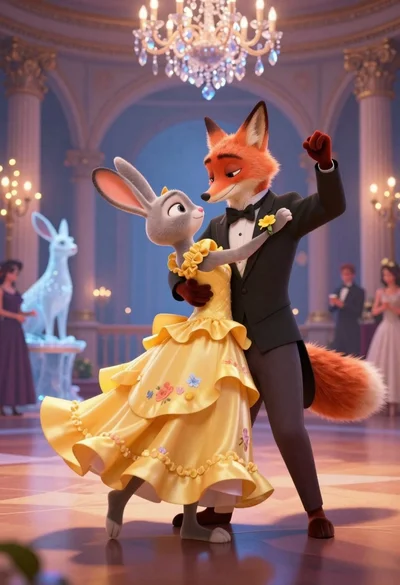
Anthropomorphic fox in tuxedo dances with rabbit in yellow dress under crystal
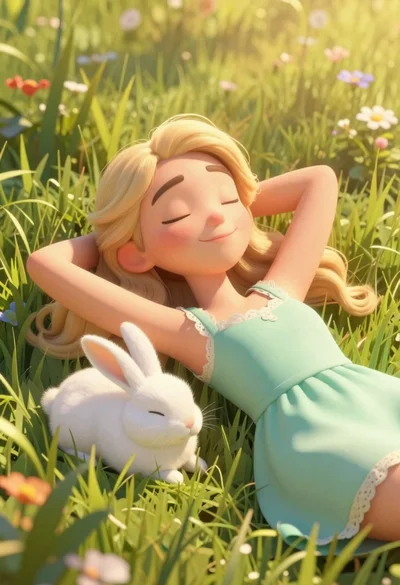
Woman resting in meadow with white rabbit at golden hour
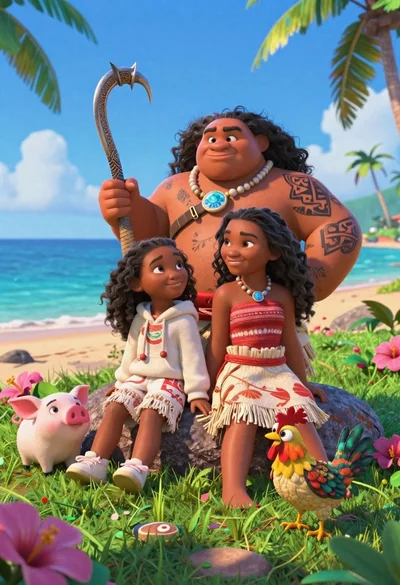
Three disney characters on a tropical grassy rock

Obsidian humanoid in neon cube holding glowing heart
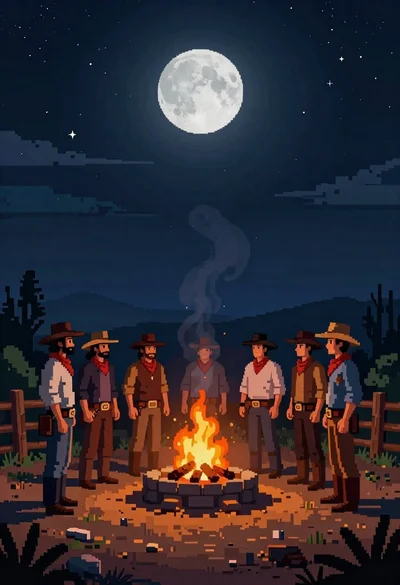
Pixel art cowboys around a campfire under starry night
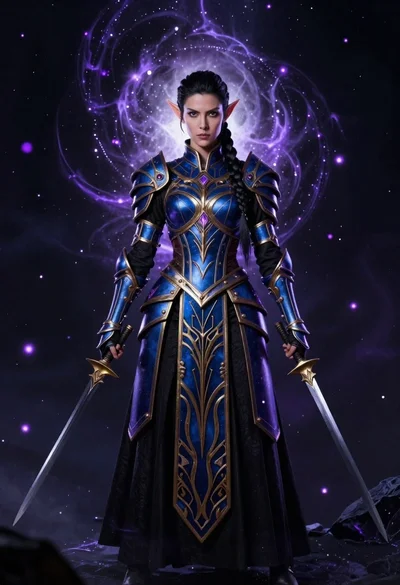
Elven warrior in ornate armor against cosmic void
