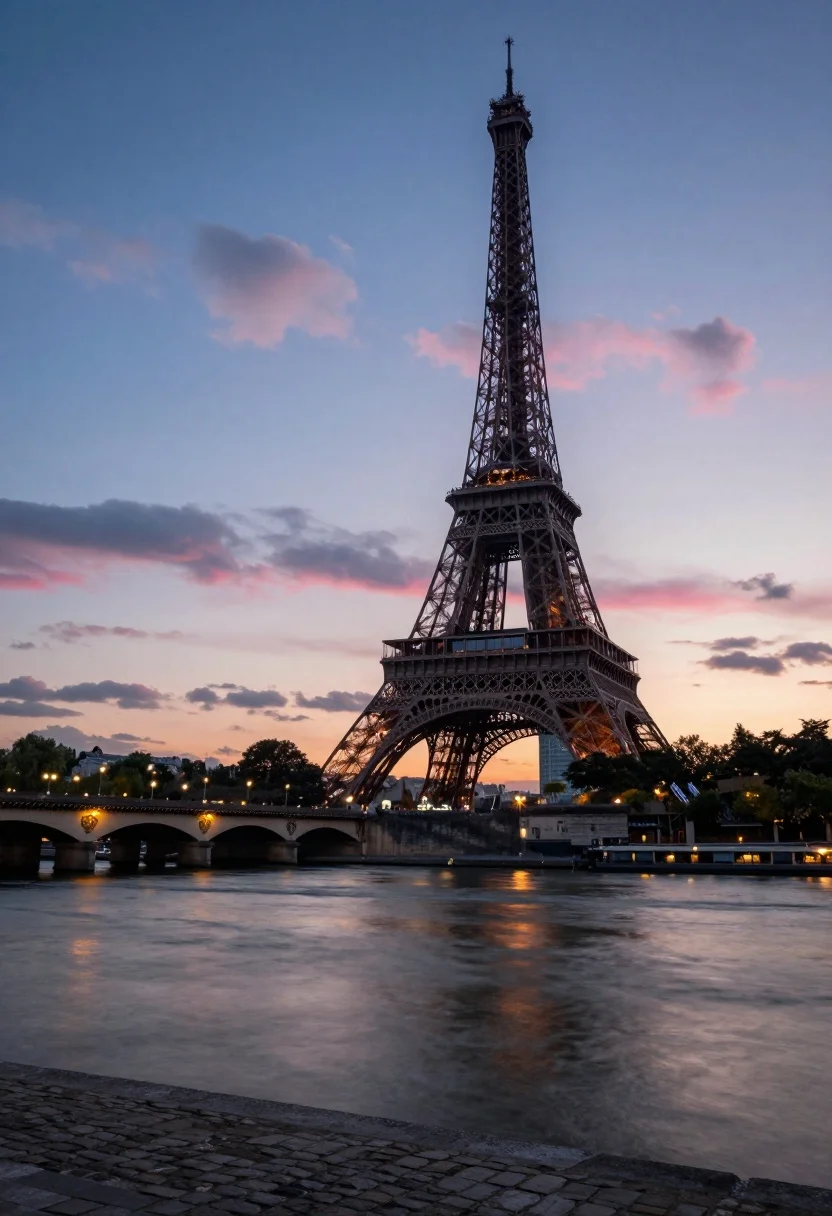
Eiffel tower silhouette against twilight sky over the seine river
Prompt
A majestic view of the Eiffel Tower standing tall against a twilight sky with soft pink and blue clouds.

Subject: The iconic iron lattice structure of the Eiffel Tower dominates the right side of the frame, featuring its intricate metalwork and observation decks clearly visible in silhouette against the fading light.

Action: The scene is static with no movement, capturing a serene moment where the water appears smooth and glassy due to long exposure effects.

Environment: The tower rises from the bank of the Seine River, which reflects the warm lights from the bridge and the cool tones of the sky. A stone arch bridge spans the river in the background on the left, with city lights twinkling along its length. The foreground consists of a rough cobblestone embankment leading into the water.

Camera: The shot is taken from a low angle near the riverbank looking up at the tower, utilizing a wide-angle perspective that captures both the massive structure and the expansive sky.

Lighting: Soft ambient light from dusk creates a gradient in the sky transitioning from warm orange near the horizon to deep blue above, with artificial lights from the bridge and surrounding area reflecting brightly on the water's surface.

Style Details: The image has a cinematic quality with vibrant color grading that enhances the contrast between the cool blues of the evening and the warm glows of the city lights.
Description
This prompt is useful for creating atmospheric travel posters, architectural concept art, and moody urban landscape visualizations. The combination of 'low angle' perspective with a 'wide-angle perspective' emphasizes the sheer scale of the structure against the dramatic sky gradient, while specifying the reflection of 'warm lights from the bridge' on the water grounds the composition in believable, contrasting illumination.
Suggestions
- Change 'soft pink and blue clouds' to 'streaks of magenta and indigo' for more drama.
- Add 'long exposure effect' to the river description for a smoother look.
- Swap 'cobblestone embankment' for 'wet asphalt' to enhance reflections.
Category
Tags
Low AngleRealisticRooftopUrbanWide Shot
Date added
August 5, 2026
Added by
PromptDexter Team
Related Prompts
More prompts with similar categories and tags.

Eiffel tower silhouette reflected in water at twilight against blue orange sky

Neoclassical building with dome scaffolding reflecting on calm river water at twilight

Wide view of tower bridge spanning river at sunset under dramatic colorful

Low angle wide shot of manhattan skyline at night with illuminated empire
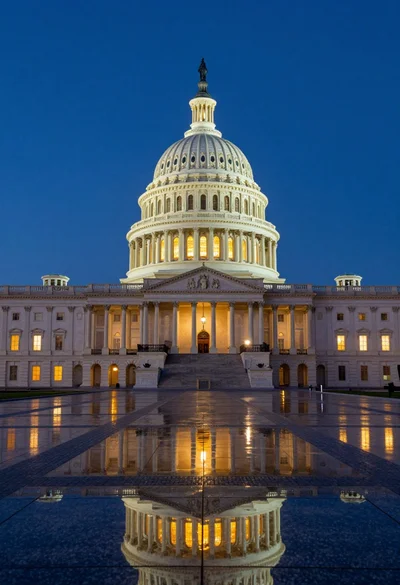
Low angle view of united states capitol dome reflecting in plaza at

Majestic cityscape at twilight featuring ornate historic building with blue dome

Low angle wide shot of massive illuminated ferris wheel over modern city
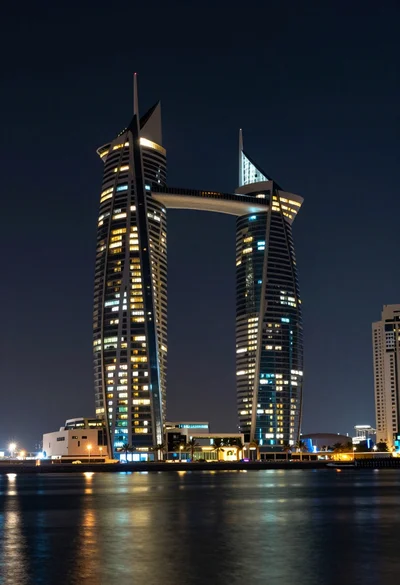
Wide angle view of towering sail skyscrapers reflecting in dark waterfront at

Majestic illuminated historic building facade under deep blue night sky
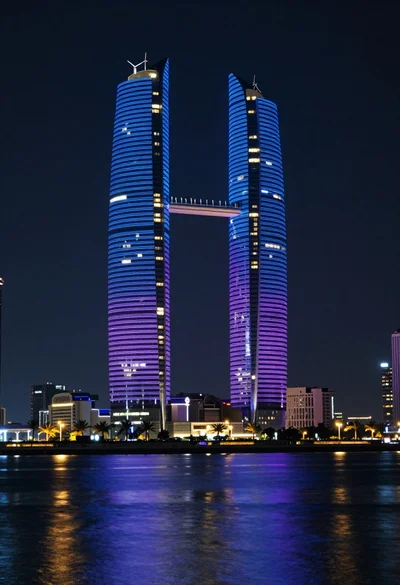
Illuminated twin skyscrapers at night reflecting blue and purple lights on waterfront