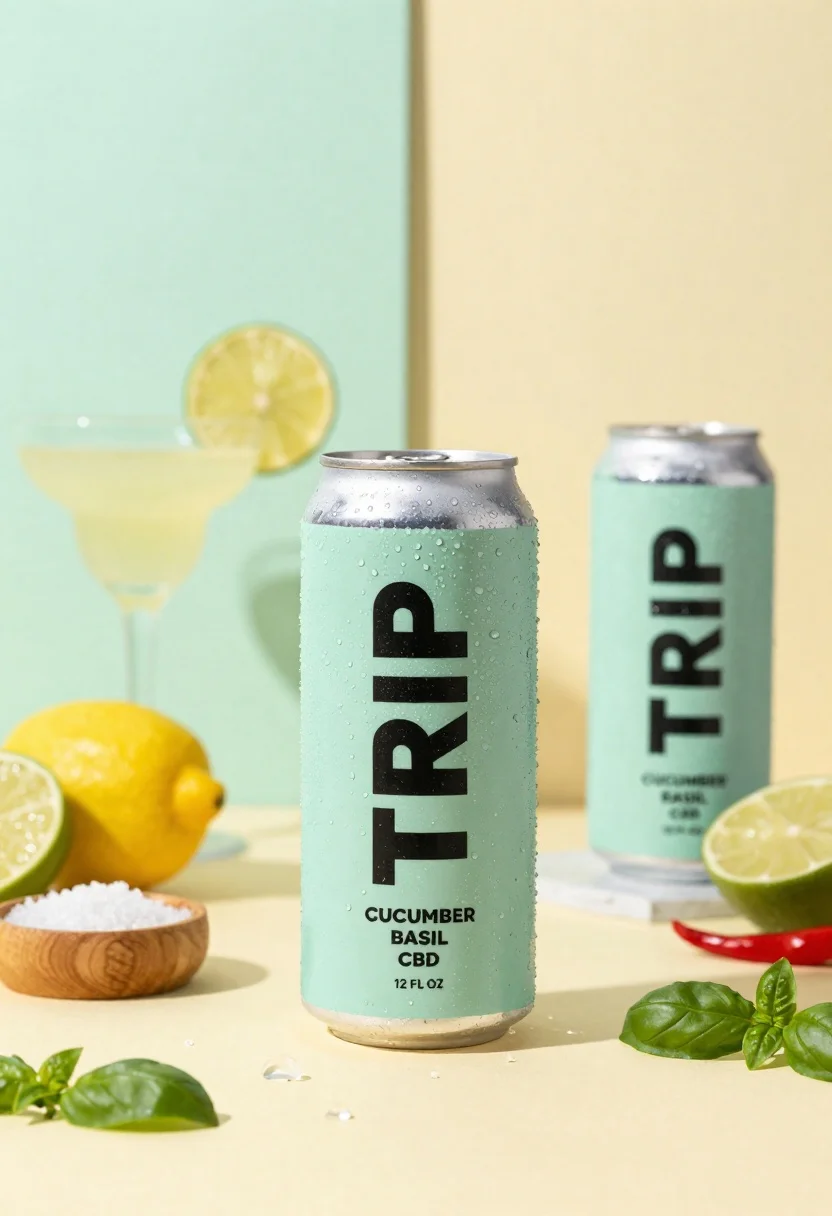
Frosty can of trip cucumber basil cbd in minimalist studio setting
Prompt
A refreshing product shot featuring a frosty can of Trip Cucumber Basil CBD in the center.

Subject: A tall aluminum beverage can with a pale mint green finish and bold black vertical text reading "TRIP".

Clothing: N/A.

Action: The main can is positioned upright on a surface, covered in condensation droplets that suggest it is ice cold.

Environment: A minimalist studio setting with a split background of soft pastel colors, featuring a mint green wall on the left and a pale yellow wall on the right.

Camera: Eye-level perspective with a shallow depth of field that keeps the central can sharp while blurring the background elements.

Lighting: Soft, diffused lighting creates gentle highlights on the wet surface of the can and casts subtle shadows to enhance the three-dimensional form.
Second

Subject: A second identical can is visible in the blurred background to the right.

Objects: Surrounding the main subject are cocktail glasses filled with a pale yellow drink and garnished with lime, a whole lemon, a halved lime, red chili peppers, a small wooden bowl of coarse salt, scattered ice cubes, and fresh basil leaves.

Interaction: The condensation on the can interacts with the ambient light to create a sense of cold freshness.

Text/Graphics: The can features vertical text reading "TRIP", smaller text below indicating "CUCUMBER BASIL" and "CBD", and additional details including "12 FL OZ".

Style Details: High-key commercial photography style with vibrant, fresh colors and a clean, modern aesthetic.
Description
This prompt is useful for creating beverage advertising mockups, spa product line visuals, and lifestyle editorial spreads focused on refreshment. The combination of 'frosty can' condensation interacting with 'soft, diffused lighting' emphasizes the extreme coldness necessary for appealing drink photography, while the 'minimalist studio setting' ensures that the vibrant colors of the garnishes remain the primary focus without visual competition.
Suggestions
- Change 'pale mint green finish' to 'matte aluminum' for a more industrial feel.
- Swap 'soft pastel colors' for 'concrete and terracotta' for an earthy contrast.
- Adjust 'shallow depth of field' to 'medium depth of field' if you want the background objects slightly more discernible.
Category
Tags
Full BodyOutdoorsRealisticStudio
Date added
June 26, 2026
Added by
PromptDexter Team
Related Prompts
More prompts with similar categories and tags.
Transparent glass perfume bottle with black cap on green grass under pink
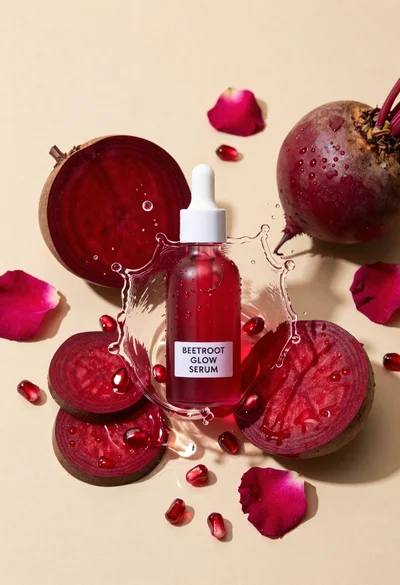
Glass dropper bottle of red serum surrounded by beetroot slices pomegranate seeds
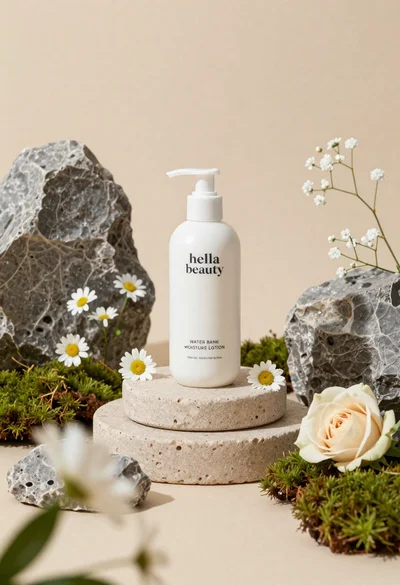
White lotion bottle on tiered stone pedestal with blurred flowers
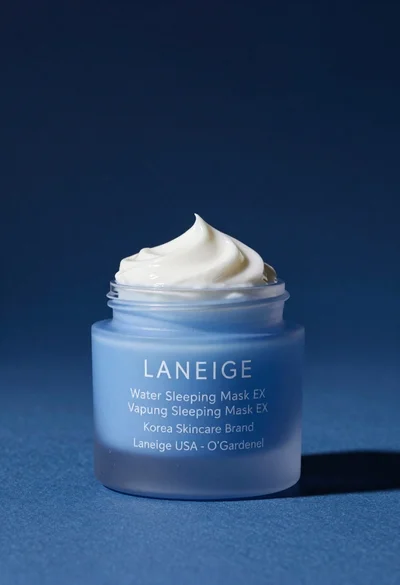
Light blue frosted glass jar of sleeping mask with creamy white swirl
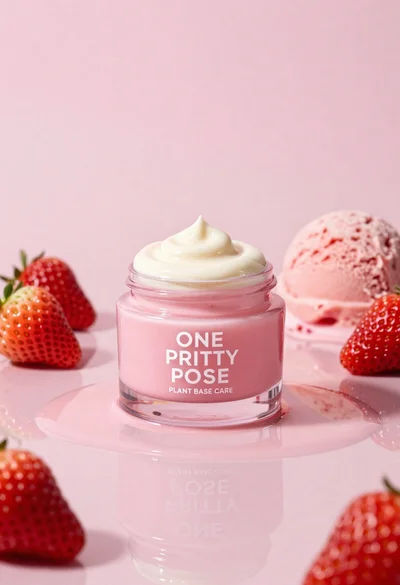
Glossy pink cosmetic jar with cream surrounded by strawberries and ice cream
Sophisticated tan leather handbag product shot on reflective surface
Sleek black xbox controller resting on a smooth matte surface in studio
Smiling woman in white bathrobe with blue clay face mask and cucumber