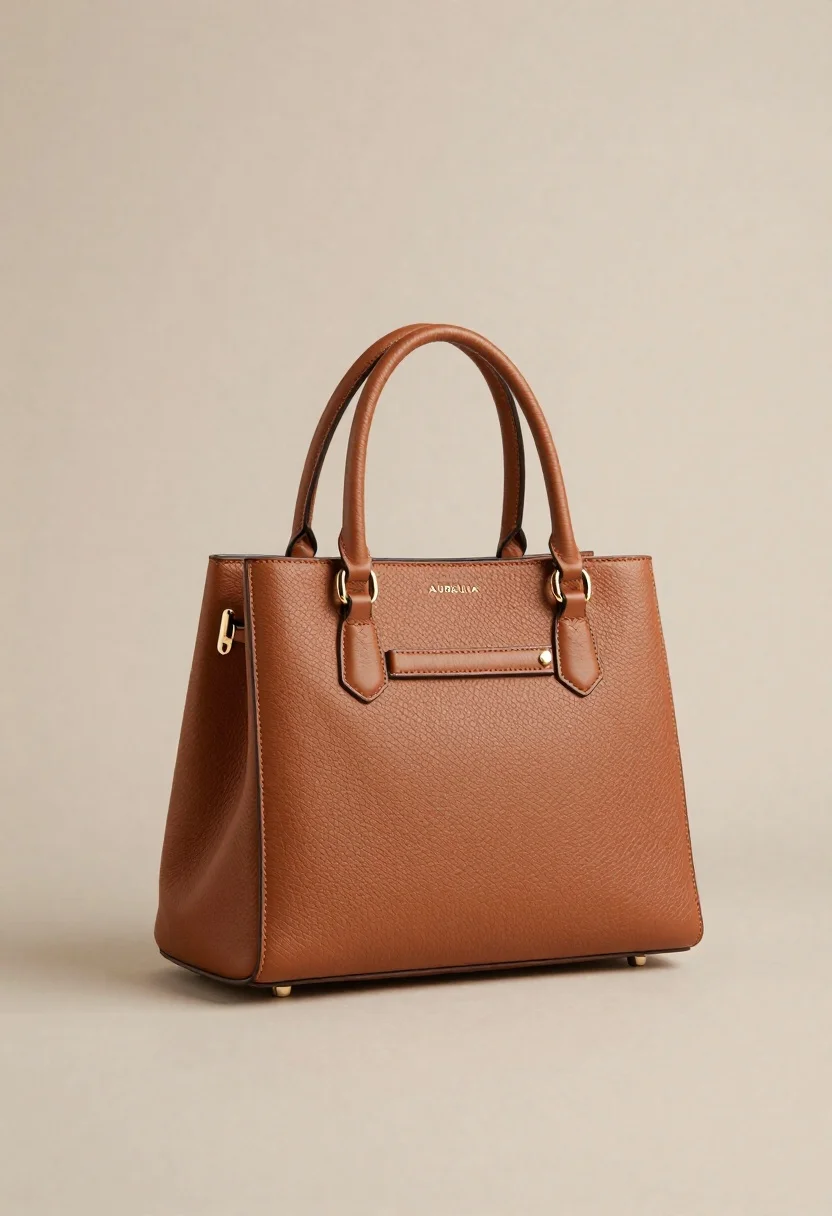
Sophisticated tan leather handbag product shot on reflective surface
Prompt
A structured studio product shot of a sophisticated tan leather handbag standing upright on a reflective surface.

Subject: A structured, rectangular handbag made of textured pebbled leather in a rich caramel brown tone.

Clothing: The bag features a top handle attached with gold-tone metal rings and a matching flap closure secured by a small metallic clasp.

Action: The bag stands stationary in a three-quarter view, angled slightly to the left to display its front and side profile.

Environment: A minimalist studio setting with a seamless background that transitions from a soft beige on the left to a lighter cream tone on the right.

Camera: Shot with a medium telephoto lens for a flat perspective, utilizing a shallow depth of field to keep the bag in sharp focus while softly blurring the background.

Lighting: Soft, diffused studio lighting illuminates the scene from the front-left, casting gentle shadows that define the bag's geometric shape and highlighting the texture of the leather.

Text/Graphics: The brand name "AURELIA" is embossed in small, subtle capital letters on the center of the flap.

Style Details: High-end commercial photography with a clean aesthetic, emphasizing material quality and elegant simplicity.
Description
This prompt is useful for creating e-commerce product listings, luxury brand lookbooks, and interior design catalog features. The combination of 'soft, diffused studio lighting' and the 'reflective surface' ensures that the bag’s geometric shape is defined by gentle shadows rather than harsh contrasts, while the 'shallow depth of field' isolates the textured pebbled leather against the minimalist background.
Suggestions
- Change 'caramel brown tone' to 'oxblood tone' for a deeper color variation.
- Swap 'medium telephoto lens' for '85mm portrait lens' for more subject isolation.
- Add 'subtle dust motes visible in light beams' to enhance atmosphere.
Category
Tags
Full BodyOutdoorsRealisticStudio
Date added
June 26, 2026
Added by
PromptDexter Team
Related Prompts
More prompts with similar categories and tags.
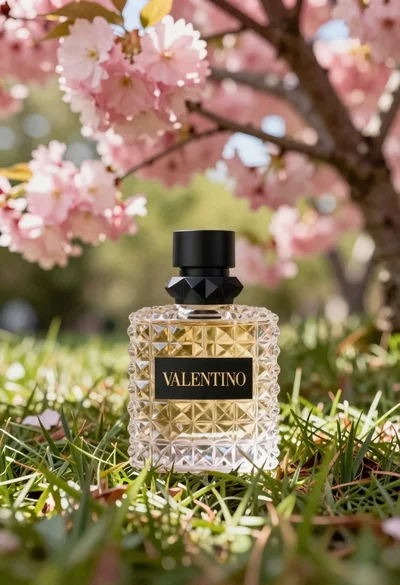
Transparent glass perfume bottle with black cap on green grass under pink
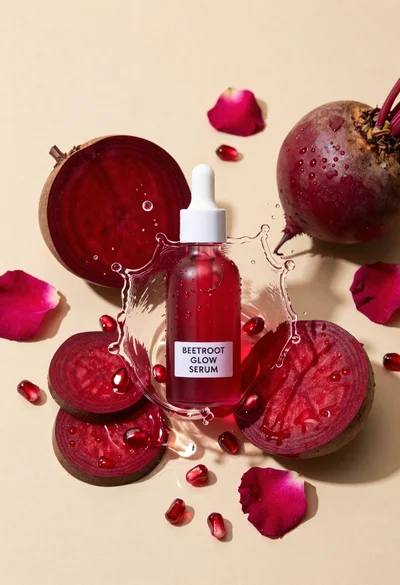
Glass dropper bottle of red serum surrounded by beetroot slices pomegranate seeds
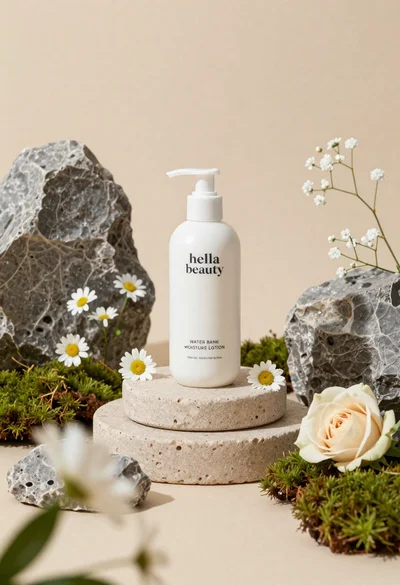
White lotion bottle on tiered stone pedestal with blurred flowers
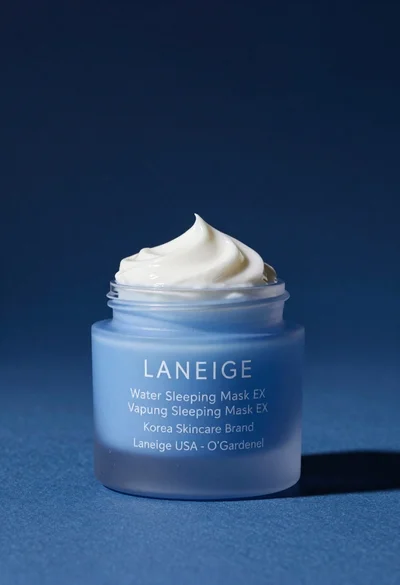
Light blue frosted glass jar of sleeping mask with creamy white swirl
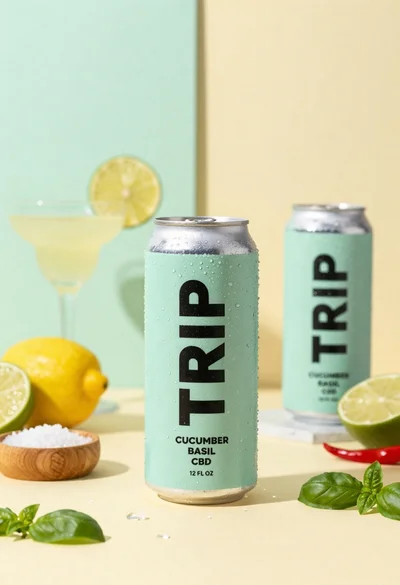
Frosty can of trip cucumber basil cbd in minimalist studio setting
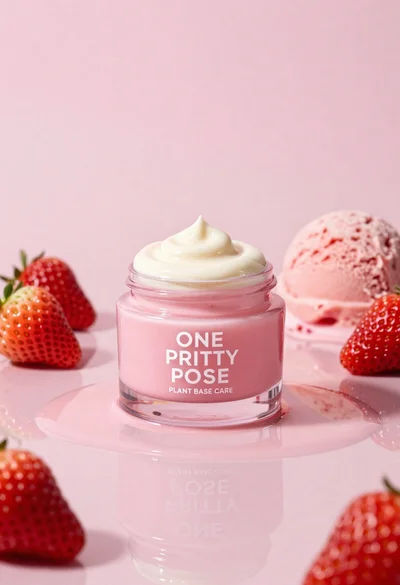
Glossy pink cosmetic jar with cream surrounded by strawberries and ice cream
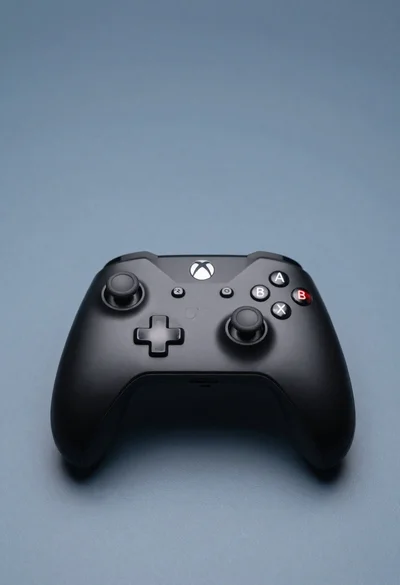
Sleek black xbox controller resting on a smooth matte surface in studio
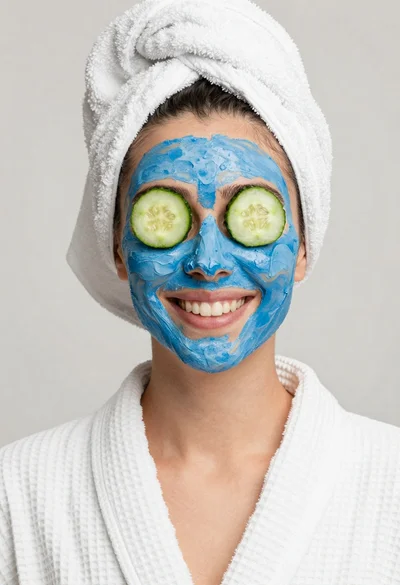
Smiling woman in white bathrobe with blue clay face mask and cucumber