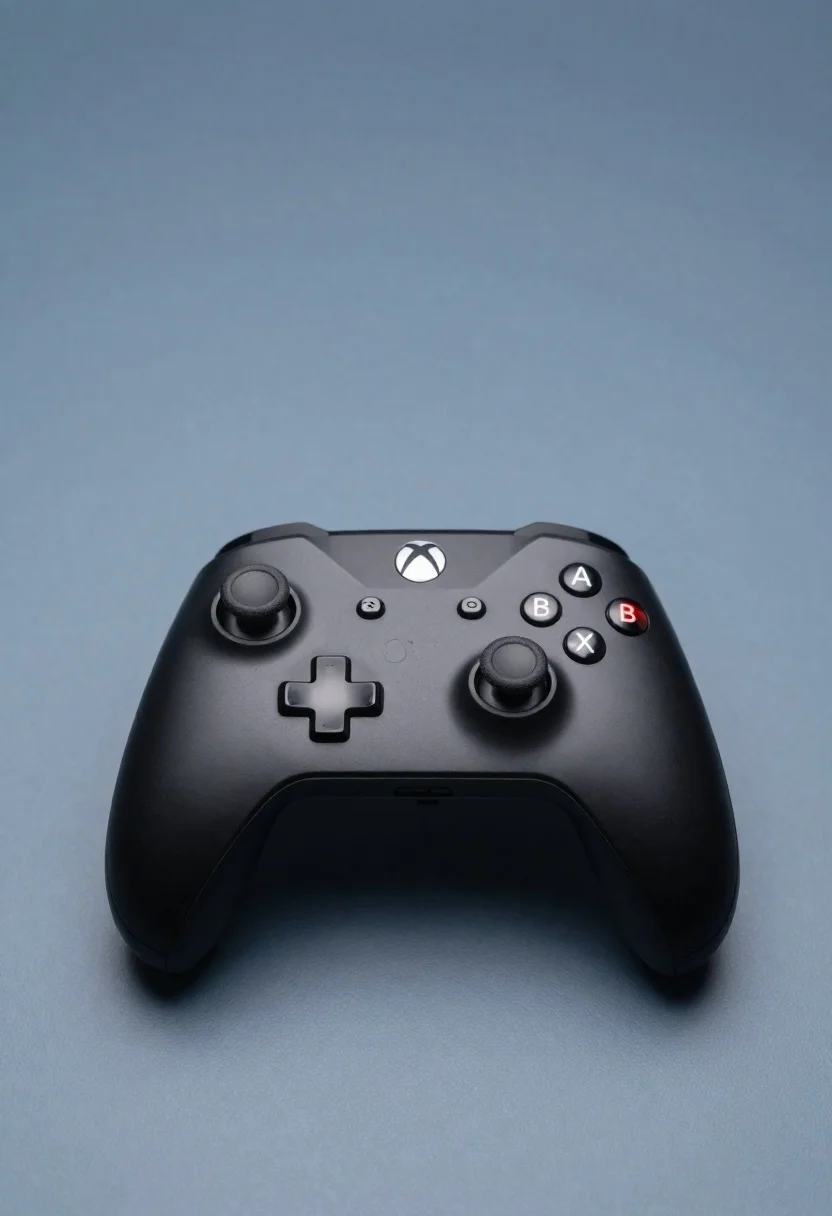
Sleek black xbox controller resting on a smooth matte surface in studio
Prompt
A sleek black Xbox controller rests on a smooth matte surface.

Subject: A modern wireless game controller featuring a glossy black finish with textured grips and two analog sticks.

Clothing: N/A.

Action: The controller is stationary, resting flat on the surface.

Environment: A minimalist studio setting with a solid, muted blue-grey background.

Camera: High-angle shot looking down at the device, utilizing soft depth of field to keep the controller in sharp focus while blurring the immediate foreground and background.

Lighting: Soft, diffused lighting coming from above and slightly to the side, creating gentle highlights on the curved plastic surfaces and casting a subtle shadow beneath the controller.
Second

Subject: None.

Objects: None.

Interaction: None.

Text/Graphics: The iconic Xbox logo is visible on the top center button, along with standard directional pad and action buttons labeled A, B, X, Y.

Style Details: Clean product photography style with high fidelity, smooth textures, and a cool color palette emphasizing the matte black material of the device.
Description
This prompt is useful for creating tech product catalog images, concept art for gaming peripherals, and minimalist advertisement mockups. The combination of 'glossy black finish' on the controller against the 'muted blue-grey background' ensures that the subtle highlights captured by the 'soft, diffused lighting' draw immediate attention to the device's form factor without harsh reflections distracting from its intended use.
Suggestions
- Change 'matte surface' to 'polished concrete' for a more industrial feel.
- Adjust 'muted blue-grey background' to 'deep charcoal' for higher contrast.
- Swap 'soft, diffused lighting' for 'hard directional key light' to emphasize texture.
Category
Tags
Full BodyHigh AngleOutdoorsRealisticStudio
Date added
June 26, 2026
Added by
PromptDexter Team
Related Prompts
More prompts with similar categories and tags.
Black monster energy can wrapped in metal chains on reflective floor
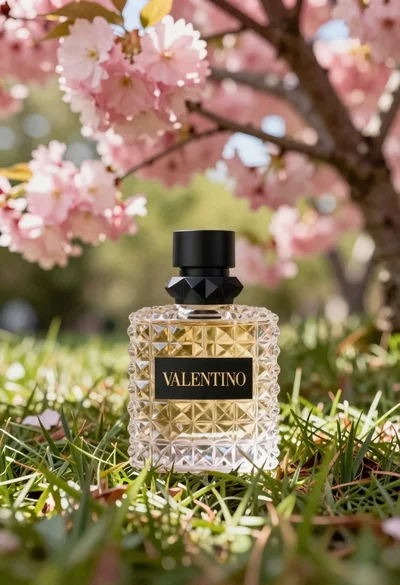
Transparent glass perfume bottle with black cap on green grass under pink
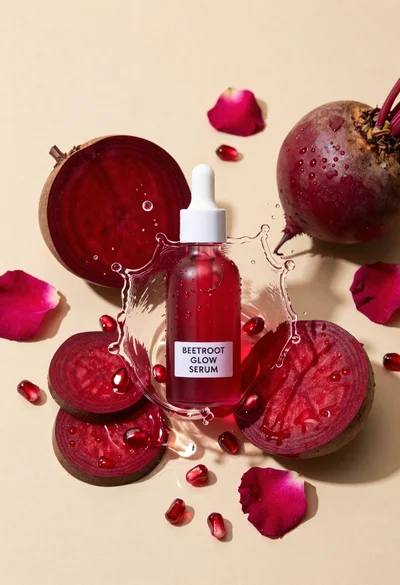
Glass dropper bottle of red serum surrounded by beetroot slices pomegranate seeds
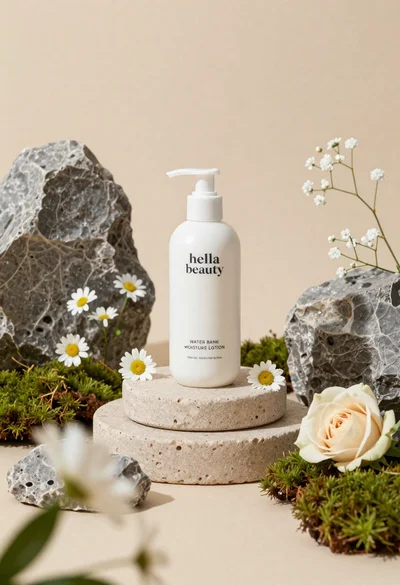
White lotion bottle on tiered stone pedestal with blurred flowers
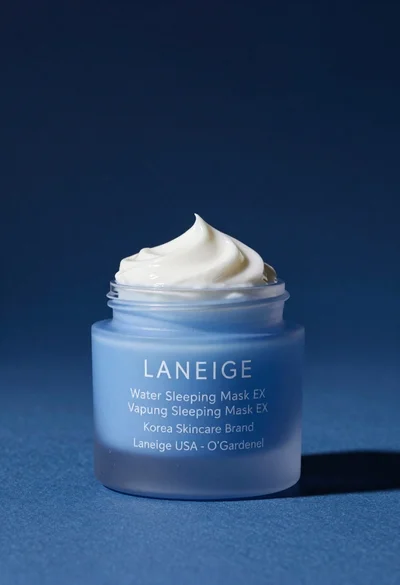
Light blue frosted glass jar of sleeping mask with creamy white swirl
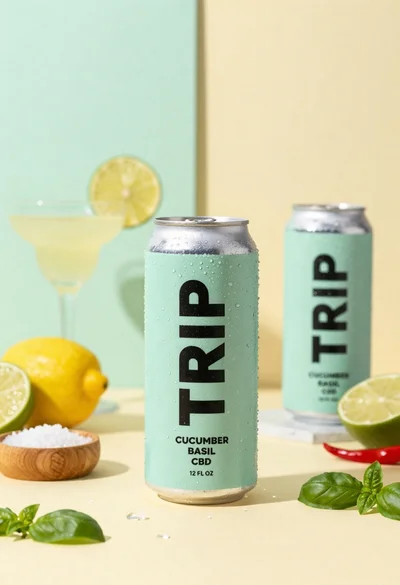
Frosty can of trip cucumber basil cbd in minimalist studio setting
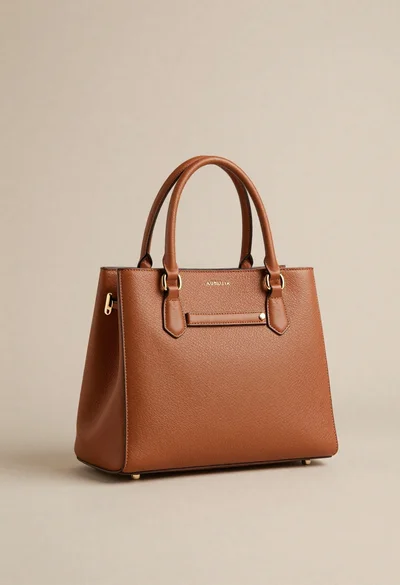
Sophisticated tan leather handbag product shot on reflective surface
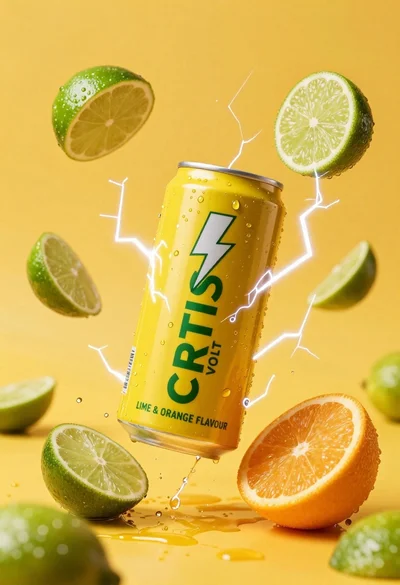
Yellow energy drink can floating in midair with lime slices and lightning