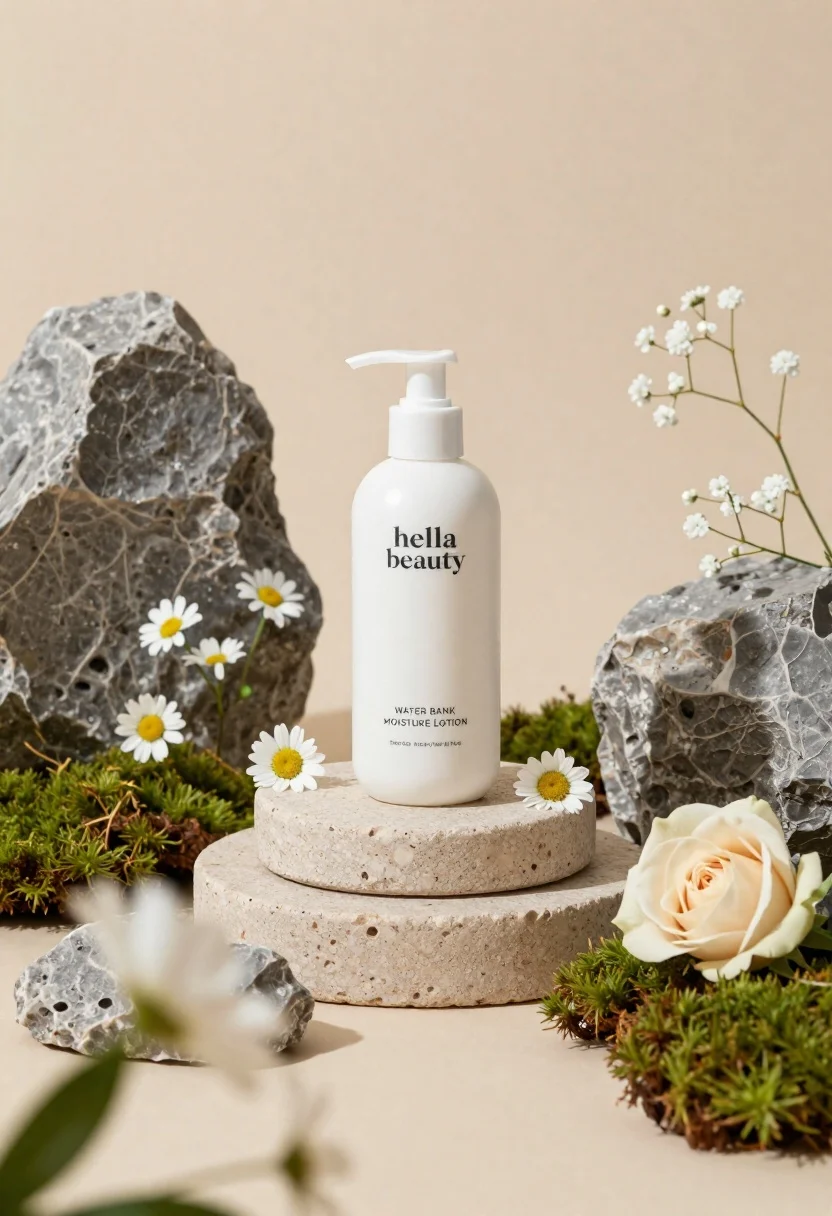
White lotion bottle on tiered stone pedestal with blurred flowers
Prompt
A minimalist product shot featuring a white lotion bottle centered on a tiered stone pedestal.

Subject: A sleek white pump bottle with the text "hella beauty" and "WATER BANK MOISTURE LOTION" printed in black sans-serif font.

Clothing: N/A.

Action: The bottle stands upright and still on the display stand.

Environment: The scene is set against a soft, neutral beige background with large textured grey rocks flanking the central pedestal.

Camera: A shallow depth of field creates a blurred foreground with out-of-focus white flowers and leaves framing the bottom and sides.

Lighting: Soft, diffused lighting illuminates the product from the front, creating gentle highlights on the bottle and soft shadows within the crevices of the rocks.
Second

Subject: N/A.

Objects: A tiered circular stone pedestal serves as the base, surrounded by small white daisies, baby's breath, a cream-colored rose, and patches of green moss.

Interaction: The flowers and moss are arranged naturally around the base of the stone pedestal to frame the product.

Text/Graphics: The bottle features the brand name "hella beauty" and product description "WATER BANK MOISTURE LOTION".

Style Details: High-end commercial photography with a clean, organic aesthetic, utilizing soft focus and natural textures like stone and moss.
Description
This prompt is useful for creating high-end cosmetic advertising campaigns, spa branding visuals, and lifestyle product catalog imagery. The combination of 'soft, diffused lighting' with the 'tiered circular stone pedestal' ensures that the white bottle remains the focal point while the surrounding natural elements—like the 'green moss' and daisies—provide an organic context without distracting from the product's clean lines.
Suggestions
- Change 'neutral beige background' to 'pale slate grey' for a cooler tone.
- Swap 'white lotion bottle' for 'amber glass serum bottle' to change the perceived luxury.
- Add 'macro lens, 100mm' to emphasize the texture of the stone.
Category
Tags
Full BodyOutdoorsRealisticStudio
Date added
June 23, 2026
Added by
PromptDexter Team
Related Prompts
More prompts with similar categories and tags.
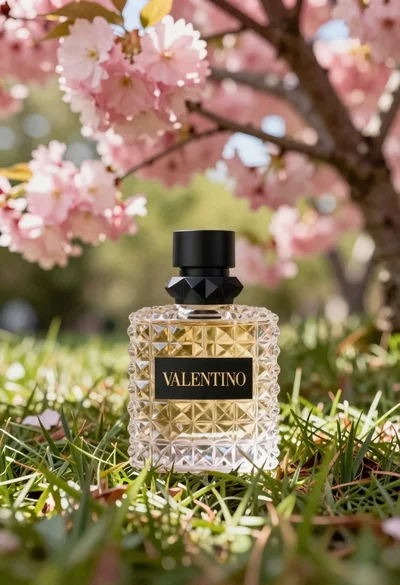
Transparent glass perfume bottle with black cap on green grass under pink
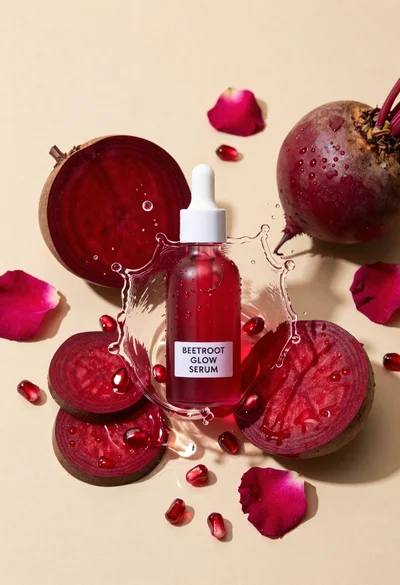
Glass dropper bottle of red serum surrounded by beetroot slices pomegranate seeds
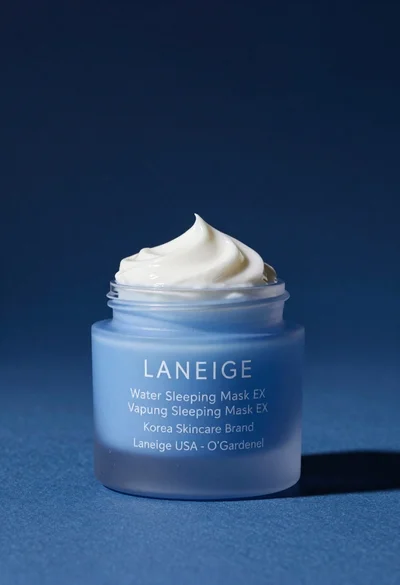
Light blue frosted glass jar of sleeping mask with creamy white swirl
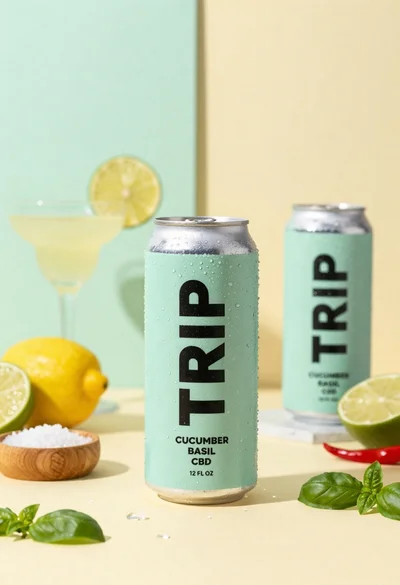
Frosty can of trip cucumber basil cbd in minimalist studio setting
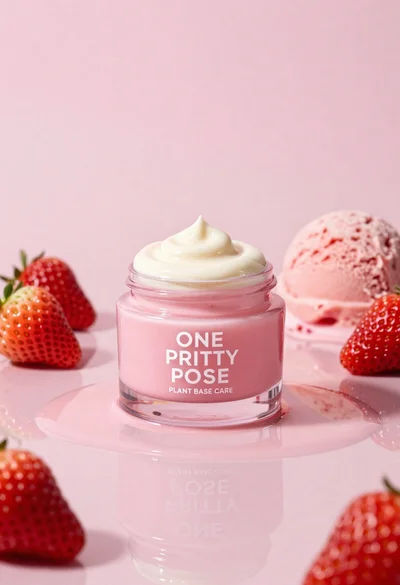
Glossy pink cosmetic jar with cream surrounded by strawberries and ice cream
Sophisticated tan leather handbag product shot on reflective surface

Sleek black xbox controller resting on a smooth matte surface in studio
Smiling woman in white bathrobe with blue clay face mask and cucumber