
Giant waffle cone ice cream swirl with yellow sauce and diced mango
Prompt
A giant waffle cone ice cream swirl topped with yellow sauce and diced mango cubes stands in a pool of splashing liquid against a backdrop of white buildings with blue domes.

Subject: A towering soft-serve ice cream cone featuring alternating layers of white vanilla and creamy yellow custard, sitting inside a textured brown waffle cone.

Clothing: N/A

Action: The ice cream is captured mid-splash, with a dynamic wave of yellow liquid erupting from the sides and base, creating a sense of explosive motion.

Environment: A picturesque coastal town featuring white-washed buildings with iconic blue domes, resembling Santorini, set against a clear deep blue sky and distant ocean horizon.

Camera: Close-up perspective emphasizing the ice cream cone in the foreground with a shallow depth of field that blurs the background architecture.

Lighting: Bright, high-contrast sunlight casting sharp highlights on the glossy liquid and creating vivid colors under a clear midday sun.
Second

Subject: N/A

Objects: Small diced cubes of yellow fruit scattered across the top of the ice cream swirl.

Interaction: The liquid is interacting dynamically with the cone, splashing upward and outward around it.

Text/Graphics: None

Style Details: Hyper-realistic 3D render with high saturation, glossy textures, and vibrant color grading.
Description
This prompt is useful for creating vibrant food advertising campaigns, dessert menu mockups, and highly stylized editorial spreads featuring bright summer themes. The combination of 'splashing liquid' and 'high-contrast sunlight' ensures the glossy textures pop against the clean backdrop, while the 'shallow depth of field' isolates the detailed ice cream swirl from the background architecture.
Suggestions
- Change 'yellow sauce' to 'passionfruit glaze' for a more exotic color.
- Add 'macro photography' to intensify the close-up focus on the mango cubes.
- Swap 'white buildings with blue domes' for 'rustic wooden tables' to ground the scene.
Category
Tags
Close UpFoodRealistic
Date added
June 26, 2026
Added by
PromptDexter Team
Related Prompts
More prompts with similar categories and tags.
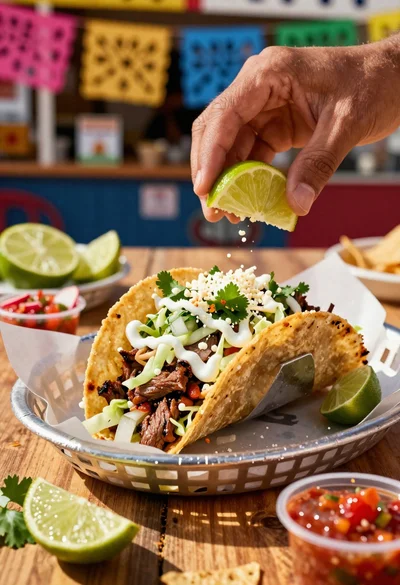
Close up of loaded street tacos with fresh mexican flavors
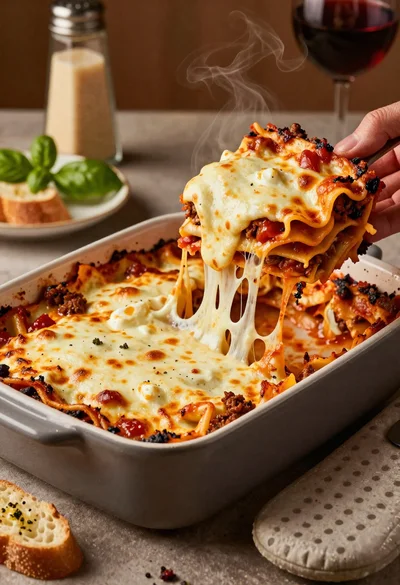
Close up of cheesy lasagna pull on rustic italian kitchen table

Close up of sizzling fajitas on a rustic wooden restaurant table

Close up of crispy chicken nuggets dipped in honey mustard sauce
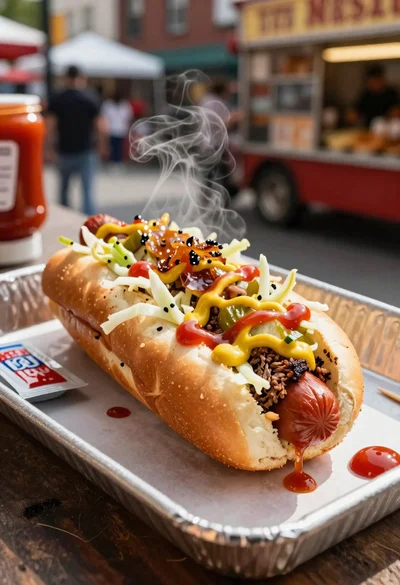
Close up of loaded hotdog with slaw mustard ketchup and onions

Close up overhead view of bread sushi rolls with colorful fillings
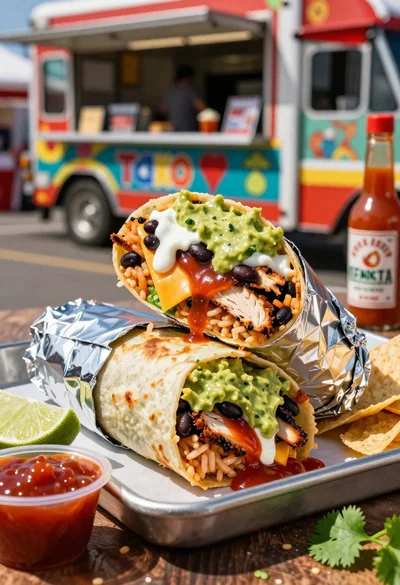
Close up of massive cross cut burrito with colorful tex mex fillings

Ginger cat dressed as fast food worker holding cheeseburger