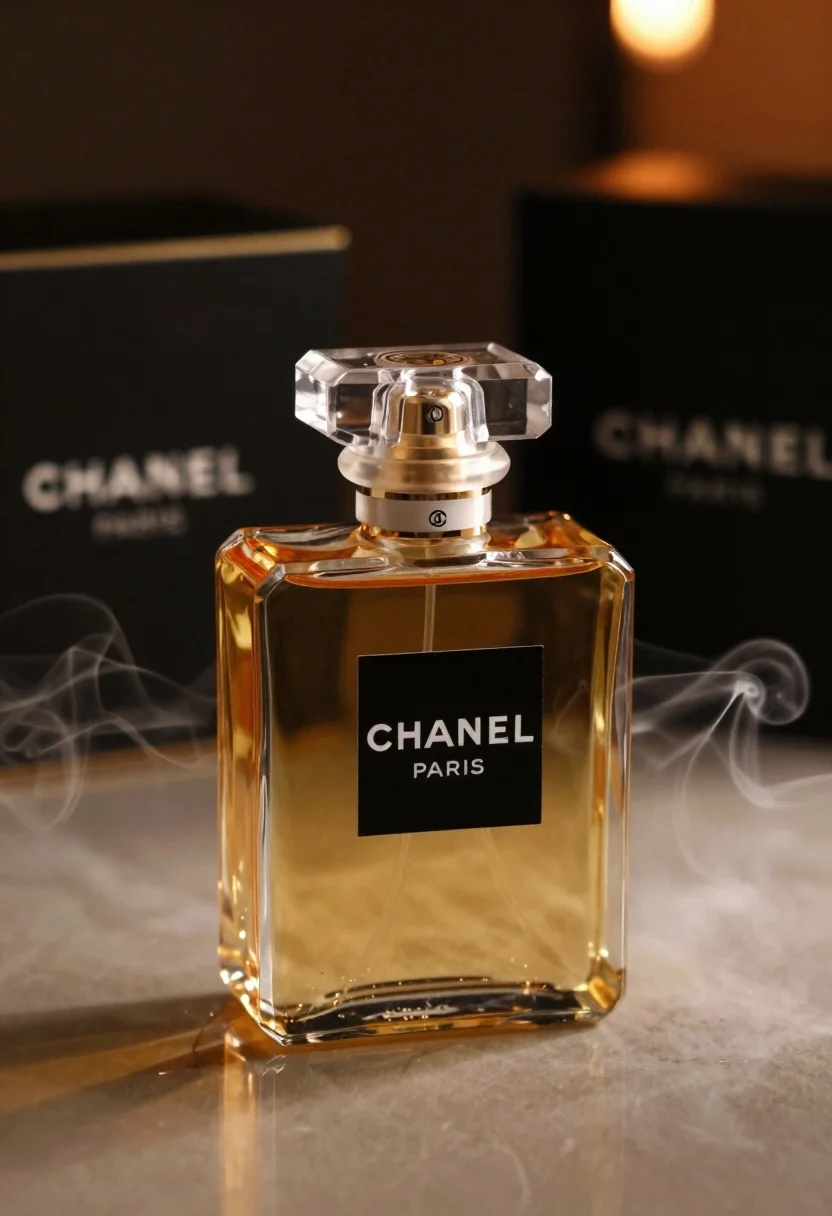
Luxurious chanel perfume bottle on reflective surface with swirling smoke
Prompt
A luxurious bottle of Chanel perfume sits elegantly on a reflective surface with soft smoke swirling around its base.

Subject: A square glass perfume bottle filled with golden amber liquid, featuring a faceted crystal cap and a gold collar.

Clothing: The bottle features a black rectangular label with the text CHANEL PARIS in white serif font.

Action: The bottle stands upright on a reflective surface while wisps of smoke gently rise around its base.

Environment: A dark moody setting with a black box bearing the Chanel logo visible in the background and warm ambient lighting.

Camera: Close-up shot with shallow depth of field focusing sharply on the bottle while softly blurring the background elements.

Lighting: Warm golden light illuminates the amber liquid from within while soft shadows create depth against the dark surroundings.

Style Details: High-end commercial photography style with dramatic contrast, smooth textures, and a sophisticated color palette emphasizing luxury and elegance.
Description
This prompt is useful for creating high-end cosmetic advertisements, perfume brand concept art, and editorial product spreads requiring intense drama. The combination of 'warm golden light' illuminating the liquid from within against 'soft shadows' ensures that the glass bottle appears rich and dimensional, while the 'shallow depth of field' isolates the subject by softening the background elements.
Suggestions
- Change 'golden amber liquid' to 'deep sapphire liquid' for a cooler contrast.
- Add 'bokeh effect' to enhance the blurred background elements.
- Swap 'black rectangular label' for 'gold foil label' to increase perceived luxury.
Category
Tags
Close UpDark SkinOutdoorsRealisticStudio
Date added
June 26, 2026
Added by
PromptDexter Team
Related Prompts
More prompts with similar categories and tags.

Black perfume bottle on driftwood surrounded by pink cosmos flowers in purple
Glossy black jar of deep red body salt scrub surrounded by fresh
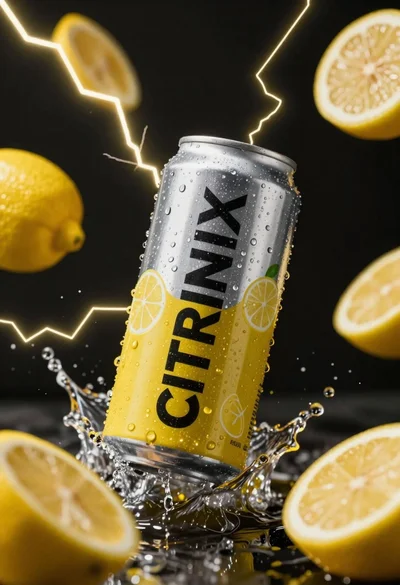
Silver and yellow aluminum beverage can suspended in water splash against dark
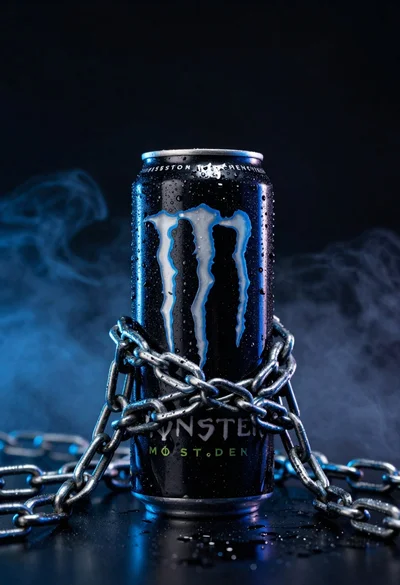
Black monster energy can wrapped in metal chains on reflective floor

Closeup product shot of hand holding frosted glass spray bottle with colorful

Clear glass serum bottle with lemons and water splashes in studio
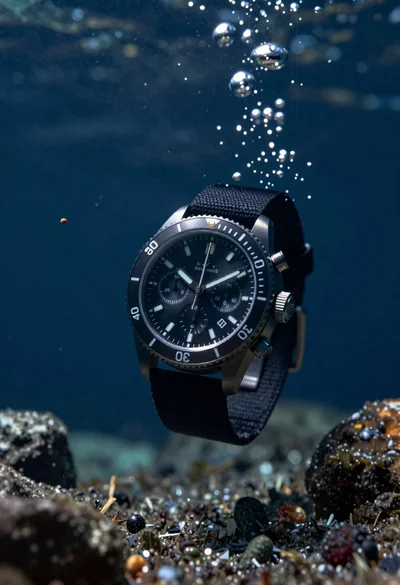
Black chronograph watch with fabric strap floating in deep blue underwater scene
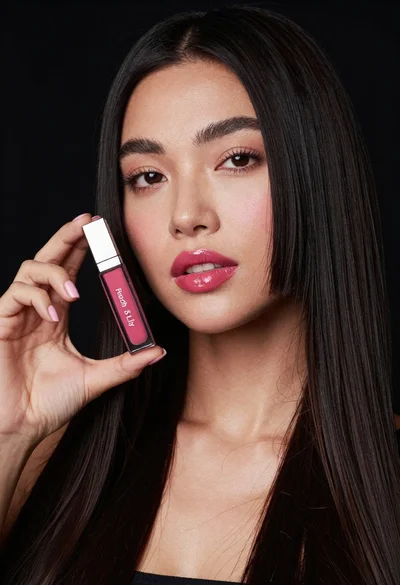
Woman holding lip gloss tube against black background in closeup