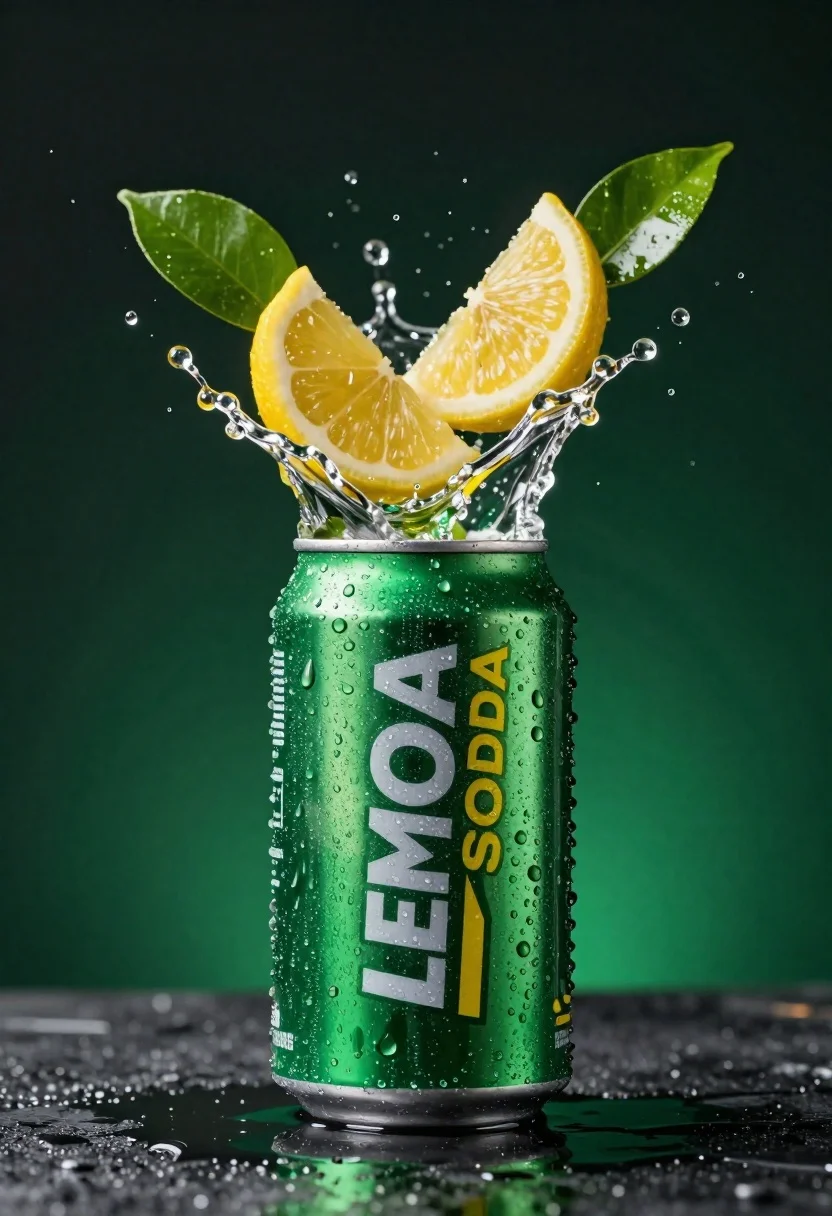
Green soda can erupting with citrus slices and liquid spray
Prompt
A refreshing green soda can erupting with citrus slices and liquid spray against a dark background.

Subject: A metallic green aluminum soda can standing upright with condensation droplets covering its surface.

Clothing: The can features a label with the text "LEMON SODA" in bold white and yellow lettering on a dark green background.

Action: Fresh lemon wedges and vibrant green leaves are exploding upwards from the top of the can, accompanied by a dynamic splash of liquid droplets frozen in mid-air.

Environment: The scene is set against a deep, dark green gradient background that fades to black at the edges, with a wet, reflective surface beneath the can catching the light.

Camera: A close-up shot with a shallow depth of field that keeps the can and immediate splash sharp while softly blurring the distant background elements.

Lighting: Dramatic studio lighting highlights the condensation on the can and the texture of the fruit, creating bright specular reflections on the liquid droplets and metallic surface.

Style Details: High-gloss commercial photography style with hyper-realistic textures, vibrant color saturation, and a focus on refreshing visual appeal.
Description
This prompt is useful for creating beverage advertisements, high-end product catalog shots, and editorial food styling concepts. The combination of 'dramatic studio lighting' emphasizing specular reflections and the 'deep, dark green gradient background' ensures that the vibrant action—the exploding citrus slices and liquid spray—maintains maximum visual pop against a controlled, non-distracting setting.
Suggestions
- Change 'metallic green aluminum soda can' to 'brushed copper soda can' for an alternative material feel.
- Add 'macro lens perspective' to intensify the close-up focus on droplets.
- Swap 'vibrant green leaves' for 'lime zest curls' to change the organic element.
Category
Tags
Close UpDark SkinOutdoorsRealistic
Date added
June 23, 2026
Added by
PromptDexter Team
Related Prompts
More prompts with similar categories and tags.
Glossy black dior sauvage elixir perfume bottle in dark wood hollow
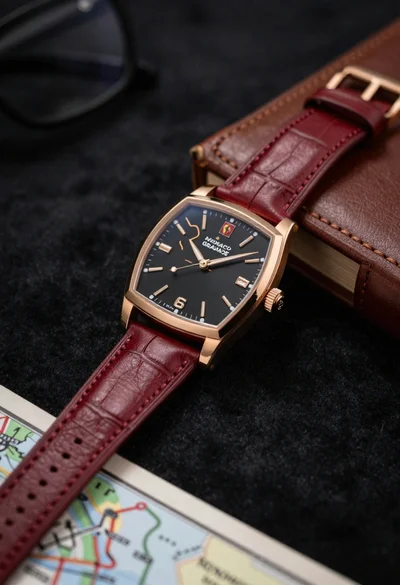
Closeup shot of luxury rose gold wristwatch on dark textured surface
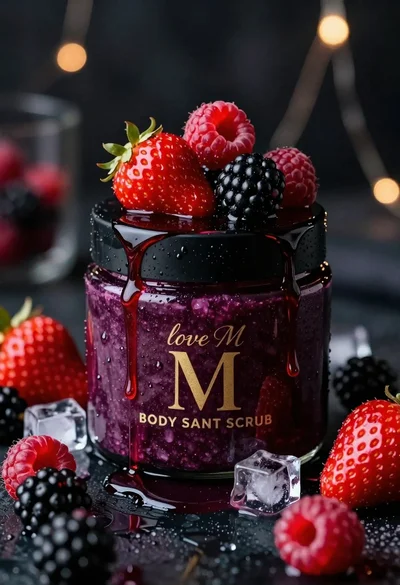
Luxurious dark berry body salt scrub jar with fresh strawberries and raspberries
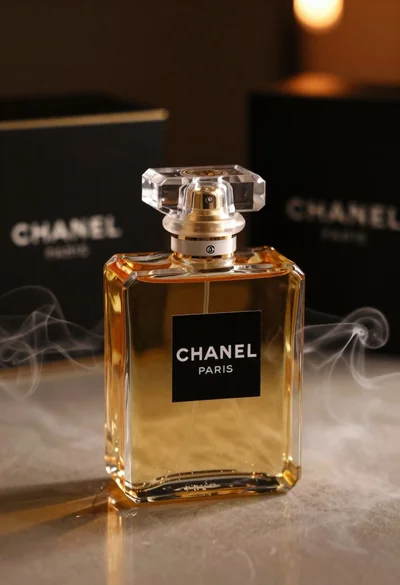
Luxurious chanel perfume bottle on reflective surface with swirling smoke

Black perfume bottle on driftwood surrounded by pink cosmos flowers in purple
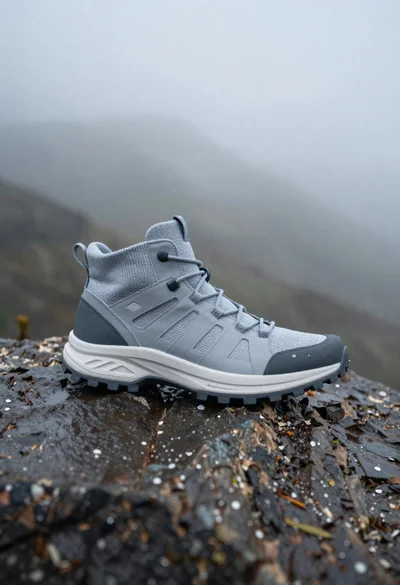
Grey and white hiking boot on wet rocky ground
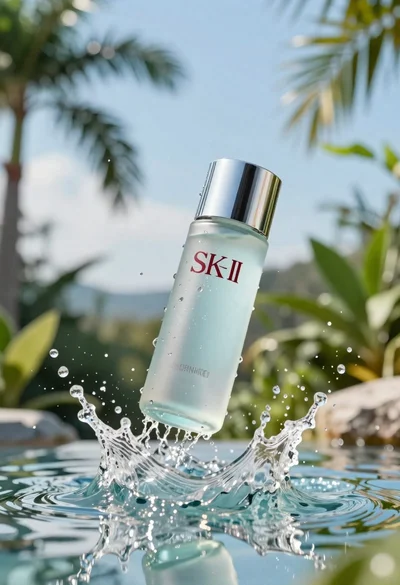
Clear glass skincare bottle suspended in water splash outdoors
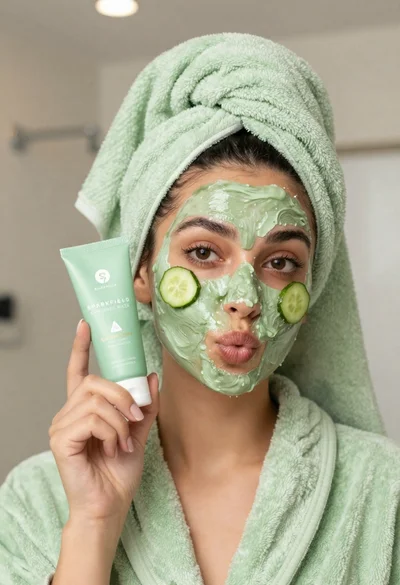
Woman in light green bathrobe holding cucumber face mask tube