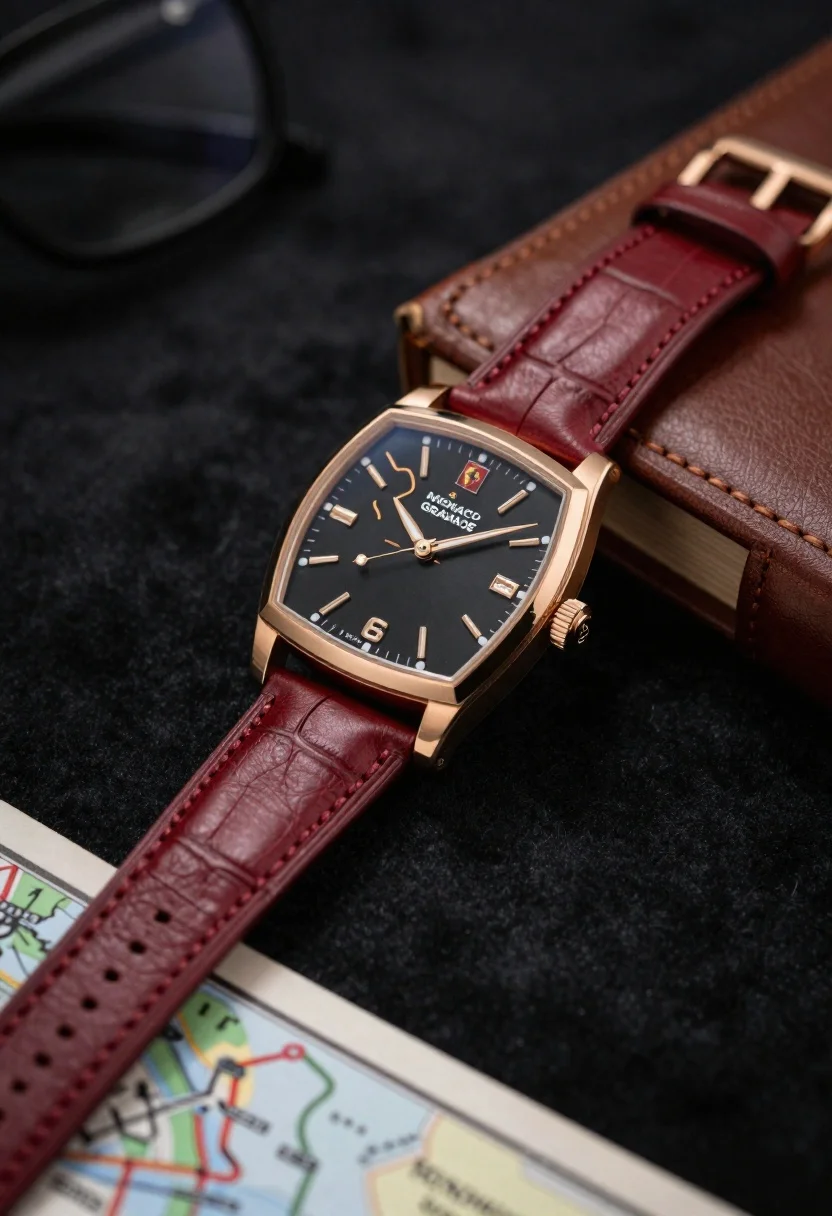
Closeup shot of luxury rose gold wristwatch on dark textured surface
Prompt
A close-up shot of a luxury wristwatch with a rose gold case and a deep red leather strap resting on a dark textured surface.

Subject: A Monaco Prestige wristwatch featuring a black dial with a gold outline of the Monaco Grand Prix circuit track, gold hour markers, and a small red Ferrari logo at the 6 o'clock position.

Clothing: The watch is fitted with a rich burgundy leather strap showing visible stitching and texture.

Action: The watch is stationary, angled slightly to the right to showcase the side profile and crown.

Environment: The background consists of a dark, soft-focus surface, likely black velvet or fabric, with blurred objects including a vintage map in the bottom left corner and a brown leather-bound book on the right.

Camera: A shallow depth of field focuses sharply on the watch face while blurring the foreground and background elements to create an intimate product shot.

Lighting: Soft, directional lighting highlights the metallic sheen of the rose gold case and the texture of the leather strap against the dark backdrop.

Style Details: High-end commercial photography with a sophisticated, elegant color palette emphasizing luxury and craftsmanship.
Description
This prompt is useful for creating high-end jewelry advertisements, watch brand catalog images, and editorial lifestyle spreads featuring masculine accessories. The combination of 'soft, directional lighting' accentuating the 'metallic sheen of the rose gold case' against a 'dark, soft-focus surface' ensures that the intricate details of the watch face remain visible while the background elements recede enough to keep the focus solely on luxury craftsmanship.
Suggestions
- Change 'deep red leather strap' to 'black alligator leather strap' for a more severe contrast.
- Add 'macro lens perspective' to intensify the close-up feel.
- Swap 'vintage map' for 'polished marble texture' to change the background material.
Category
Tags
Close UpDark SkinOutdoorsRealistic
Date added
June 23, 2026
Added by
PromptDexter Team
Related Prompts
More prompts with similar categories and tags.
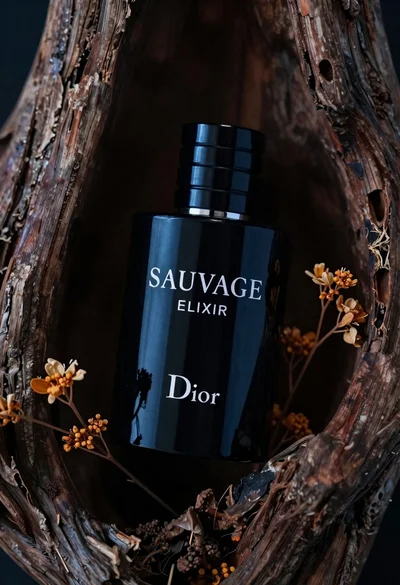
Glossy black dior sauvage elixir perfume bottle in dark wood hollow
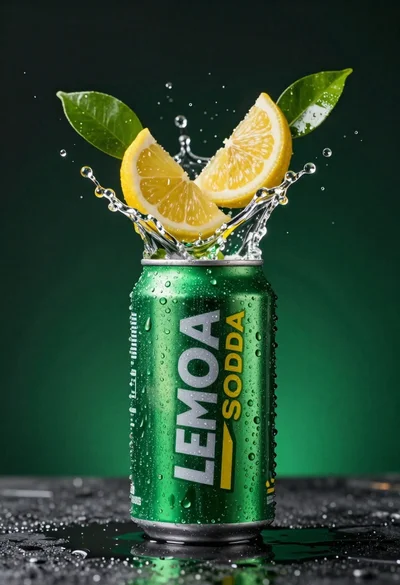
Green soda can erupting with citrus slices and liquid spray
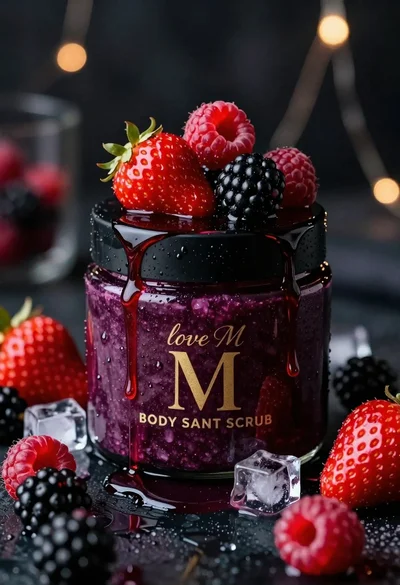
Luxurious dark berry body salt scrub jar with fresh strawberries and raspberries
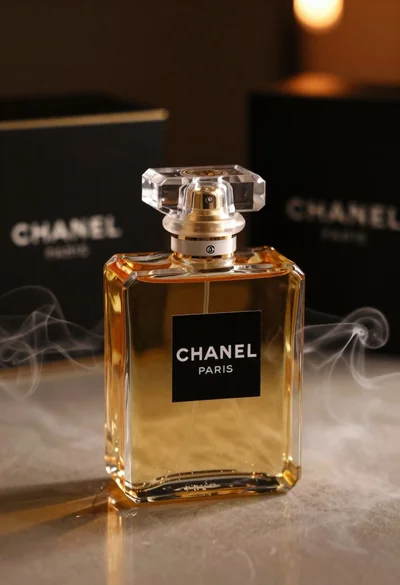
Luxurious chanel perfume bottle on reflective surface with swirling smoke

Black perfume bottle on driftwood surrounded by pink cosmos flowers in purple
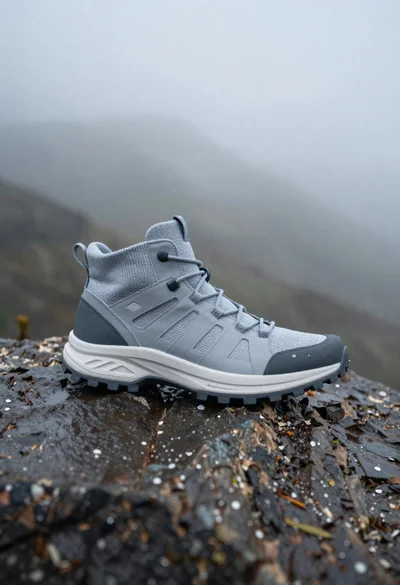
Grey and white hiking boot on wet rocky ground
Clear glass skincare bottle suspended in water splash outdoors
Woman in light green bathrobe holding cucumber face mask tube