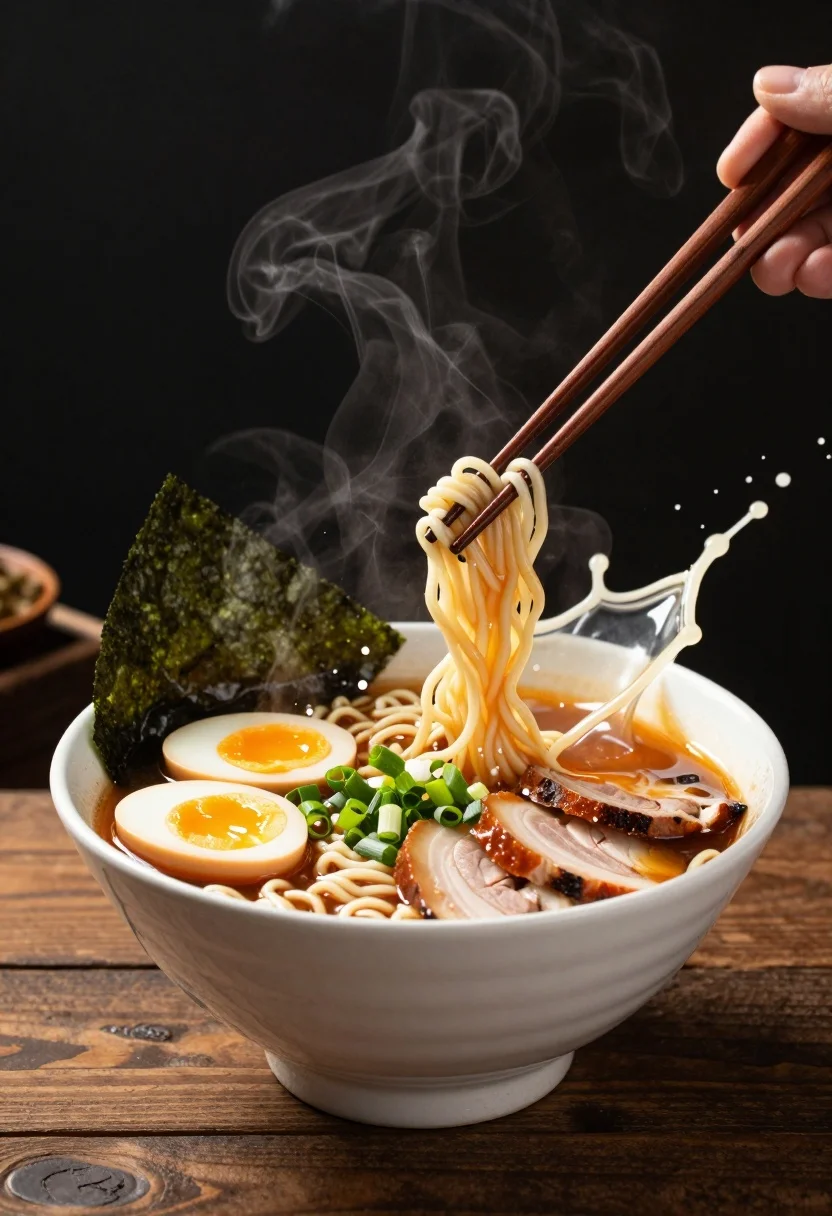
Hyperrealistic close up of ramen splashing ingredients on a dark wooden table
Prompt
A steaming bowl of ramen erupting in a dynamic splash of broth and toppings against a dark background.

Subject: A white ceramic bowl filled with rich ramen broth, noodles, chopped green onions, two halves of a soft-boiled egg with runny yolks, slices of char siu pork belly, and pieces of nori seaweed.

Clothing: Not applicable.

Action: The food ingredients are suspended in mid-air during a dramatic splash, while a pair of wooden chopsticks pierce through the broth and toppings diagonally across the frame.

Environment: A dark, moody background with a rustic wooden table surface visible at the bottom.

Camera: Close-up shot with a shallow depth of field that blurs the background to emphasize the food.

Lighting: Dramatic side lighting that highlights the steam rising from the bowl and creates high contrast on the splashing liquid and meat textures.
Second

Objects: Wooden chopsticks, nori seaweed, soft-boiled egg, char siu pork belly, green onions, ramen noodles, ceramic bowl.

Interaction: The ingredients are frozen in motion within a large splash of broth, with steam curling upwards from the hot food.

Style Details: High-end food photography style with hyper-realistic textures, vibrant colors, and cinematic composition.
Description
This prompt is useful for creating high-impact menu visuals, editorial culinary spreads, and dramatic recipe book photography. The combination of 'dramatic side lighting' and the action of ingredients being 'frozen in motion within a large splash of broth' ensures that every texture—from the 'runny yolks' to the 'char siu pork belly'—is sharply defined against the dark background, preventing the scene from looking flat or static.
Suggestions
- Change 'dark wooden table surface' to 'wet slate countertop' for a different material contrast.
- Add 'macro lens perspective' to intensify the splash details.
- Swap 'dramatic side lighting' for 'rim lighting' to emphasize steam outlines.
Category
Tags
Close UpFoodMacro ShotRealistic
Date added
July 12, 2026
Added by
PromptDexter Team
Related Prompts
More prompts with similar categories and tags.
Close up of loaded street tacos with fresh mexican flavors
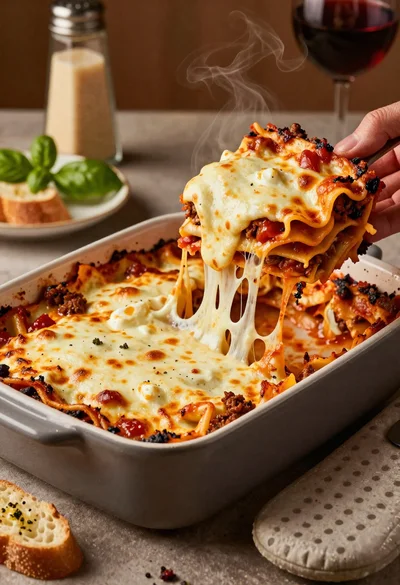
Close up of cheesy lasagna pull on rustic italian kitchen table
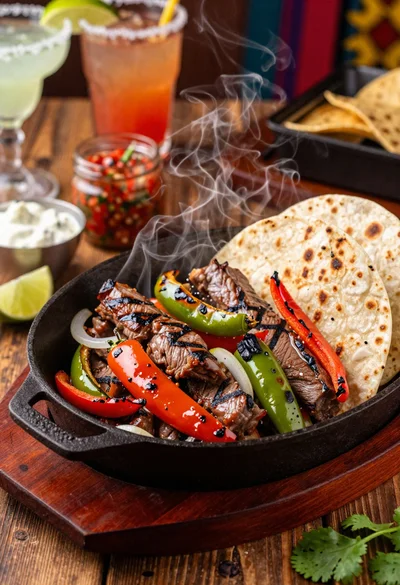
Close up of sizzling fajitas on a rustic wooden restaurant table
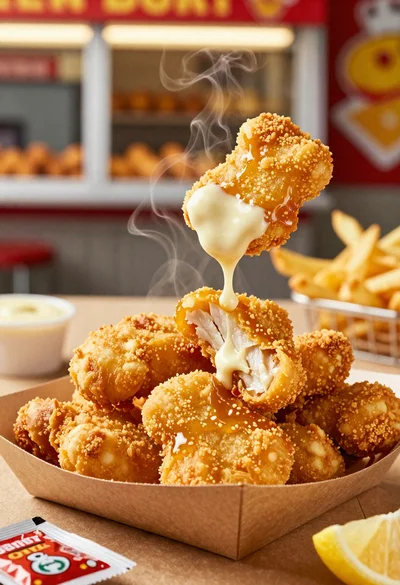
Close up of crispy chicken nuggets dipped in honey mustard sauce
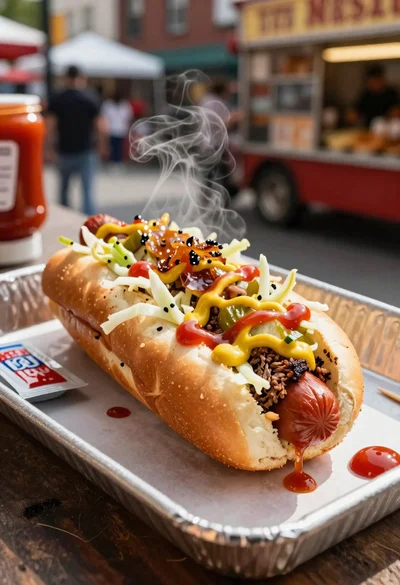
Close up of loaded hotdog with slaw mustard ketchup and onions
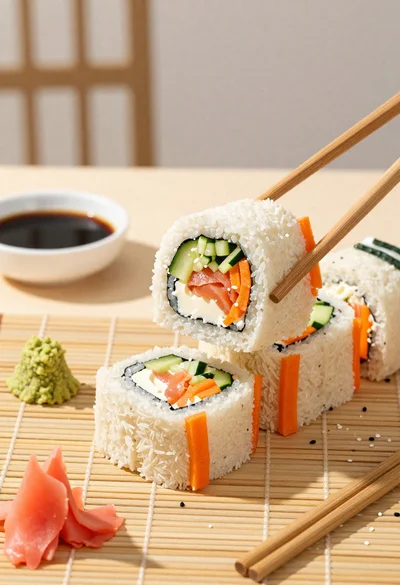
Close up overhead view of bread sushi rolls with colorful fillings
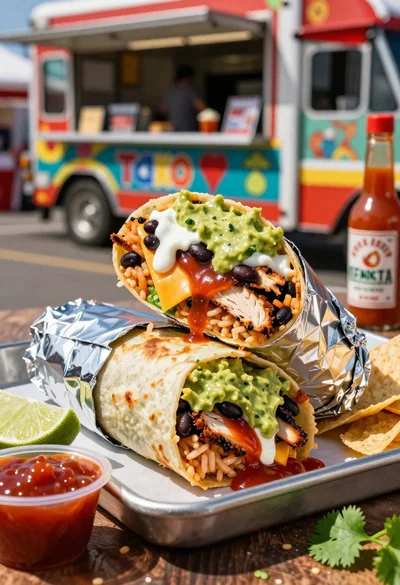
Close up of massive cross cut burrito with colorful tex mex fillings
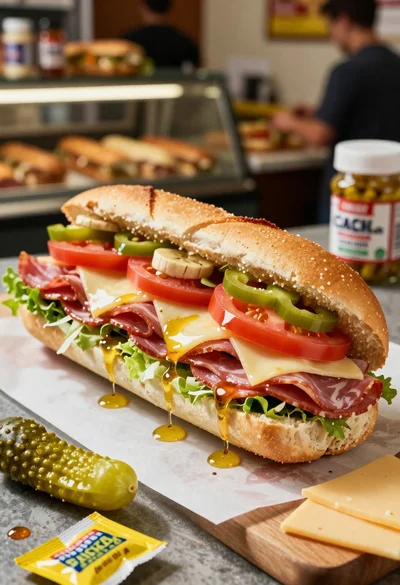
Close up of layered italian hoagie sandwich on butcher paper
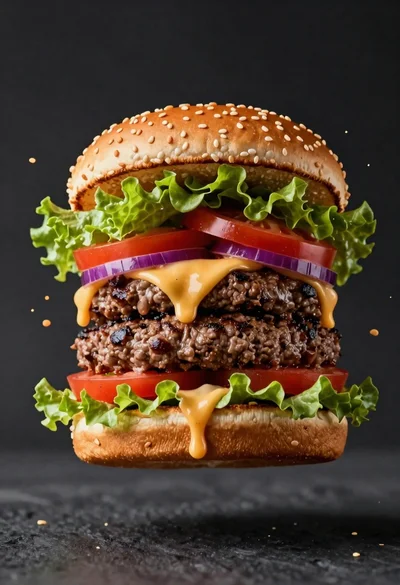
Hyperrealistic close up of a double patty burger mid air
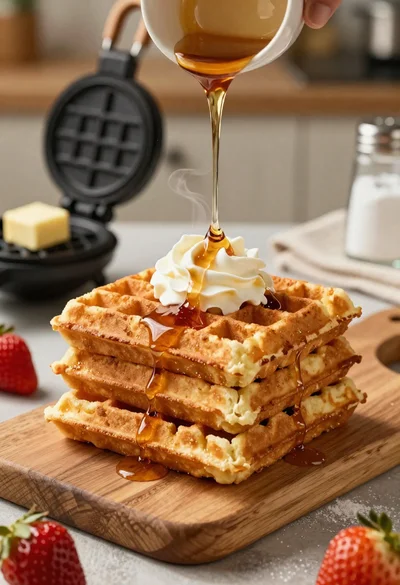
Close up of golden belgian waffles with maple syrup and whipped cream