
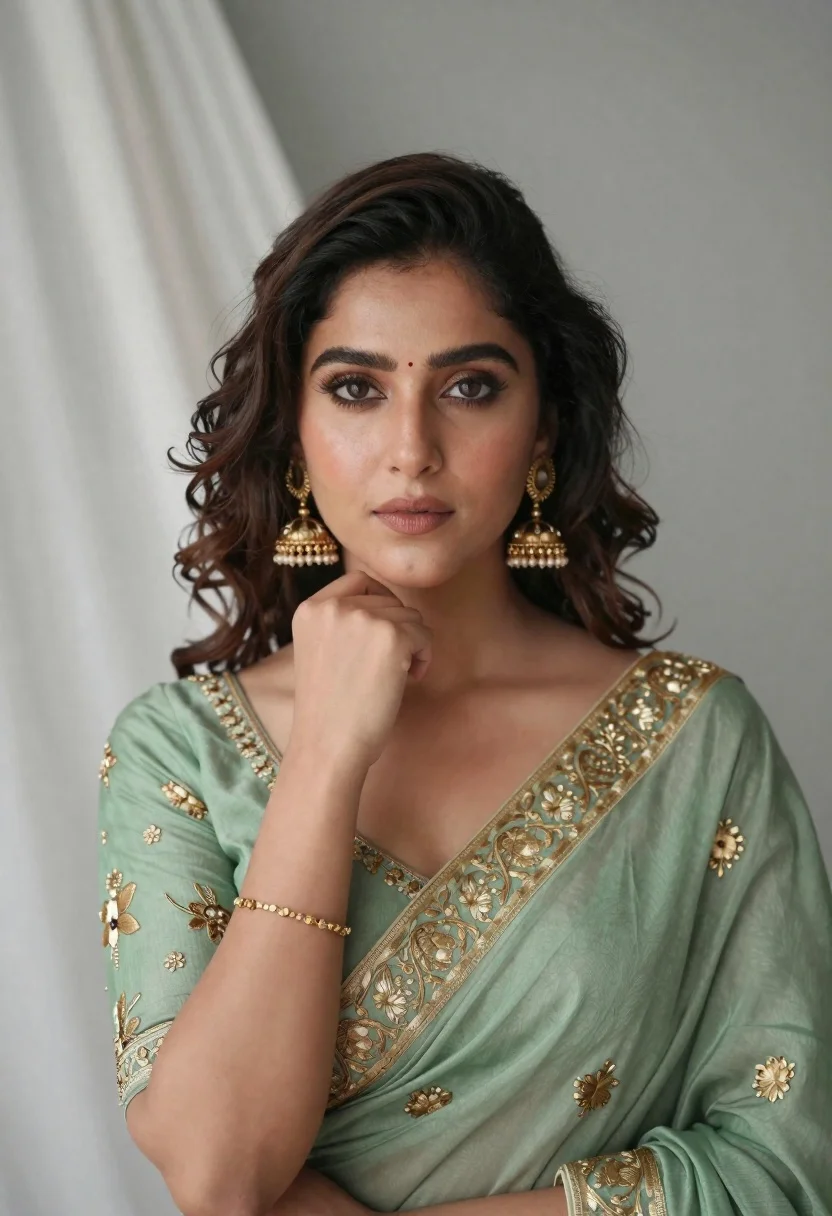
Portrait of young woman in sage green saree with gold embroidery
Prompt
A soft-focus portrait of a woman with wavy dark brown hair and warm brown eyes gazing directly at the camera.

Subject: A young woman with fair skin, defined eyebrows, and a small red bindi on her forehead.

Clothing: She wears an elegant sage green saree featuring intricate gold floral embroidery along the neckline and sleeves, paired with large traditional gold jhumka earrings and a delicate gold bracelet.

Action: Her right hand is raised gently to her chin in a contemplative pose, while she maintains a calm and composed facial expression.

Environment: The background consists of a neutral grey wall on the right and soft white fabric drapes on the left, creating a clean indoor setting.

Camera: Shot with a shallow depth of field that blurs the background slightly to emphasize the subject, utilizing a medium close-up framing.

Lighting: Soft, diffused lighting illuminates her face from the front, casting gentle shadows that highlight her features without harsh contrast.

Style Details: High-resolution photography with smooth skin texture and a polished, elegant aesthetic.
Description
This prompt is useful for creating bridal portraiture inspiration, cultural fashion editorials, and high-end jewelry advertisements. The combination of 'soft, diffused lighting' and the 'neutral grey wall' ensures that the intricate details of the 'gold floral embroidery' remain visible without harsh reflections or distracting background elements.
Suggestions
- Change 'sage green saree' to 'emerald green saree' for a richer jewel tone.
- Add 'bokeh effect' to the camera section for more pronounced background blur.
- Swap 'small red bindi' for 'maroon bindi' to complement the gold accents.
Category
Tags
Brown HairFair SkinFemaleIndoorsMedium ShotPortrait ShotRealisticTraditional Wear
Date added
June 21, 2026
Added by
PromptDexter Team
Related Prompts
More prompts with similar categories and tags.
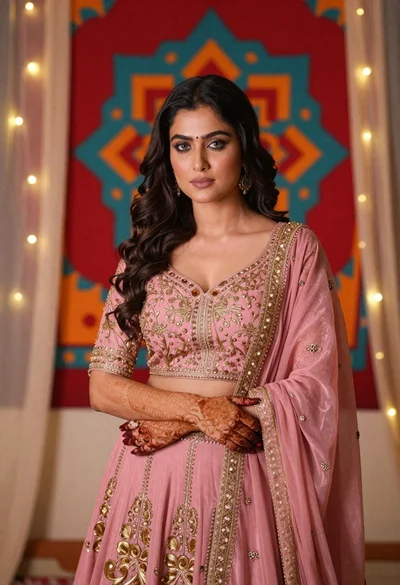
Woman in pink embroidered lehenga standing before a colorful mandala tapestry
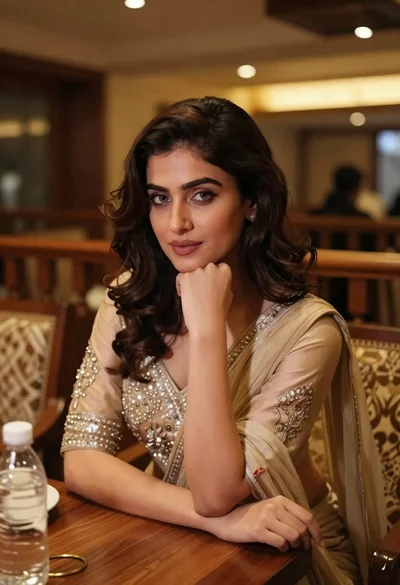
Young woman in traditional attire sitting at restaurant table with warm lighting
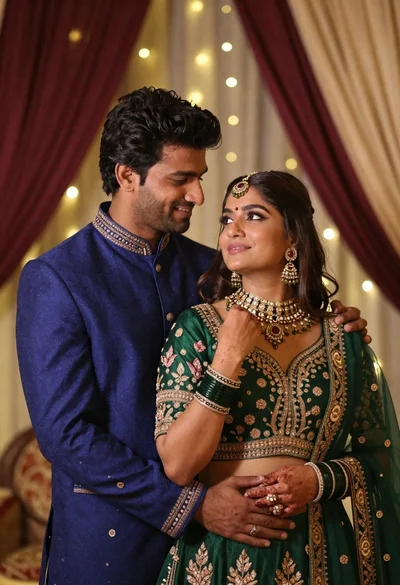
Indian couple in traditional wedding attire posing together in festive indoor setting
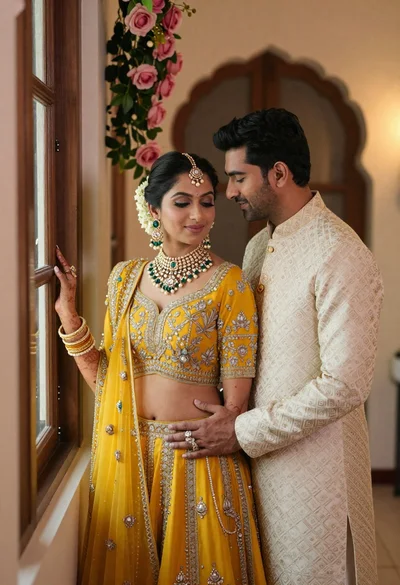
Indian couple in traditional wedding attire posing near a wooden window
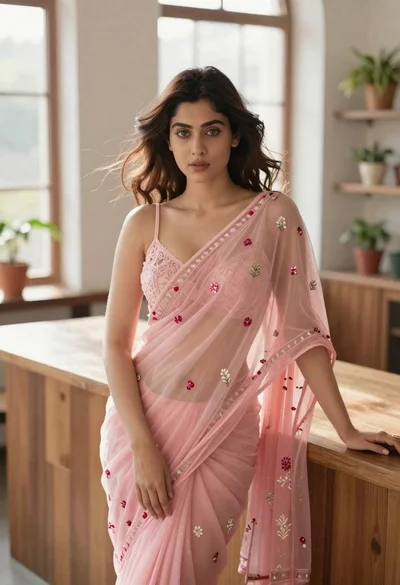
Young woman in pink saree leaning against counter in sunlit room
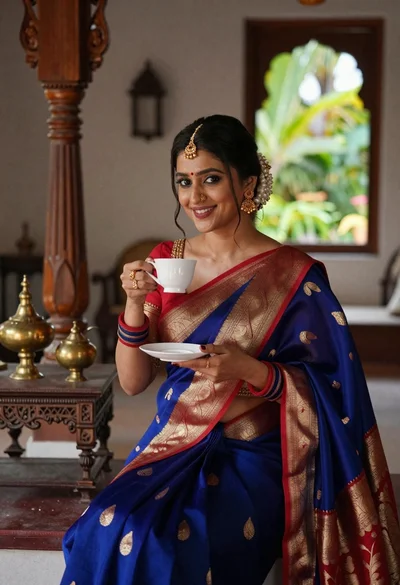
Smiling indian woman in blue silk saree holding a teacup indoors
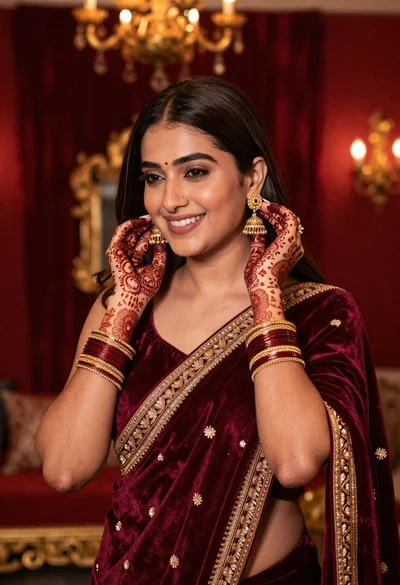
Smiling woman in maroon velvet saree touching gold earring indoors

Woman in red corset dress standing in dimly lit room with ornate
