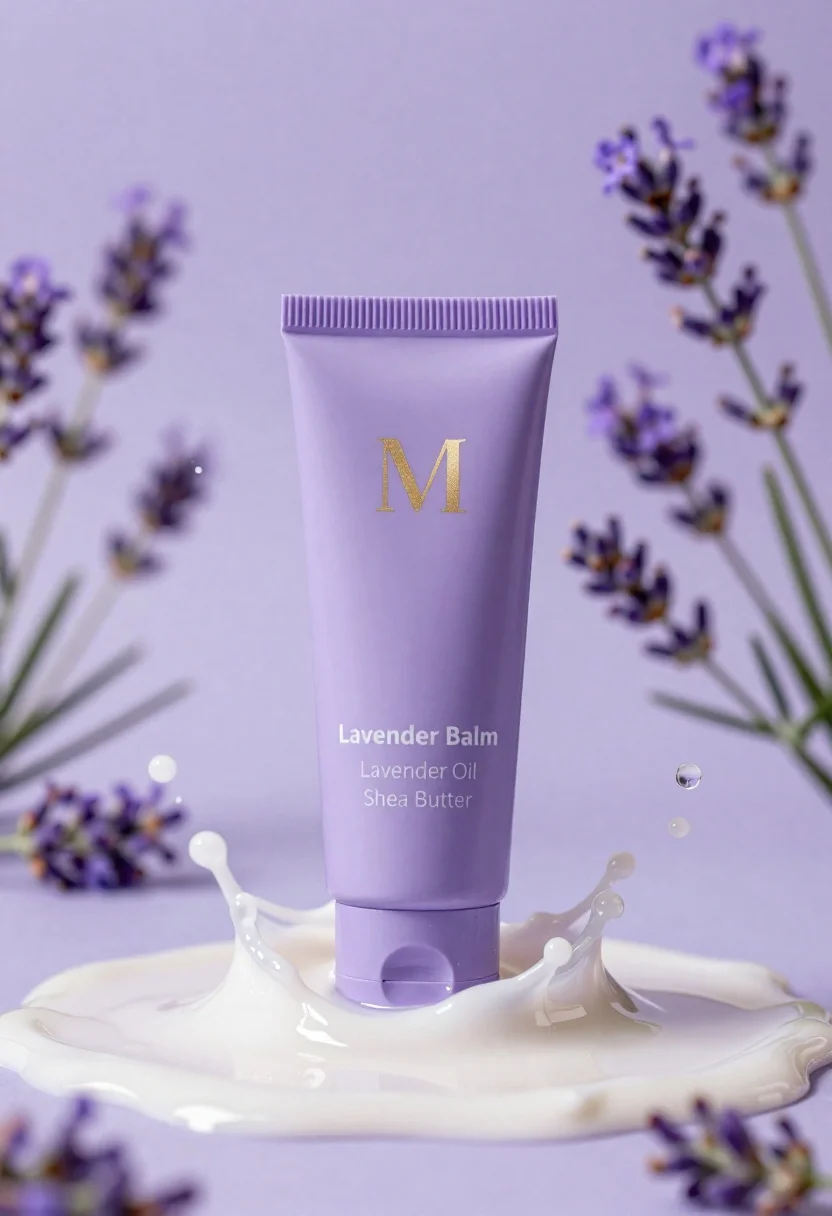
Lavender balm squeeze tube in cream surrounded by liquid splashes
Prompt
A tall lavender-colored squeeze tube stands upright in the center of a pool of thick, glossy cream.

Subject: A matte-finish squeeze tube with a ribbed cap and a minimalist design.

Clothing: The tube features gold foil lettering that reads "M", followed by "Lavender Balm" in white sans-serif font, and smaller text listing ingredients like "Lavender Oil" and "Shea Butter".

Action: The product is surrounded by dynamic splashes of translucent liquid and droplets frozen in mid-air.

Environment: A soft-focus background filled with sprigs of purple lavender flowers against a gradient of light purple hues.

Camera: Centered composition with a shallow depth of field that keeps the tube sharp while blurring the floral background.

Lighting: Soft, diffused lighting creates gentle highlights on the liquid splashes and a subtle sheen on the tube surface without harsh shadows.

Style Details: High-end commercial product photography with hyper-realistic textures, vibrant pastel color grading, and a clean, spa-like aesthetic.
Description
This prompt is useful for creating high-end cosmetic advertisements, botanical skincare branding materials, and luxury lifestyle editorial spreads. The combination of 'soft, diffused lighting' and the 'matte-finish squeeze tube' ensures that the product remains the sharp focal point while the surrounding 'dynamic splashes' provide visual energy appropriate for advertising potent natural ingredients.
Suggestions
- Change 'lavender-colored' to 'pale lilac' for a more muted tone.
- Replace 'glossy cream' with 'oatmeal base' to suggest a different texture.
- Adjust 'shallow depth of field' to 'bokeh effect' for an even softer background blur.
Category
Tags
Full BodyOutdoorsRealisticStudio
Date added
June 26, 2026
Added by
PromptDexter Team
Related Prompts
More prompts with similar categories and tags.
Transparent glass perfume bottle with black cap on green grass under pink
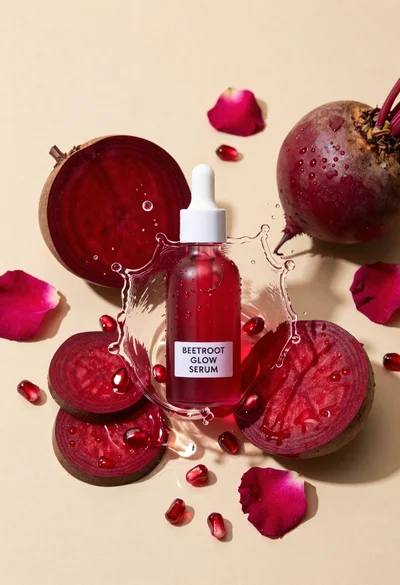
Glass dropper bottle of red serum surrounded by beetroot slices pomegranate seeds
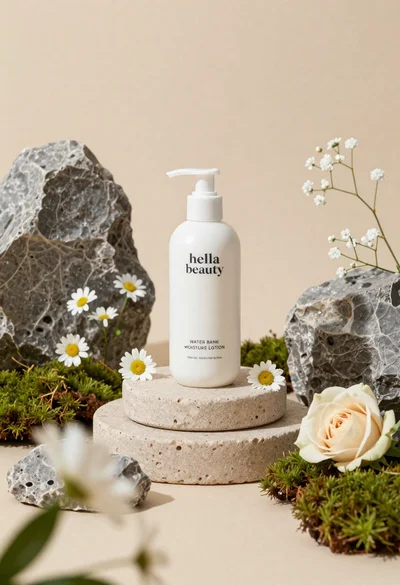
White lotion bottle on tiered stone pedestal with blurred flowers
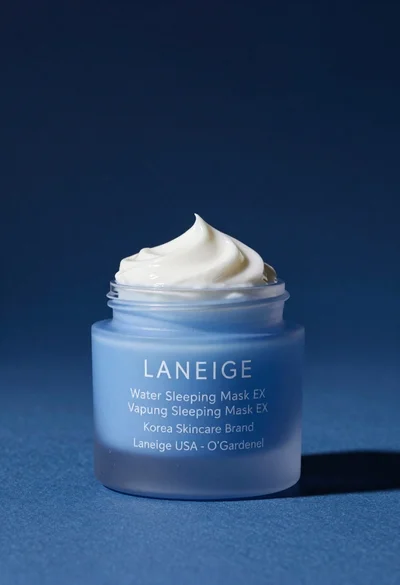
Light blue frosted glass jar of sleeping mask with creamy white swirl
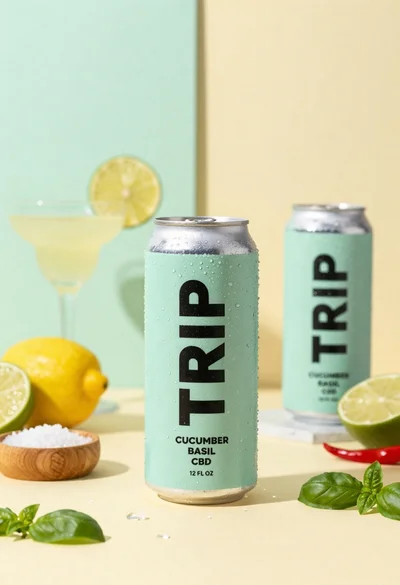
Frosty can of trip cucumber basil cbd in minimalist studio setting
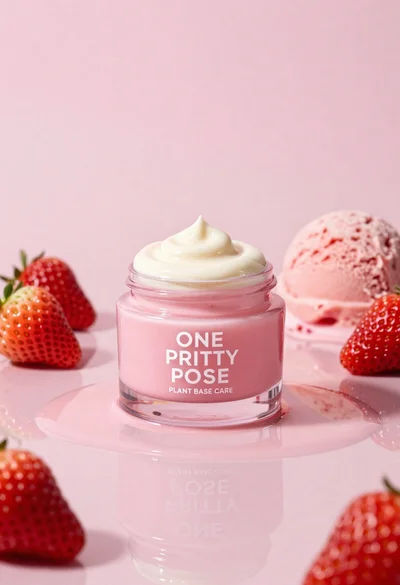
Glossy pink cosmetic jar with cream surrounded by strawberries and ice cream
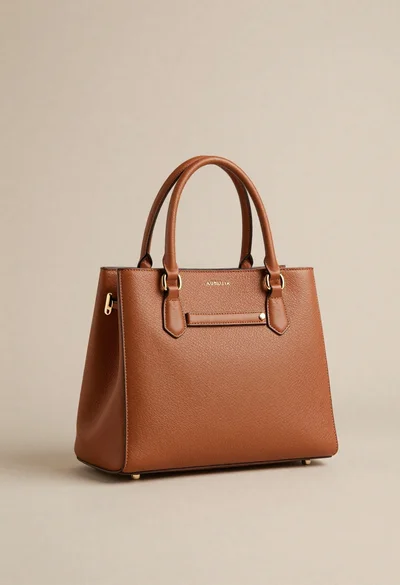
Sophisticated tan leather handbag product shot on reflective surface
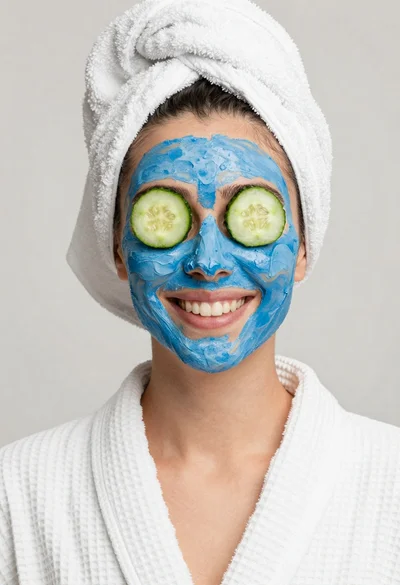
Smiling woman in white bathrobe with blue clay face mask and cucumber