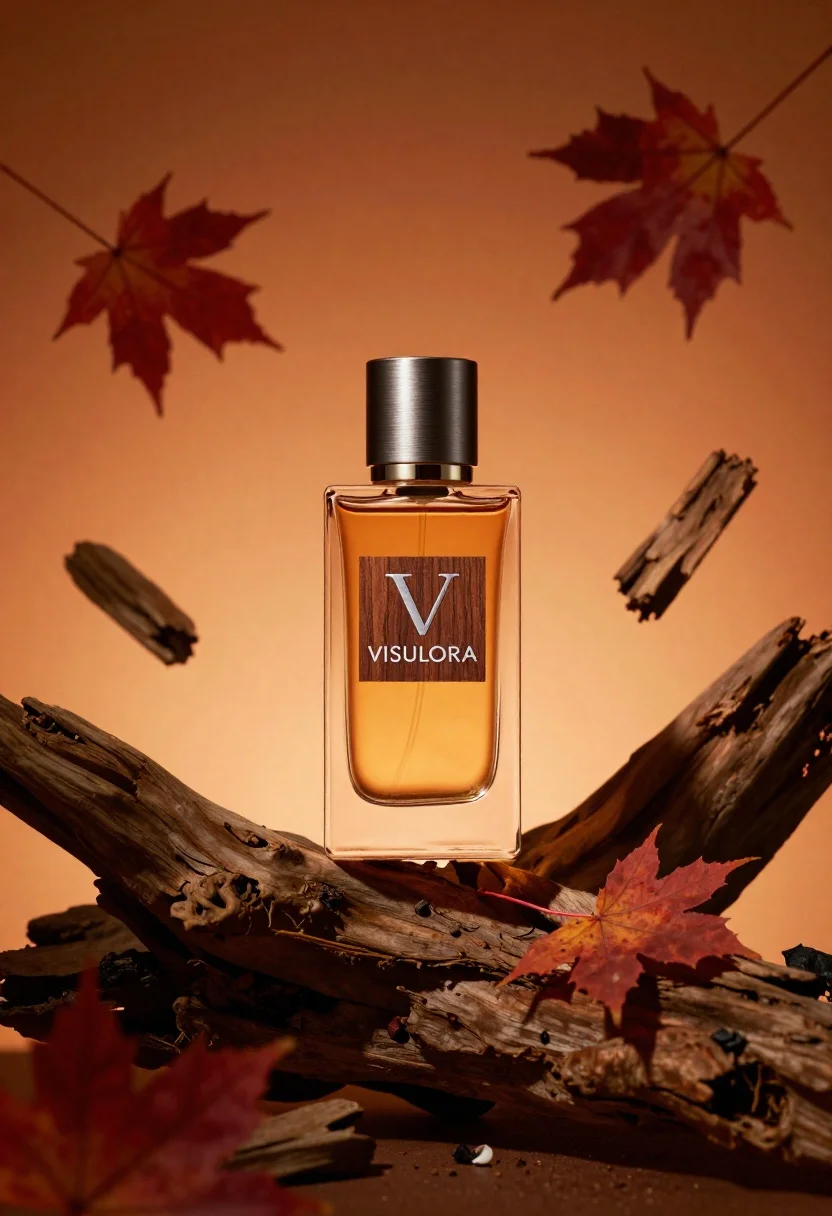
Luxurious amber perfume bottle on driftwood with floating maple leaves
Prompt
A luxurious amber perfume bottle with a brushed metal cap rests on a piece of gnarled driftwood against a warm orange background.

Subject: A rectangular glass perfume bottle filled with golden liquid featuring a wooden label with a silver V logo and the text VISULORA.

Clothing: N/A.

Action: The bottle is stationary while autumn maple leaves and pieces of wood float around it in mid-air.

Environment: A solid warm orange gradient background that suggests an indoor studio setting.

Camera: Centered product shot with a shallow depth of field blurring the floating debris slightly to emphasize the bottle.

Lighting: Soft directional lighting from the front left creating gentle highlights on the glass and metal cap while casting subtle shadows on the wood.
Second

Subject: N/A.

Objects: Floating red maple leaves, small chunks of driftwood or bark, and a large piece of weathered wood acting as a pedestal.

Interaction: The floating elements surround the bottle to create a dynamic sense of motion and autumnal atmosphere.

Text/Graphics: A silver V logo and the word VISULORA printed in white serif font on a dark wooden label attached to the front of the bottle.

Style Details: High-end commercial photography with hyper-realistic rendering, rich warm color grading, and sharp focus on the product details.
Description
This prompt is useful for creating high-end cosmetic advertising, seasonal holiday catalog spreads, and luxury brand website hero images. The combination of 'soft directional lighting from the front left' accentuates the glass curvature and metal cap highlights, while the inclusion of floating elements prevents a static composition, making the product feel integrated into an autumnal scene.
Suggestions
- Change 'warm orange background' to 'deep burgundy gradient' for a richer fall palette.
- Swap 'brushed metal cap' for 'polished gold cap' to increase perceived luxury.
- Adjust 'shallow depth of field' to 'very shallow depth of field' for more dramatic subject isolation.
Category
Tags
RealisticStudio
Date added
June 26, 2026
Added by
PromptDexter Team
Related Prompts
More prompts with similar categories and tags.
Minimalist perfume bottle on driftwood and sand
White shopping bag overflowing with fresh broccoli florets

Black makeup tube next to open red pomegranate on beige background
Amber glass bottle with gold pump under dramatic golden light

Laptop displaying video thumbnails against blue lit monitors
Hands dispensing white cream from a tube into a palm
Black supplement bottle with chromatic aberration in void
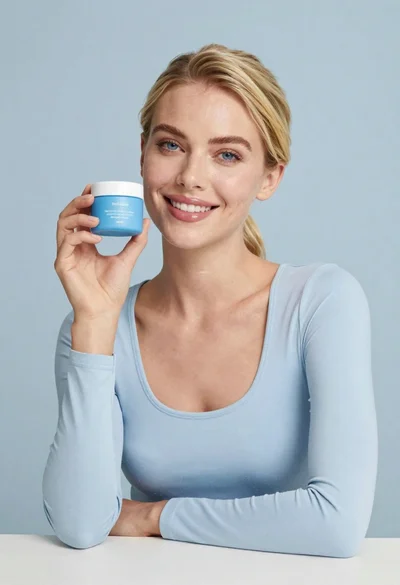
Smiling blonde woman holding a blue jar in a minimalist studio setting