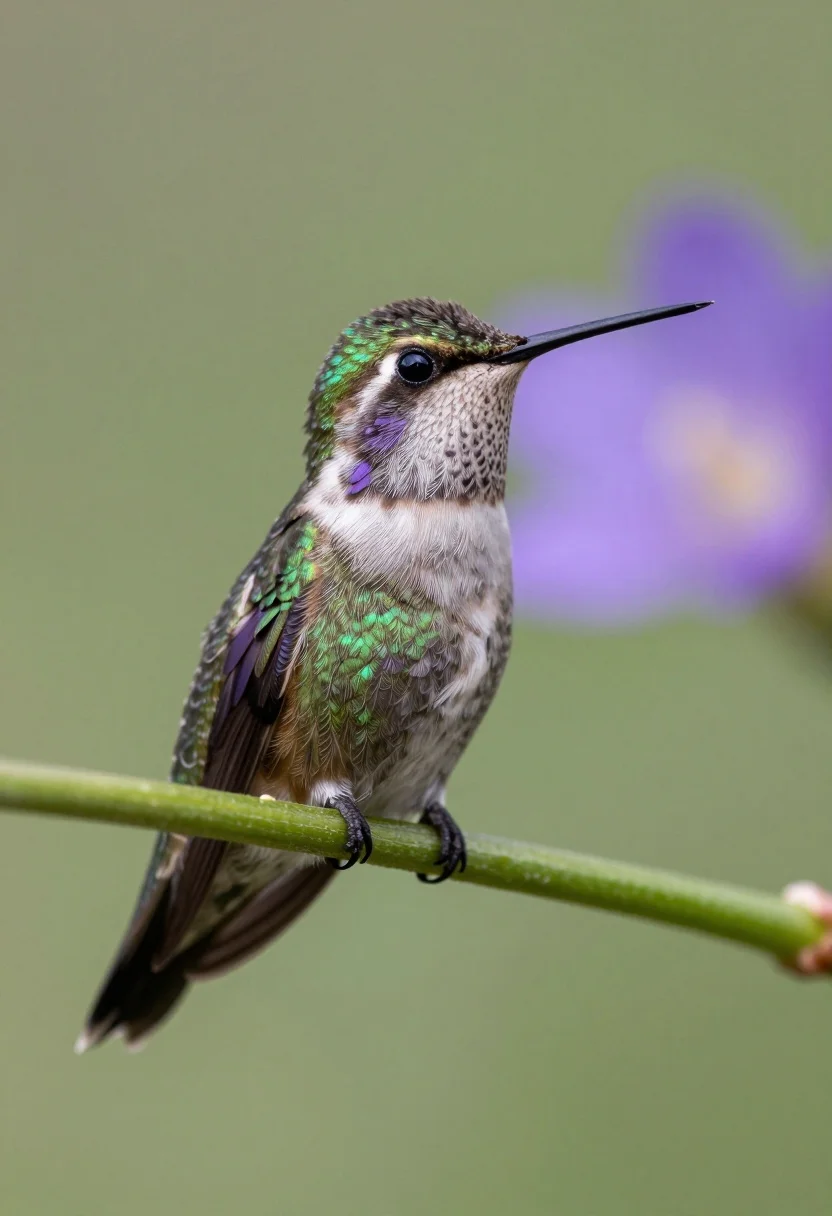
Macro photograph of hummingbird perched on green stem with soft background
Prompt
A close-up portrait of a small hummingbird perched on a green plant stem.

Subject: A tiny bird with iridescent emerald green feathers on its head and back, transitioning to brownish-purple wings and a pale beige chest, featuring a long, thin black beak and a large dark eye.

Action: The bird is perched still on a textured green vine or stem, facing towards the right side of the frame.

Environment: A soft-focus natural background with blurred shades of green and a distinct out-of-focus purple flower visible in the distance to the right.

Camera: A tight close-up shot utilizing a shallow depth of field that renders the bird in sharp focus while blurring the background significantly.

Lighting: Soft, diffused natural light illuminates the subject evenly, highlighting the texture of the feathers without creating harsh shadows.

Style Details: High-resolution macro photography with vibrant color saturation and a smooth bokeh effect.
Description
This prompt is useful for creating nature documentary stills, botanical illustration concepts, and high-end wildlife advertising campaigns. The combination of 'shallow depth of field' and 'soft bokeh effect' ensures the viewer's eye remains locked on the bird by isolating it against a blurred background, while specifying 'iridescent emerald green feathers' guarantees the necessary jewel-toned pop required for impactful close-ups.
Suggestions
- Change 'green plant stem' to 'bromeliad leaf' for more tropical context.
- Swap 'soft, diffused natural light' for 'rim lighting from the left' to emphasize feather edges.
- Add 'telephoto lens perspective' to enhance the sense of distance and focus.
Category
Tags
AnimalClose UpMacro ShotNatureOutdoorsRealistic
Date added
August 5, 2026
Added by
PromptDexter Team
Related Prompts
More prompts with similar categories and tags.
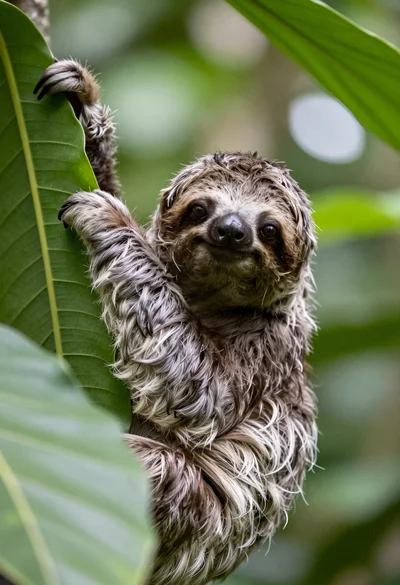
Close up portrait of baby sloth on large green leaf in lush
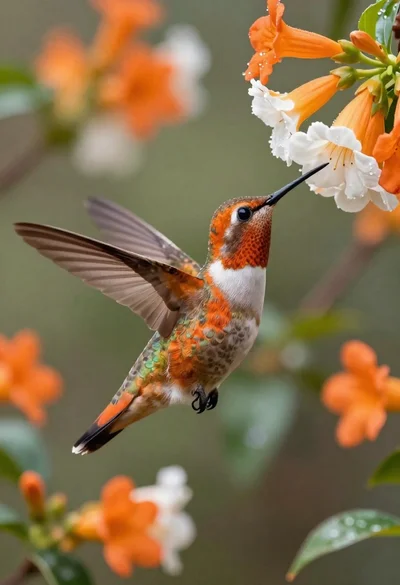
Hummingbird hovering near orange and white flowers
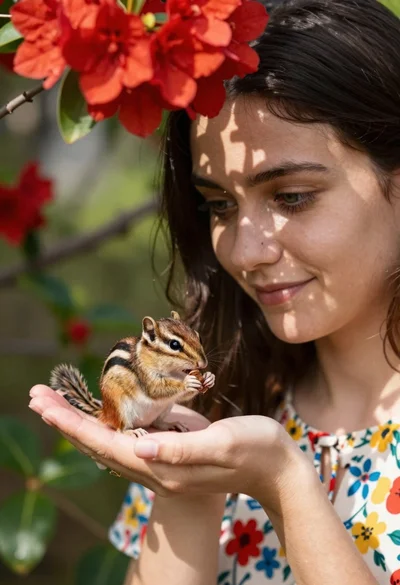
Young woman with dark hair holding a small chipmunk under red flowers
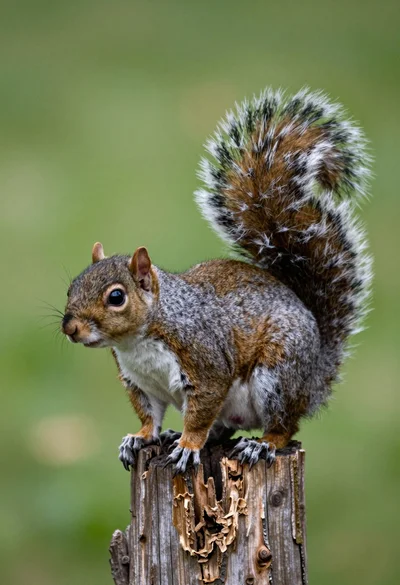
Close up photograph of a grey squirrel on a wooden stump against
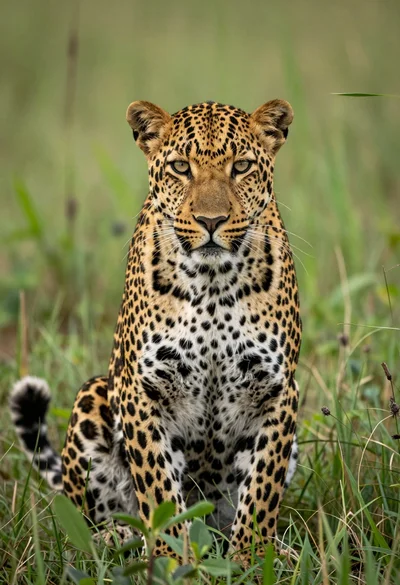
Majestic leopard sitting alert in lush green savanna grassland close up
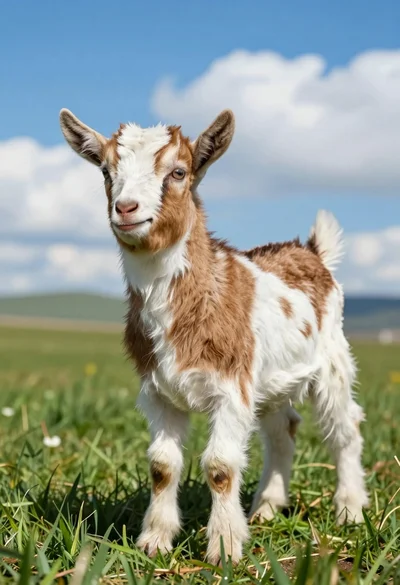
Close up of baby goat standing in lush green field under bright
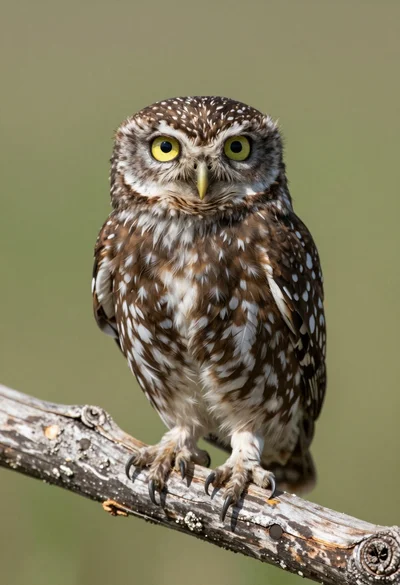
Close up portrait of a small owl perched on weathered wood branch
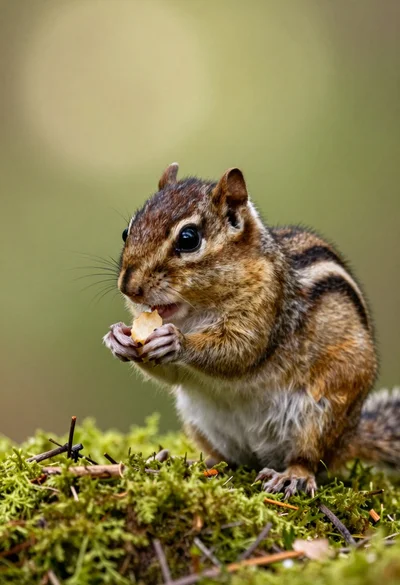
Close up portrait of a chipmunk eating on vibrant green mossy forest
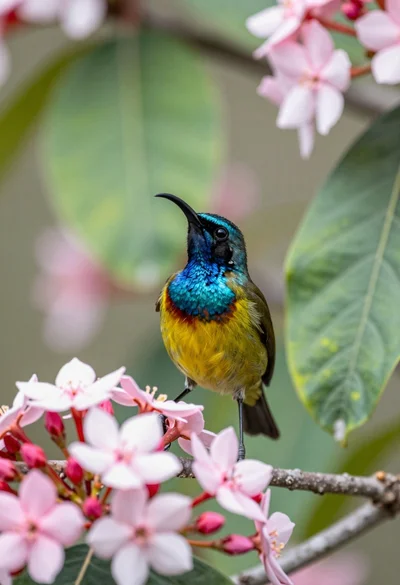
Close up of sunbird perched on pink red flowers with green leaf
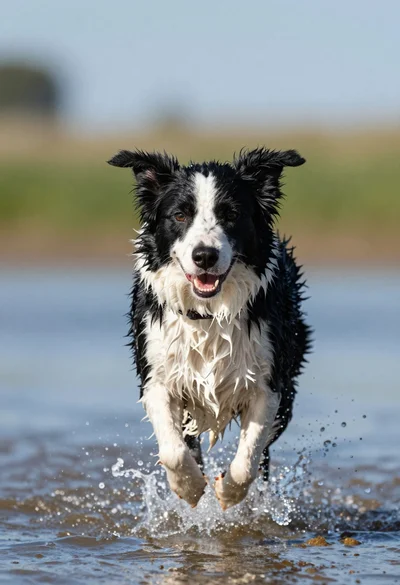
Wet black and white border collie running through splashing water close up