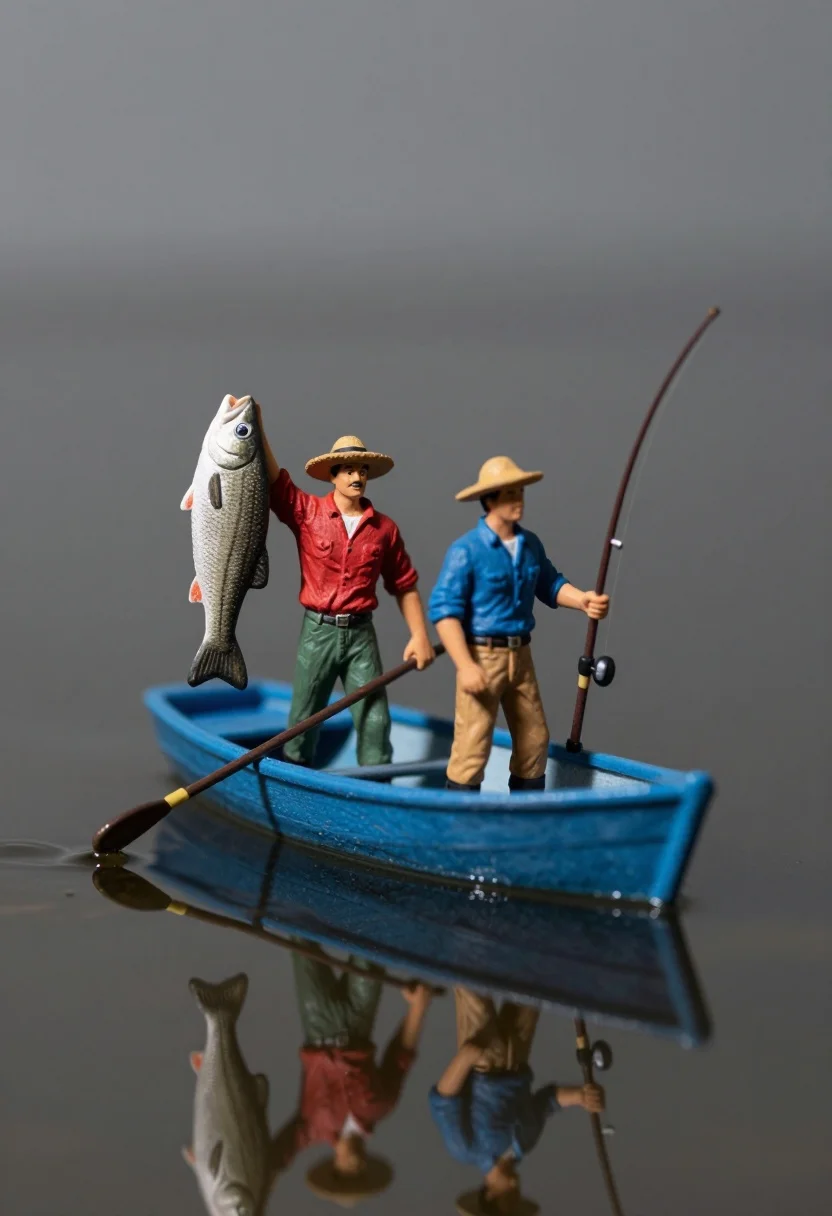
Miniature figurines in blue rowboat holding fish and fishing rod
Prompt
Two miniature figurines stand in a small blue rowboat on calm water, one holding up a large fish while the other holds a fishing rod.

Subject: Two male figurines standing inside a small boat; one has a mustache and wears a red shirt with green pants, the other wears a blue shirt with tan pants.

Clothing: The first figure wears a red short-sleeved shirt, green trousers, and a straw hat; the second figure wears a blue short-sleeved shirt, tan trousers, and a straw hat.

Action: The figure in red holds a large fish aloft by its tail with his right hand and grips an oar with his left; the figure in blue stands holding a fishing rod upright.

Environment: A small blue rowboat floats on dark rippling water with a clear reflection of the boat and figures below the surface, set against a smooth grey background.

Objects: A large fish is held up by one figure, an oar rests across the boat, and a fishing rod stands vertically in the hands of the second figure.

Lighting: Soft directional lighting creates gentle highlights on the figurines and water ripples with a moody atmosphere.

Camera: Close-up shot with shallow depth of field blurring the background slightly while keeping the boat and figures sharp.

Style Details: Miniature photography style with high detail, realistic textures on plastic-like surfaces, and a cinematic composition emphasizing reflection.
Description
This prompt is useful for creating whimsical diorama scenes, collectible toy packaging art, and narrative storybook illustrations. The combination of 'miniature photography style' with 'plastic-like surfaces' ensures the subjects read as crafted collectibles rather than real people, while the 'soft directional lighting' sculpts the figures against the 'smooth grey background' to maximize visual impact for product display.
Suggestions
- Change 'dark rippling water' to 'still glassy water' for a more perfect reflection.
- Swap 'red shirt' for 'mustard yellow shirt' to contrast with the blue boat.
- Add 'bokeh effect' to the camera settings for increased background separation.
Category
Tags
3dClose UpMale
Date added
July 3, 2026
Added by
PromptDexter Team
Related Prompts
More prompts with similar categories and tags.
Cartoon bunny head portrait with large black eyes
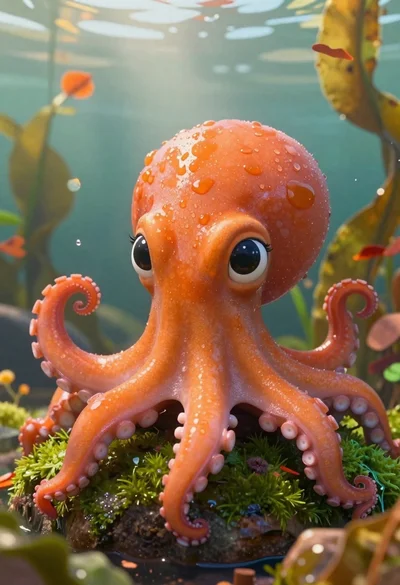
Cartoon octopus portrait on mossy rock in shallow water
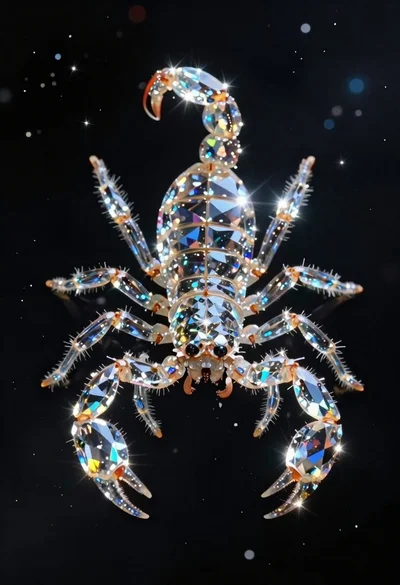
Crystalline scorpion suspended in deep space dust
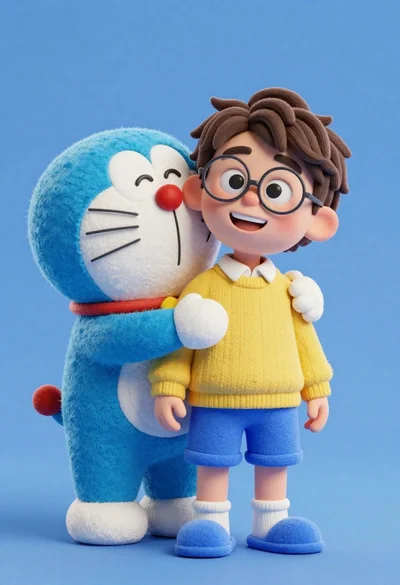
Young boy in yellow sweater hugged by blue robotic cat on blue
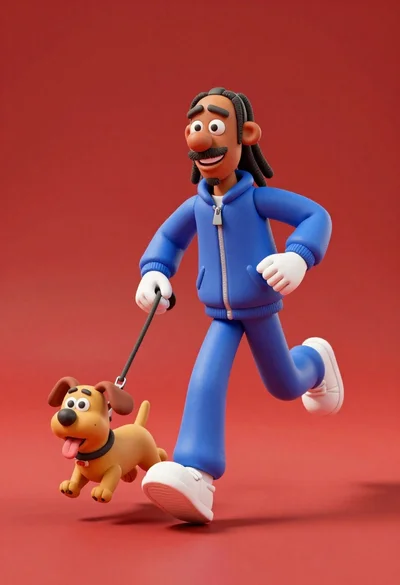
3d animated snoop dogg character running with small dog on leash

Three animated characters standing together against a solid blue background
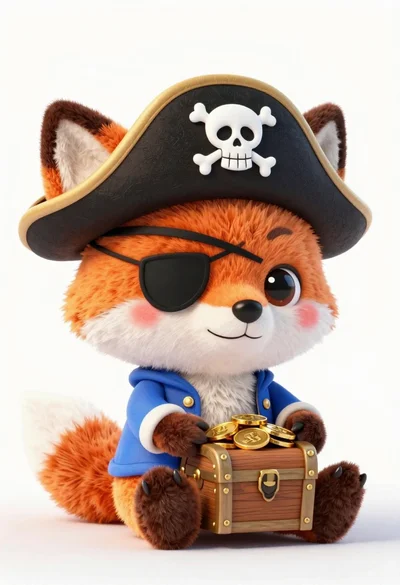
Cute orange and white plush fox dressed as a pirate holding treasure
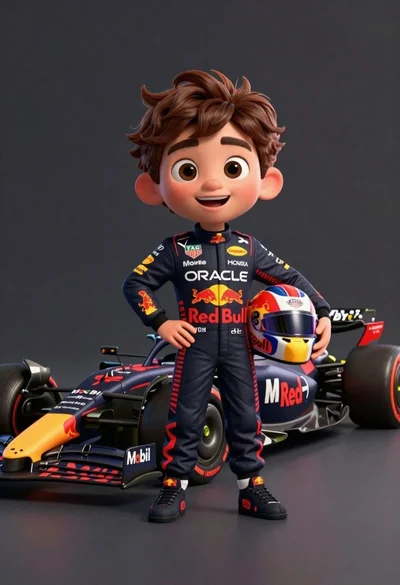
Cheerful cartoon boy in racing suit standing next to formula one car
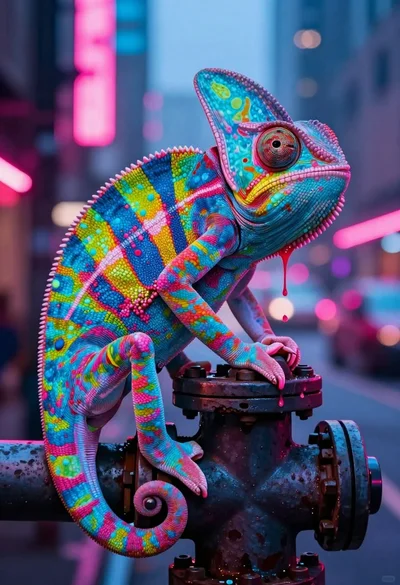
Vivid chameleon on dark pipe in neon lit futuristic city street
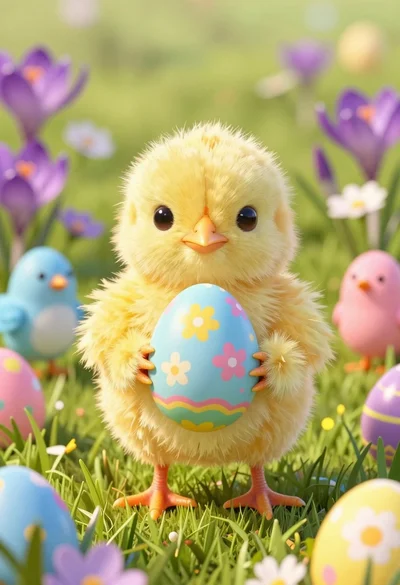
Fluffy yellow chick holding pastel easter egg in lush green meadow