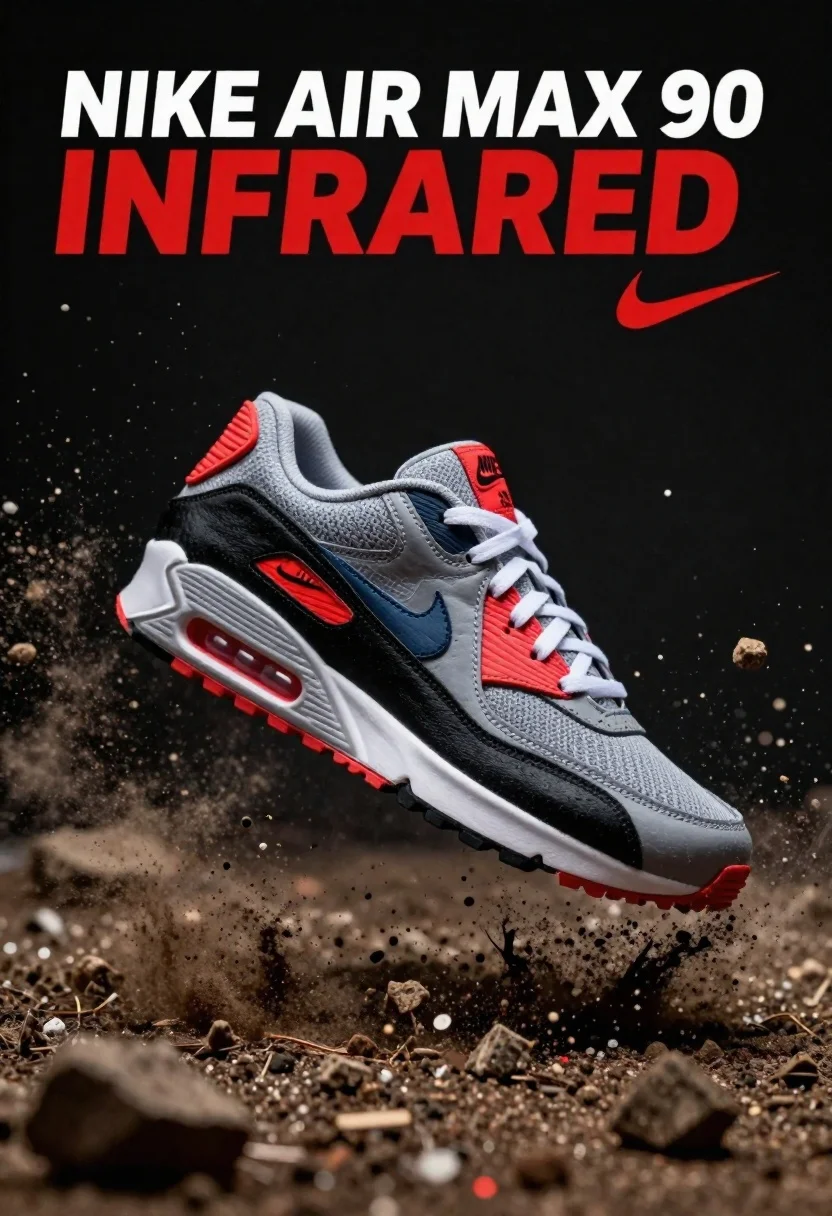
Nike air max 90 sneaker suspended in midair amidst dirt explosion
Prompt
A Nike Air Max 90 sneaker suspended in mid-air amidst an explosion of dirt and debris against a dark background.

Subject: A single grey, black, and red Nike Air Max 90 sneaker featuring the iconic visible air unit in the heel and textured overlays.

Clothing: The shoe has white laces, a grey mesh upper, black synthetic panels, and vibrant infrared red accents on the tongue, heel tab, and outsole.

Action: The sneaker is captured mid-air as if it just landed or exploded from the ground, surrounded by flying chunks of soil and dust particles.

Environment: A dark, moody setting with a black backdrop that emphasizes the debris field created around the shoe.

Camera: High-speed photography capturing the frozen motion of the explosion, utilizing a shallow depth of field to keep the shoe sharp while blurring the background slightly.

Lighting: Dramatic studio lighting highlighting the textures of the shoe and illuminating the flying dust particles with high contrast against the dark surroundings.

Text/Graphics: The words "NIKE AIR MAX 90 INFRARED" appear in large white and red typography at the top, accompanied by a red Nike swoosh logo.

Style Details: Commercial product photography style with hyper-realistic rendering, sharp focus on the main subject, and dynamic composition emphasizing impact and energy.
Description
This prompt is useful for creating high-impact sportswear advertisements, sneaker culture editorial spreads, and concept art showcasing athletic dynamism. The combination of 'dramatic studio lighting' and a 'dark background' ensures that the shoe's specific color accents—like the 'vibrant infrared red accents'—pop with maximum contrast against the surrounding debris field, preventing the product from getting lost in an overly bright or distracting environment.
Suggestions
- Change 'dirt and debris' to 'concrete dust and gravel' for a different texture.
- Adjust the lighting by adding 'rim light from below' to emphasize the suspension.
- Swap 'Nike Air Max 90 INFRARED' with a specific campaign slogan.
Category
Tags
Full BodyOutdoorsRealisticStudioVehicle
Date added
June 26, 2026
Added by
PromptDexter Team
Related Prompts
More prompts with similar categories and tags.
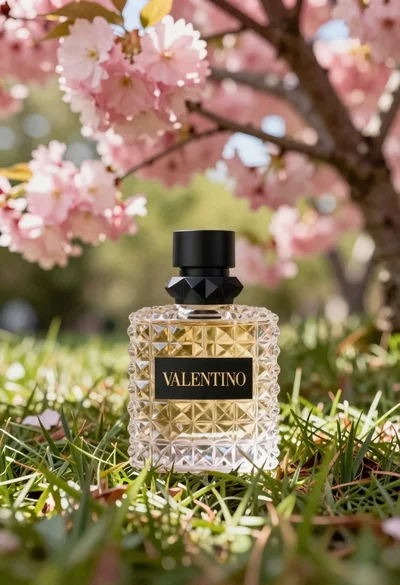
Transparent glass perfume bottle with black cap on green grass under pink
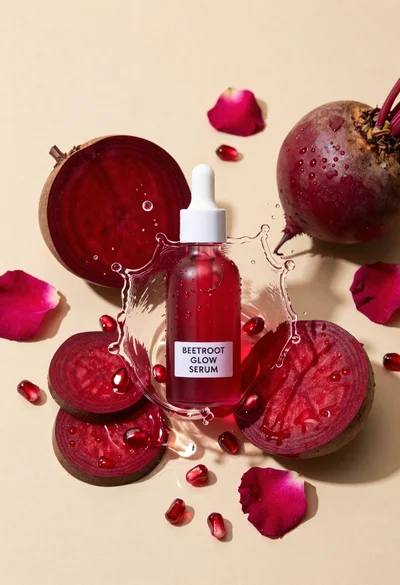
Glass dropper bottle of red serum surrounded by beetroot slices pomegranate seeds
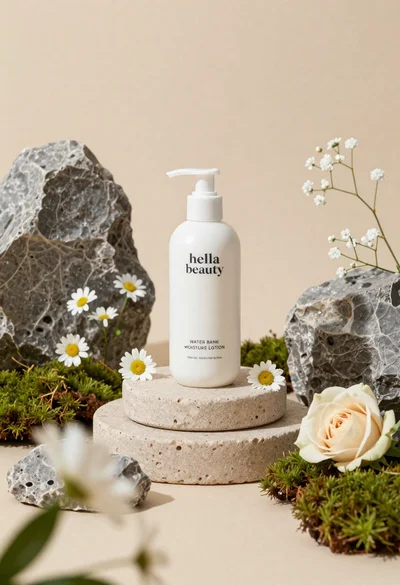
White lotion bottle on tiered stone pedestal with blurred flowers
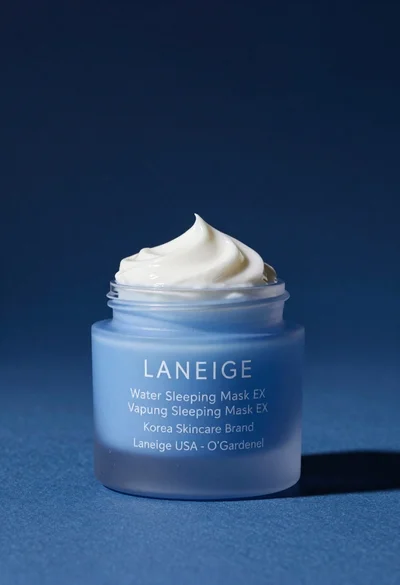
Light blue frosted glass jar of sleeping mask with creamy white swirl
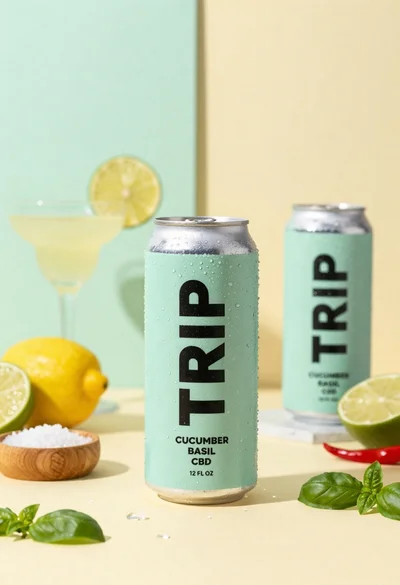
Frosty can of trip cucumber basil cbd in minimalist studio setting

Glossy pink cosmetic jar with cream surrounded by strawberries and ice cream
Sophisticated tan leather handbag product shot on reflective surface
Smiling woman in white bathrobe with blue clay face mask and cucumber