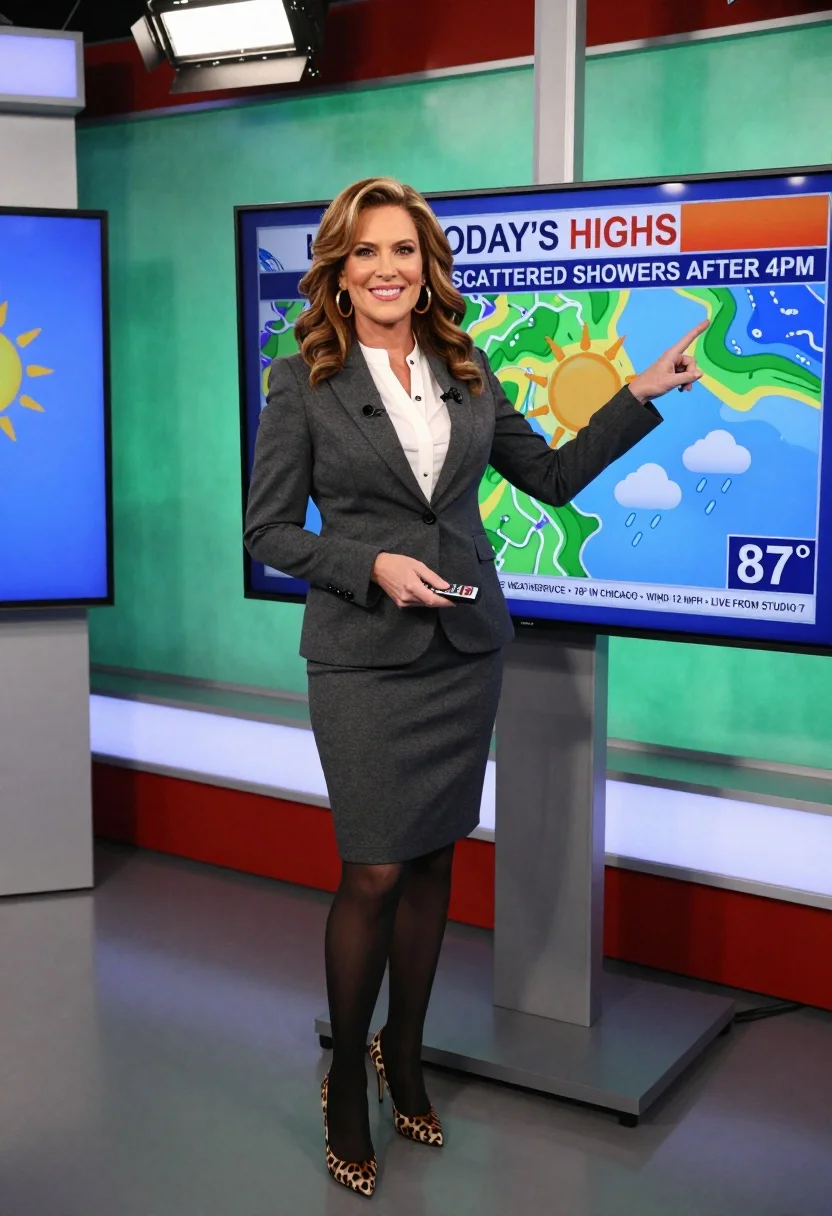
Smiling news anchor presenting weather forecast in a professional television studio setting
Prompt
A smiling woman with voluminous brown hair stands in a television studio presenting the weather forecast.

Subject: A confident female news anchor with styled wavy brown hair and large gold hoop earrings.

Clothing: She wears a dark grey tailored blazer over a white blouse, a matching grey pencil skirt, sheer black tights, and high-heeled shoes with a leopard print pattern.

Action: She is pointing her right index finger at a weather map on a screen behind her while holding a small remote in her left hand.

Environment: The setting is a professional TV studio featuring a large green screen backdrop displaying a weather graphic, with another monitor visible to the left and studio lighting rigs overhead.

Camera: A full-body shot taken from a straight-on angle that captures the subject from head to toe within the studio environment.

Lighting: Bright, even studio lighting illuminates the scene clearly, creating soft shadows and highlighting the subject against the colorful background.

Objects: A large digital screen displaying a weather map with a sun icon, clouds, rain symbols, and text reading "TODAY'S HIGHS" and "87°".

Text/Graphics: The on-screen graphic includes the text "TODAY'S HIGHS", "SCATTERED SHOWERS AFTER 4PM", and "DOWNSIDE WEATHER SERVICE • 78° IN CHICAGO • WIND 12 MPH • LIVE FROM STUDIO 7".
Description
This prompt is useful for creating corporate training modules, broadcast journalism mockups, and professional virtual event promotion materials. The combination of 'bright, even studio lighting' ensures that every detail, from the 'leopard print pattern' shoes to the visible text on the weather map, is clearly illuminated without harsh shadows, which maintains credibility across all presented information.
Suggestions
- Change 'dark grey tailored blazer' to 'navy pinstripe blazer' for a more authoritative feel.
- Swap 'large gold hoop earrings' for 'pearl stud earrings' if you want a softer look.
- Adjust the camera angle from 'straight-on angle' to 'slight low angle' to make her appear more commanding.
Category
Tags
Brown HairFemaleFull BodyMedium ShotRealisticStudio
Date added
July 3, 2026
Added by
PromptDexter Team
Related Prompts
More prompts with similar categories and tags.
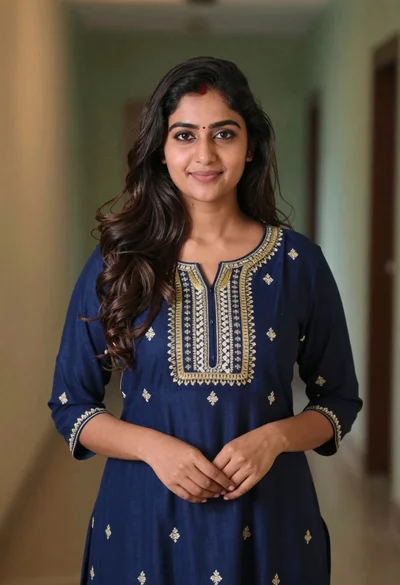
Young woman in navy embroidered traditional dress indoors medium shot

Woman leaning on silver sports car in showroom
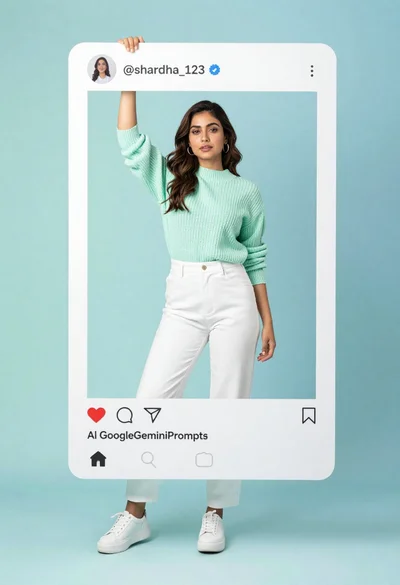
Young woman in mint green sweater posing inside social media frame
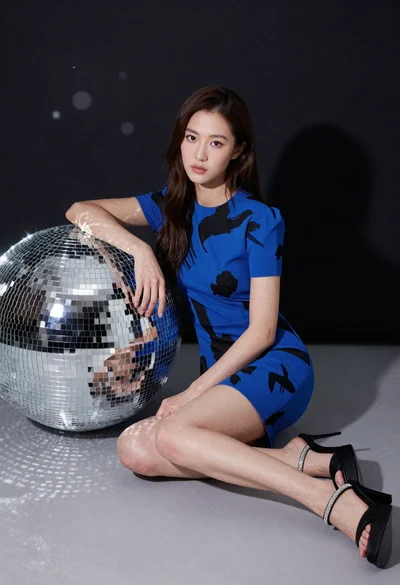
Young woman in blue dress sitting next to large disco ball
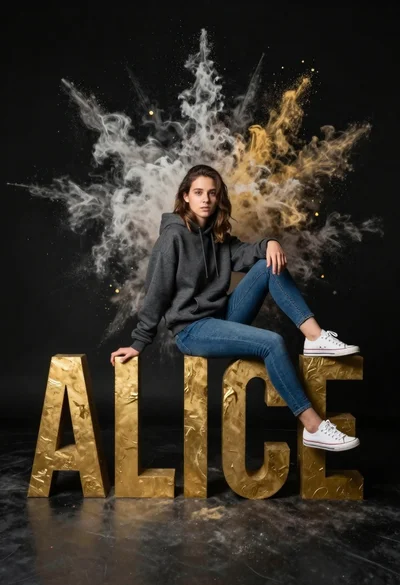
Young woman sitting on large golden letters with colorful powder explosion

Photorealistic portrait of woman in red gold armor holding shield studio shot

Anime girl holding toy blaster against bright blue sky

Smiling young woman in white ruffled dress between green topiary bushes

Young woman in pink camisole standing in sunlit rolling hills
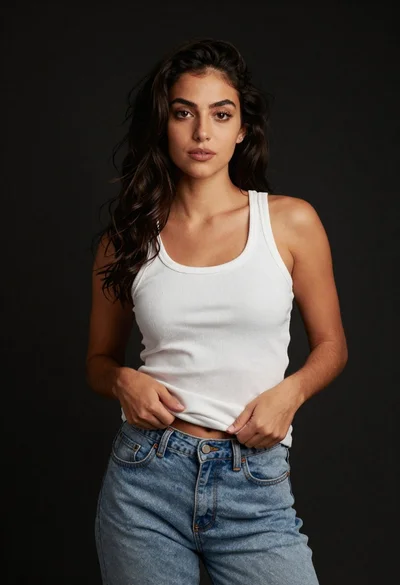
Young woman in white tank top and denim jeans against black background