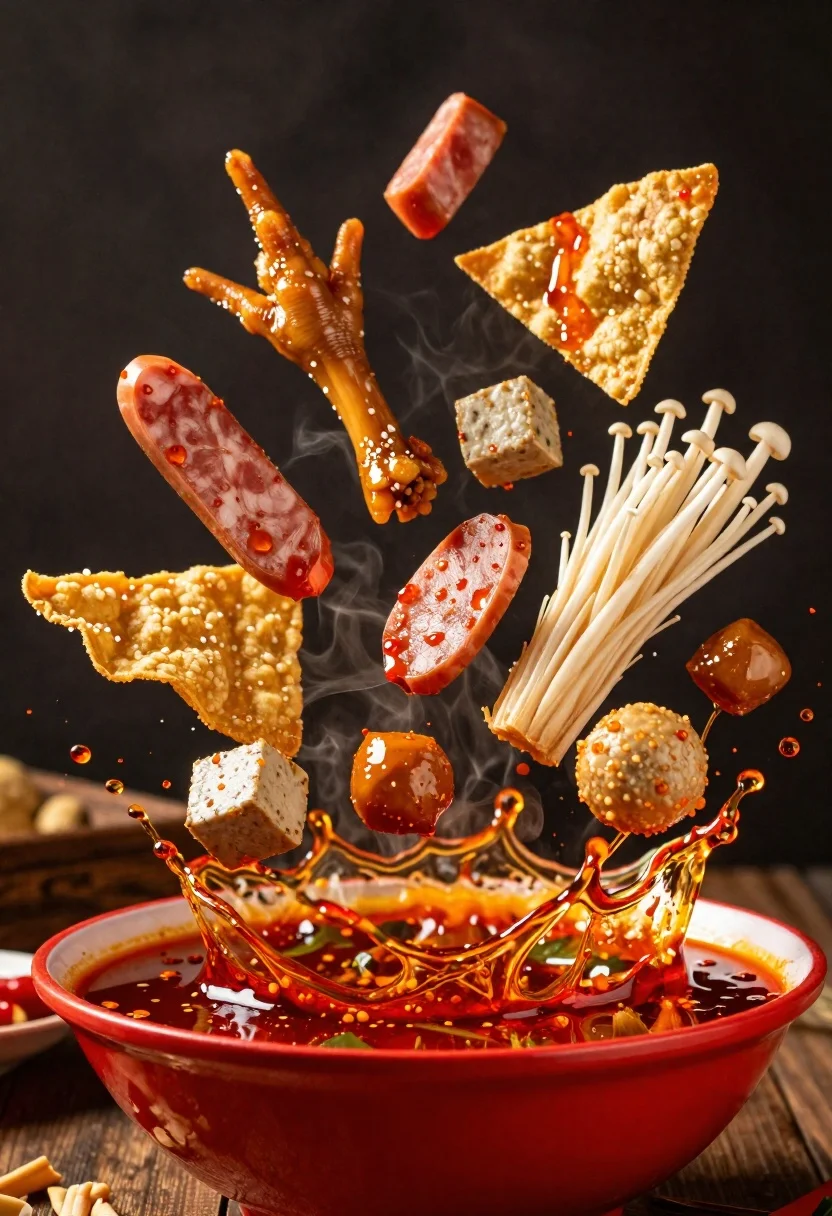
Spicy hot pot ingredients exploding from a red bowl in midair
Prompt
A vibrant explosion of spicy hot pot ingredients erupting from a red bowl against a dark background.

Subject: A chaotic and appetizing arrangement of food items suspended in mid-air, including chicken feet, sliced sausages, enoki mushrooms, fried wonton wrappers, and chunks of tofu or fish balls.

Clothing: N/A.

Action: Ingredients are captured in dynamic motion, frozen at the moment they splash upward and outward from the bowl, with droplets of red oil scattering around them.

Environment: A dark, indistinct background that emphasizes the bright colors of the food and the red bowl.

Camera: Close-up shot with a shallow depth of field, focusing sharply on the flying ingredients while slightly blurring the edges of the splash.

Lighting: Dramatic studio lighting that highlights the glossy texture of the oil and the steam rising from the hot food, creating high contrast against the dark backdrop.
Second

Subject: N/A.

Objects: A red ceramic bowl containing the base of the spicy broth at the bottom of the frame.

Interaction: The ingredients are interacting with the liquid, creating a powerful splash effect as they break the surface tension.

Text/Graphics: No text or graphics visible.

Style Details: High-end commercial food photography style with hyper-realistic textures, saturated red and orange tones, and a sense of intense heat and flavor.
Description
This prompt is useful for creating high-impact advertising visuals for spicy cuisines, editorial spreads showcasing culinary action, and menu board hero shots. The combination of 'dramatic studio lighting' emphasizing the 'glossy texture of the oil' against a 'dark background' ensures that the vibrant colors of the ingredients pop, preventing the chaotic splash from looking muddy or indistinct.
Suggestions
- Change 'red ceramic bowl' to 'black matte bowl' for higher contrast.
- Add 'steam plumes' to enhance the sense of heat.
- Swap 'spicy hot pot ingredients' for 'seafood and tofu assortment' to change the focus.
Category
Tags
Close UpFoodRealisticStudio
Date added
June 23, 2026
Added by
PromptDexter Team
Related Prompts
More prompts with similar categories and tags.

Close up of crispy chicken nuggets dipped in honey mustard sauce

Close up overhead view of bread sushi rolls with colorful fillings
Close up of layered italian hoagie sandwich on butcher paper
Hyperrealistic close up of a double patty burger mid air
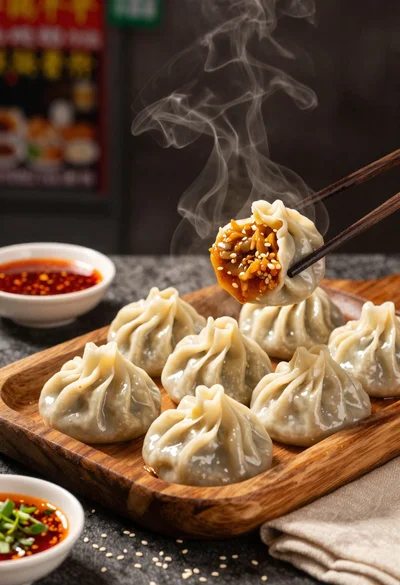
Close up view of steamed momos on rustic wooden tray with dipping
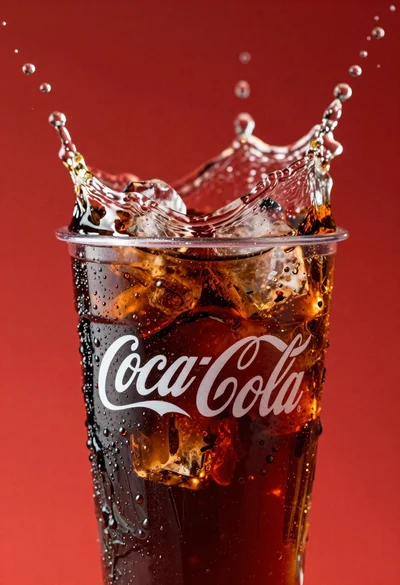
Refreshing coca cola glass with ice cubes splashing against red background
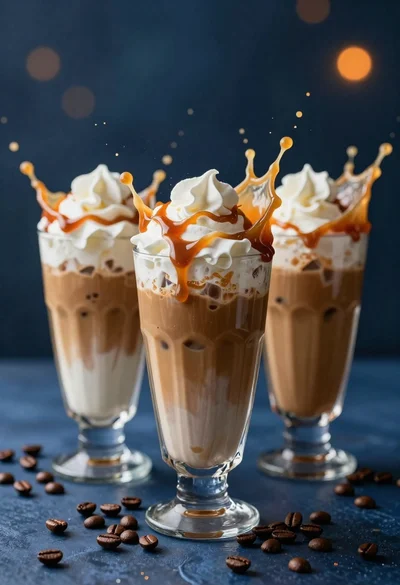
Three tall glasses of iced coffee with whipped cream and caramel drizzle

Ginger cat dressed as fast food worker holding cheeseburger