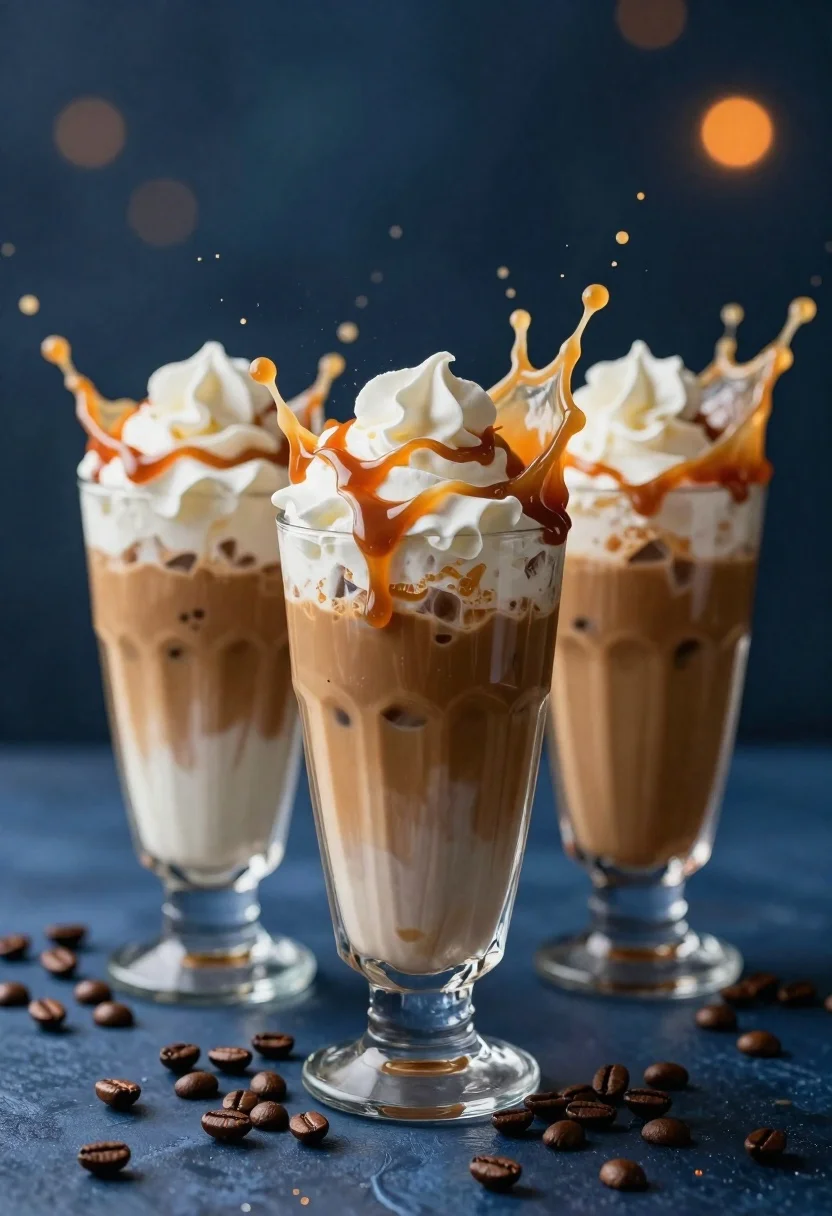
Three tall glasses of iced coffee with whipped cream and caramel drizzle
Prompt
Three tall glasses of iced coffee with whipped cream and caramel drizzle erupting in a dynamic splash of liquid droplets and coffee beans against a dark blue background.

Subject: Three tall clear glasses filled with layered iced coffee drinks, each topped with a generous swirl of white whipped cream and drizzled with brown caramel sauce.

Clothing: Not applicable.

Action: The beverages are captured mid-explosion with liquid splashing upward in arcs and droplets frozen in the air, creating a sense of high-energy motion.

Environment: A dark blue surface scattered with roasted coffee beans surrounds the glasses, set against a deep blue background with warm orange bokeh highlights suggesting distant light sources.

Camera: Close-up shot with shallow depth of field blurring the background to emphasize the central glass and the suspended droplets in sharp focus.

Lighting: Dramatic backlighting and side lighting create strong contrast, highlighting the transparency of the glasses, the texture of the whipped cream, and the individual droplets of liquid.
Second

Subject: Not applicable.

Objects: Roasted coffee beans scattered on the surface around the base of the glasses.

Interaction: The liquid from the drinks is interacting with the air in a chaotic splash pattern, while coffee beans rest statically on the table.

Text/Graphics: No text or graphics are visible.

Style Details: High-end commercial photography style with hyper-realistic rendering, vibrant color contrast between cool blue tones and warm caramel highlights, and detailed fluid dynamics simulation.
Description
This prompt is useful for creating high-end beverage advertisements, coffee shop menu mockups, and editorial food photography showcasing dynamic action. The combination of 'dramatic backlighting' and 'shallow depth of field' ensures that the suspended droplets are razor-sharp against a softly blurred background, which directs the viewer's eye immediately to the liquid dynamics and the contrasting 'warm caramel highlights'.
Suggestions
- Change 'dark blue background' to 'slate grey backdrop' for a more muted commercial feel.
- Add 'macro lens perspective' to intensify the focus on the droplets.
- Swap 'whipped cream' for 'meringue topping' to alter the texture.
Category
Tags
Close UpFoodMacro ShotRealisticStudio
Date added
June 26, 2026
Added by
PromptDexter Team
Related Prompts
More prompts with similar categories and tags.

Close up of crispy chicken nuggets dipped in honey mustard sauce

Close up overhead view of bread sushi rolls with colorful fillings
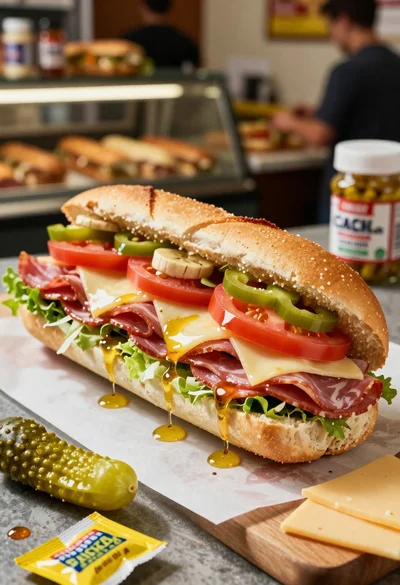
Close up of layered italian hoagie sandwich on butcher paper
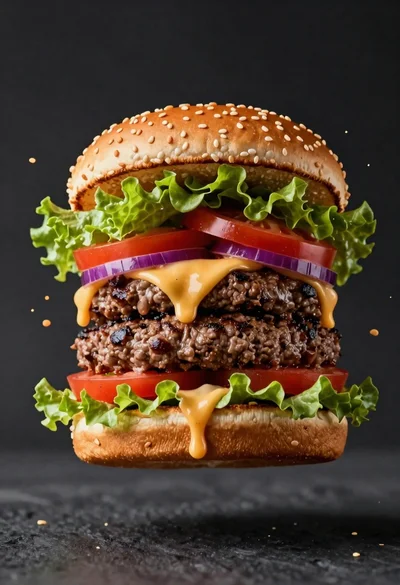
Hyperrealistic close up of a double patty burger mid air
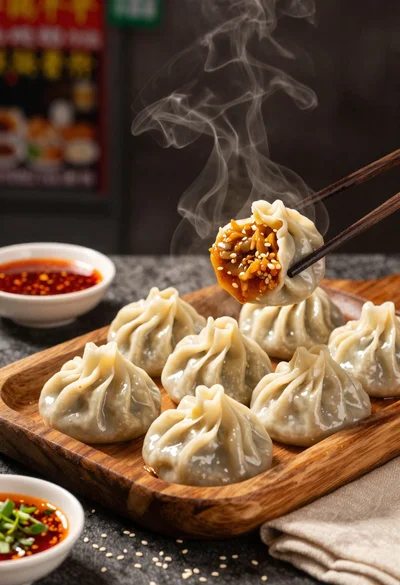
Close up view of steamed momos on rustic wooden tray with dipping
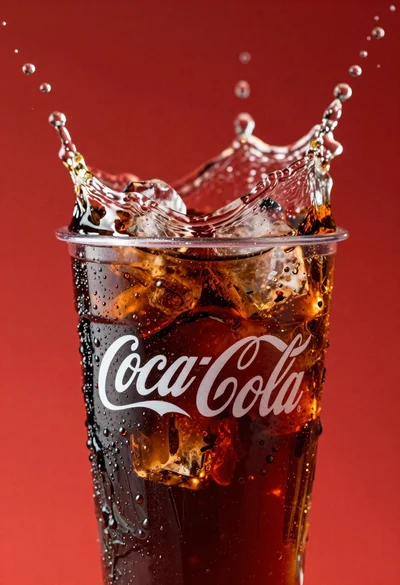
Refreshing coca cola glass with ice cubes splashing against red background
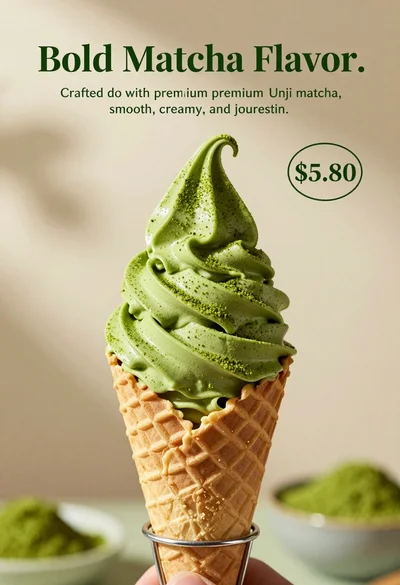
Close up shot of matcha soft serve ice cream in waffle cone

Ginger cat dressed as fast food worker holding cheeseburger