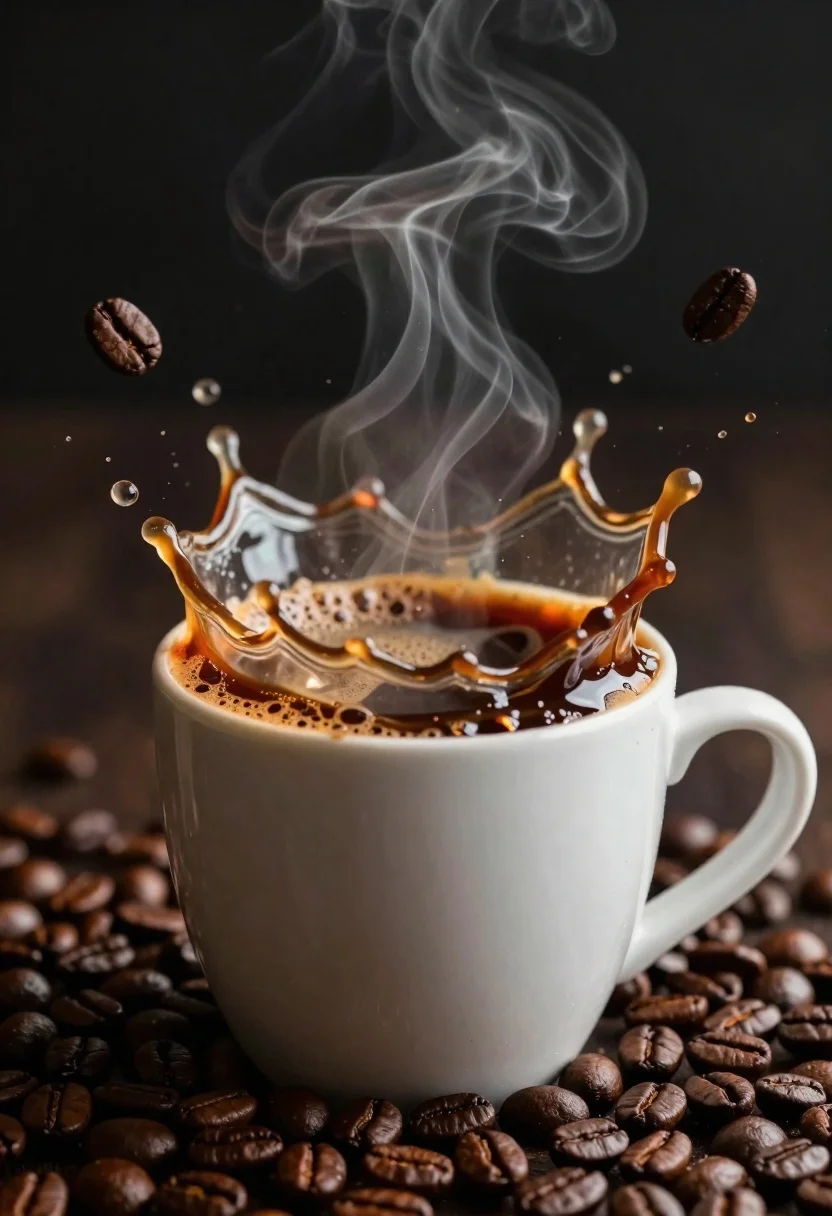
White ceramic coffee cup overflowing with splashing liquid and floating beans
Prompt
A dynamic close-up of a white ceramic coffee cup overflowing with splashing liquid and floating coffee beans against a dark background.

Subject: A white ceramic mug filled with steaming coffee, featuring a dramatic crown-shaped splash of liquid rising from the rim.

Clothing: Not applicable.

Action: The coffee is captured mid-splash in a high-velocity burst, with steam rising in wisps and whole roasted coffee beans suspended in the air around the cup.

Environment: A dark, indistinct background that emphasizes the illuminated subject.

Camera: Close-up framing with a shallow depth of field that keeps the splash sharp while softly blurring the surrounding floating beans.

Lighting: Dramatic side lighting creates a warm glow on the liquid and highlights the texture of the coffee foam and steam.
Second

Subject: Not applicable.

Objects: A white ceramic mug with a handle, roasted coffee beans, and liquid droplets.

Interaction: The liquid is actively splashing upward and outward, interacting with the floating beans and creating a crown shape at the rim.

Text/Graphics: No text or graphics are visible.

Style Details: High-contrast macro photography style with hyper-realistic rendering, rich warm tones, and sharp focus on the fluid dynamics.
Description
This prompt is useful for creating artisanal coffee branding materials, food magazine spreads focusing on process, and high-end beverage advertisements. The combination of 'dramatic side lighting' and 'high-contrast macro photography style' ensures that the liquid dynamics are captured with intense detail, preventing the splash from looking flat against the 'dark background' by emphasizing every droplet's shape.
Suggestions
- Change 'white ceramic mug' to 'matte black ceramic mug' for a more dramatic contrast.
- Add 'bokeh effect' to enhance the soft blurring of the beans.
- Swap 'warm glow' for 'cool blue highlights' to suggest an iced coffee variation.
Category
Tags
Close UpDark SkinMacro ShotOutdoorsRealistic
Date added
June 26, 2026
Added by
PromptDexter Team
Related Prompts
More prompts with similar categories and tags.
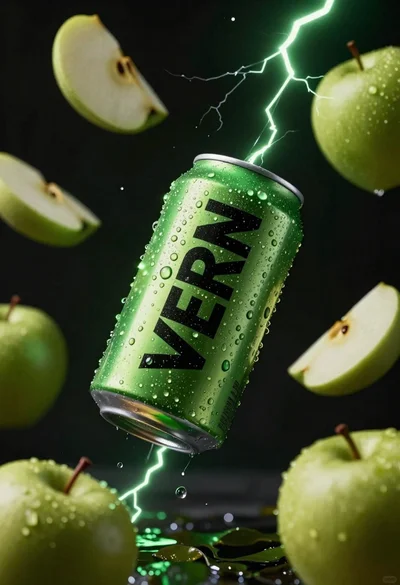
Hyper realistic green energy drink can floating with apples in dark void
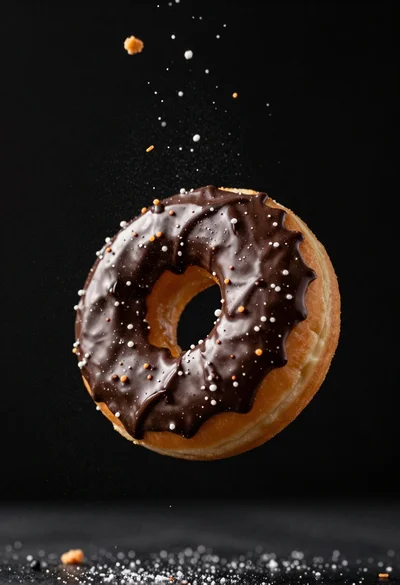
Delicious glazed donut suspended in midair with flying crumbs against black background

Closeup macro shot of a glass of orange soda splashing with ice
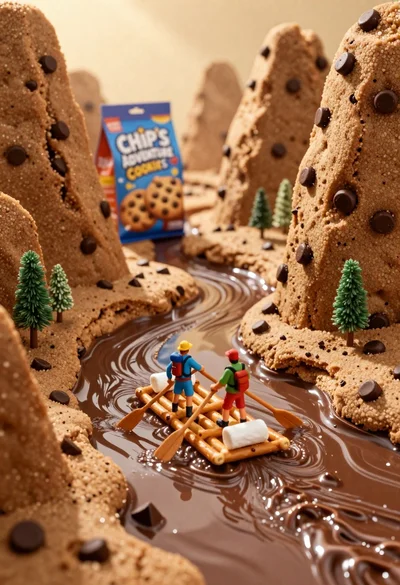
Tiny adventurers rowing a pretzel raft down a chocolate river between cookie
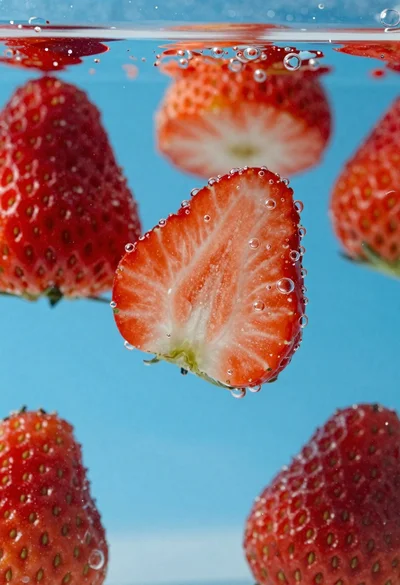
Fresh red strawberries sliced in half suspended underwater with rising bubbles
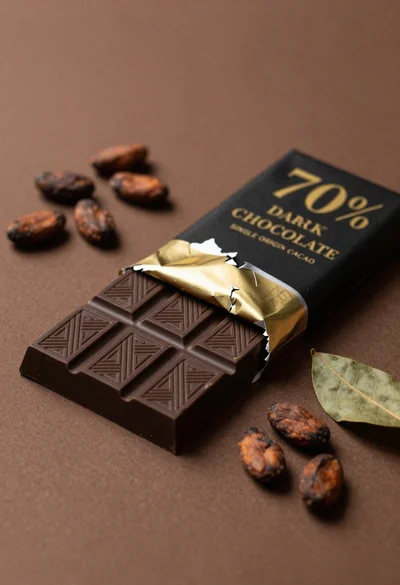
Closeup of dark chocolate bar on brown surface with cocoa beans
Close up shot of sizzling hakka noodles being lifted with chopsticks

Ginger cat dressed as fast food worker holding cheeseburger