
Close up portrait of woman with brown hair holding black lipstick indoors
Prompt
A close-up portrait of a woman with wavy brown hair holding a black lipstick tube near her lips.

Subject: A woman with long, wavy brown hair and defined eyebrows looking directly at the camera with a neutral expression.

Clothing: She is wearing a white, textured bathrobe that is open at the chest.

Action: She holds a black lipstick tube in her right hand, positioning it vertically against her chin while maintaining steady eye contact.

Environment: The background is an indoor setting featuring a blurred bar area with glassware on the left and a grey armchair next to a lamp on the right.

Lighting: Soft, warm ambient lighting illuminates the scene from the front and side, creating gentle highlights on her skin and hair.

Camera: A medium close-up shot with a shallow depth of field that keeps the subject in sharp focus while blurring the background elements.

Style Details: The image has a high-resolution, realistic photographic quality with natural skin texture and soft color grading.
Description
This prompt is useful for creating editorial beauty advertisements, mood shots for dark academia themes, and product placement photography featuring cosmetics. The combination of 'soft, warm ambient lighting' and a 'shallow depth of field' ensures the focus remains intensely on the subject's face and the black lipstick tube, preventing the detailed background elements like glassware from competing with the central product.
Suggestions
- Change 'black lipstick tube' to specify a brand name for commercial use.
- Adjust 'neutral expression' to 'smoldering gaze' for more dramatic impact.
- Swap 'white, textured bathrobe' for 'silk robe' to change the material feel.
Category
Tags
Brown HairBrunetteFemalePortrait ShotRealistic
Date added
June 19, 2026
Added by
PromptDexter Team
Related Prompts
More prompts with similar categories and tags.
Woman holding purple hair product against cheek in studio setting
Woman in blue paisley jumpsuit presenting diamond wristwatch against white studio backdrop
Medium close up portrait of woman holding makeup compact in studio
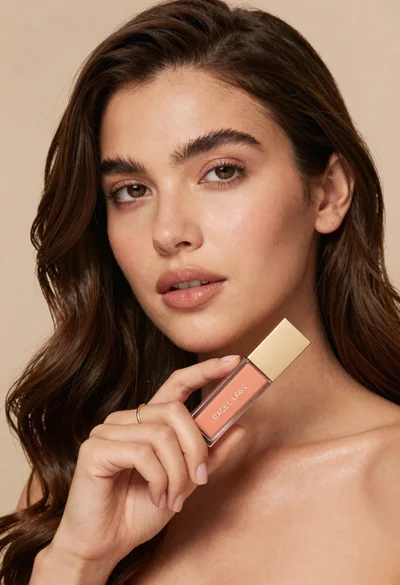
Woman holding cosmetic tube near face in closeup portrait shot
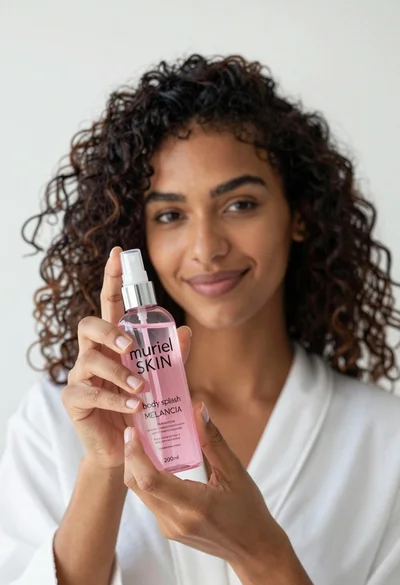
Close up of woman holding pink body splash bottle in bright white
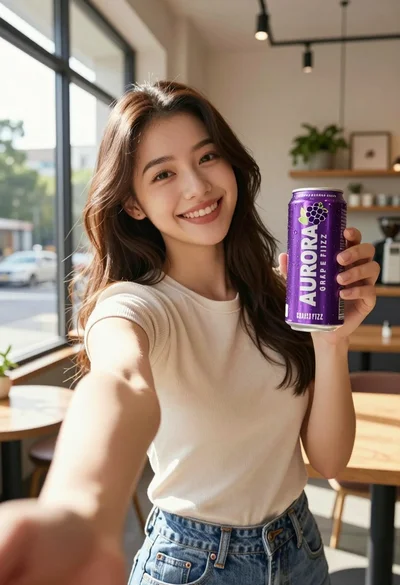
Young woman taking selfie in cafe holding purple beverage can

Young woman holding energy drink can making kissy face in studio setting
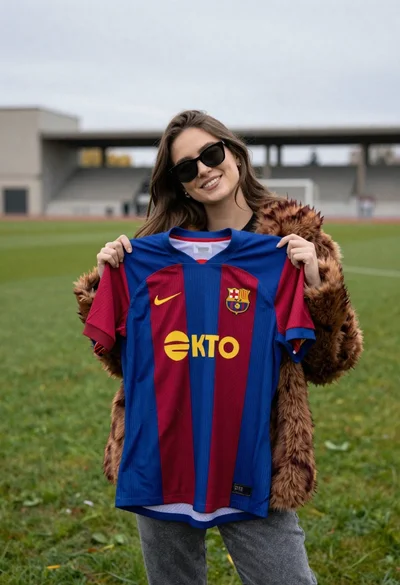
Smiling woman holding striped soccer jersey on green sports field
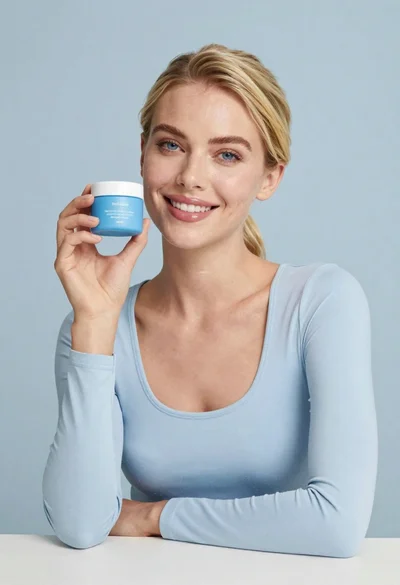
Smiling blonde woman holding a blue jar in a minimalist studio setting
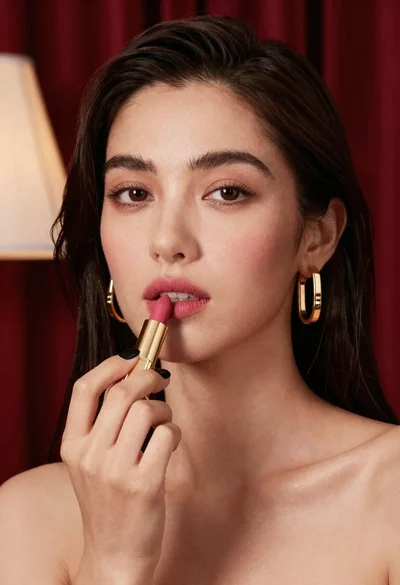
Close up portrait of woman applying pink lipstick against red curtains