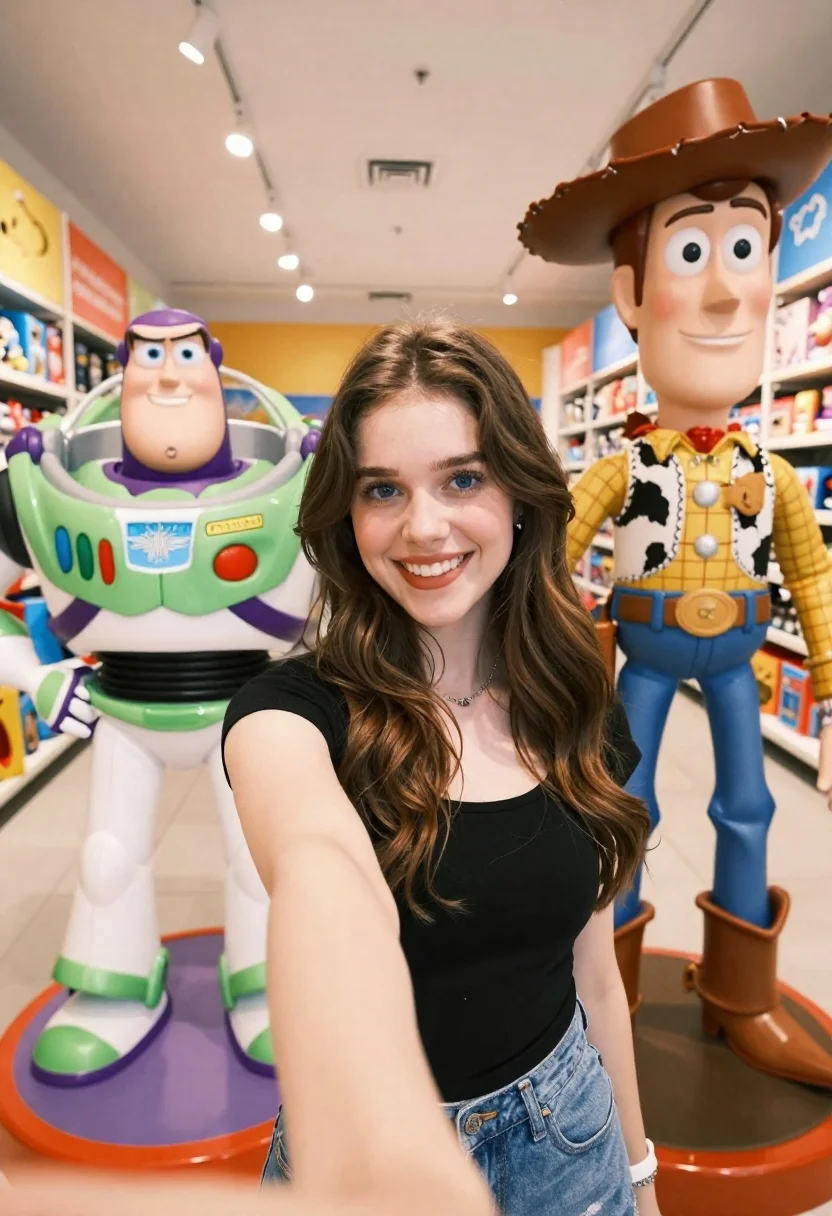
Young woman taking selfie between toy statues in brightly lit store aisle
Prompt
A young woman with long wavy brown hair smiles brightly while taking a selfie in a brightly lit toy store aisle.

Subject: A smiling young woman with long wavy brown hair and blue eyes stands centrally between two large character statues.

Clothing: She wears a black short-sleeved top and blue denim jeans.

Action: She holds the camera at arm's length for a selfie, looking directly into the lens with a wide smile.

Environment: The setting is a modern toy store aisle with shelves of colorful merchandise lining the walls on both sides.

Camera: A close-up selfie perspective captures the subject from the chest up, extending to include the statues and the background aisle.

Lighting: Bright overhead track lighting illuminates the scene evenly, reflecting off the glossy surfaces of the character figures.
Second

Subject: To the left stands a large statue of Buzz Lightyear in his green and white space ranger suit with purple accents.

Objects: To the right stands a large statue of Woody wearing his signature cowboy hat, plaid shirt, and brown boots.

Interaction: The woman poses for a photo between the two life-sized character figures.

Style Details: The image features high saturation and vibrant colors typical of a commercial retail environment with clean lines and bright artificial lighting.
Description
This prompt is useful for creating playful lifestyle content, product placement mockups featuring characters, and fun social media engagement posts. The combination of 'bright overhead track lighting' and the specified 'high saturation and vibrant colors' ensures that the glossy surfaces of the character figures catch light dramatically, preventing the scene from looking flat despite the artificial illumination.
Suggestions
- Change 'blue denim jeans' to 'distressed black jeans' for a more edgy look.
- Add 'bokeh effect' to the camera description for background separation.
- Swap 'Buzz Lightyear' for 'Mario' to change the franchise feel.
Category
Tags
3dBrown HairClose UpFemaleRealisticSelfie
Date added
June 19, 2026
Added by
PromptDexter Team
Related Prompts
More prompts with similar categories and tags.
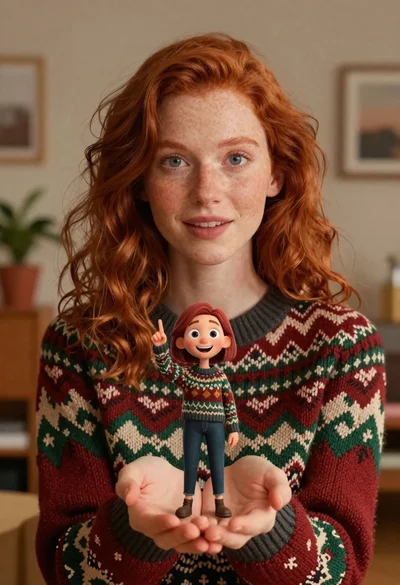
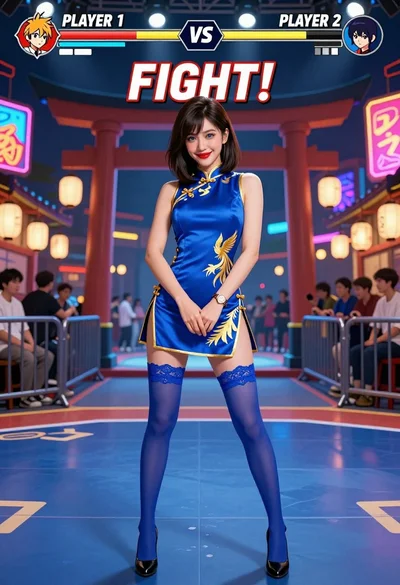
Close up portrait of woman holding miniature animated version of herself

Woman in police uniform stands with fox wearing shirt against white studio
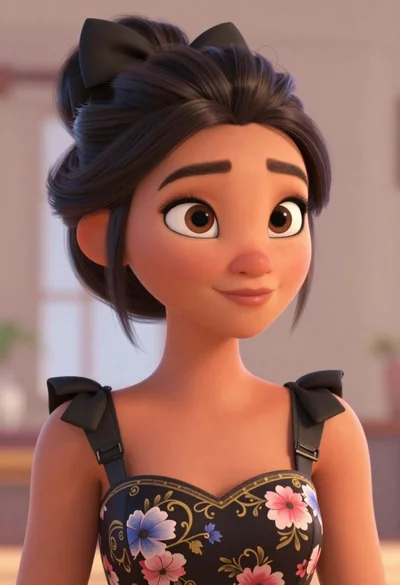
Portrait of young woman with brown skin and floral dress in 3d
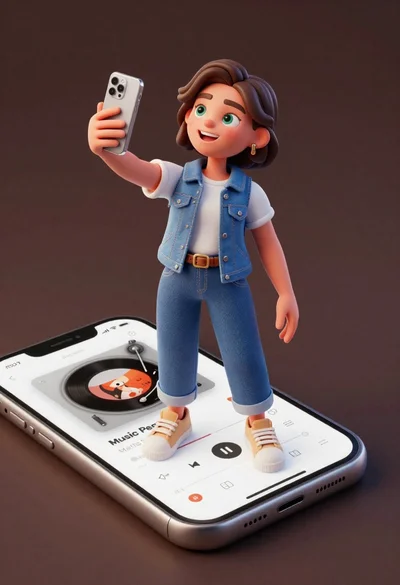
Cheerful young woman taking selfie while standing on giant smartphone screen
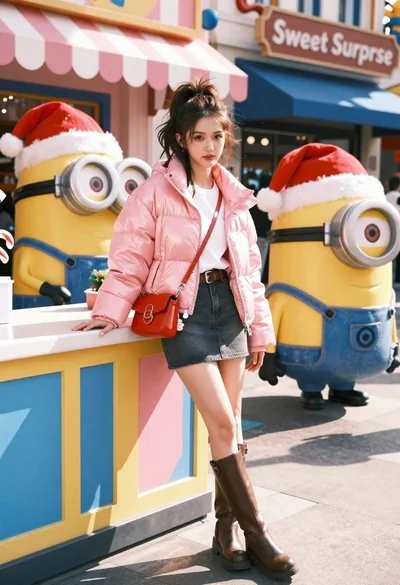
Young woman in pink puffer jacket standing by counter with minions
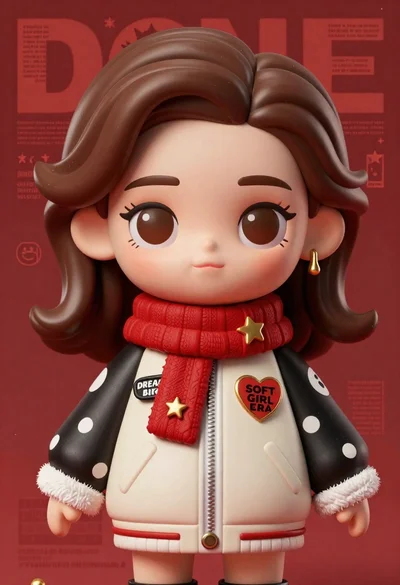
Closeup portrait of stylized female art doll figure with brown hair
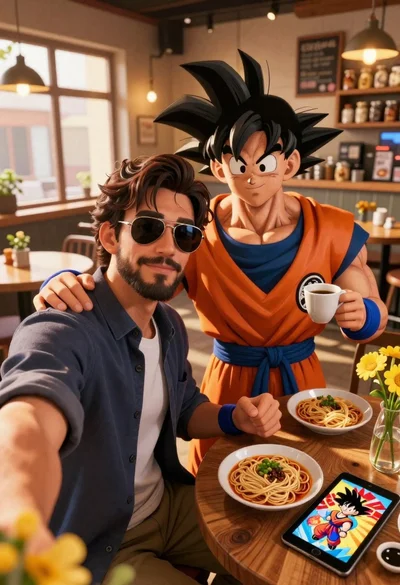
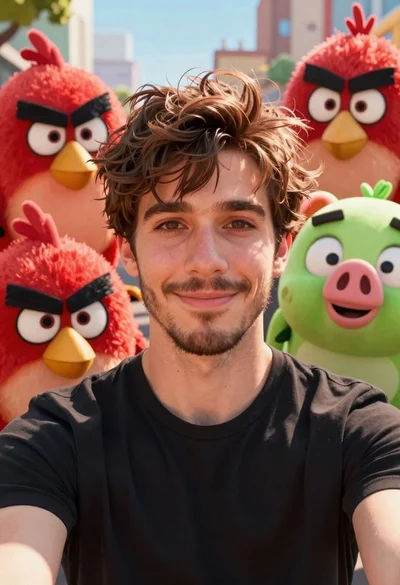
Handsome man taking a selfie with anime character goku in a cozy
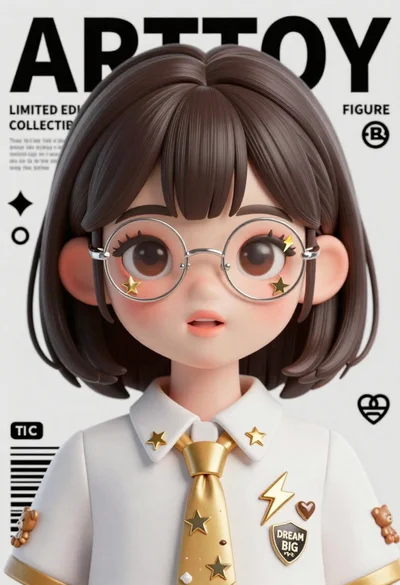
Anime girl portrait with glasses and gold spiked tie on magazine background
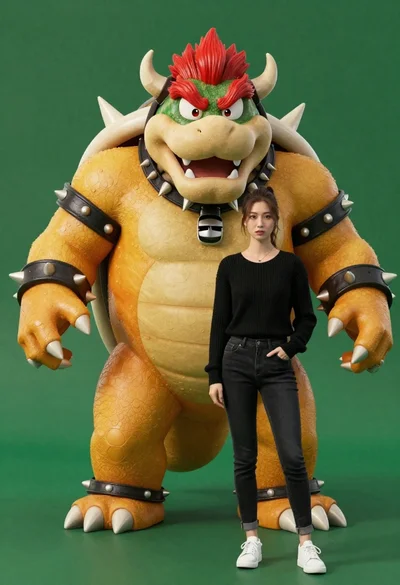
Muscular bowser character standing next to young woman in black sweater
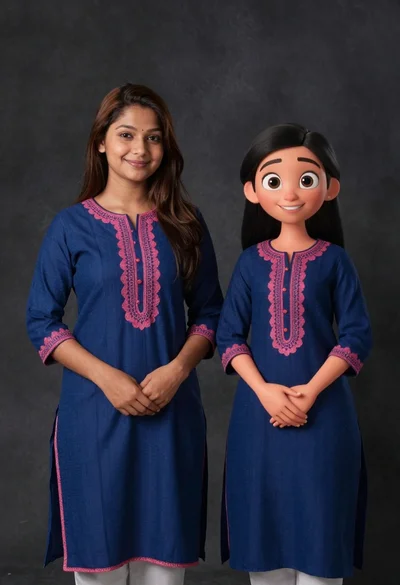
Young woman in blue traditional outfit standing next to her animated 3d