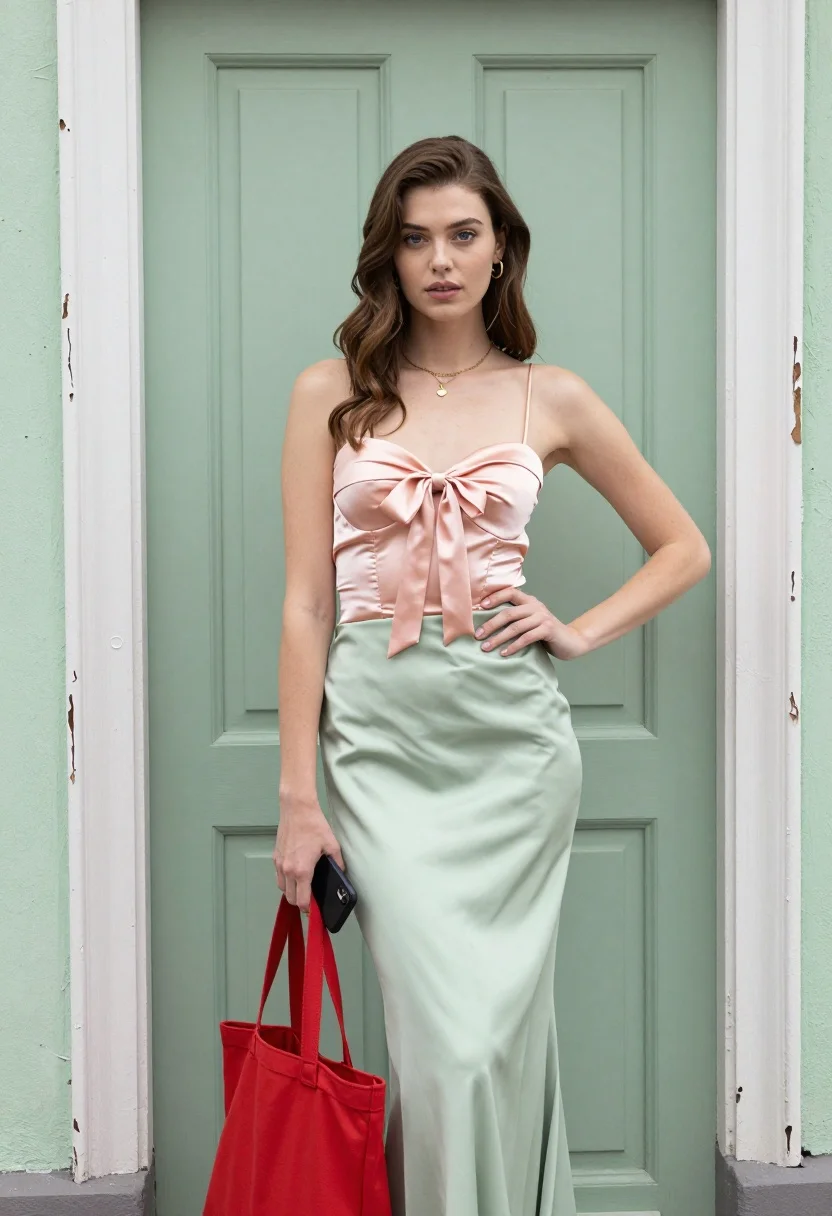
Young woman in peach bustier and green skirt against weathered painted door
Prompt
A woman stands confidently in front of a weathered door with peeling white paint and a muted green surface.

Subject: A young woman with long wavy brown hair, fair skin, and striking blue eyes looking directly at the camera. She has a neutral, composed expression.

Clothing: She wears a peach-colored satin bustier top featuring a gathered front bodice and a large pink satin bow tied at the center. Her skirt is a high-waisted, light green satin midi skirt with a smooth, flowing drape. She wears small gold hoop earrings and a delicate gold chain necklace with a tiny pendant.

Action: She stands facing forward with her left hand holding a black smartphone against her hip and her right hand gripping the handle of a large red tote bag hanging by her side.

Environment: The background consists of a solid muted green door or wall panel framed by vertical strips of distressed white wood with peeling paint, suggesting an aged or rustic setting.

Objects: She holds a large red canvas tote bag in her right hand and clutches a black smartphone in her left hand.

Lighting: Soft, diffused lighting illuminates the scene evenly from the front, creating gentle highlights on her skin and satin clothing while casting minimal harsh shadows.

Style Details: The image features high-resolution photorealistic rendering with smooth textures, vibrant pastel color grading, and a clean commercial fashion aesthetic.
Description
This prompt is useful for creating editorial street style photography, vintage-inspired lookbooks, and lifestyle advertising featuring soft pastels. The combination of 'soft, diffused lighting' with the 'satin bustier top' ensures that the fabric catches gentle highlights without harsh reflections, which keeps the overall aesthetic clean while allowing the 'peeling white paint' background to provide necessary textural contrast.
Suggestions
- Change 'peach-colored satin bustier' to 'ivory lace bustier' for a more delicate feel.
- Swap 'large red tote bag' for 'woven straw market bag' to match the rustic setting.
- Adjust 'muted green surface' to 'verdigris patina' for an aged metallic tone.
Category
Tags
Brown HairFair SkinFemaleFull BodyOutdoorsPortrait ShotRealisticStreet
Date added
August 5, 2026
Added by
PromptDexter Team
Related Prompts
More prompts with similar categories and tags.

Woman in rust dress looking back over shoulder on stone staircase at

Young woman leaning against white wall with beige handbag under bright sunlight

Fair skinned woman in green papaya swimsuit by vintage yellow car on
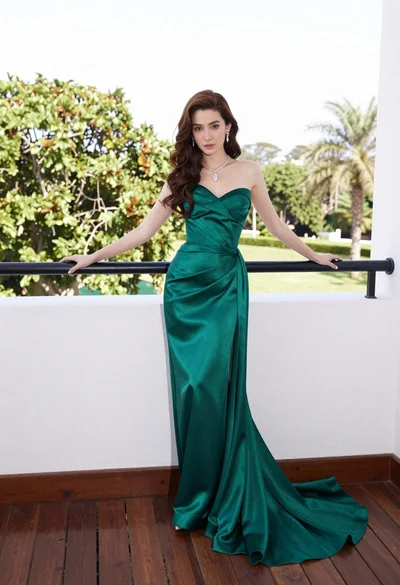
Woman in emerald green gown standing on an outdoor balcony overlooking trees

Young woman with braided hair in misty woodland setting
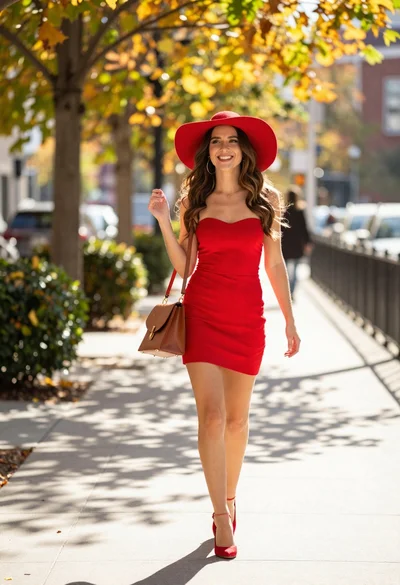
Woman walking on autumn sidewalk in bright sunlight

Young woman in white lace outfit sitting on stone ledge in garden

Young woman in sage green outfit leaning against textured wall in sunlight

Indian woman in pink and peach traditional dress in sunlit courtyard
Stylish woman in black leather outfit walking on urban city sidewalk