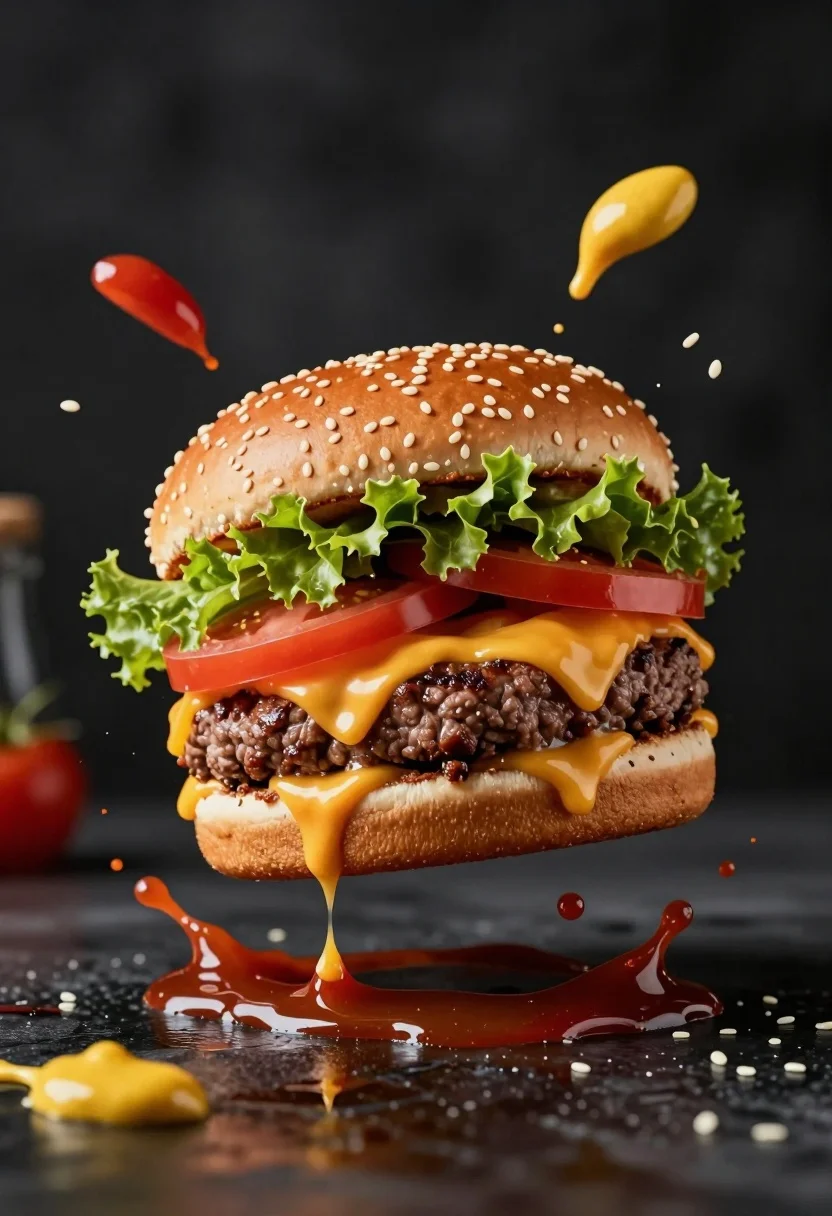
Hyperrealistic close up of cheeseburger exploding with condiments on wet surface
Prompt
A mouthwatering cheeseburger suspended in mid-air with condiments exploding outward against a dark background.

Subject: A large, juicy beef patty burger featuring a sesame seed bun, fresh green lettuce, thick red tomato slices, and melted yellow cheese dripping down the sides.

Action: The burger is frozen in an explosive moment where ketchup splashes upward and mustard droplets scatter around it, with sauce pooling on the surface below.

Environment: A dark, moody setting with a reflective wet surface beneath the floating food that mirrors the splashing ingredients.

Camera: Close-up shot emphasizing texture and detail with shallow depth of field to blur the distant background.

Lighting: Dramatic studio lighting highlighting the glistening textures of the meat and condiments while casting deep shadows for contrast.

Interaction: The burger is interacting dynamically with flying droplets of ketchup, mustard, and sesame seeds.

Style Details: High-end commercial food photography style with hyper-realistic rendering, vibrant colors, and a cinematic composition.
Description
This prompt is useful for creating high-impact advertising visuals, menu board mockups, and gourmet food editorial spreads. The combination of 'dramatic studio lighting' and the 'reflective wet surface' ensures that every splash and drip catches a sharp highlight, which prevents the scene from looking flat and instead emphasizes the juicy texture necessary for appetizing commercial photography.
Suggestions
- Change 'ketchup splashes upward' to 'mustard streaks outward' to vary the action.
- Add 'macro lens perspective' to enhance the sense of extreme closeness.
- Swap 'dark background' for 'slate grey backdrop' for a slightly less severe mood.
Category
Tags
Close UpFoodMacro ShotRealisticStudio
Date added
August 5, 2026
Added by
PromptDexter Team
Related Prompts
More prompts with similar categories and tags.
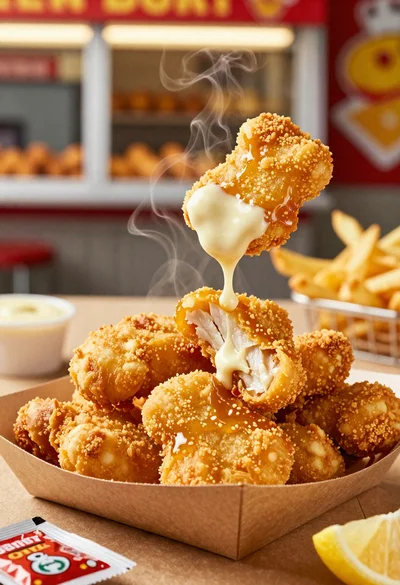
Close up of crispy chicken nuggets dipped in honey mustard sauce
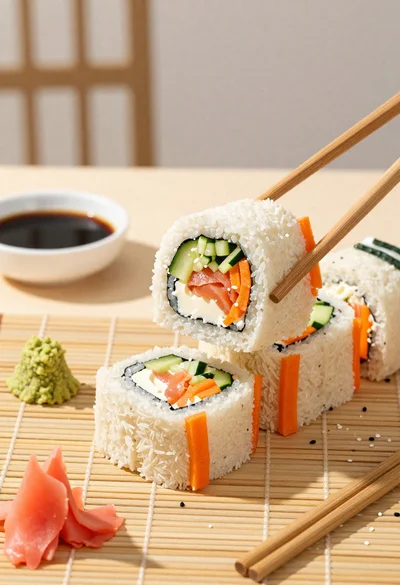
Close up overhead view of bread sushi rolls with colorful fillings
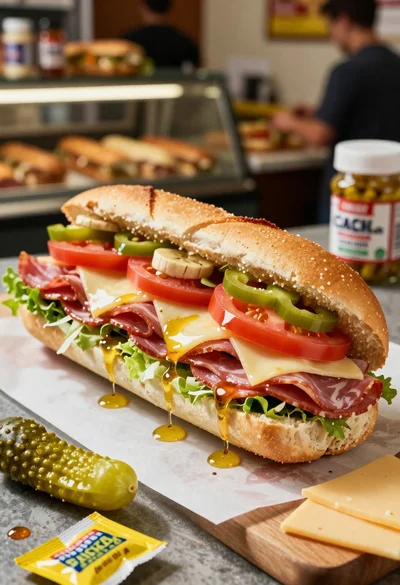
Close up of layered italian hoagie sandwich on butcher paper
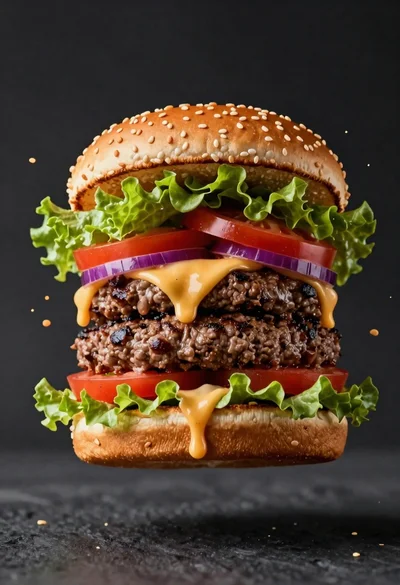
Hyperrealistic close up of a double patty burger mid air
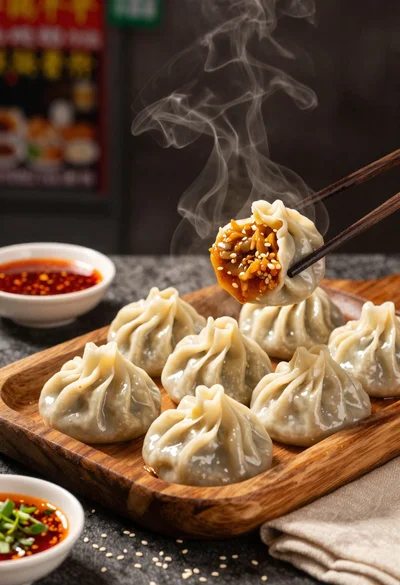
Close up view of steamed momos on rustic wooden tray with dipping
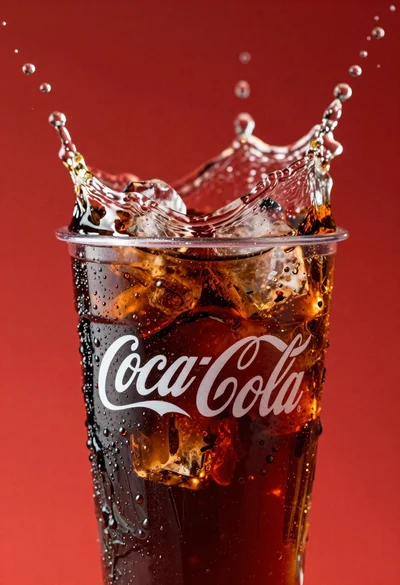
Refreshing coca cola glass with ice cubes splashing against red background
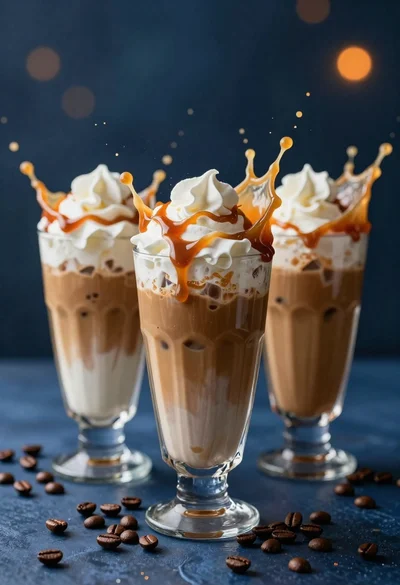
Three tall glasses of iced coffee with whipped cream and caramel drizzle
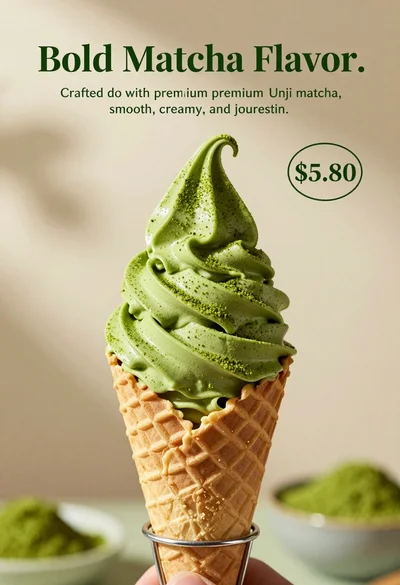
Close up shot of matcha soft serve ice cream in waffle cone
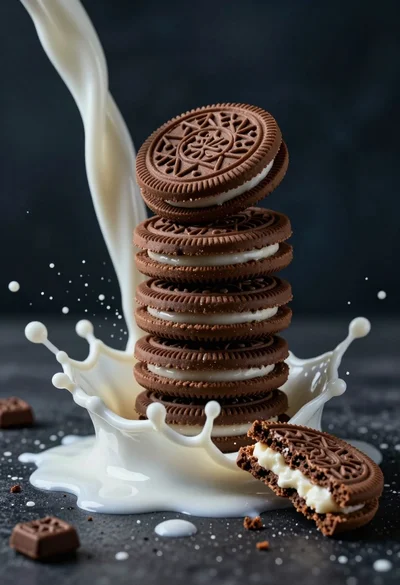
Macro photograph of chocolate cookie tower hit by dramatic milk splash
Hyperrealistic close up of melting ice cream tower with rainbow sprinkles